Ciketo documentation — AI Prompts
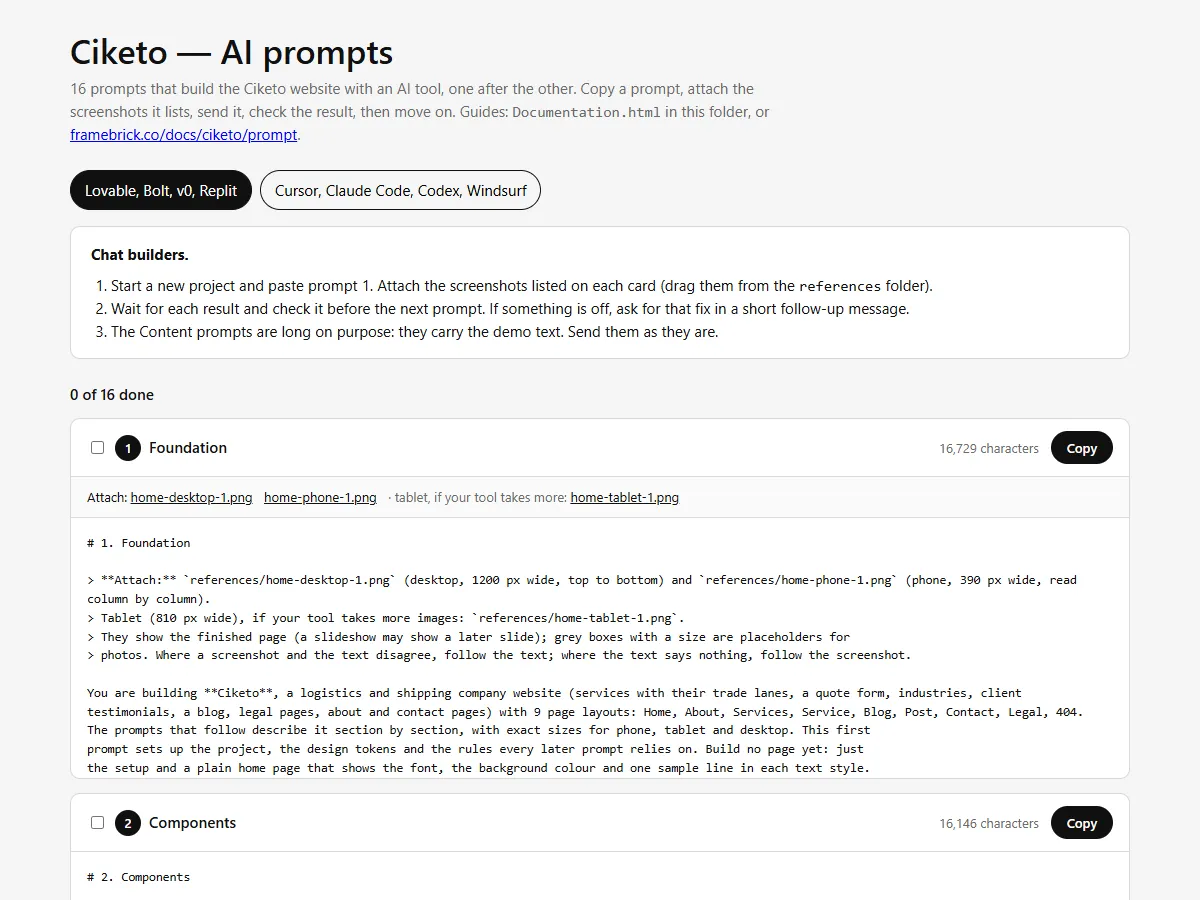
Prompts that build the Ciketo website with an AI tool — a chat builder such as Lovable, Bolt, v0 or Replit, or a coding agent such as Cursor, Claude Code, Codex or Windsurf. Read in this order, or jump to what you need.
| Guide | What it covers |
|---|---|
| Getting started | What is in the pack, and building the site prompt by prompt |
| Notes for each tool | Notes for Lovable, Bolt, v0, Replit, Cursor, Claude Code, Codex and Windsurf |
| Making it yours | Your text, services and trade lanes, posts, testimonials, clients, photos, logo, colours and fonts; adding and removing items and pages |
| The quote form | Receiving the quote requests |
| Publishing | Putting the site online with your own domain |
| Troubleshooting and questions | When the result drifts from the design, and other questions |
In a hurry
Section titled “In a hurry”- Open
Prompts.htmlfrom the download in your browser. - Pick your kind of tool at the top: chat builder or coding agent.
- Chat builder: start a new project and send prompt 1 with the screenshots it lists; wait, check, send the next one.
Coding agent: copy the pack into your project as
ciketo/and send the kickoff prompt. - After the last prompt, replace the demo text in
src/content/and add your photos topublic/images/(Making it yours). - Connect the quote form (The quote form), then publish from your tool and set your domain (Publishing).
What you get
Section titled “What you get”- 16 prompts in order: foundation (stack, design tokens, rules and icons), components, header and footer, the demo content, one prompt per page layout (9), and a finishing prompt for titles, sharing images, sitemap and a last check.
- The whole site: Home, About, Services, a page for every service with its trade lanes, Blog, a page for every post, Contact, three legal pages and 404 — with the header’s local clock and the quote form.
- The design in numbers: every section’s layout at phone (390), tablet (810) and desktop (1200) width, text styles, colours, spacing and motion — the specification the Ciketo Next.js, Astro and HTML templates are built from.
- Reference screenshots of every page layout at desktop (1200 px), tablet (810 px) and phone (390 px) width, to attach to the prompts.
- All the demo content as JSON: site details, page copy, 6 services, 6 trade lanes, 12 blog posts, 4 testimonials, 6 clients and 3 legal pages — ready to replace with your own.
- Placeholder images at the size each photo is designed for, 6 sample client logos and 2 icons.
Getting help
Section titled “Getting help”- Your licence terms: License.
- Support and updates: https://framebrick.co/support.
- Want it done for you? Marcframe, the studio behind this template, updates templates to your needs, builds custom templates and designs new sites — also on Contra.