AI tools
Your coding agent already knows Framebrick
Connect the Framebrick MCP server and your agent searches our templates, components and page blocks, reads the real props, gets the install command and plans a whole page. Free, no account.
- 1
Connect the Framebrick MCP server
One URL, no account and no key. In Claude Code:
claude mcp add --transport http framebrick https://framebrick.co/api/mcpAny client that speaks MCP over HTTP takes the same URL in its MCP settings. We tested the server with the official MCP TypeScript client; if your client does not connect, write to us.
- 2
Or add it to your client's configuration
Cursor, Windsurf and most clients read a JSON file like this (VS Code names the key "servers" and wants "type": "http"):
{ "mcpServers": { "framebrick": { "url": "https://framebrick.co/api/mcp" } } } - 3
Add the registry to your project
So the install commands the agent gets resolve, add the Framebrick registry to components.json (a Next.js or Vite project with shadcn/ui set up).
{
  "registries": {
    "@framebrick": "https://framebrick.co/r/{name}.json"
  }
}
Pro and Ultimate members add the page blocks the same way, with a token from their account page: see the blocks installation page. shadcn's own MCP server (npx shadcn@latest mcp init) reads this registry too.
- 4
Ask for what you need
Describe the page, the effect or the business. The agent searches, reads the item and runs the install command.
- >Plan a landing page for a branding studio with projects, a team and a contact section, from Framebrick blocks.
- >Find an accordion for my pricing FAQ in Framebrick and install it.
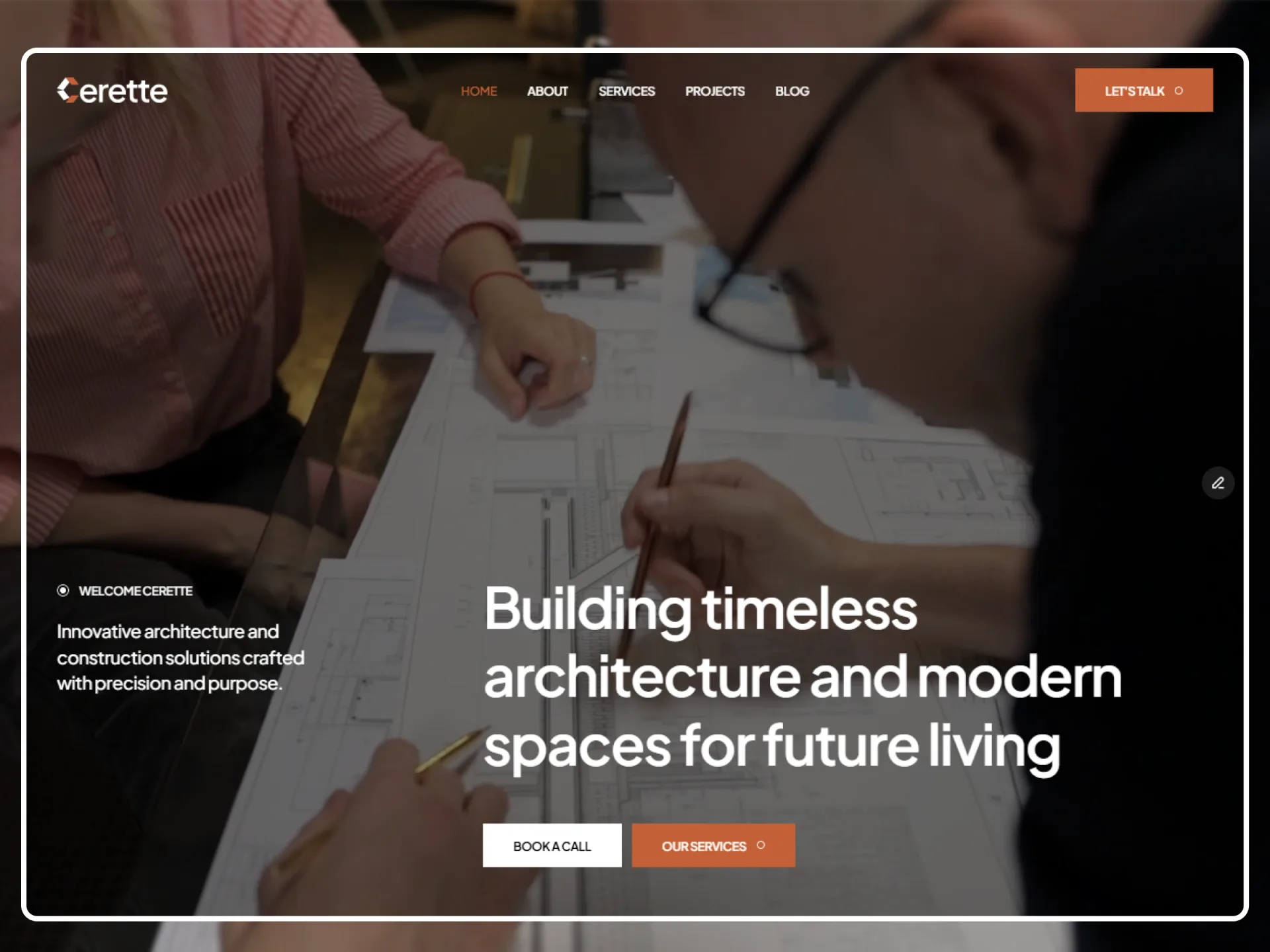
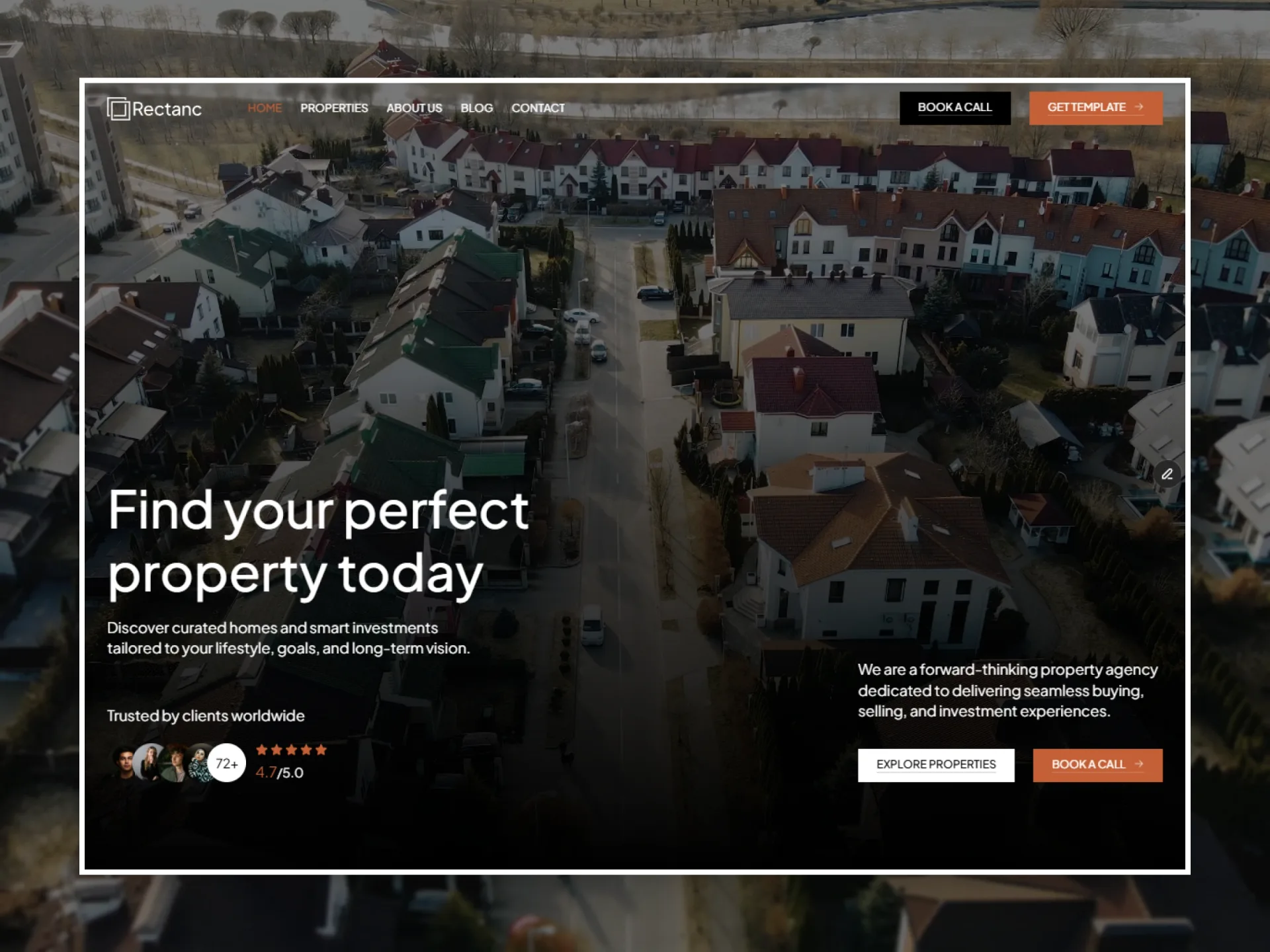
- >Which Framebrick template fits a real estate agency?
Tools
What your agent can do
Seven read-only tools on the Framebrick server. Nothing is written to your project: the agent runs the install command itself.
Search
search: scored matches across templates, components and blocks, each with why it matched, its access (free, Pro or Ultimate), a preview link and the install command. It says when nothing fits well.
Read
get_template, get_component, get_block: the real props and usage, the editions of a template with the plan each needs, the components a block installs. Never an invented prop.
Plan a page
plan_page: turns "a landing page for a studio" into ordered sections, each with the best-matching block, an alternative or two and its preview.
Install and plans
install_command gives the exact command and components.json entry; get_plans says what is free and what Pro and Ultimate include.
Next
Agent Skills and commands
The server is the first step. We are working on Agent Skills that teach an agent how our components, blocks and templates fit together, a one-line installer, and ready-made commands (build, add, fix). No dates yet.
- Skills for components, blocks and templates
- A one-line installer for Claude Code, Codex, Cursor and OpenCode
- Commands: build a page, add one item, fix usage
FAQ
Questions, answered
No. The Framebrick MCP server is free and open without an account, with a request limit per minute. The component registry is public too. The source of the page blocks needs the token of a Pro or Ultimate plan, sent from components.json; the MCP server never returns it.