Pages — Goeboek HTML
Goeboek’s HTML edition has fifteen kinds of page, from Home and the property listings to a page for each property, agent and post; this guide goes through each, section by section.
The pages
Section titled “The pages”| Page | File | Address on your site |
|---|---|---|
| Home | index.html |
/ |
| Properties | property.html |
/property.html |
| Type (2) | type/sell.html, type/rent.html |
/type/sell.html, /type/rent.html |
| Location (6) | location/<slug>.html |
/location/<slug>.html |
| Property category (5) | property-category/<slug>.html |
/property-category/<slug>.html |
| Agent (4) | agent/<slug>.html |
/agent/<slug>.html |
| Property (21) | property/<slug>.html |
/property/<slug>.html |
| Blog | blog.html |
/blog.html |
| Post (12) | blog/<slug>.html |
/blog/<slug>.html |
| About | about.html |
/about.html |
| Contact | contact.html |
/contact.html |
| Add property | add-property.html |
/add-property.html |
| Tour scheduled | success-scheduled.html |
/success-scheduled.html |
| Property submitted | success-add-property.html |
/success-add-property.html |
| 404 | 404.html |
shown for any unknown address |
| Style guide | style-guide.html |
/style-guide.html (noindex, linked from nowhere) |
60 pages in all. The 55 addresses in sitemap.xml:
| Page | Files |
|---|---|
| Home, listings (4) | index.html, property.html, type/sell.html, type/rent.html |
| Locations (5) | brooklyn, manhattan, queens, staten-island, the-bronx (in location/) |
| Categories (4) | apartments, condos, houses, villas (in property-category/) |
| Agents (3) | steve-parker, ingrid-vulk, rachel-gray (in agent/) |
| Properties (21) | south-sunlight-apartment, marble-house, family-mansion, east-sunlight-apartment, south-side-garden, modern-family-home, wooden-house, rustic-forest-cabin, white-studio-apartment, riverside-bungalow, forest-cabin, queens-family-home, bright-spacious-apartment, eclectic-house, penthouse-apartment, white-studio-loft, green-house, mountain-cottage, balcony-apartment, wooden-bungalow, gardenia-house (in property/) |
| Blog and posts (13) | blog.html; the-power-of-natural-light-in-architectural-design, architectural-photography-capturing-the-essence-of-buildings, the-future-of-smart-homes-innovative-interior-design, the-art-of-interior-design-creating-spaces-that-inspire, preservation-and-restoration-saving-architectural-heritage, from-blueprint-to-reality-the-journey-of-construction, designing-for-well-being-the-intersection-of-health-and-architecture, sculpting-spaces-the-role-of-art-in-architecture, balancing-tradition-and-innovation-in-architecture, harmonizing-form-and-function-in-modern-architecture, architectural-marvels-iconic-buildings-around-the-world, sustainable-architecture-building-a-greener-future (in blog/) |
| Other pages (5) | about.html, contact.html, add-property.html, success-scheduled.html, success-add-property.html |
Three pages exist but are left out of the sitemap and say noindex, follow: location/no-location.html,
property-category/uncategory.html and agent/no-name.html, the empty defaults of the original design, which list no
property. Delete them if you don’t need them (nothing links to them).
How the pages link to each other
Section titled “How the pages link to each other”The header’s links are Home, Property, Blog and About Us, with the “Add Property” and “Contact us” buttons; the logo leads to Home. The footer links All Property, To Buy, To Rent, Latest News, About Us, Contact Us and 404.
| Page | Linked from |
|---|---|
| A property | Its cards (Home, the listings, “More in”, “Related properties”, “Latest Property” on the posts); “Request a tour” on Home’s large cards |
| A listing (type, location, category, agent) | The filter of every listing; the category, location and agent links of every property card and page; the footer (To Buy, To Rent) |
| An agent | The agent’s name and photo on their property cards; the card on their properties’ pages (“View My Property”) |
| A post | Its cards: Home, blog.html, “Recent posts” and the related posts on other posts |
about.html#testimonials |
“More Details” under Home’s testimonials |
success-scheduled.html, success-add-property.html |
Opened by “Schedule tour” and Add property once sent (Forms) |
Page maps
Section titled “Page maps”Every page type with each block outlined and labelled. The labels name the files of the Astro edition this HTML edition
is generated from (Hero, copy: pages/home.json, …): in your folder, each block is the section of the page with the
same title. Photos are the placeholders of the download; the maps are taken at 1200 px.
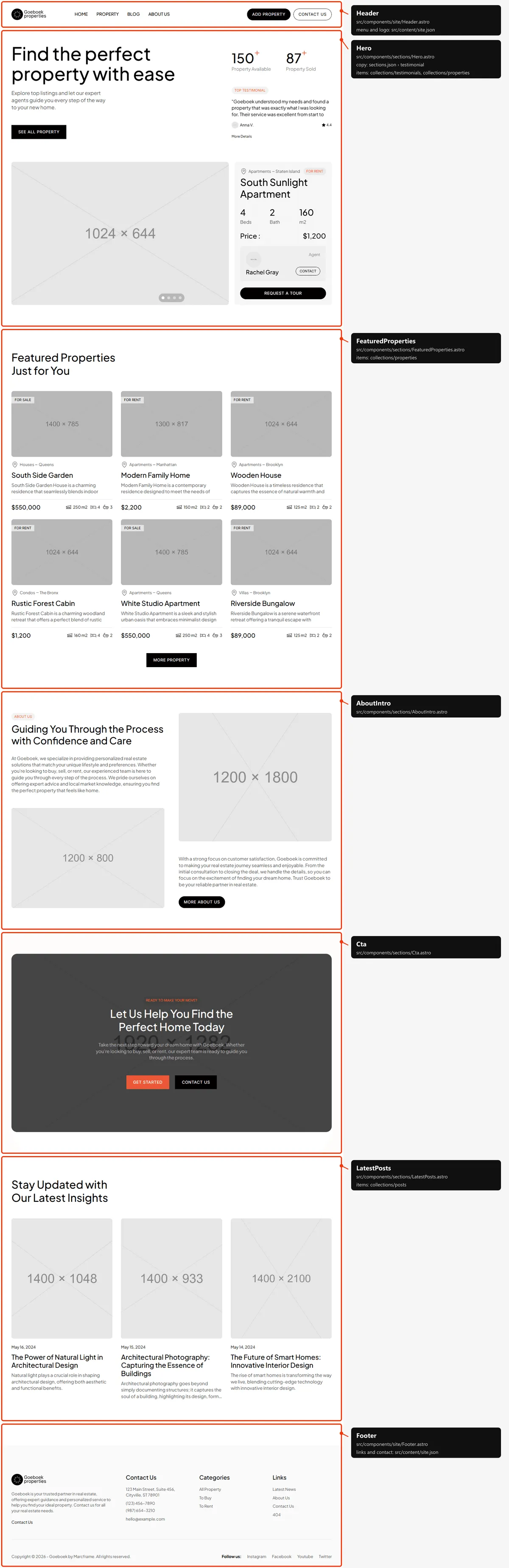
Five blocks in <main>:
- The hero: the title (the page’s
<h1>), the text, “See all Property”, the two numbers, “Top Testimonial” (the first five testimonials, every 4 seconds) and, under them, the first four properties as large cards in a slideshow (every 8 seconds, with dots, and arrows while hovered). - Featured Properties Just for You: the fifth to tenth properties (four on phones) and “More Property”.
- About Us: two texts, two photos and “More about Us”.
- The call to action: “Let Us Help You Find the Perfect Home Today” over a photo, with “Get Started” and “Contact Us”.
- Stay Updated with Our Latest Insights: the four newest posts (three on laptops and phones).
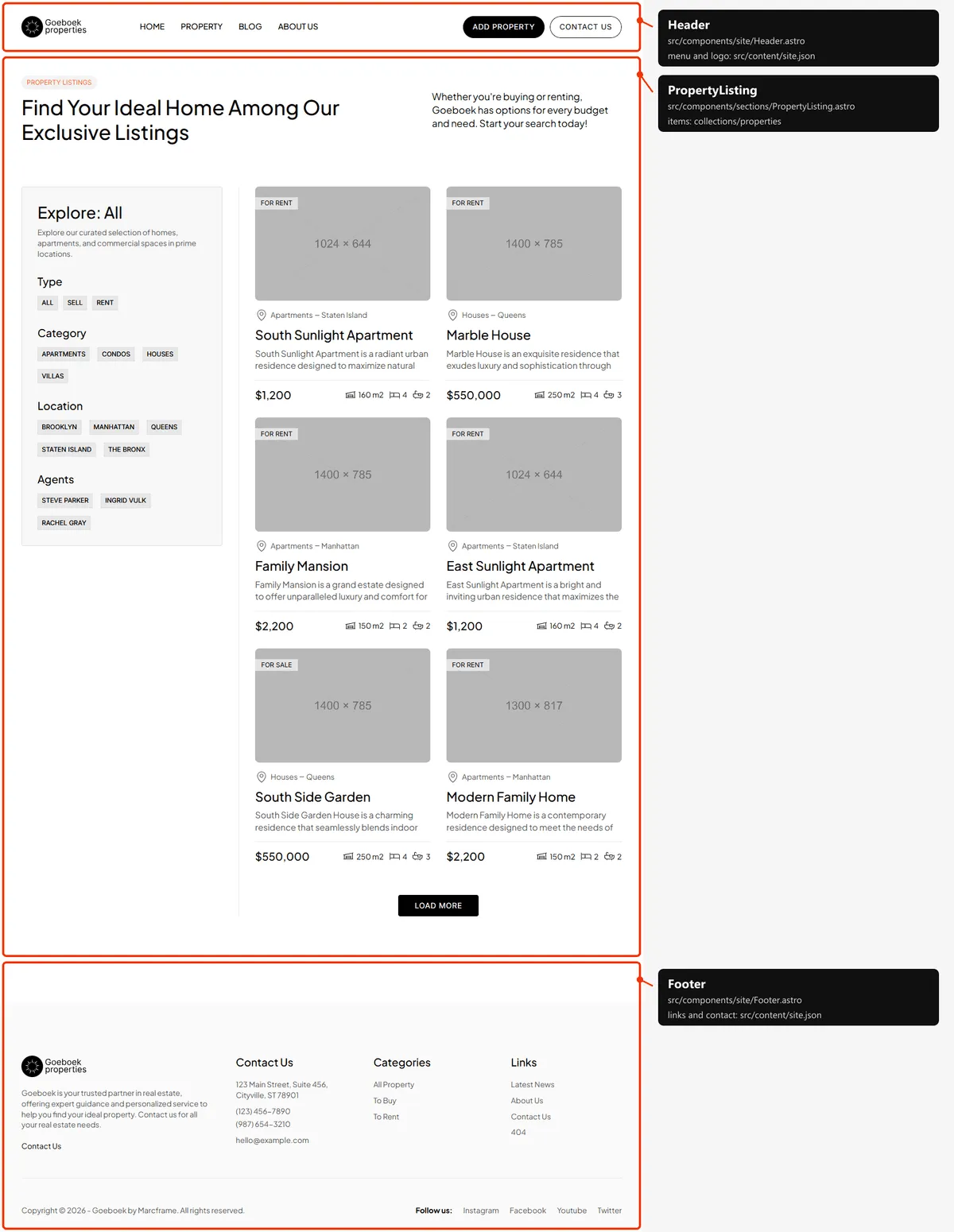
Properties, Type, Location, Category
Section titled “Properties, Type, Location, Category”One block: the label, the title (the page’s <h1>) and the text, then the filter (Type, Category, Location, Agents)
beside the cards in two columns (one on phones; the filter above them below 1200 px, folded behind a button on phones).
property.html shows every property six at a time with “Load More”; the type, location and category pages show their
properties all at once. The filter’s heading names the page (“Explore: All”, “Explore: Brooklyn”).
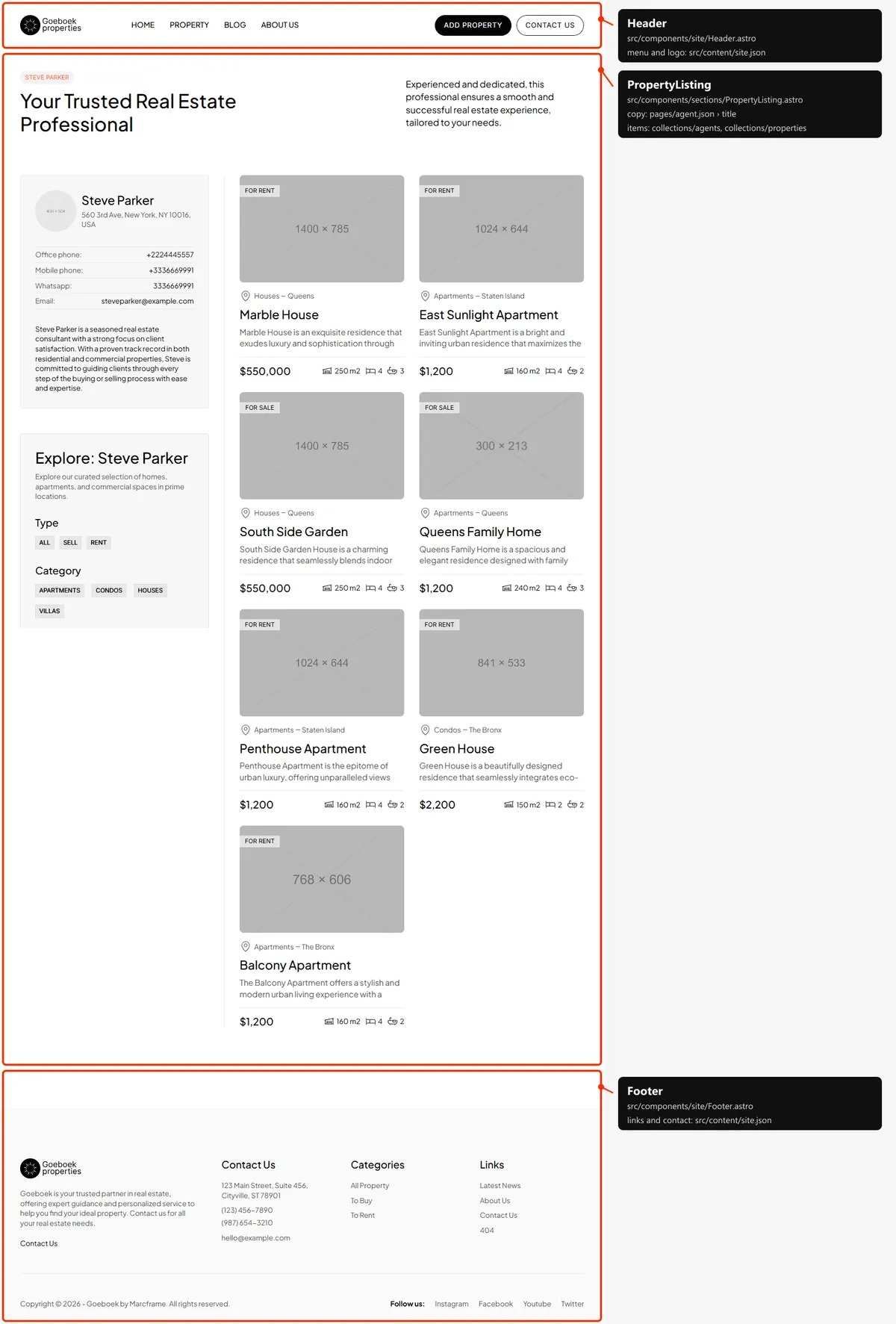
The same block, with the agent’s name as the label and the agent’s card (photo, address, office phone, mobile, WhatsApp, e-mail and their text) above the filter (“Explore: Steve Parker”), and the agent’s properties.
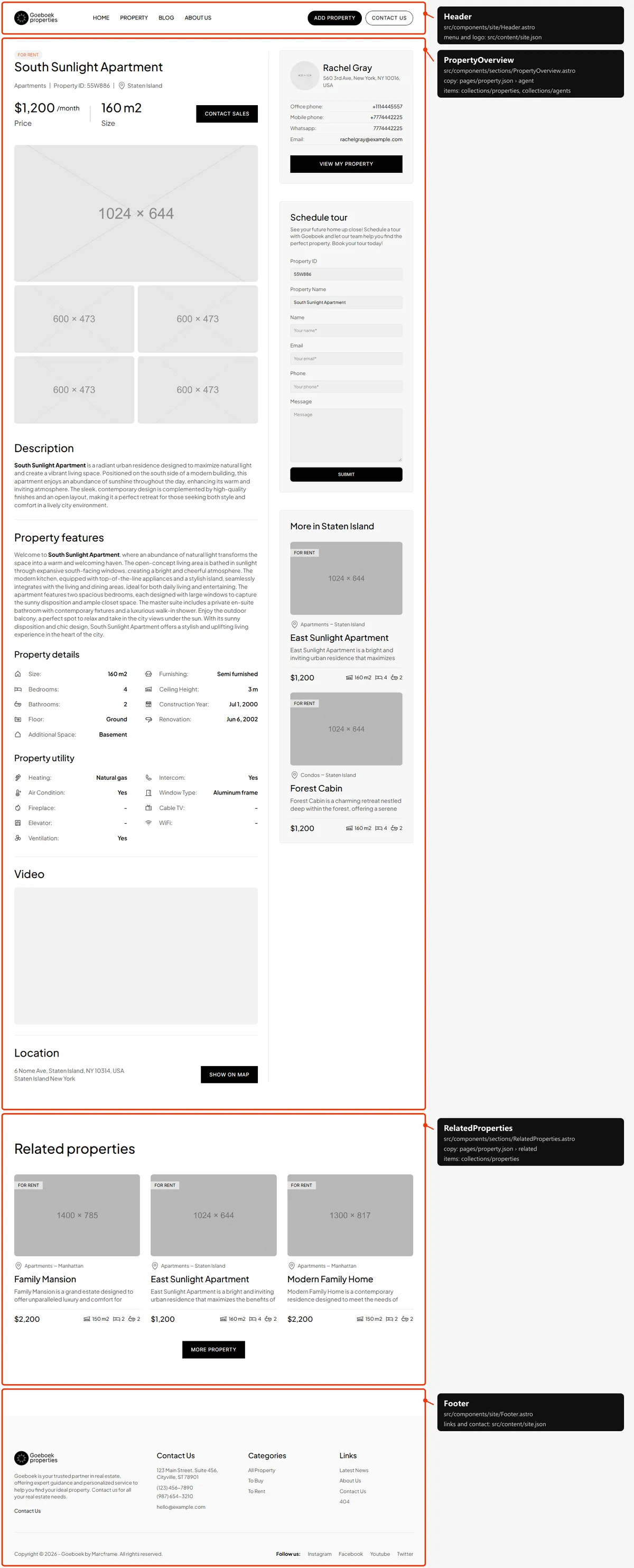
Property
Section titled “Property”Two blocks:
- The property: the type, the title (the page’s
<h1>), the category, the Property ID and the location; the price and size with “Contact Sales” (a call to the agent’s mobile); the photo over four more; Description, Property features, Property details and Property utility; the video; the address with “Show on map”. Beside it from 1200 px (under it on smaller screens): the agent’s card with “View My Property”, “Schedule tour” (Forms) and “More in” (the first two other properties of the same location). - Related properties: the first other properties of the same category and type (three from 1200 px, four below) and “More Property”. With none, the title and the button stay.
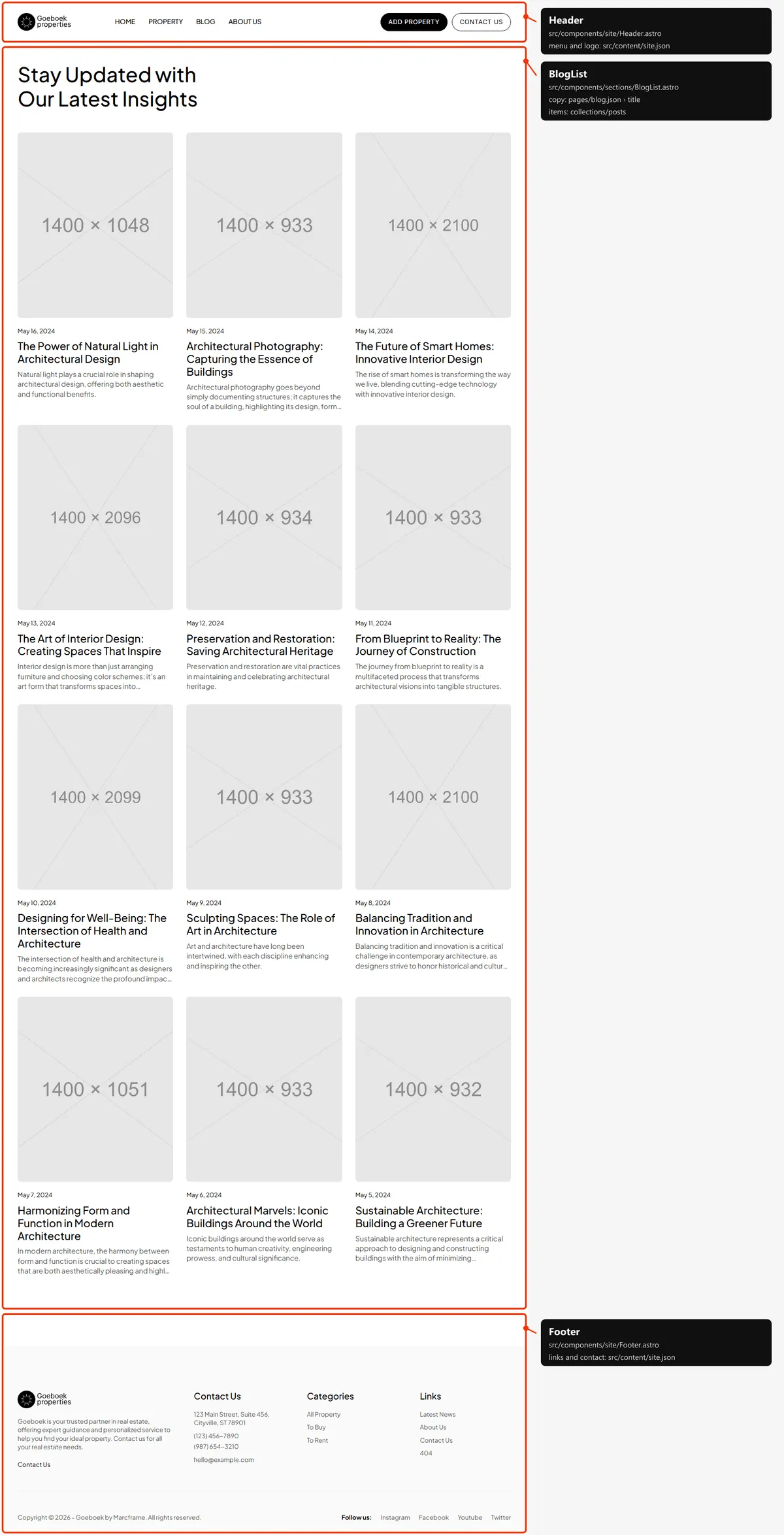
One block: the title (the page’s <h1>) and every post, newest first, in four columns from 1440 px (three on laptops,
two on tablets, one on phones).
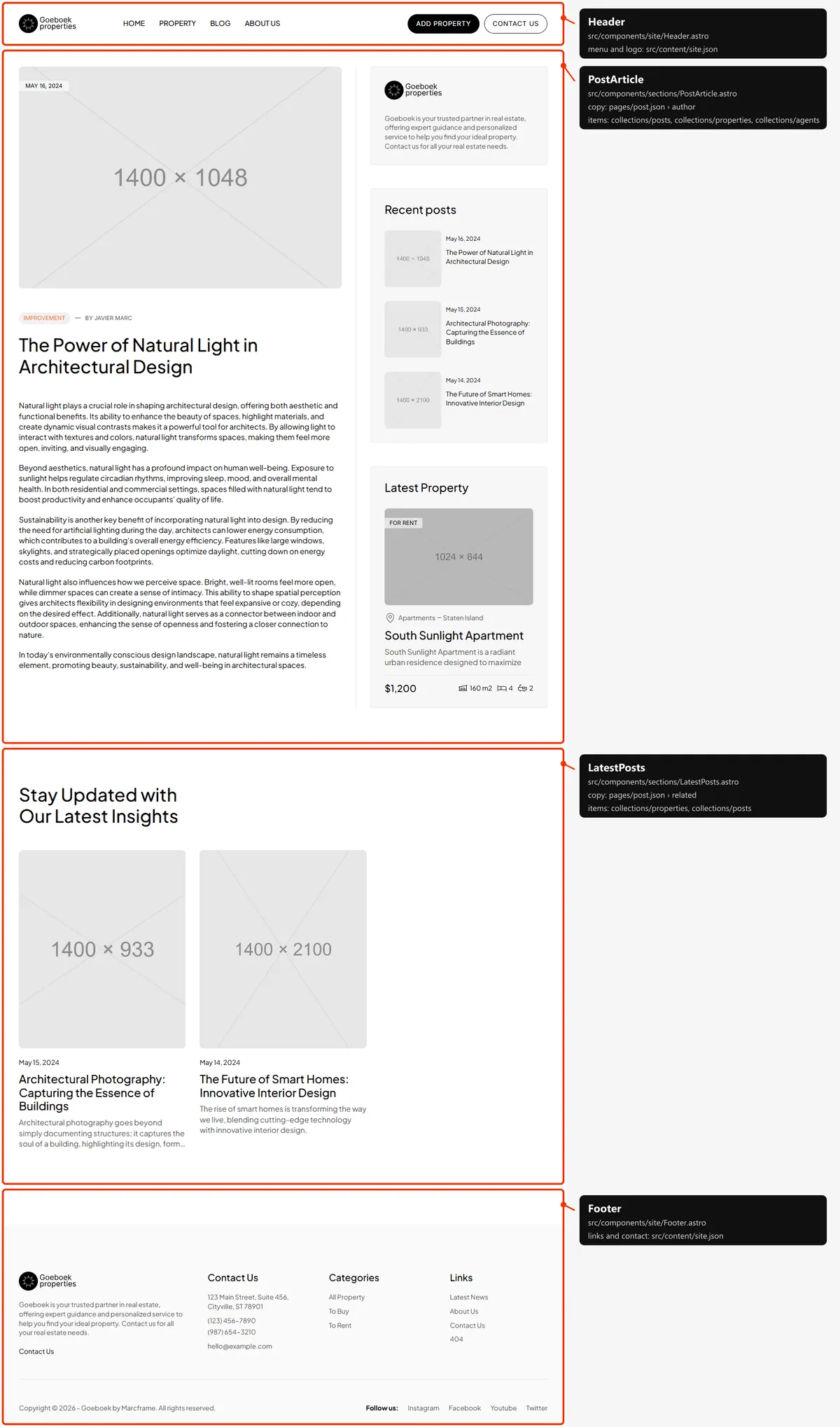
Two blocks:
- The article: the title (the page’s
<h1>), the date, the category and “By Javier Marc”, the cover and the text; beside it from 1200 px, the logo with the footer’s text, “Recent posts” (the three newest, this one included) and “Latest Property” (the first property). - Stay Updated with Our Latest Insights: up to four other posts of the same category, newest first (three on laptops and phones).
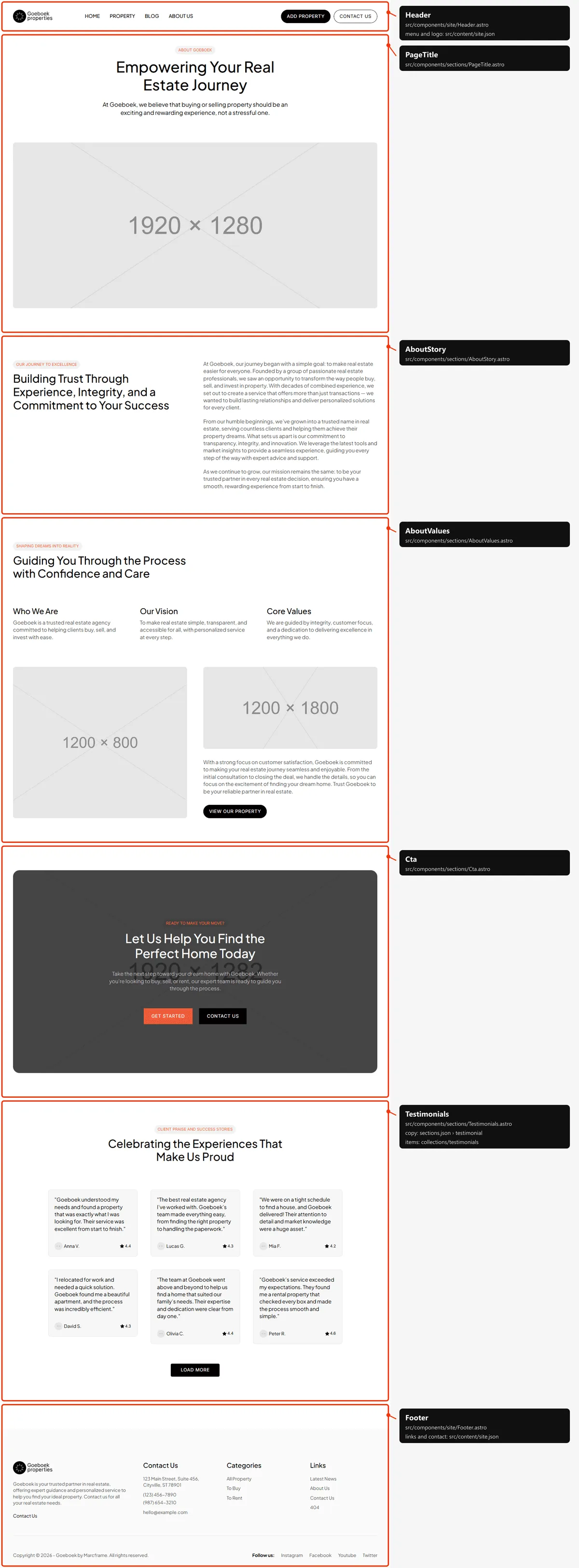
Five blocks: the title (the page’s <h1>) over a wide photo; the story (Our Journey to Excellence); the values (Who We
Are, Our Vision, Core Values) with two photos and “View our property”; the call to action; and the testimonials
(id="testimonials"): twelve cards, six at a time from 1200 px (four below) with “Load More”.
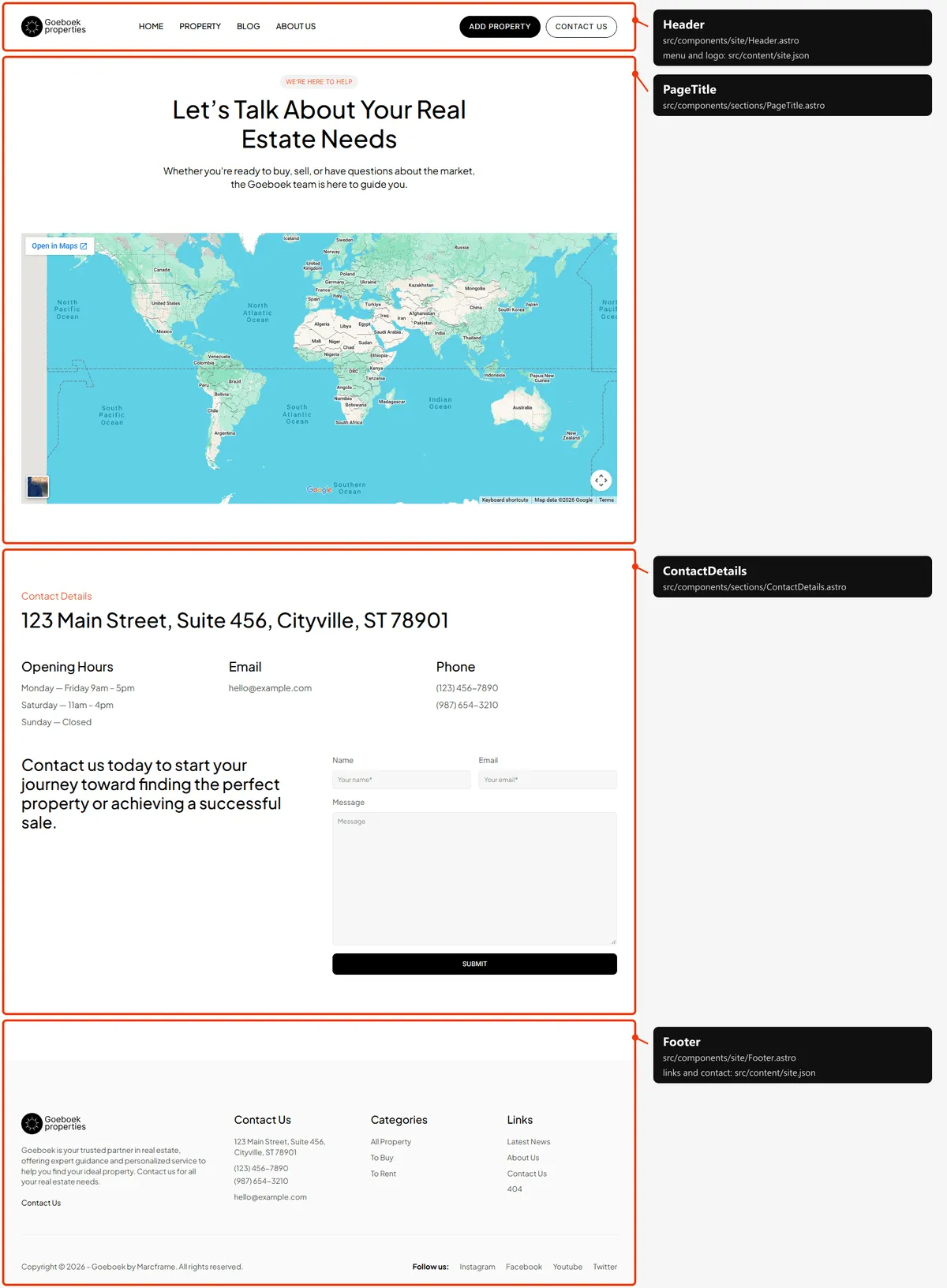
Contact
Section titled “Contact”Two blocks: the title (the page’s <h1>) over the map; then “Contact Details” — the address, Opening Hours, Email and
Phone — and the contact form (Forms).
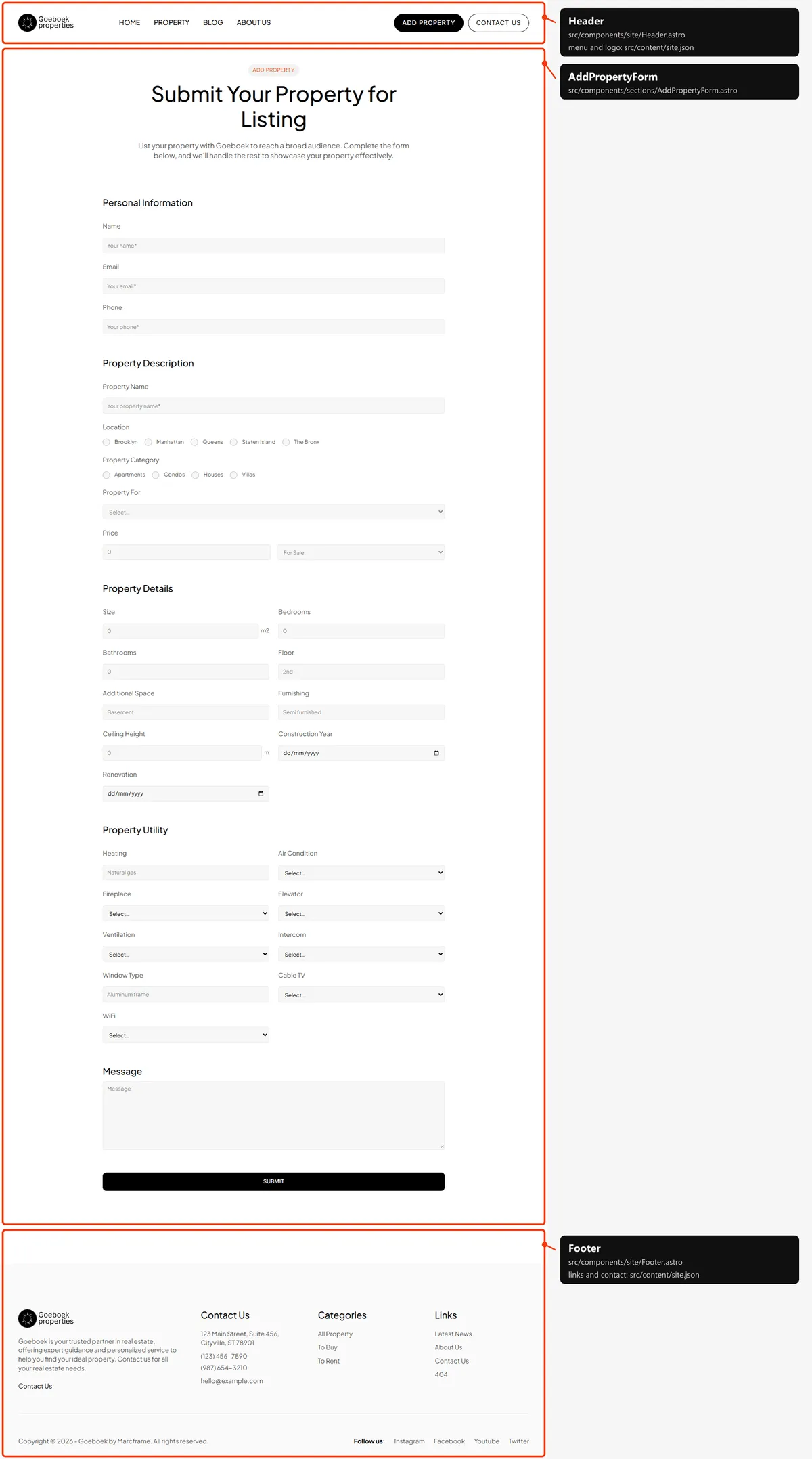
Add property
Section titled “Add property”One block: the title (the page’s <h1>) and the form in five groups — Personal Information, Property Description,
Property Details, Property Utility and Message — with Submit (Forms).
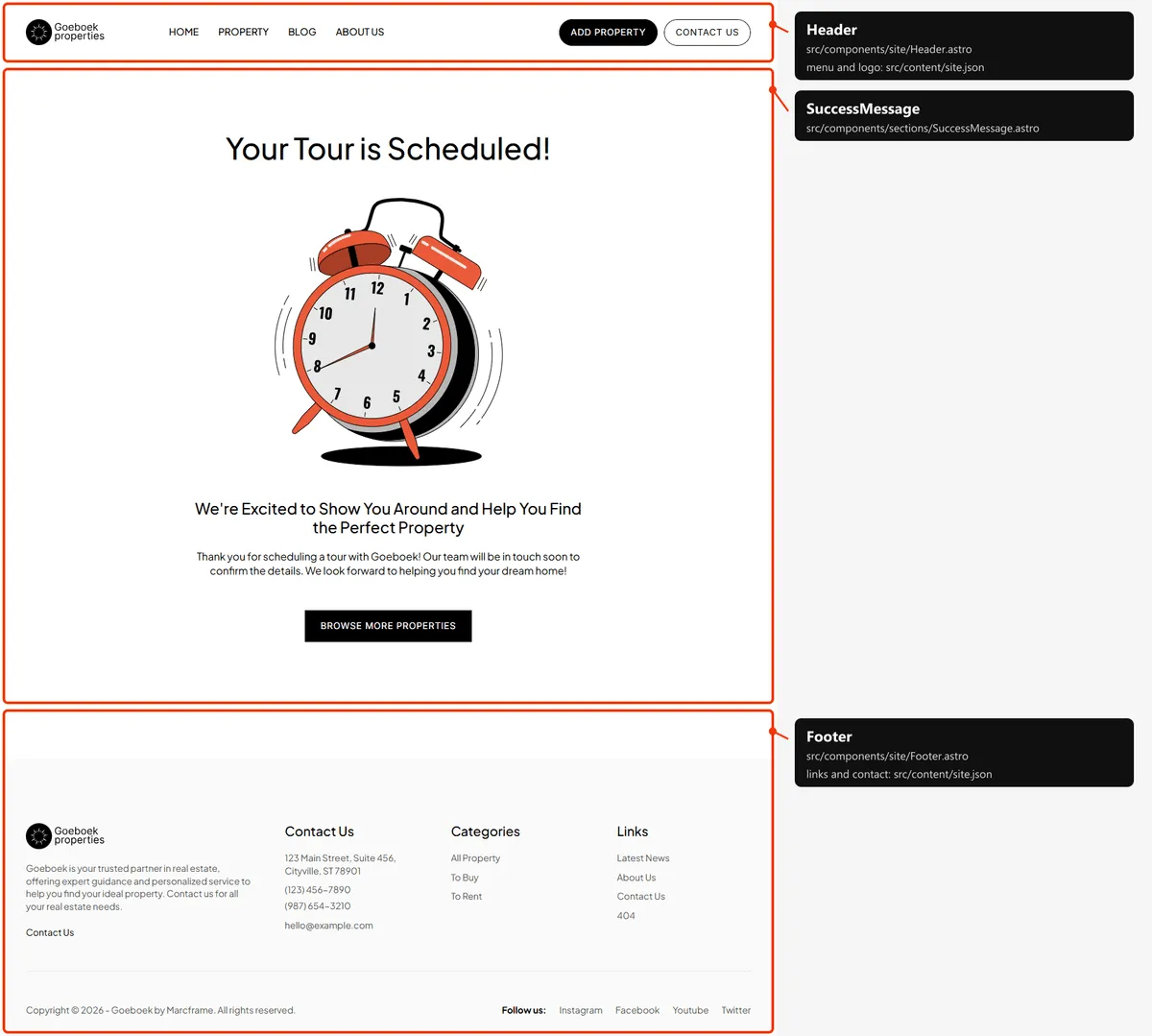
Tour scheduled and Property submitted
Section titled “Tour scheduled and Property submitted”One block each: the title (the page’s <h1>), an illustration, the subtitle and the text, and a button (“Browse More
Properties” to property.html, “Back to Homepage” to index.html). Both pages have the same layout; the map shows Tour
scheduled.
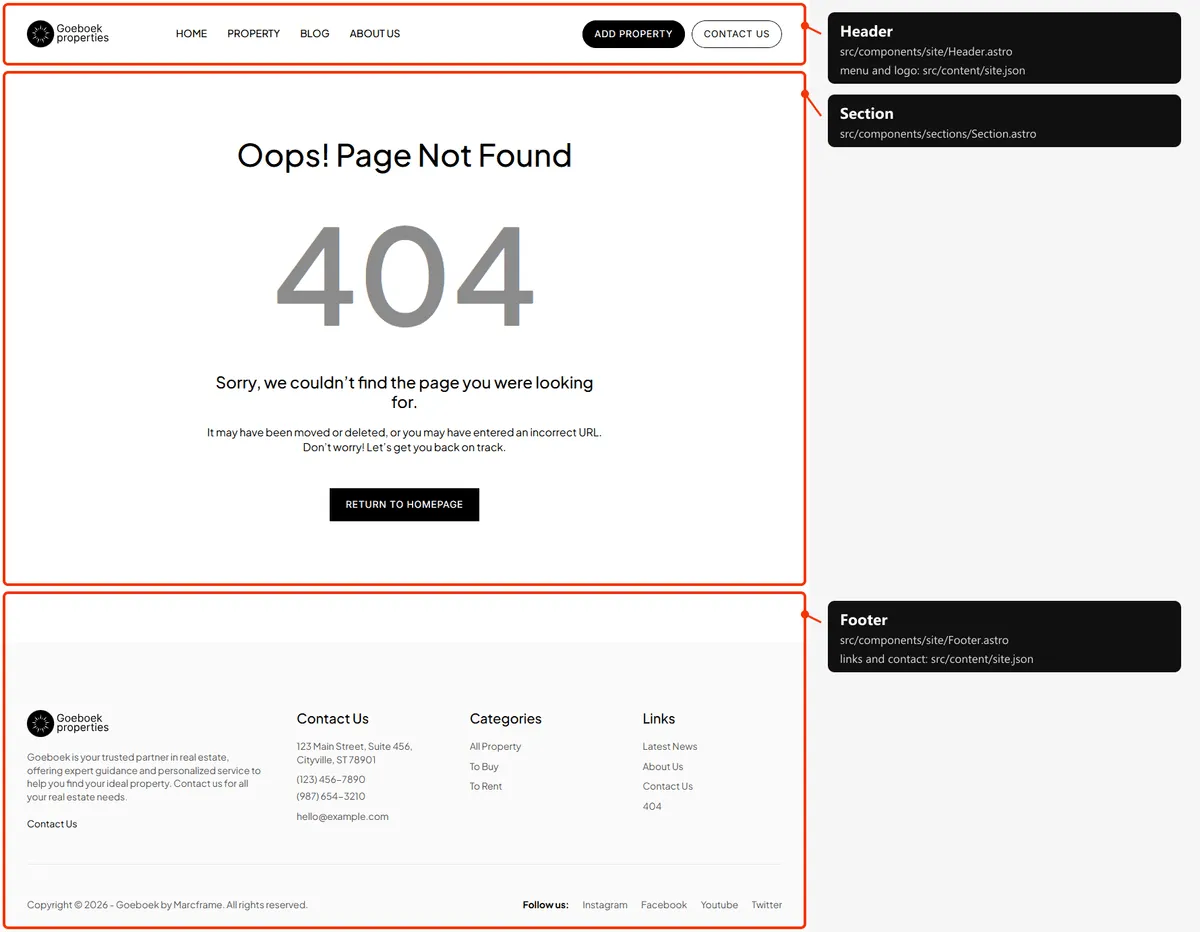
One block: “Oops! Page Not Found” (the page’s <h1>), “404”, the two lines under it and “Return to Homepage”. The “404”
is sized to the width of the column.
The header
Section titled “The header”The same on every page: the logo, the four links and the two buttons (“Add Property”, “Contact us”). On phones the “Menu” button opens the links and the buttons under the bar and turns into “Close”; a link closes it. The header sticks to the top of the window.
Reordering or removing a section
Section titled “Reordering or removing a section”Each section is one <section> inside <main>: move or delete it whole. Keep in step:
- The anchor. “More Details” under Home’s testimonials points at
about.html#testimonials: if you remove About’s testimonials, change or remove that link. - The copies. The call to action is on Home and About: remove it from both if you don’t want it.
Search engines
Section titled “Search engines”- Sitemap:
sitemap.xmllists the 55 addresses above. Add a line when you add a page. - Robots:
robots.txtallows everything and names the sitemap. - Per page: every page has a title, a description, a canonical link and an
og:urlin its<head>. A property and a post and an agent share their photo as a large card (a post as anarticle, witharticle:published_time, its date); the other pages have no share image, as in the original design, and share their title and description only. Every page links the browser icon and the home-screen icon. - One
<h1>per page: Home’s title, the listing’s title, a property’s or a post’s title, the title of each other page. - Not indexed:
404.htmlandstyle-guide.html(noindex, nofollow); the three empty defaults (noindex, follow).