Pages and sections — Denzel HTML
Denzel has 6 kinds of page and 39 addresses in its sitemap; each page is one HTML file whose <main> holds its
sections, top to bottom.
This guide lists every kind of page with its sections, says where its words and photos are, and explains how the pages link to each other, the header and what search engines see. To change a section, find its words in the file and edit them there (Editing the site).
The pages
Section titled “The pages”| Page | File | Sections in <main> |
|---|---|---|
| Home | index.html |
2 |
| Blog | blog.html |
1 |
| Category (one per category) | category/<slug>.html (5) |
2 |
| Author (one per author) | author/<slug>.html (6) |
2 |
| Post (one per post) | blog/<slug>.html (26) |
1 |
| Page not found | 404.html |
1 |
Every page also has the header (with the search dialog) and the footer, copied into each file. Photos are in
assets/images/, named after what they show (post-<slug>.jpg, category-<slug>.jpg, author-<slug>.jpg);
Editing the site lists them with their sizes. The style guide (style-guide.html) is a page of its own,
linked from nowhere.
In the HTML files a section is a <section> directly inside <main>, with no comment around it: count them from the
top (the sidebar’s three boxes are smaller <section>s inside an <aside>, part of the section that holds them). The
maps below outline each one and name it, with the file that holds its text in the Astro edition
(src/components/sections/…, src/content/…); in this edition the box is simply the matching <section> of the page
file (or the <header> and <footer>), and its text is in the HTML.
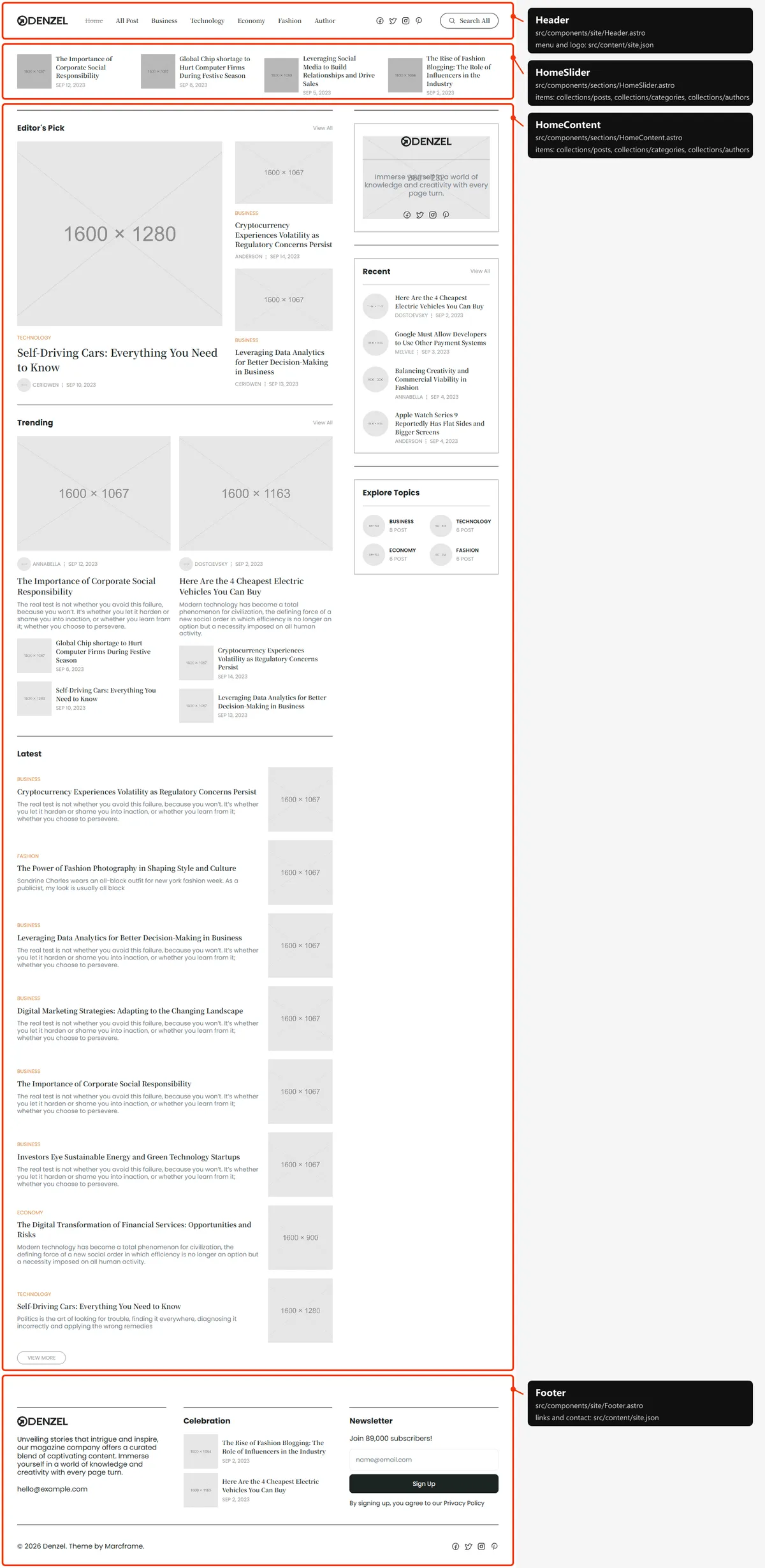
Two sections, top to bottom:
- The slider: six featured posts (photo, title, date), four at a time on desktops, sliding one step every five seconds (Editing the site). The page’s title, “Denzel - Blog & Magazine Website”, is written here for screen readers and search engines, and not shown.
- The content: on the left, “Editor’s Pick” (a large card and two smaller ones), “Trending” (two columns of a card with its excerpt and two small cards) and “Latest” (the eight newest posts with their category and excerpt, and “View More”); on the right, the sidebar (Editing the site).
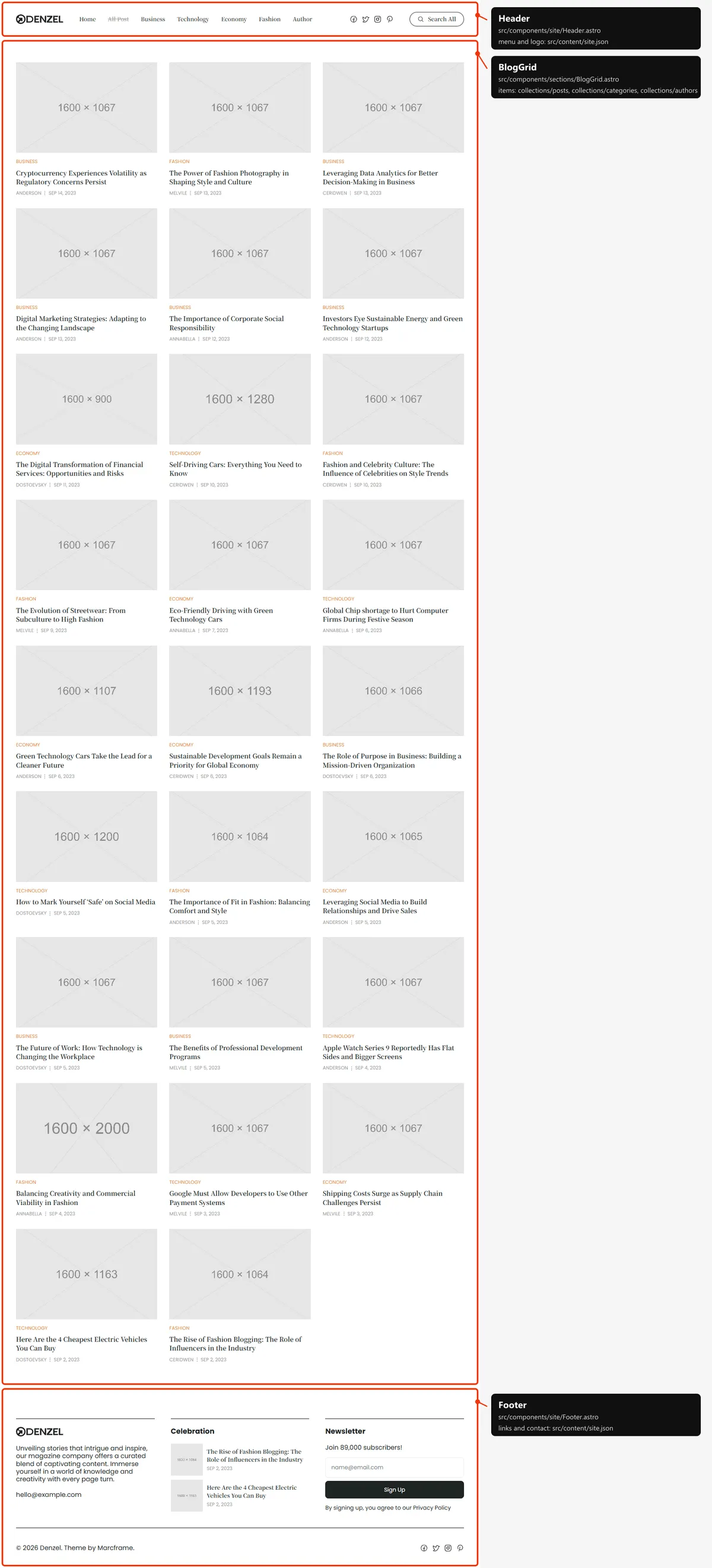
One section: every post as a card (photo, category, title, author and date), newest first, three to a row on desktops. All 26 show at once; there is no paging. The page’s title, “All Post”, is there for screen readers and not shown.
Category
Section titled “Category”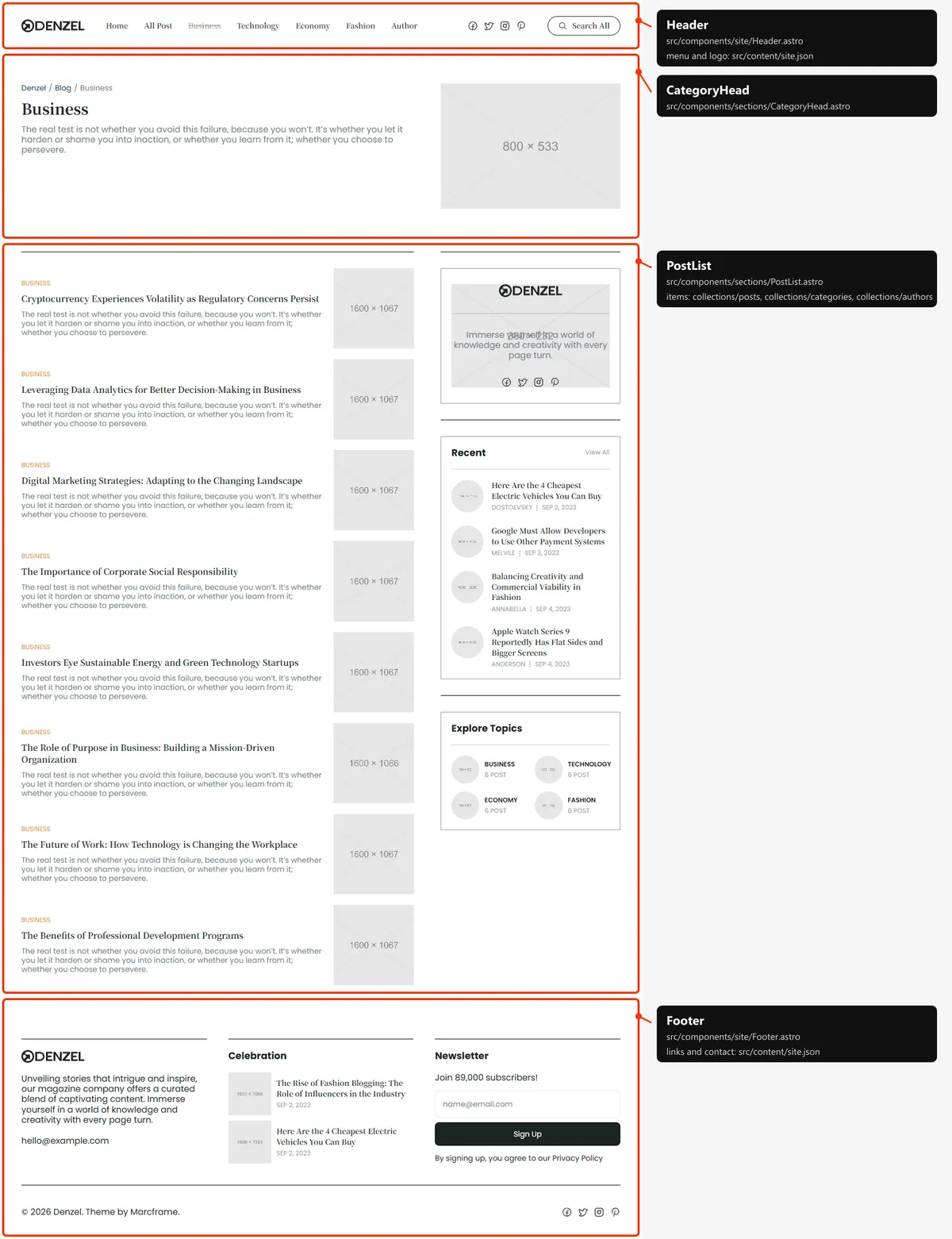
Two sections:
- The head: the breadcrumb (Denzel / Blog / the category), the name, a description and the photo
(
category-<slug>.jpg). - The posts: the category’s posts newest first (category, title, excerpt and photo) beside the sidebar. The default “Uncategory” has no photo and says “No posts in this category yet.” (Editing the site).
Author
Section titled “Author”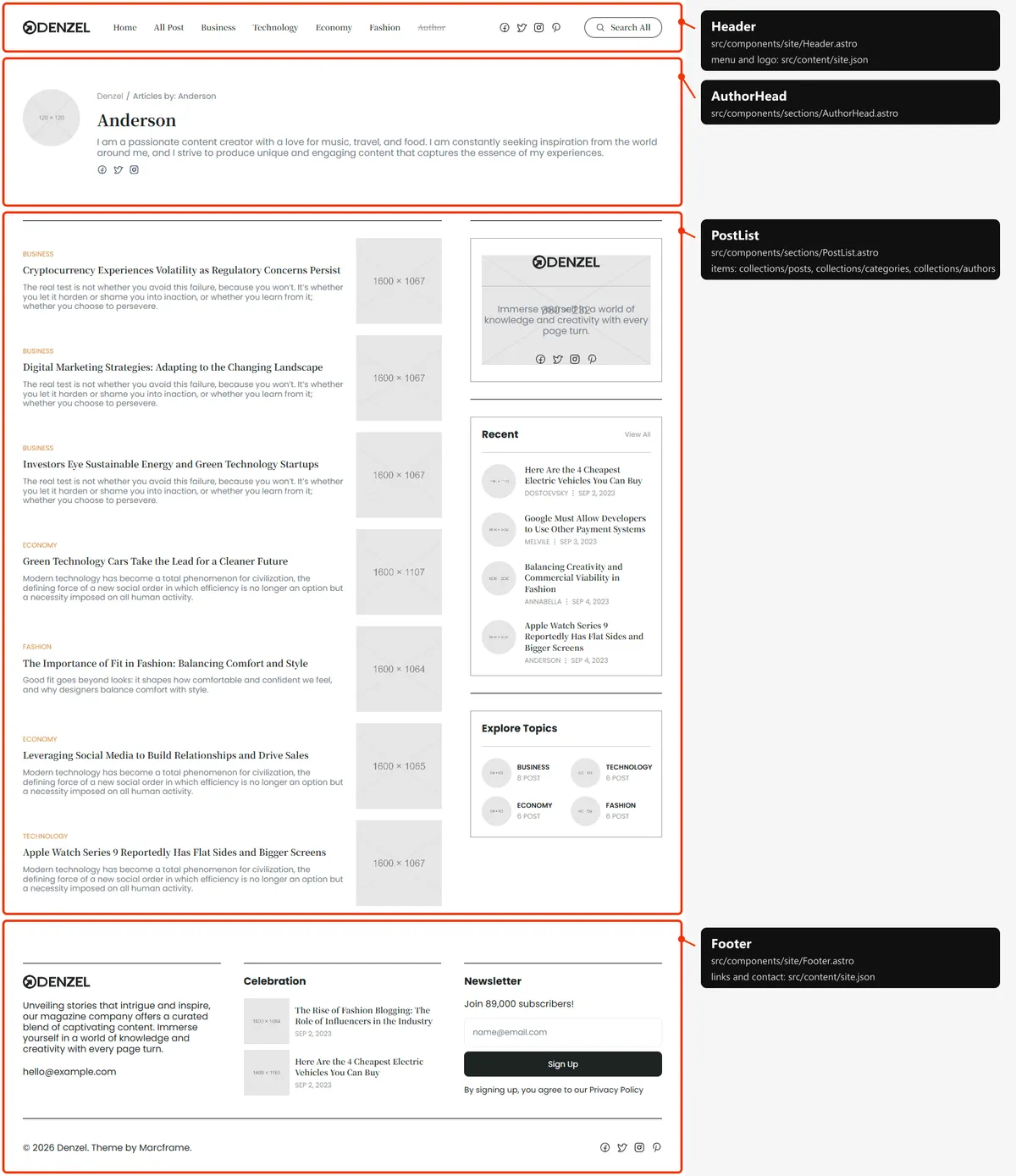
Two sections:
- The head: the round photo (
author-<slug>.jpg), the breadcrumb (Denzel / Articles by: the name), the name, the bio and the writer’s social links. - The posts: the writer’s posts newest first, beside the sidebar. The default “Admin” has no photo and says “No posts by this author yet.” (Editing the site).
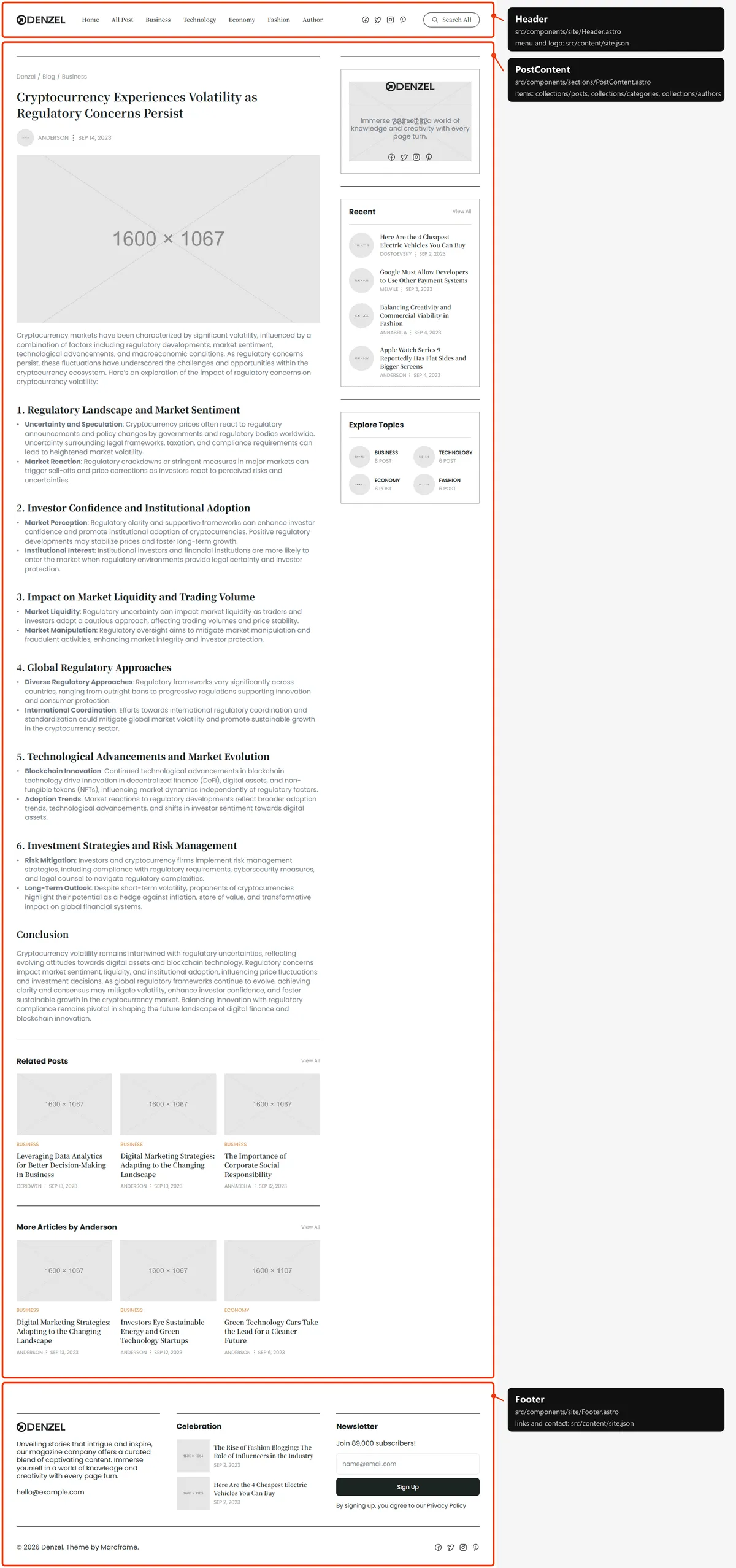
One section, with the sidebar on the right:
- the breadcrumb (Denzel / Blog / the category), the title, the author (photo and name) and the date;
- the cover photo (
post-<slug>.jpg) and the text with its headings, lists and bold runs (Editing the site); - “Related Posts”: three other posts of the same category, newest first, and “View All” (Blog);
- “More Articles by …”: three other posts by the same writer, and “View All” (the writer’s page).
Page not found
Section titled “Page not found”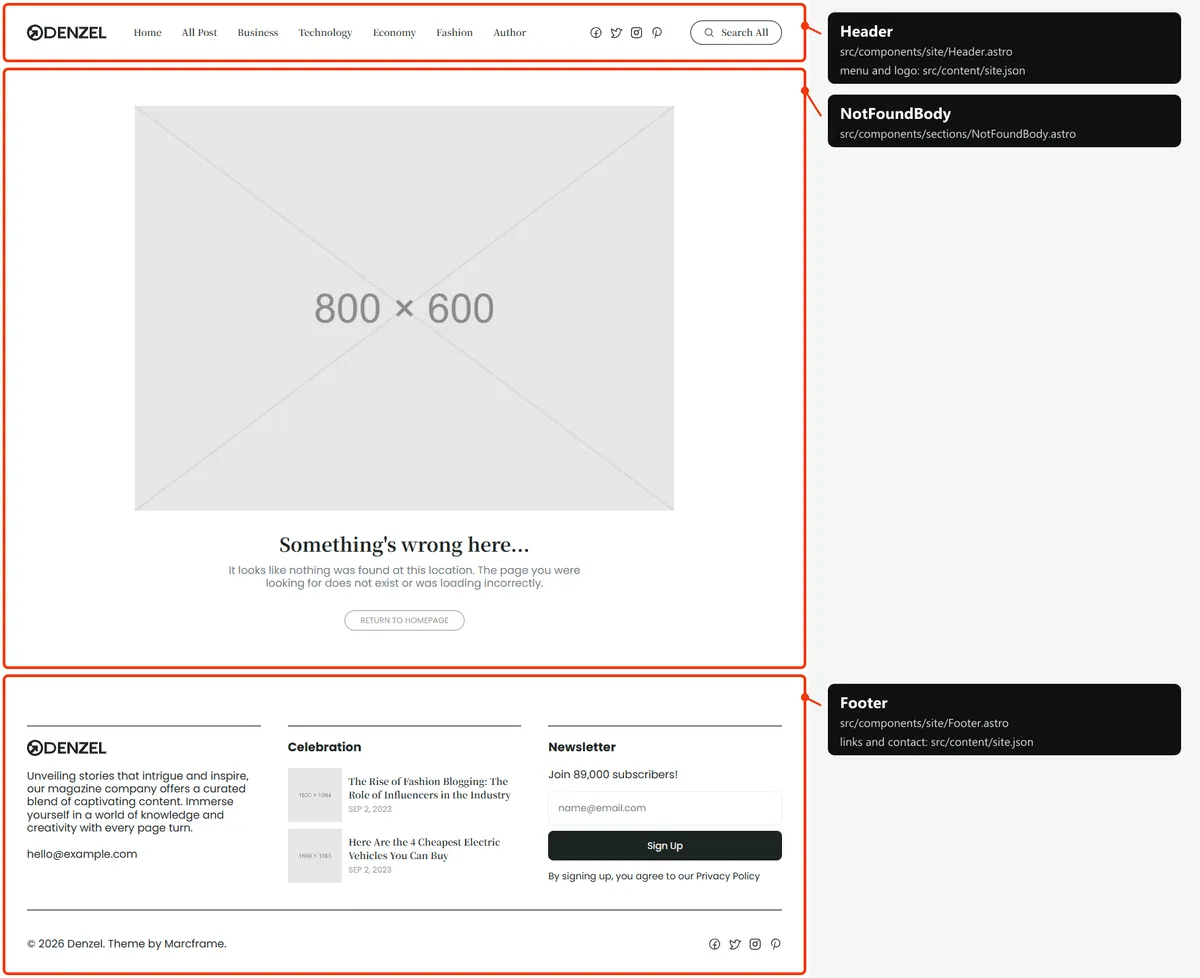
One section: a picture (not-found.jpg), “Something’s wrong here…”, a line and “Return to Homepage”. Its links and
images start at the site’s root (/index.html, /assets/…), because hosts show it at any address
(Going live).
The sidebar
Section titled “The sidebar”Home, the category and author pages and every post have the same sidebar: the “Denzel” box (logo, a line, the social links), “Recent” (four posts and “View All”) and “Explore Topics” (the four categories, each with its number of posts). From desktop width it sits on the right; on phones and tablets it follows the list (Editing the site).
The style guide
Section titled “The style guide”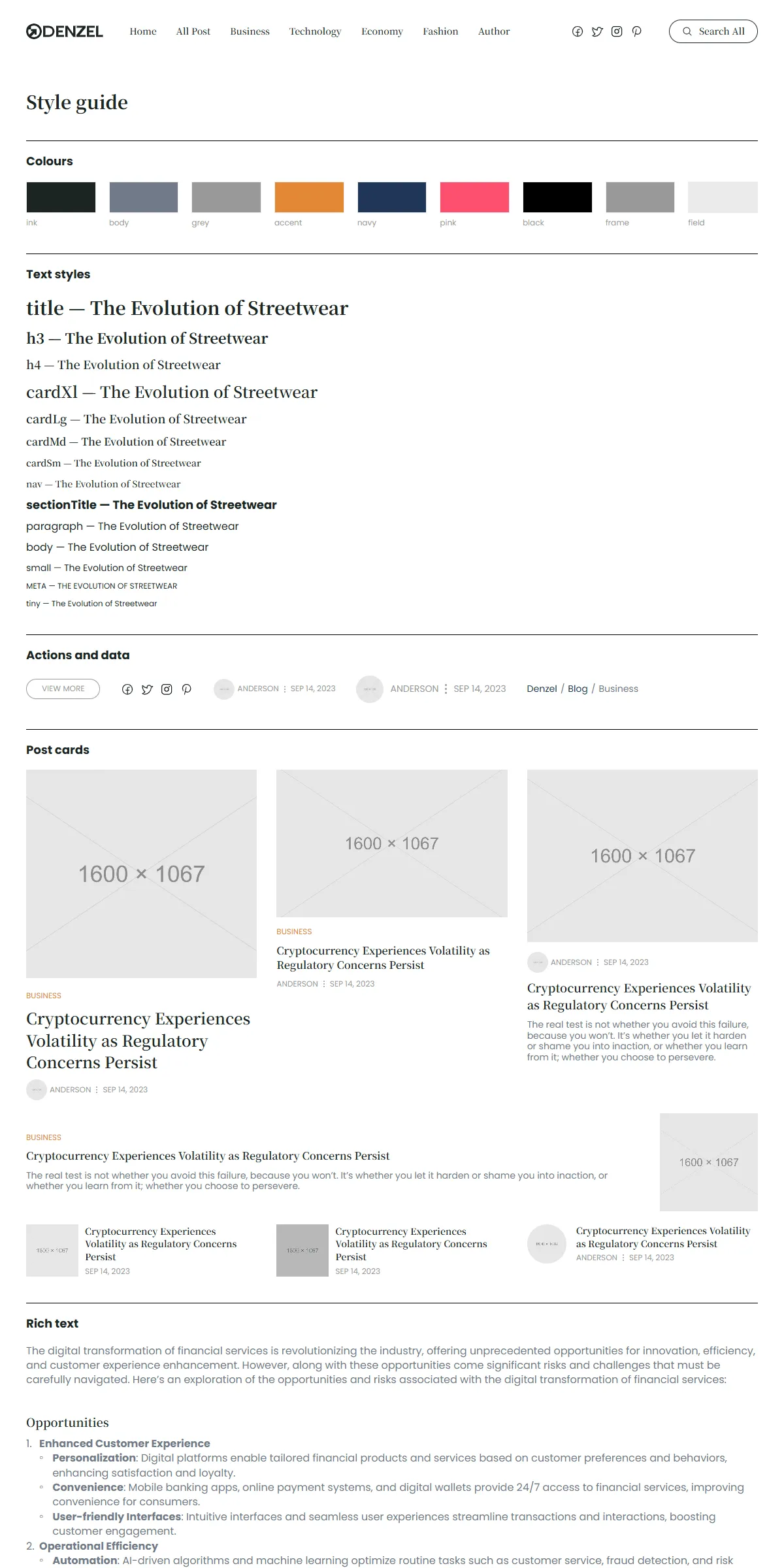
style-guide.html shows the colours, the text styles, the buttons and small parts, every kind of post card and the
article’s text, each with its name. It is hidden from search engines and linked from nowhere.
How the pages link to each other
Section titled “How the pages link to each other”The menu holds Home, All Post (blog.html), the four categories (Business, Technology, Economy, Fashion) and Author
(author/anderson.html); the logo leads Home. The footer has the logo, the e-mail, “Celebration” (two posts) and the
newsletter box. The other pages are reached like this:
| Page | Linked from |
|---|---|
| A post | Its cards (Home, Blog, its category’s and author’s pages, the sidebar’s Recent, the footer’s Celebration, Related Posts, More Articles) and the search |
| A category | The menu, the category label of its posts’ cards, the breadcrumb of its posts, Explore Topics, the search |
| An author | The author’s name on their cards and posts, “View All” under More Articles, the search (Author in the menu leads to Anderson) |
| Blog | All Post, “View All” and “View More”, the breadcrumbs |
| Uncategory, Admin | Nothing: only the sitemap lists them |
The style guide is linked from nowhere.
The header
Section titled “The header”- It stays at the top. The header is fixed to the top of every page, white;
<main>starts under it. - Desktop: the logo, the menu, the four social links and “Search All”. Tablet: the logo, the social links, a round search button and “Menu”. Phone: the same without the social links.
- The phone menu. “Menu” opens the list under the bar, with the links and the social links, and turns into “Close”. It closes when the button or a link is pressed, and when the search opens.
- The current page. Its link is grey and struck through and carries
aria-current="page"; screen readers hear it as the current page (Home, All Post, a category, and Author on Anderson’s page; the other pages mark none). - The search. “Search All” opens a dialog with a field; results show as you type, each with its title and address (Editing the site).
Search engines
Section titled “Search engines”- Sitemap:
sitemap.xmllists Home and Blog, the five categories, the six authors and the 26 posts: 39 addresses. The 404 page and the style guide are left out. It is a plain file: add or remove a line when you add or remove a page, and put your domain in it. - Robots:
robots.txtallows everything and points at the sitemap; put your domain in itsSitemap:line. - Per page: every page has a title, a description, a canonical link, an
og:urland a share image in its<head>. Titles end in| Denzel(the Home title has no suffix; a post’s title is its own title). Posts also sayog:typearticlewith the date, and share their own cover photo; the other pages shareopengraph-image.png. - Not indexed: the style guide and the 404 page (
noindex, nofollow).