Pages and sections — Tustel Next.js
A page is a small file that picks sections and hands them content. src/app/about/page.tsx is the whole About page:
export const metadata: Metadata = pageMeta(routes.about, about.meta);
export default function AboutPage() {  const actions = { primary: bookCall, secondary: viewWorks };  return (    <>      <AboutHeroSection {...about.hero} actions={actions} socials={socials} />      <ProcessSection {...about.process} facts={facts} />      <BandSection {...band} actions={actions} />    </>  );}
pageMeta(route, meta)gives the page its browser title, description, canonical link and share image.- The sections render the copy of
src/content/pages/about.tsand what several pages share, fromsrc/content/site.ts: the two buttons (“Book a call”, “View my works”), the social links, the counters and the photo band. - Pages with collections read them first: the Blog calls
getPosts()(see Editing the content) and turns each post into what its card shows withtoPostCard(src/lib/to-ui.ts).
The sections you can use
Section titled “The sections you can use”In src/components/sections/. Each takes its copy from a page file (or site.ts) and its items from a collection.
The sections of a project page share a file: ProjectSections.tsx.
| Section | File | Used on |
|---|---|---|
HomeHeroSection, ClientsSection, HomeAboutSection, PortfolioSection, ServicesSection, TestimonialsSection |
one file each | Home |
BandSection |
BandSection.tsx |
Home, About |
JournalSection |
JournalSection.tsx |
Home, Post |
WorkTogetherSection |
WorkTogetherSection.tsx |
Home, Project |
AboutHeroSection, ProcessSection |
one file each | About |
ProjectListSection |
ProjectListSection.tsx |
Portfolio |
ProjectHero, ProjectText, ProjectDetails, Gallery, OtherProjectsSection |
ProjectSections.tsx |
Project |
PostListSection |
PostListSection.tsx |
Blog |
PostArticleSection |
PostArticleSection.tsx |
Post |
ContactSection |
ContactSection.tsx |
Contact |
NotFoundSection |
NotFoundSection.tsx |
404 |
PageTitle |
PageTitle.tsx |
The label, title and text at the top of Portfolio, Blog, a post and Contact |
The photo band, “Let’s work together”, “From the journal” and the counters take their copy from src/content/site.ts,
so changing it once changes it on every page that shows them.
Page maps
Section titled “Page maps”Every page type with each section outlined and labelled: the component that renders it, the file to edit, and where its
copy (src/content/pages/*.ts, src/content/site.ts) and items (src/content/collections/*.ts) come from. Header and
footer take their links and details from src/content/site.ts. Photos are the placeholders of the download.
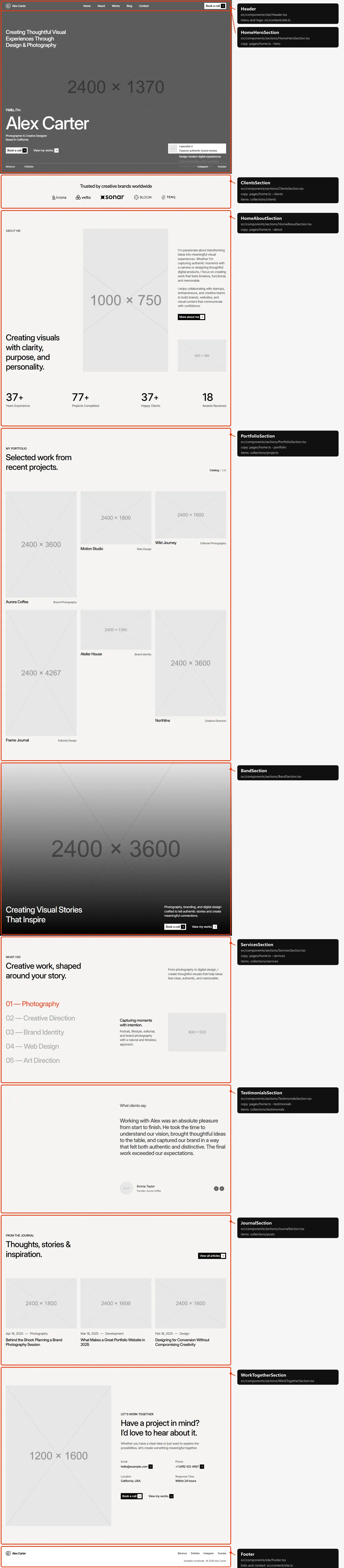
The hero, the line above the client logos, “About me” and the headings of the portfolio, the services and the
testimonials are in src/content/pages/home.ts. The counters, the photo band, “From the journal” and “Let’s work
together” are shared with other pages, in src/content/site.ts. Home shows every client logo, the first six projects
(four on tablets and phones; the Catalog / List switch is on desktop only), every service, every testimonial and the
first three posts.
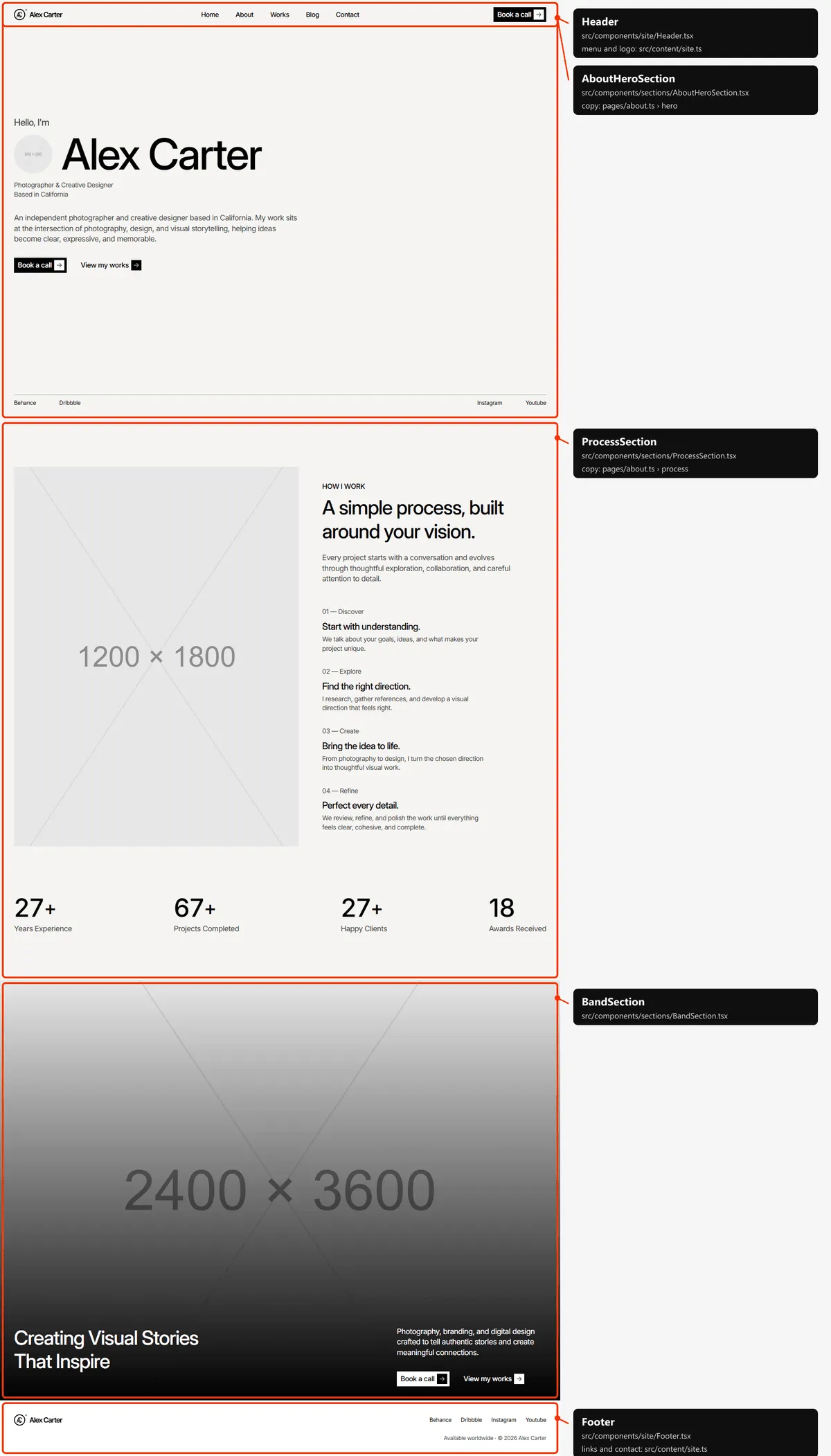
The hero and “How I work” with its four steps are in src/content/pages/about.ts; the counters and the photo band are
shared, in src/content/site.ts.
Portfolio
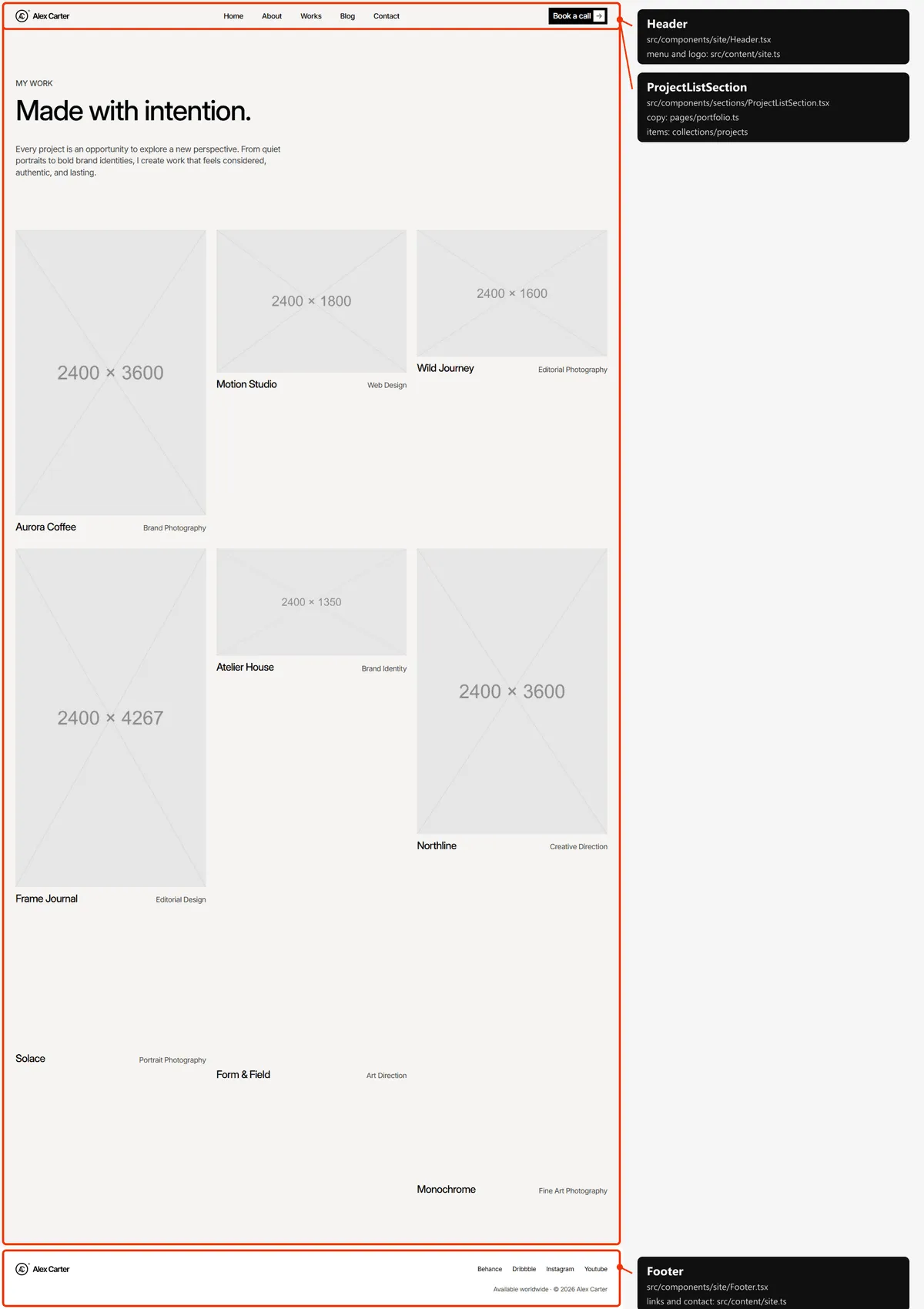
Section titled “Portfolio”Every project, in the order of projects.ts: six at first on desktop, four on tablets and phones, and more each time the
spinner under the list scrolls into view. Every project is in the page’s HTML from the start, so search engines find
them all.
Project
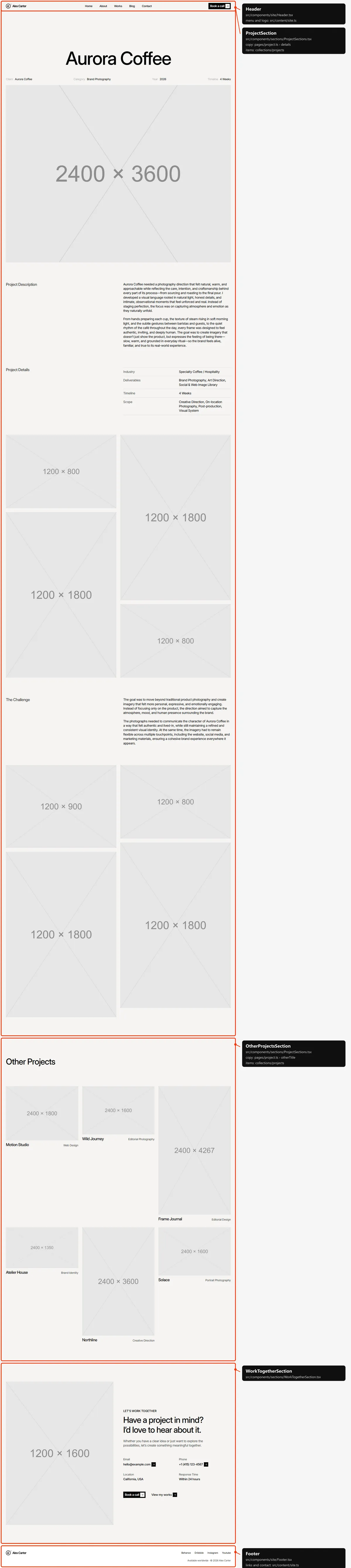
Section titled “Project”The title, the four details under it, the cover, the description, the project details, both galleries and the challenge
come from the project in projects.ts; the labels (“Client”, “Project Description”, “Other Projects”, …) from
src/content/pages/project.ts. “Other Projects” shows the first six other projects of projects.ts, and “Let’s work
together” is shared with Home.
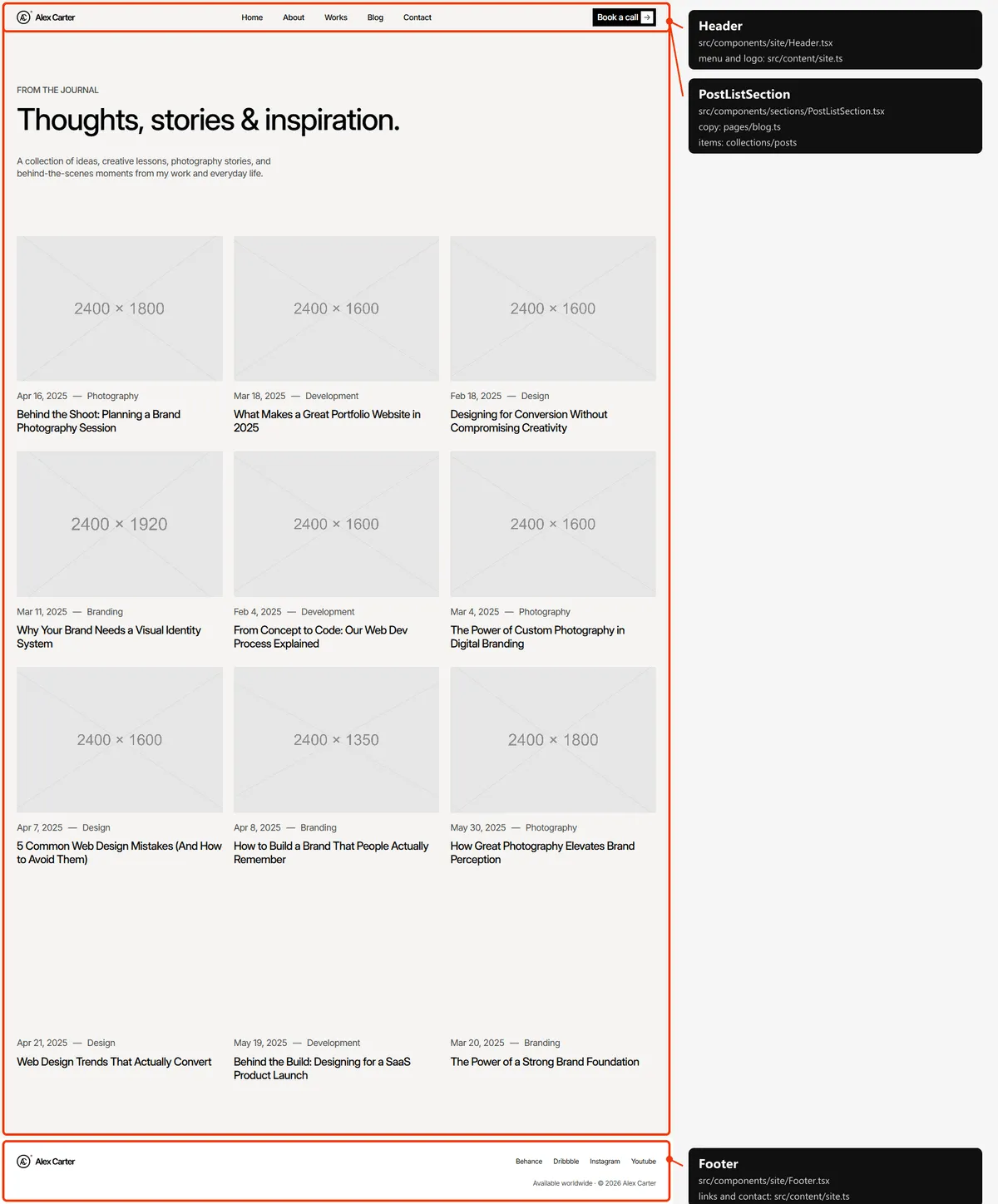
Every post, in the order of posts.ts: six at first on desktop, four on tablets and phones, then more as the spinner
scrolls into view, like the Portfolio.
Blog post
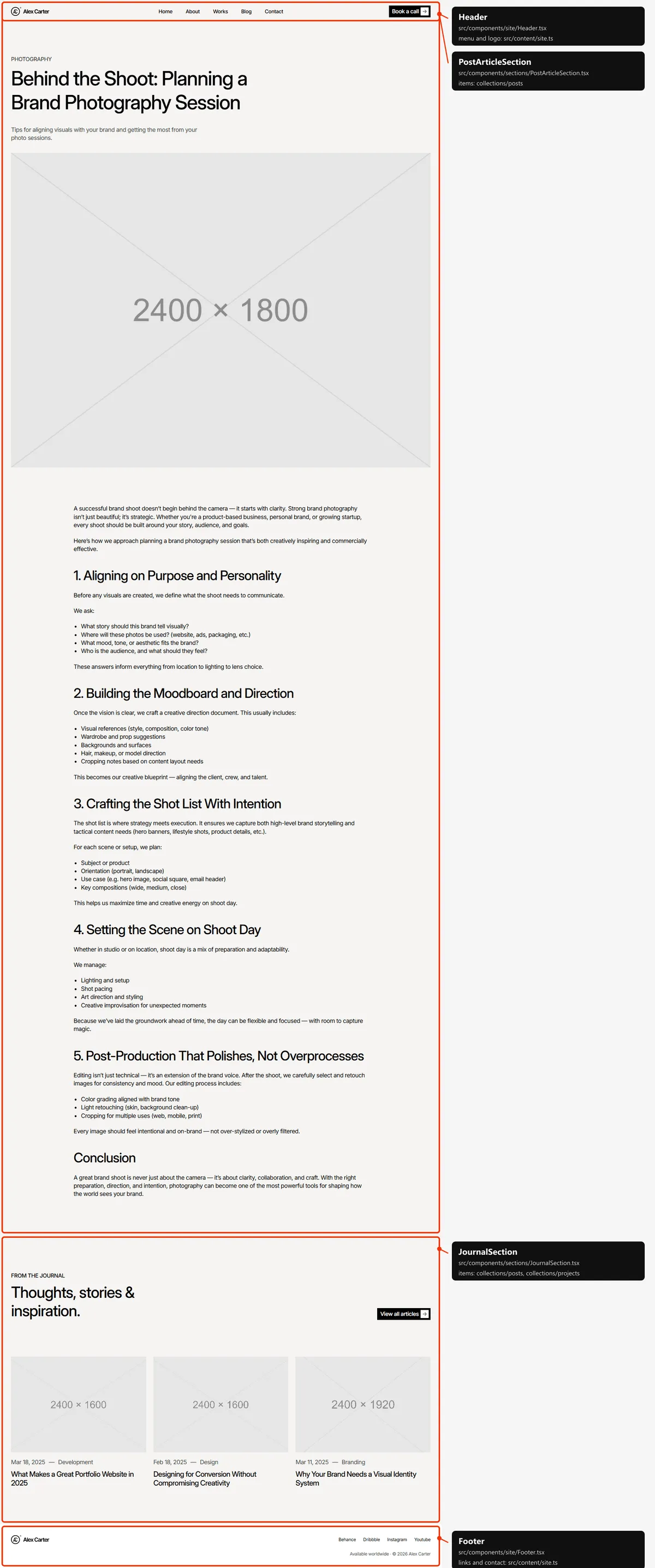
Section titled “Blog post”The category, title, excerpt, photo and text come from the post. “From the journal” under it shows the first three other
posts of posts.ts, with the heading and the link from journal in src/content/site.ts.
Contact
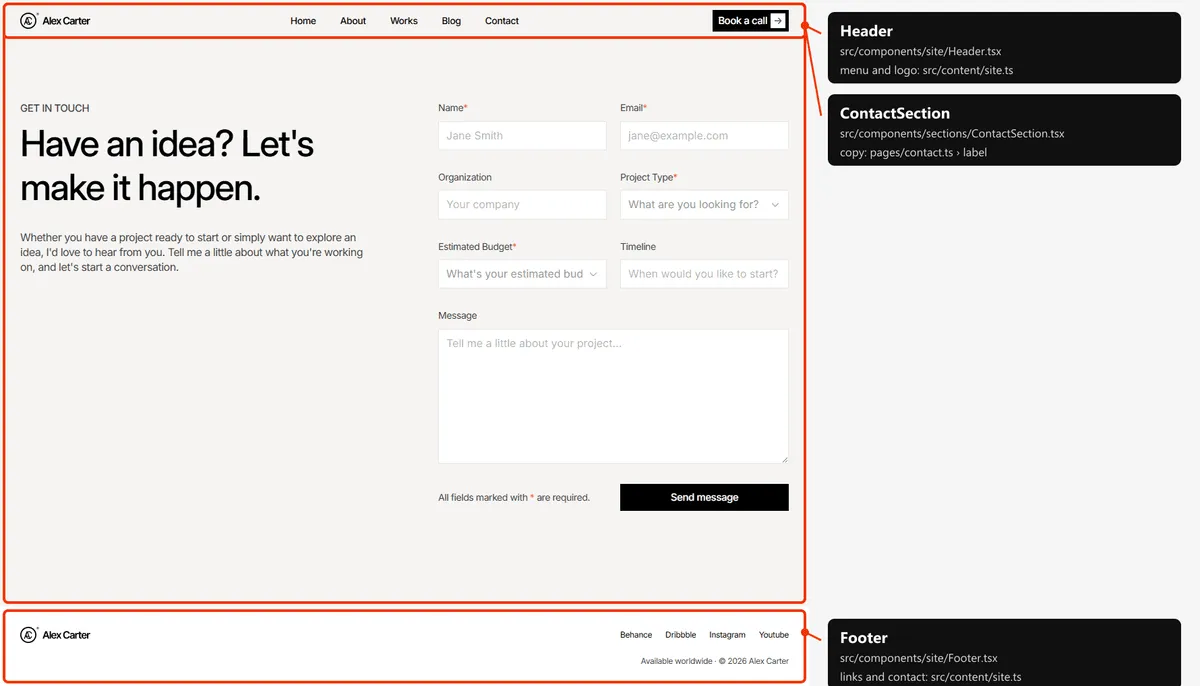
Section titled “Contact”The label, title, text and the form are in src/content/pages/contact.ts (Forms).
Page not found
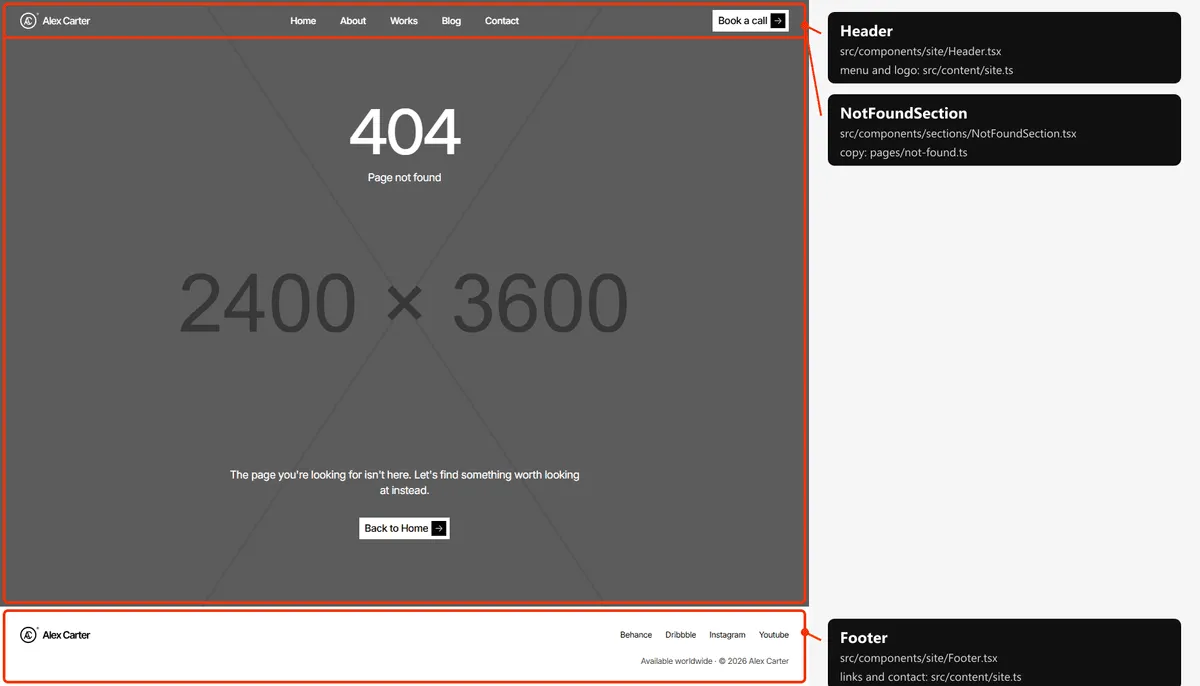
Section titled “Page not found”The text, the button and the photo are in src/content/pages/not-found.ts.
Reordering or removing a section
Section titled “Reordering or removing a section”Move the lines in the page file, or delete one. To take the testimonials off the home page, delete
<TestimonialsSection … /> from src/app/page.tsx; its copy in src/content/pages/home.ts can stay or go.
On Home, the client logos also tell the header when to come back as you scroll up (the header). If you
remove ClientsSection, wrap the section that should take over that role in <div data-header-reveal>…</div> in
src/app/page.tsx (for example HomeAboutSection), or the solid header never appears on Home.
Adding a page
Section titled “Adding a page”-
Add the URL to
src/content/routes.ts:services: "/services", -
Add its copy to
src/content/pages/services.ts, with ameta(title, description):export const servicesPage = {meta: { title: "Services", description: "Photography, creative direction, brand identity and web design by Alex Carter, from the first idea to the final detail." },label: "Services",title: "What I can do for you.",text: "From a single shoot to a complete brand, every project starts with a conversation.",}; -
Create
src/app/services/page.tsx:import type { Metadata } from "next";import { PageTitle } from "@/components/sections/PageTitle";import { WorkTogetherSection } from "@/components/sections/WorkTogetherSection";import { servicesPage } from "@/content/pages/services";import { routes } from "@/content/routes";import { bookCall, contact, viewWorks, workTogether } from "@/content/site";import { Section } from "@/design-system";import { pageMeta } from "@/lib/meta";import { toContactDetails } from "@/lib/to-ui";export const metadata: Metadata = pageMeta(routes.services, servicesPage.meta);export default function ServicesPage() {return (<><Section padding="pt-[110px] pb-[60px] md:pt-[130px] md:pb-20 lg:pt-[150px] lg:pb-[100px]"><PageTitle label={servicesPage.label} title={servicesPage.title} text={servicesPage.text} /></Section><WorkTogetherSection {...workTogether} details={toContactDetails(contact)} actions={{ primary: bookCall, secondary: viewWorks }} /></>);}The first section’s top padding (110 / 130 / 150 px, as on Portfolio, Blog and Contact) leaves room for the header.
-
Link to it: add
{ label: "Services", href: "/services" }tonavigationinsrc/content/site.ts. -
Add
routes.servicesto thepageslist insrc/app/sitemap.ts, next to the other top-level pages.
The new page gets the solid header of every page except Home and the 404 page (the header).
Removing a page
Section titled “Removing a page”Delete its folder under src/app/, its entry in navigation (src/content/site.ts), its line in src/app/sitemap.ts,
and the route in routes.ts. npm run build then tells you about anything still using the route through routes.
Links written as text in the content are not checked: the “View my works” button (viewWorks.href: "/portfolio"),
“More about me” (/about) and “View all articles” (/blog), for example. Search src/content/ for the path.
Pages built from a collection
Section titled “Pages built from a collection”src/app/portfolio/[slug]/page.tsx builds one page per project:
export const dynamicParams = false; // only the slugs below exist; anything else is a 404export async function generateStaticParams() { return (await getProjects()).map((project) => ({ slug: project.slug }));}Add a project to src/content/collections/projects.ts, and its page, its card and its sitemap entry appear on the next
build. The same pattern builds the post pages (src/app/blog/[slug]/page.tsx).
The 404 page
Section titled “The 404 page”src/app/not-found.tsx, with its copy and photo in src/content/pages/not-found.ts. Next.js shows it for any unknown
address, with a 404 status and noindex, like the style guide.
The header
Section titled “The header”- Over the photo on Home and the 404 page. Both open with a full-screen photo whose section carries
data-header-cover(HomeHeroSection.tsx,NotFoundSection.tsx). There the header lies over the photo in white and scrolls away with the page. A second, solid header (the page background with black text) appears while the visitor scrolls back up, but not near the top of the page: it is tied to the client logos, whose section carriesdata-header-reveal(ClientsSection.tsx), and fades in as they scroll past. The 404 page has no such section, so its second header never shows. - Every other page has one solid header fixed at the top. It hides as soon as the visitor scrolls down and comes back when they scroll up.
- Changing it. To put the header over a photo on another page, start that page with a dark, full-screen section
marked
data-header-cover. To give Home the solid header of the other pages, remove the mark fromHomeHeroSection.tsx. The looks are chosen in CSS (body:has([data-header-cover])insrc/components/site/Header.tsx), so nothing jumps after the page loads. - The menu is
navigationinsrc/content/site.ts. The link of the current page looks like the others, as in the original design; screen readers hear it as the current page. On phones the bar holds the logo and a two-line button; the menu opens under them with the links and “Book a call”, and closes when a link is followed.
Search engines
Section titled “Search engines”- Sitemap:
src/app/sitemap.tsbuildssitemap.xmlfromroutes.tsand the collections: the five main pages, every post (with its date) and every project. The 404 page and the style guide are left out. - Robots:
src/app/robots.tsbuildsrobots.txtand points at the sitemap. Both usesite.url, so set your domain before publishing. - Per page: every indexable page gets a title, a description, a canonical link, an
og:urland a share image frompageMeta(src/lib/meta.ts). A title that would be longer than 60 characters with| Tustelappended is shown without the suffix. Projects and posts share their own photo; posts are shared as articles, with their date. - Not indexed: the style guide and the 404 page (
noindex).