Pages and sections — Balancee HTML
Balancee has 12 kinds of page and 33 addresses in its sitemap; each page is one HTML file whose <main> holds its
sections, top to bottom.
This guide lists every kind of page with its sections, says where its words and photos are, and explains how the pages link to each other, the header and what search engines see. To change a section, find its words in the file and edit them there (Editing the site).
The pages
Section titled “The pages”| Page | File | Sections in <main> |
|---|---|---|
| Home | index.html |
9 |
| About | about.html |
5 |
| Services | service.html |
3 |
| Service (one per service) | service/<slug>.html (8) |
6 |
| Portfolio | portfolio.html |
2 |
| Case study (one per case study) | portfolio/<slug>.html (8) |
3 |
| Blog | blog.html |
2 |
| Post (one per post) | blog/<slug>.html (9) |
3 |
| Contact | contact.html |
1 |
| Legal | legal/terms-of-service.html, legal/privacy-policy.html |
2 |
| Page not found | 404.html |
2 |
Every page also has the header and the footer, copied into each file. Photos are in assets/images/, named after their
place (home-about.jpg, service-<slug>.jpg, post-<slug>.jpg); Editing the site lists them with their
sizes. The style guide (style-guide.html) is a page of its own, linked from nowhere.
In the HTML files a section is a <section> directly inside <main>, with no comment around it: count them from the
top. The maps below outline each one and name it, with the file that holds its text in the Astro and Next.js editions
(src/components/sections/…); in this edition the box is simply the matching <section> of the page file, and its text is
in the HTML.

Nine sections, top to bottom:
- The hero: the title “We help businesses find clarity and grow with purpose.”, a lead, “Let’s talk” (Contact) and “Our services” (Services), the rating with three client photos, a caption, and below them a looping video behind the “Balancee” wordmark (Editing the site).
- “Trusted by clients across the world”: six client logos in a ticker, arrows on phones (Editing the site).
- “Services built for growth”: the first six services as cards (Editing the site).
- “A consulting partner built for modern business”: a paragraph, “More about us” (About), three figures, a video
that plays while it is on screen and a photo (
home-about.jpg). - “From insight to execution”: four steps and a photo (
home-process.jpg), with “Get in touch now”. - “Real results. Clear impact.”: two case studies as photo cards, then “Recent case studies” as four rows that open and close, and “View all case studies” (Editing the site).
- “What our clients say”: a review video that plays on click, three quotes with their figures and “Let’s talk” (Editing the site).
- “Insights that drive better business”: the three newest posts as cards and “See all blog”.
- The call to action band: “Ready to move your business forward?”, “Get in Touch” and “Book a Free Consultation”
over a photo (
cta-office.jpg).
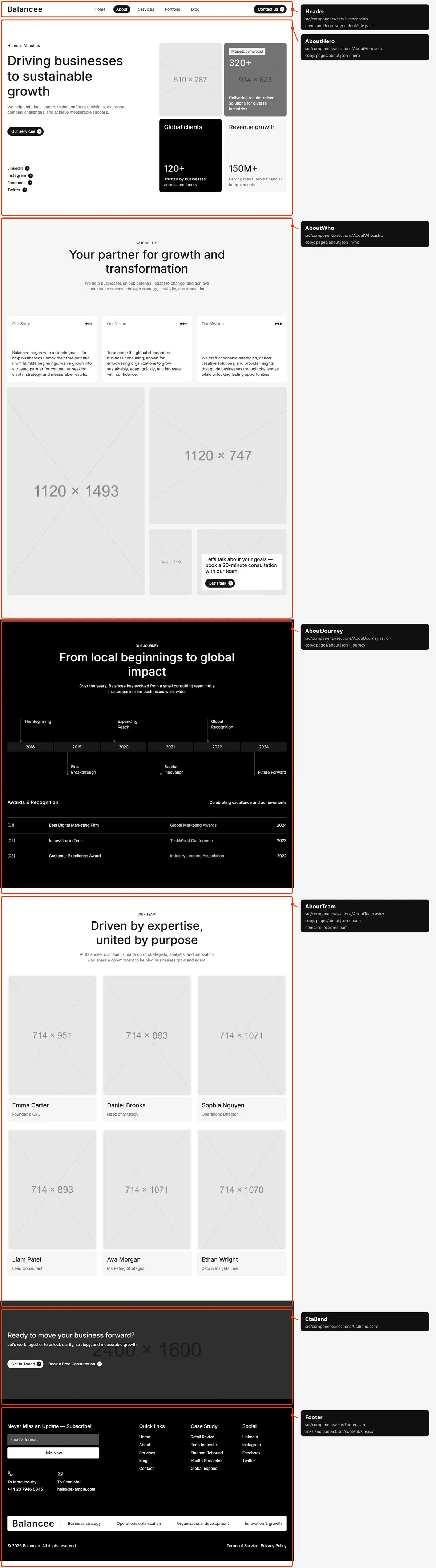
Five sections:
- The page title: the breadcrumb, “Driving businesses to sustainable growth”, a lead, “Our services”, the social links, two photos and the figures “320+ Projects completed” and “120+ Global clients”.
- “Your partner for growth and transformation”: the introduction, three short texts (“Our Story” and two more), four photos and “Let’s talk”.
- “From local beginnings to global impact”: the timeline (six milestones from 2018) and “Awards & Recognition” (three awards, each a link).
- “Driven by expertise, united by purpose”: six team cards with a short bio and a LinkedIn link.
- The call to action band.
Services
Section titled “Services”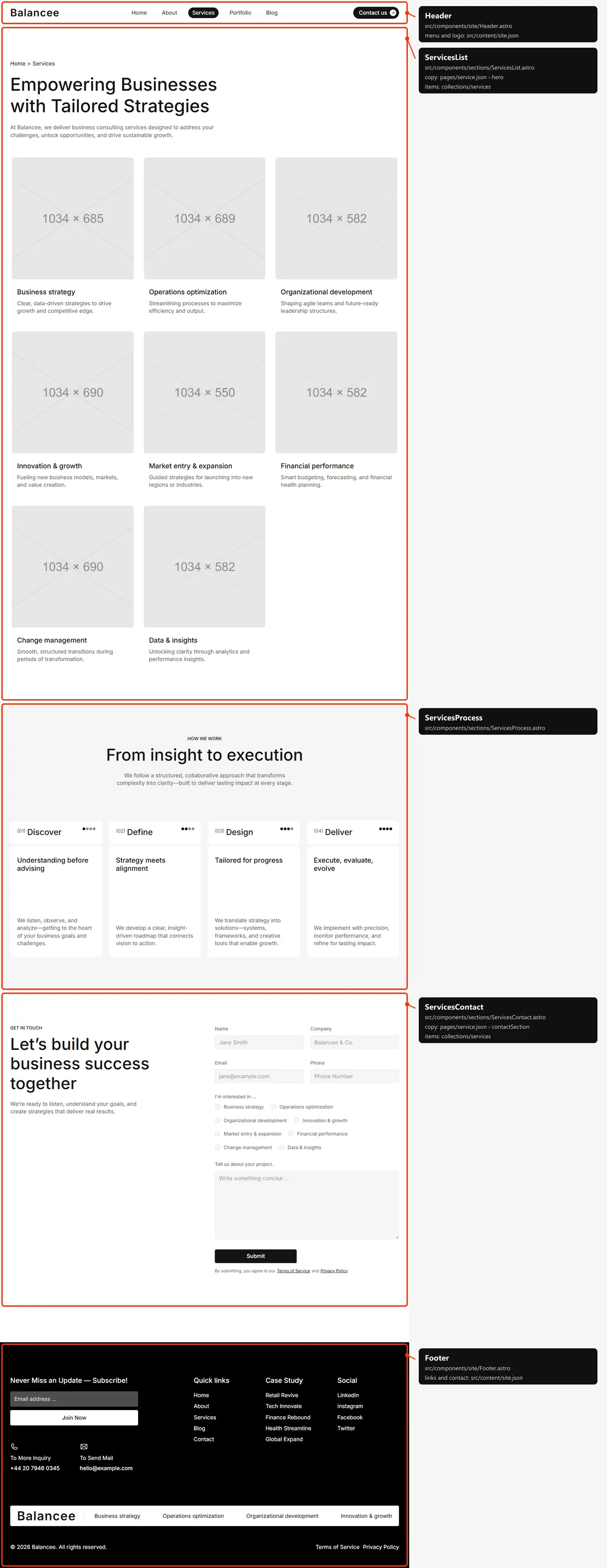
Three sections: the page title “Empowering Businesses with Tailored Strategies” with all eight services as cards; “From insight to execution”, the four steps with “Get in touch now”; and “Let’s build your business success together” with the contact form (Forms). A spacer follows the last section.
Service
Section titled “Service”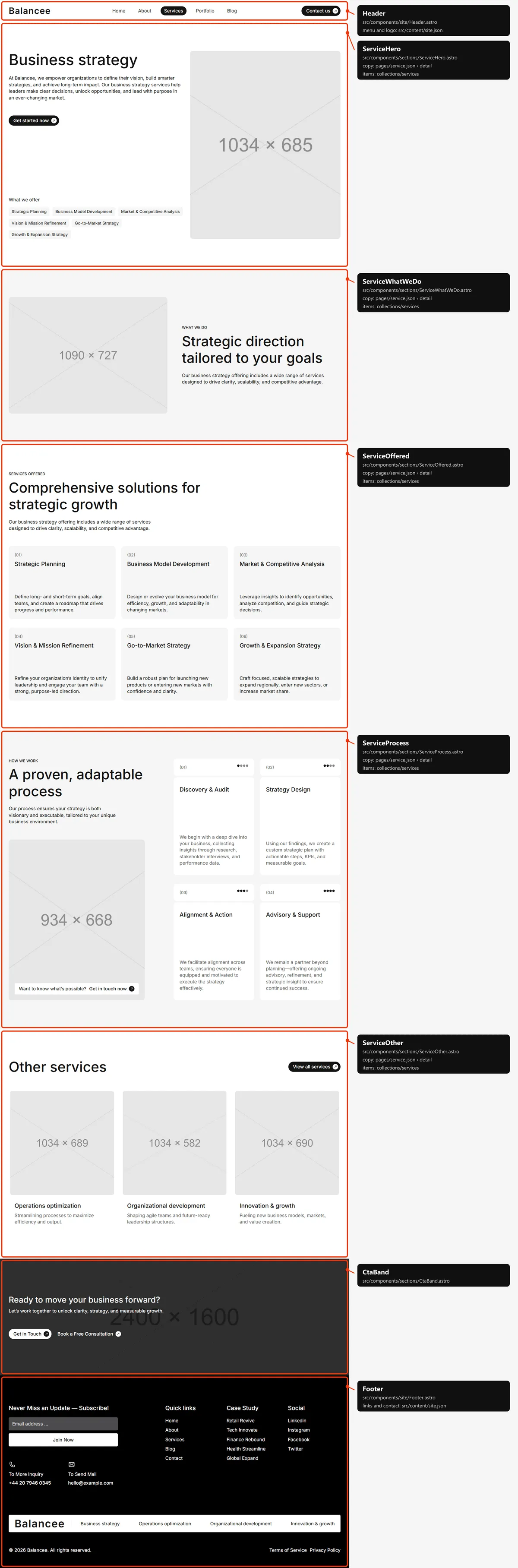
Six sections:
- The title: the service’s name, its intro, “Get started now” (Contact), the “What we offer” tags and the photo.
- “What we do”: a headline, a paragraph and a photo.
- “Services Offered”: six items with a number, a title and a text.
- “How we work”: a headline, a paragraph, four numbered steps, a photo and “Get in touch now”.
- “Other services”: the first three other services as cards, and “View all services”.
- The call to action band.
Portfolio
Section titled “Portfolio”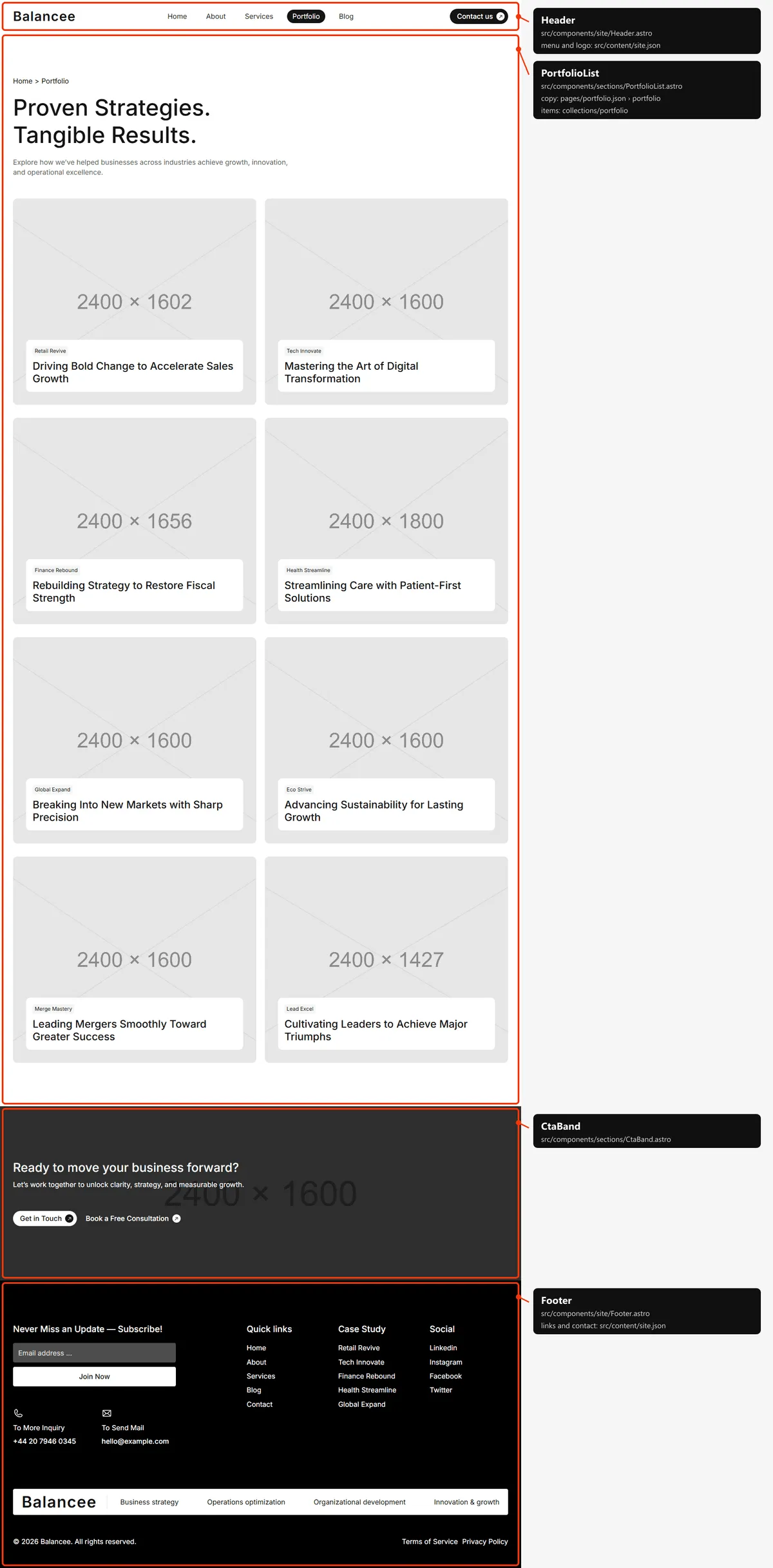
Two sections: the page title “Proven Strategies. Tangible Results.” with every case study as a card, four at a time as the visitor scrolls (Editing the site); and the call to action band.
Case study
Section titled “Case study”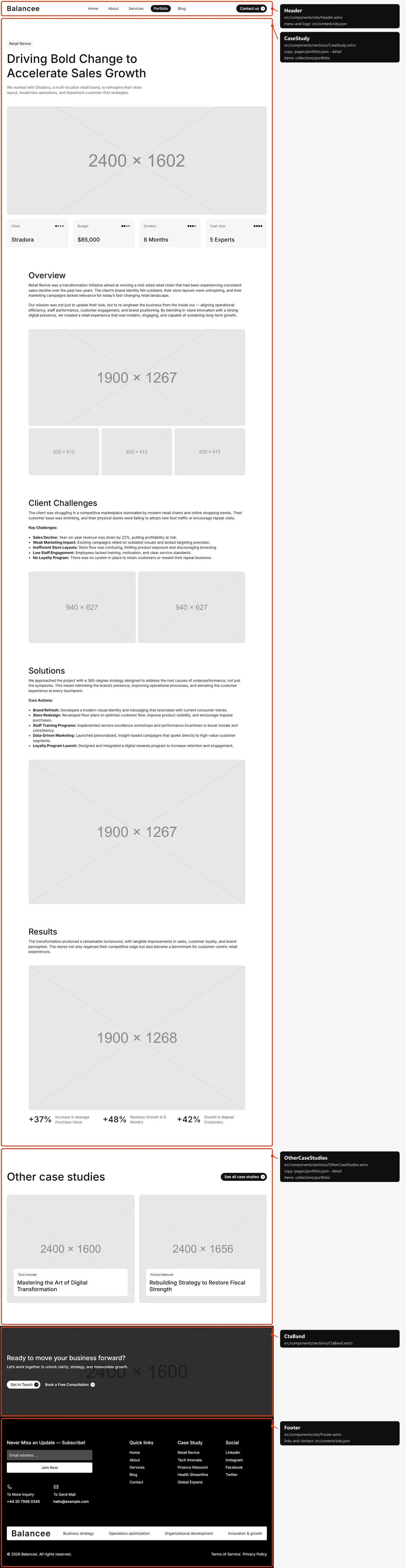
Three sections:
- The case study: the headline and summary, the client, budget, duration and team size, the cover photo, then the Overview (a wide photo and three more), “Client Challenges”, “Solutions” and “Results” with their texts and photos and the three result figures.
- “Other case studies”: the first two other case studies as cards, and “See all case studies”.
- The call to action band.
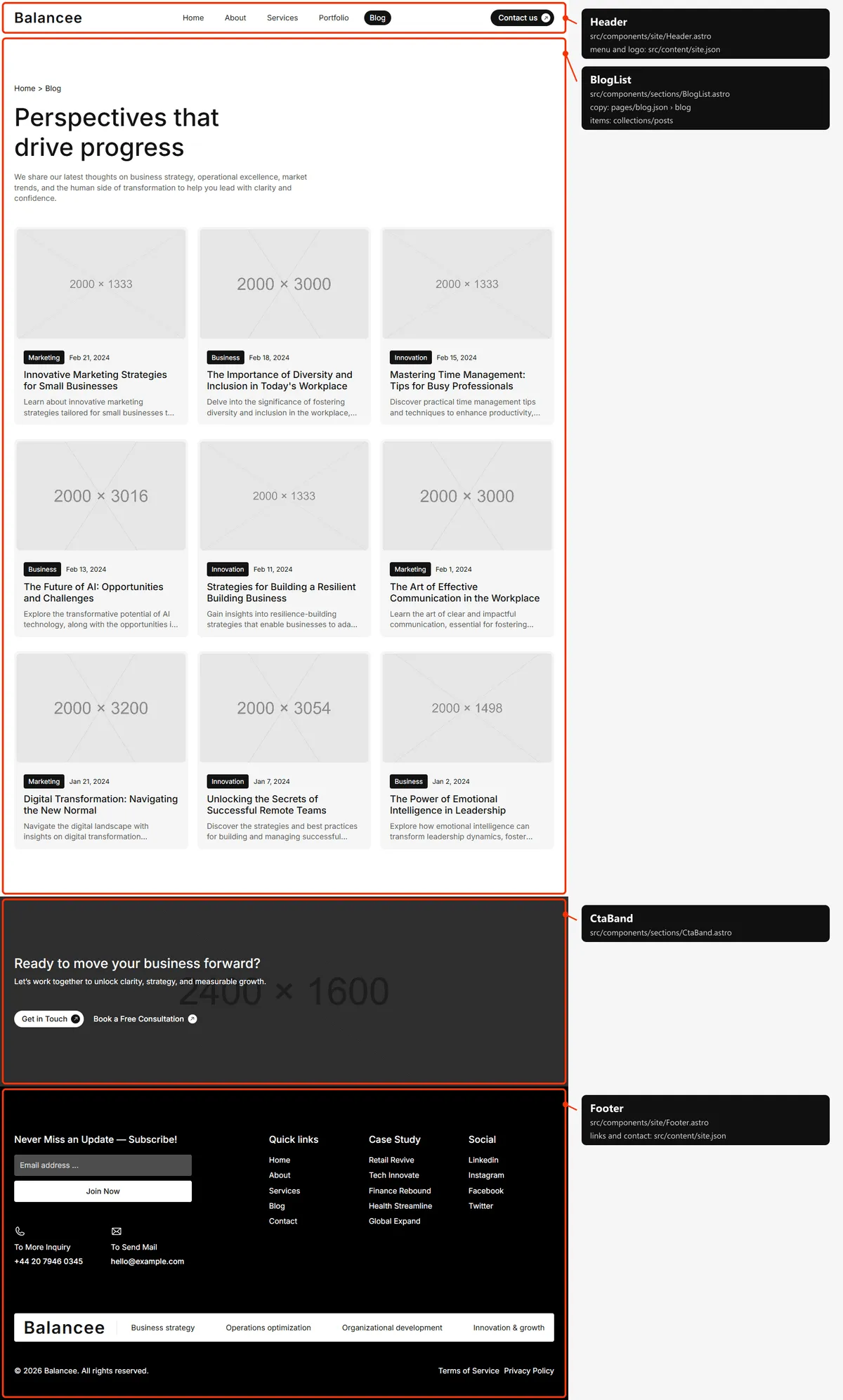
Two sections: the page title “Perspectives that drive progress” with every post as a card (photo, category, date, title, excerpt), four at a time as the visitor scrolls (Editing the site); and the call to action band.
Three sections:
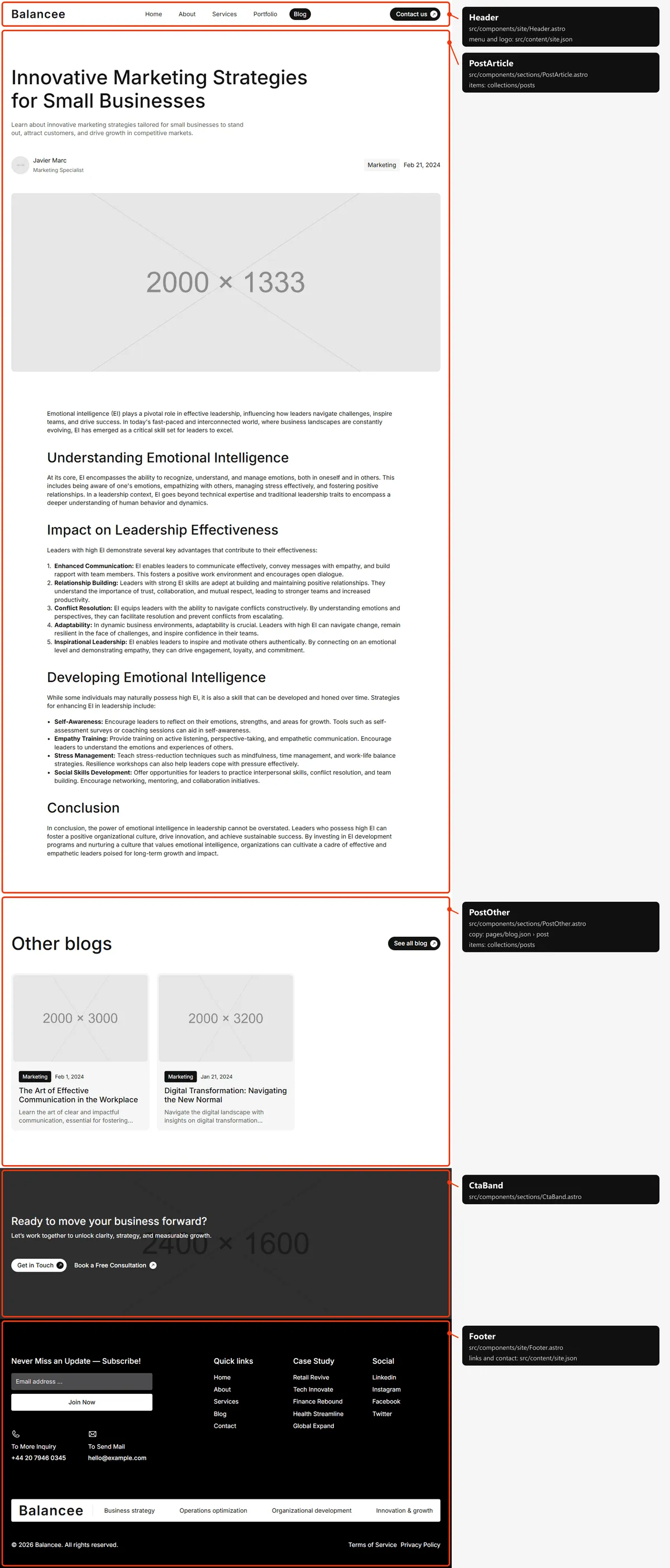
- The article: the title, the excerpt, the author (photo, name and role), the category, the date, the cover photo
(
post-<slug>.jpg) and the text with its headings, lists and bold runs. - “Other blogs”: up to two other posts of the same category, and “See all blog”. Left out when the category has no other post.
- The call to action band.
Contact
Section titled “Contact”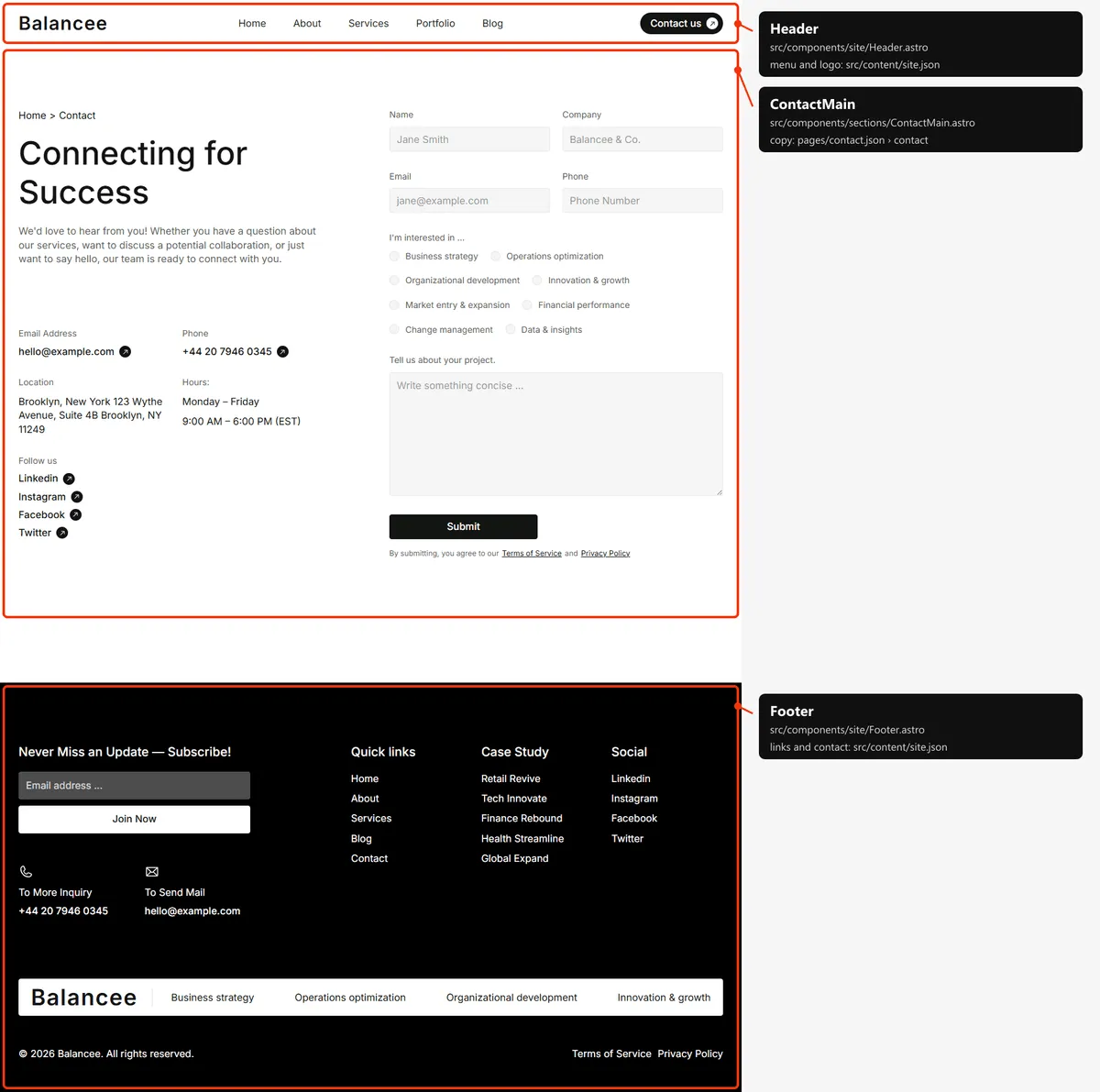
One section: “Connecting for Success” with the breadcrumb, the e-mail, the phone, the location, the opening hours, the social links and the contact form (Forms). There is no call to action band.
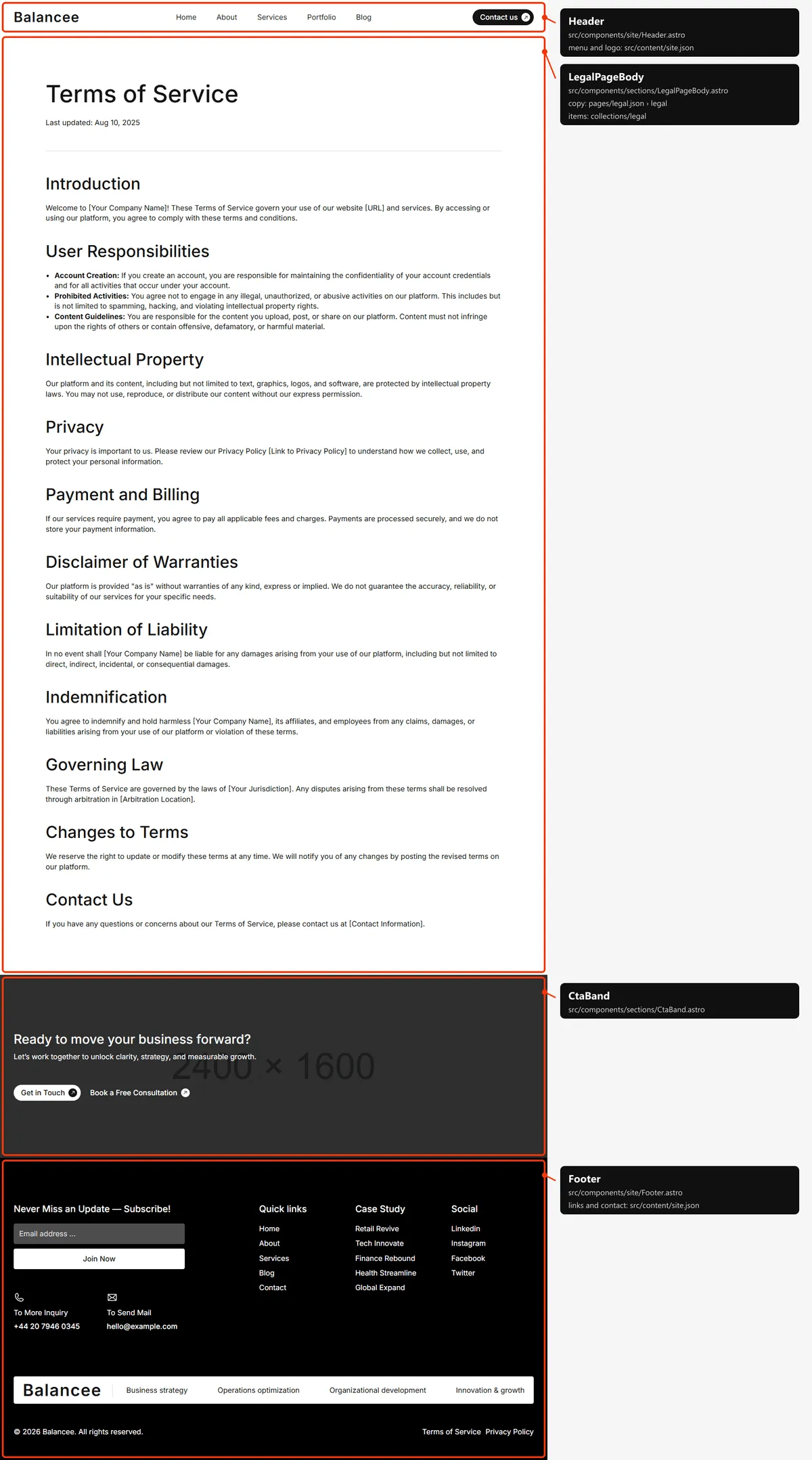
Two sections: the title, “Last updated:” with the date and the text (Editing the site); and the call to action band.
Page not found
Section titled “Page not found”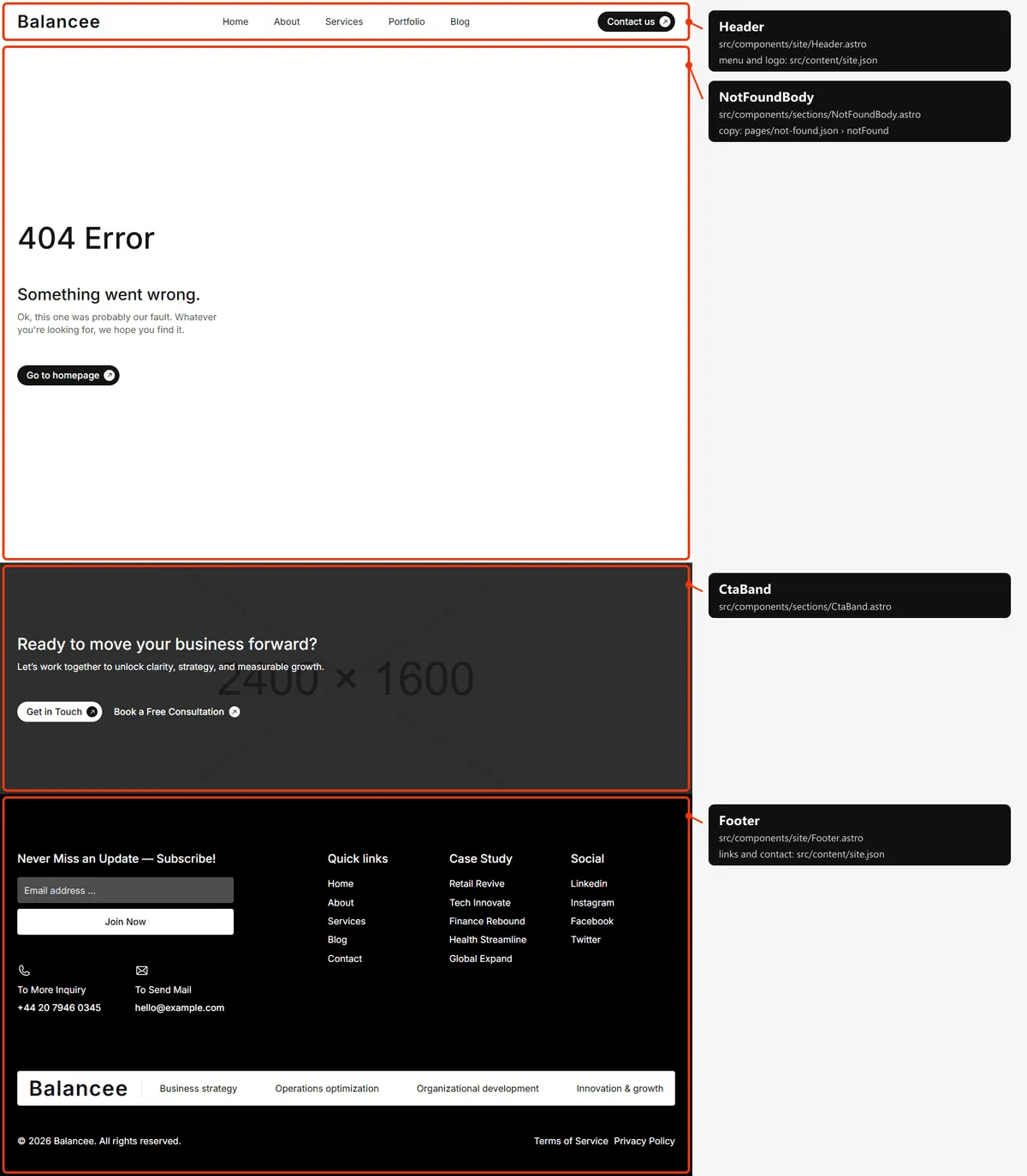
Two sections: “404 Error”, a line and “Go to homepage”; and the call to action band. Its links and images start at the
site’s root (/index.html, /assets/…), because hosts show it at any address (Going live).
The style guide
Section titled “The style guide”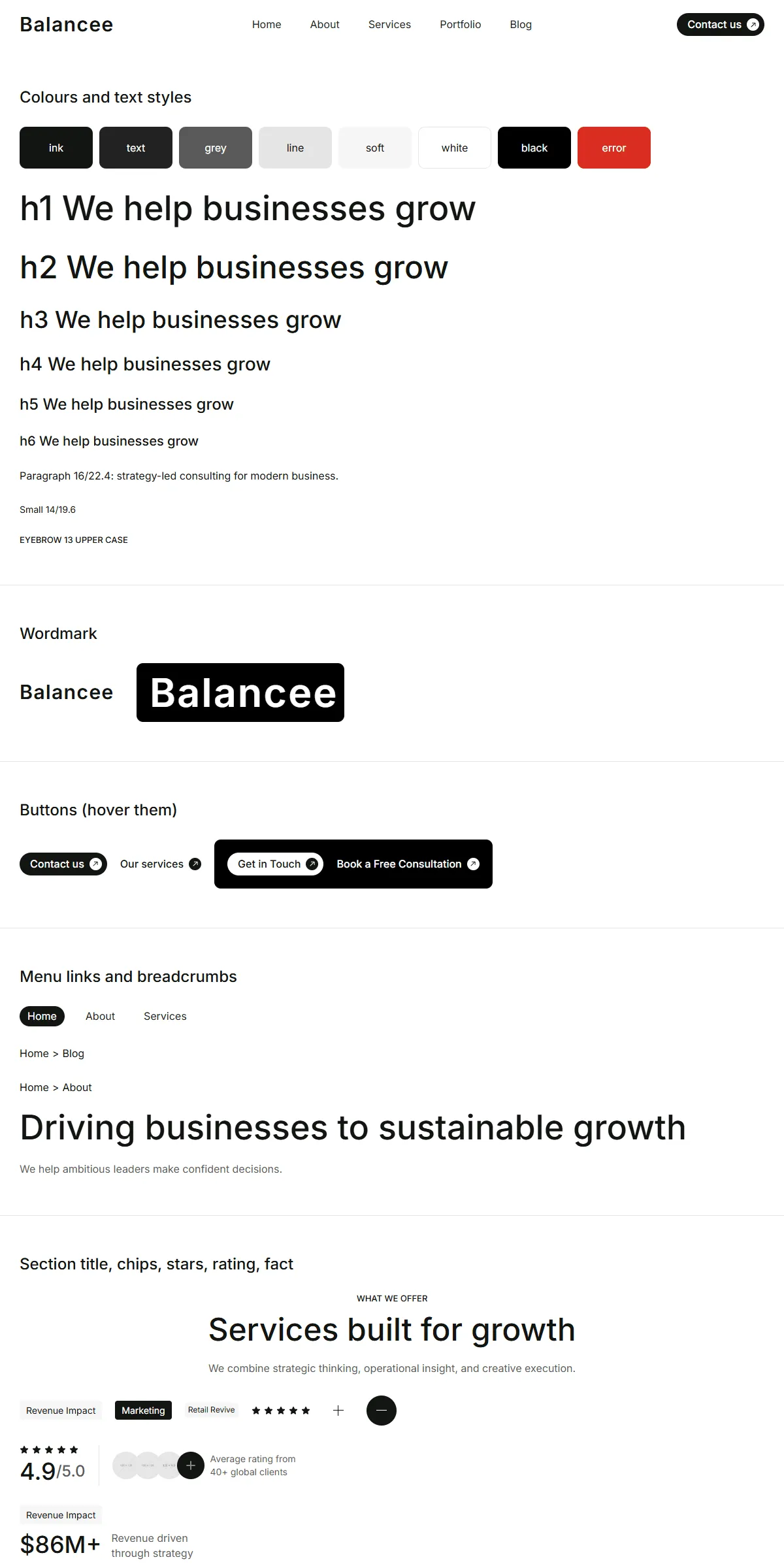
style-guide.html shows every component with its name. It is hidden from search engines and linked from nowhere.
How the pages link to each other
Section titled “How the pages link to each other”The menu holds Home, About, Services (service.html), Portfolio (portfolio.html) and Blog (blog.html), and the
“Contact us” button leads to Contact (in the header from desktop width, and at the end of the phone menu); the logo
leads Home. The footer has the same links under “Quick links” (Home, About, Services, Blog, Contact), the first five
case studies under “Case Study”, the first four services in a row under the columns, the social links, and the two legal
pages next to the copyright line. The other pages are reached like this:
| Page | Linked from |
|---|---|
| A service | Its card (Home, Services, “Other services”) and the footer (the first four) |
| A case study | Its card (Home, Portfolio, “Other case studies”) and the footer (the first five) |
| A post | Its card (Home, Blog, “Other blogs”) |
| Contact | “Contact us” (header), “Let’s talk” (Home hero), “Get started now”, “Get in touch now”, “Get in Touch” |
| Terms of Service, Privacy Policy | The footer, and under the contact form |
“Let’s talk” in the testimonials and About and “Book a Free Consultation” lead to https://cal.com/ until you change
them (Editing the site). The style guide is linked from nowhere.
The header
Section titled “The header”- It stays at the top. The header is fixed to the top of every page, white: 60 px tall on phones, 71 px on tablets and
75 px on desktops;
<main>starts under it. - Tablet and desktop: the “Balancee” wordmark on the left and the links in a row, the current page in a dark pill, a line growing under the link you point at; on desktops “Contact us” on the right. Phone: the wordmark and a menu button of two lines.
- The phone menu. The button’s two lines tilt towards each other and the list opens under the bar, with the links and “Contact us”. It closes when the button or a link is pressed and when the visitor presses Escape.
- The current page. Its link carries
aria-current="page"and the dark pill; screen readers hear it as the current page (the services, case studies, posts, legal pages and the 404 page mark none).
Search engines
Section titled “Search engines”- Sitemap:
sitemap.xmllists the six main pages (Home, About, Services, Portfolio, Blog, Contact), then every service, case study and post and the two legal pages: 33 addresses. The 404 page and the style guide are left out. It is a plain file: add or remove a line when you add or remove a page, and put your domain in it. - Robots:
robots.txtallows everything and points at the sitemap; put your domain in itsSitemap:line. - Per page: every page has a title, a description, a canonical link, an
og:urland a share image in its<head>. Titles end in| Balancee(the Home title has no suffix); a post’s, a service’s and a case study’s title is its own title. Posts also sayog:typearticlewith the date, the author and the category, and share their own cover photo; the other pages shareopengraph-image.png. - Not indexed: the style guide and the 404 page (
noindex, nofollow).