Metuo documentation — AI Prompts
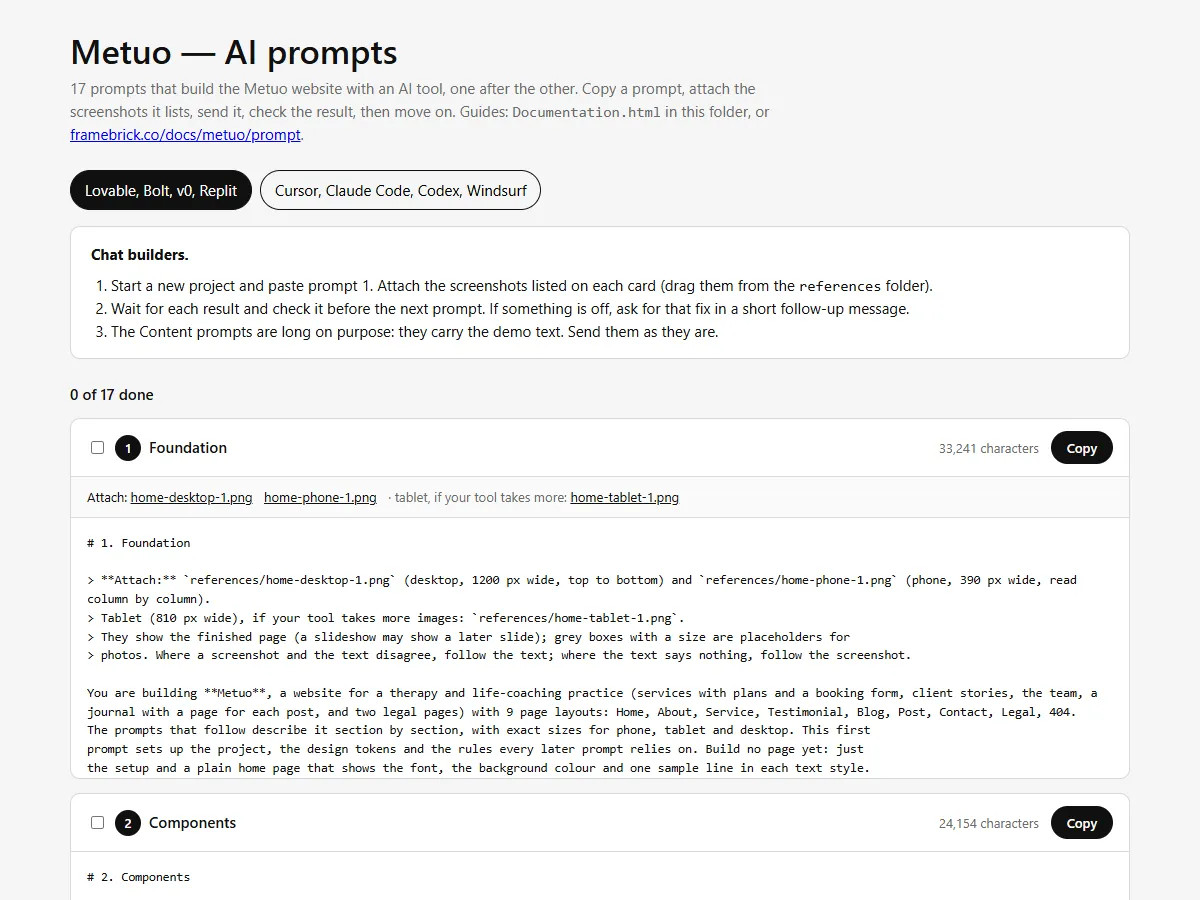
Prompts that build the Metuo website with an AI tool — a chat builder such as Lovable, Bolt, v0 or Replit, or a coding agent such as Cursor, Claude Code, Codex or Windsurf. Read in this order, or jump to what you need.
| Guide | What it covers |
|---|---|
| Getting started | What is in the pack, and building the site prompt by prompt |
| Notes for each tool | Notes for Lovable, Bolt, v0, Replit, Cursor, Claude Code, Codex and Windsurf |
| Making it yours | Your practice’s name and text, services, plans, stories, team, posts, photos, videos, logo, colours and fonts; adding and removing items and pages |
| The booking form | Receiving the booking requests |
| Publishing | Putting the site online with your own domain |
| Troubleshooting and questions | When the result drifts from the design, and other questions |
In a hurry
Section titled “In a hurry”- Open
Prompts.htmlfrom the download in your browser. - Pick your kind of tool at the top: chat builder or coding agent.
- Chat builder: start a new project and send prompt 1 with the screenshots it lists; wait, check, send the next one.
Coding agent: copy the pack into your project as
metuo/and send the kickoff prompt. - After the last prompt, replace the demo text in
src/content/and add your photos topublic/images/(Making it yours). - Connect the booking form (The booking form), then publish from your tool and set your domain (Publishing).
What you get
Section titled “What you get”- 17 prompts in order: foundation (stack, design tokens, rules, the logo, the social icons and the icons), components, header and footer, the demo content, the pages — one prompt for each of the 9 page layouts, Home in two parts — and a finishing prompt for titles, sharing images, sitemap and a last check.
- The whole site: Home, About, Service, Testimonial, Blog, a page for every post, Contact with the booking form, the two legal pages and 404 — with the hero that grows in on load while its words appear one by one, the header that turns solid as you scroll, the service and process rows that open one at a time, the reasons and values that light up beside their photos, the Monthly / Yearly price switch, the pinned client story card, the story cards that stack, the videos that grow into place, the “+” bios, the journal that loads as you scroll and the footer that rises into place.
- The design in numbers: every section’s layout at phone (390), tablet (810) and desktop (1200) width, text styles, colours, spacing and motion — the specification the Metuo Next.js, Astro and HTML templates are built from.
- Reference screenshots of every page layout at desktop (1200 px), tablet (810 px) and phone (390 px) width, to attach to the prompts: 103 images.
- All the demo content as JSON: site details, page copy, 6 services, 6 client stories, 6 team members, 12 posts and 2 legal pages, with the plans, the questions and the booking form in the page copy — ready to replace with your own.
- Placeholder images at the size each photo is designed for (75 of them), the logo, the five social icons, 2 icons and the browser tab icons.
Getting help
Section titled “Getting help”- Your licence terms: License.
- What changed in each release: Changelog.
- Support and updates: https://framebrick.co/support.
- Want it done for you? Marcframe, the studio behind this template, updates templates to your needs, builds custom templates and designs new sites. It’s also on Contra.