Pages and sections — Marai Neesu Next.js
A page is a small file that picks sections and hands them content. src/app/blog/page.tsx is the whole Blog page:
export const metadata = pageMeta(routes.blog, { title: blog.meta.title, description: blog.meta.description });
export default async function BlogPage() {  const posts = await getPosts();  const { form } = newsletter;  return (    <>      <BlogListSection title={blog.title} text={blog.text} posts={posts.map(toPostCard)} pageSize={blog.pageSize} loadMoreLabel={blog.loadMore} />      <NewsletterSection        title={newsletter.title}        text={newsletter.text}        image={newsletter.image}        field={form.fields.email}        action={submitNewsletter}        labels={{ submit: form.submit, success: form.success, error: form.error }}      />    </>  );}
pageMeta(route, meta)gives the page its browser title, description, canonical link and share image.getPosts()reads the collection (see Editing the content).toPostCardturns each post into what a card shows (src/lib/to-ui.ts).- The sections render them: the title and the post cards, six at first and the rest behind “Load More”, then the newsletter box with its form (Forms).
The pages
Section titled “The pages”13 kinds of page and 33 addresses in the demo. Every address is in src/content/routes.ts; note that Projects,
Services, Products and the Course live at /project, /service, /product and /course, in the singular, as on the
original, so a project is /project/goeboek-real-estate-and-property.
| Page | Address | Page file | Copy (src/content/pages/) |
Items it shows |
|---|---|---|---|---|
| Home | / |
src/app/page.tsx |
home.ts |
projects, services, testimonials, products, posts, social profiles |
| About | /about |
src/app/about/page.tsx |
about.ts |
experiences, tools |
| Projects | /project |
src/app/project/page.tsx |
projects.ts |
projects |
| Project | /project/<slug> |
src/app/project/[slug]/page.tsx |
project.ts |
one project, two others, the services (for the badge) |
| Services | /service |
src/app/service/page.tsx |
services.ts |
services |
| Course | /course |
src/app/course/page.tsx |
courses.ts |
— |
| CV | /cv |
src/app/cv/page.tsx |
cv.ts |
projects, experiences, posts |
| Products | /product |
src/app/product/page.tsx |
products.ts (products) |
products |
| Product | /product/<slug> |
src/app/product/[slug]/page.tsx |
products.ts (product) |
one product, the others |
| Blog | /blog |
src/app/blog/page.tsx |
blog.ts (blog, newsletter) |
posts |
| Post | /blog/<slug> |
src/app/blog/[slug]/page.tsx |
blog.ts (post) |
one post, others of its category |
| Contact | /contact |
src/app/contact/page.tsx |
contact.ts |
services (the form’s choices) |
| 404 | any unknown address | src/app/not-found.tsx |
not-found.ts |
— |
To change an address, rename its folder in src/app/ and its entry in routes.ts, and search the content for the old
address: links written as text aren’t checked (removing a page).
The sections you can use
Section titled “The sections you can use”In src/components/sections/. Each takes its copy from a page file (or site.ts) and its items from a collection.
| Section | File | Used on |
|---|---|---|
HomeHeroSection |
HomeHeroSection.tsx |
Home |
ProjectsSection |
ProjectsSection.tsx |
Home, Projects, and “See more projects” on a project page |
ServicesSection |
ServicesSection.tsx |
Home, Services |
TestimonialsSection (with CardSlideshow on phones) |
TestimonialsSection.tsx, CardSlideshow.tsx |
Home |
ProductsSection |
ProductsSection.tsx |
Home (with the course card), Products, and “More Products” on a product page |
PostsSection |
PostsSection.tsx |
Home, and “See more posts” on a post |
AboutIntroSection, ExperienceSection, StackSection |
one file each | About |
ClientsSection |
ClientsSection.tsx |
Projects |
ProjectHeroSection |
ProjectHeroSection.tsx |
Project |
ProjectOverviewSection, ProjectHighlightsSection |
ProjectContentSections.tsx |
Project |
FaqSection |
FaqSection.tsx |
Services, Course |
CourseSection |
CourseSection.tsx |
Course |
CvSection |
CvSection.tsx |
CV |
ProductDetailsSection |
ProductDetailsSection.tsx |
Product |
BlogListSection, NewsletterSection |
one file each | Blog |
PostArticleSection |
PostArticleSection.tsx |
Post |
ContactSection |
ContactSection.tsx |
Contact |
NotFoundSection |
NotFoundSection.tsx |
404 |
A section used on several pages takes its words as props, so each page passes its own: Home’s “My latest work” and the
Projects page’s title are two entries, home.projects and projectsPage. The project, product and post pages also
end with a Go Back button fixed to the bottom of the window (<GoBack /> from the design system): it goes back to
the previous page, or to the list when the visitor came from elsewhere.
How the pages link to each other
Section titled “How the pages link to each other”The header holds Home, Portfolio (the Projects page), About and Service, and the Contact button; the phone menu adds Product, Course and Blog. The footer links the rest. In full:
| Page | Linked from |
|---|---|
| Projects | The menu (“Portfolio”), “All works” on Home and About, the footer’s Resources column, “All Projects” on the CV |
| Services | The menu (“Service”), the footer’s Resources column, a project’s badge when its service has no “More Details” address |
| Products | The phone menu, “All products” on Home and under a product, the footer’s Resources column |
| Course | The phone menu, “Learn Now” on the course card of Home, the footer’s Index column |
| CV | “View my Cv” in the footer, “Read more my cv” on About, the footer’s Index column |
| Blog | The phone menu, “All articles” on Home and under a post, “All Articles” on the CV, the footer’s Resources column |
| About | The menu, “More About me” in the Home hero, the footer’s Index column |
| Contact | The header’s button, the custom-request row (Home, Services), the footer’s call to action, Index column and bottom row |
| A project, product or post | Its card (Home, the list pages, the CV, the “more” rows at the end of each page) |
The menu marks the current page as a black pill; a project page marks Portfolio, since its address starts with
/project. Screen readers hear it as the current page.
Page maps
Section titled “Page maps”Every page type with each section outlined and labelled: the component that renders it, the file to edit, and where its
copy (src/content/pages/*.ts, src/content/site.ts) and items (src/content/collections/*.ts) come from. Header and
footer take their links and details from src/content/site.ts. Photos are the placeholders of the download.
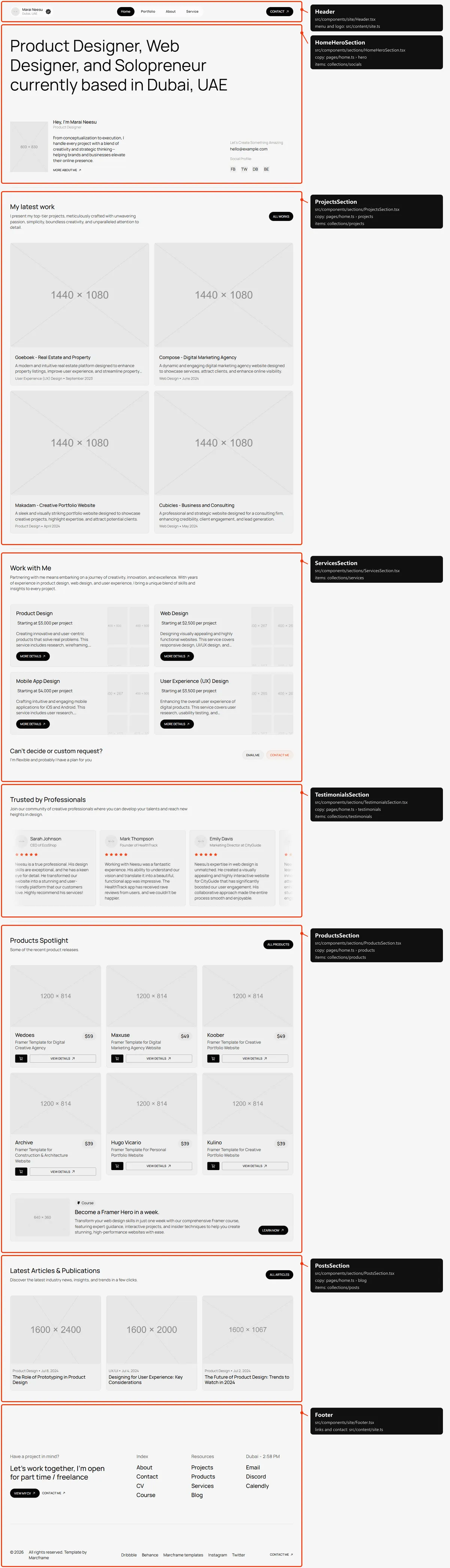
Six sections, top to bottom: the hero (the title, your portrait with the greeting, the rolling roles, a short text and
“More About me”, then the e-mail and the social tiles); “My latest work” (the first four projects); “Work with Me”
(every service, and the custom-request row with “Email Me” and “Contact me”); “Trusted by Professionals” (every
testimonial in a ticker, a slideshow on phones); “Products Spotlight” (the first six products, four on tablets and three
on phones, and the course card); “Latest Articles & Publications” (the first three posts). Their words are in
src/content/pages/home.ts; the e-mail is contact.email in site.ts.
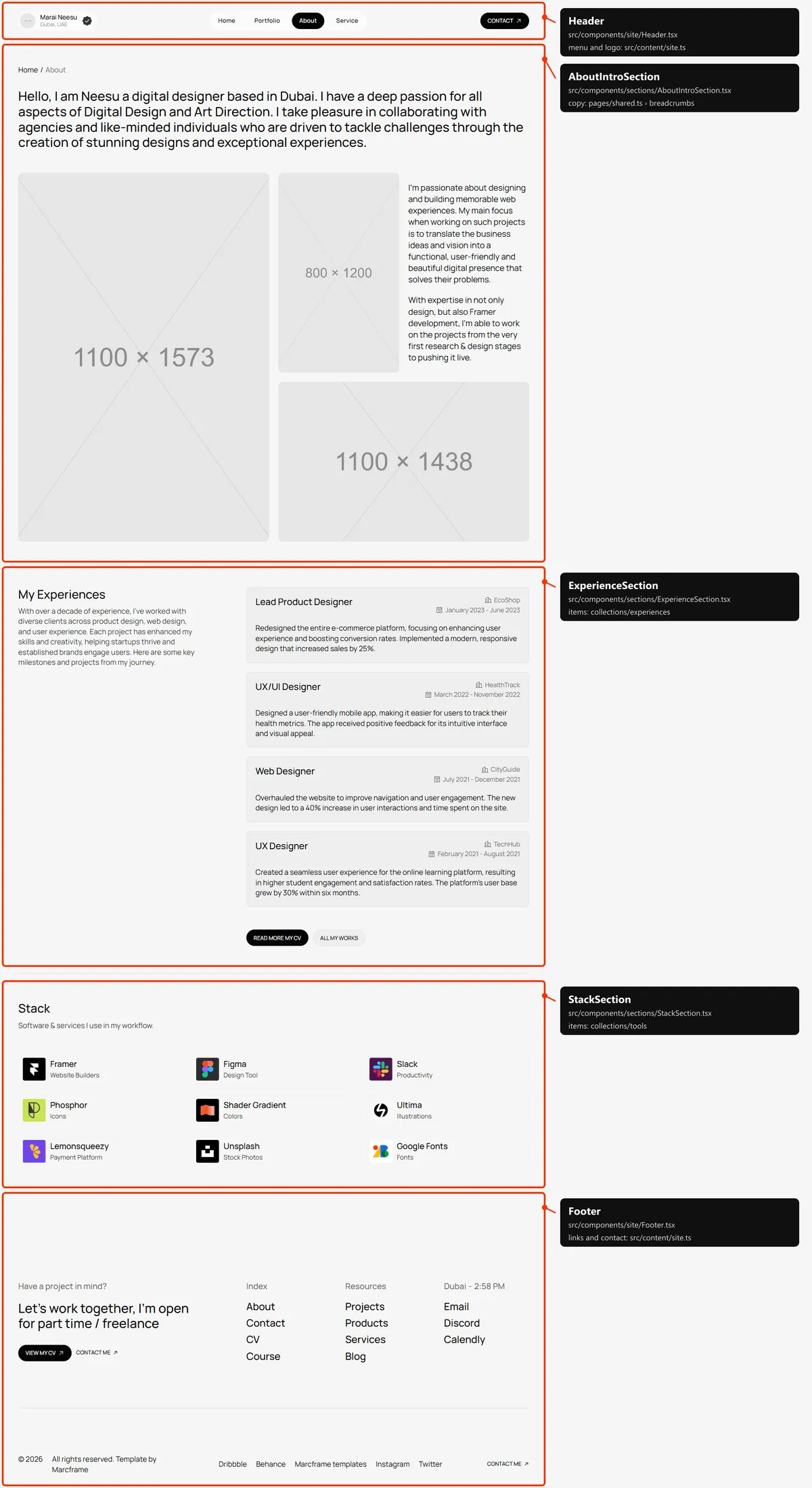
Three sections: the intro (the breadcrumb, the long title, three photos and two paragraphs), “My Experiences” (every
experience, with “Read more my cv” and “All my works”) and “Stack” (every tool, three by three, each opening the
tool’s site). The words and photos are in src/content/pages/about.ts.
Projects
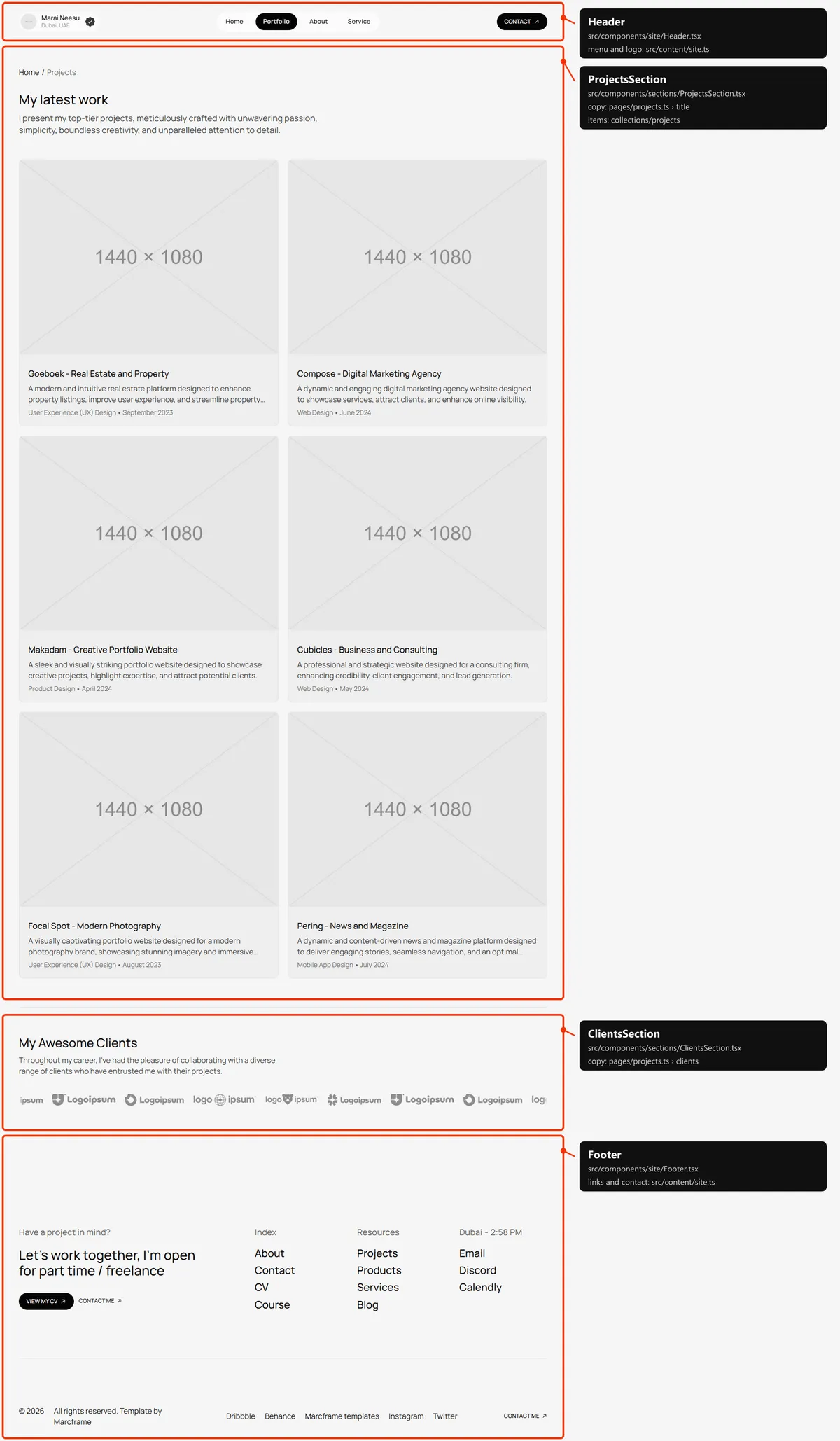
Section titled “Projects”Two sections: “My latest work” with the breadcrumb and every project, two by two, and “My Awesome Clients”, the client
logos moving in a strip. The words and the logos are in src/content/pages/projects.ts.
Project
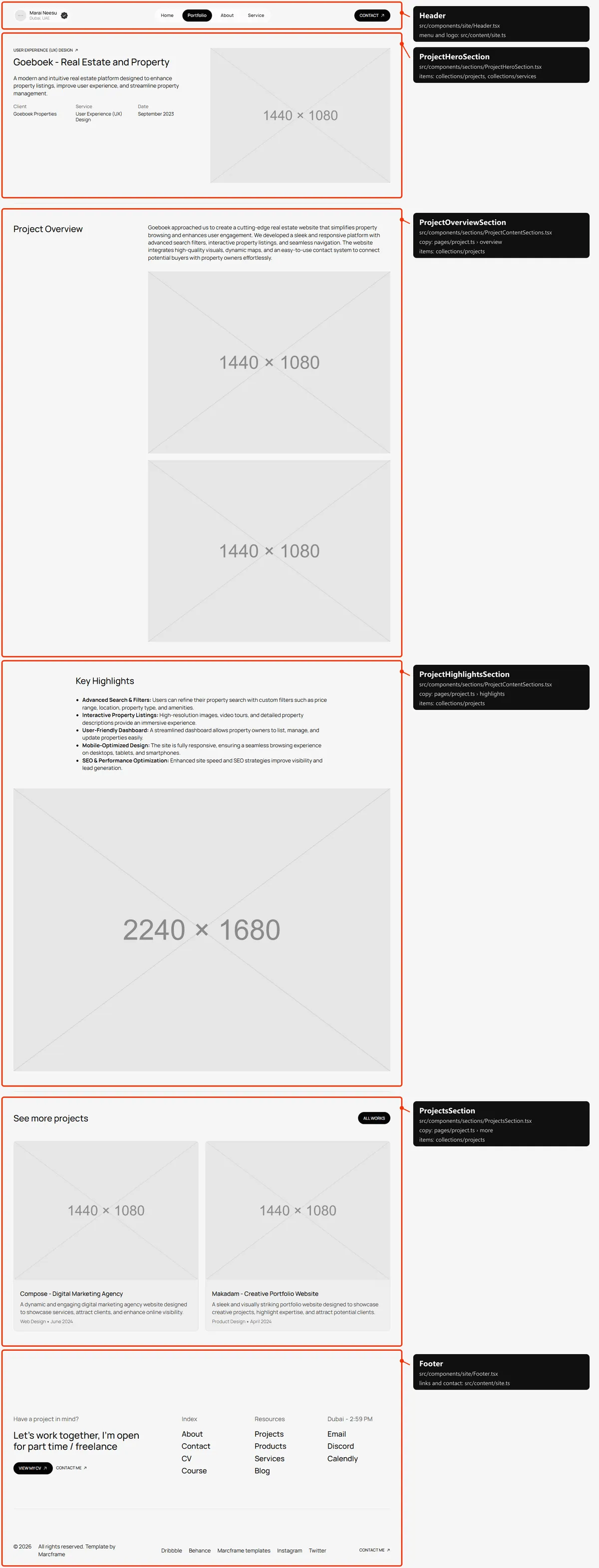
Section titled “Project”Four sections: the top (the service badge, the title, the summary, Client / Service / Date and the main photo), “Project
Overview” (the description and two photos), “Key Highlights” (the highlights and the wide photo) and “See more
projects” (the first two other projects). Everything is the project in projects.ts; the headings and labels are in
src/content/pages/project.ts. One page exists per project.
Services
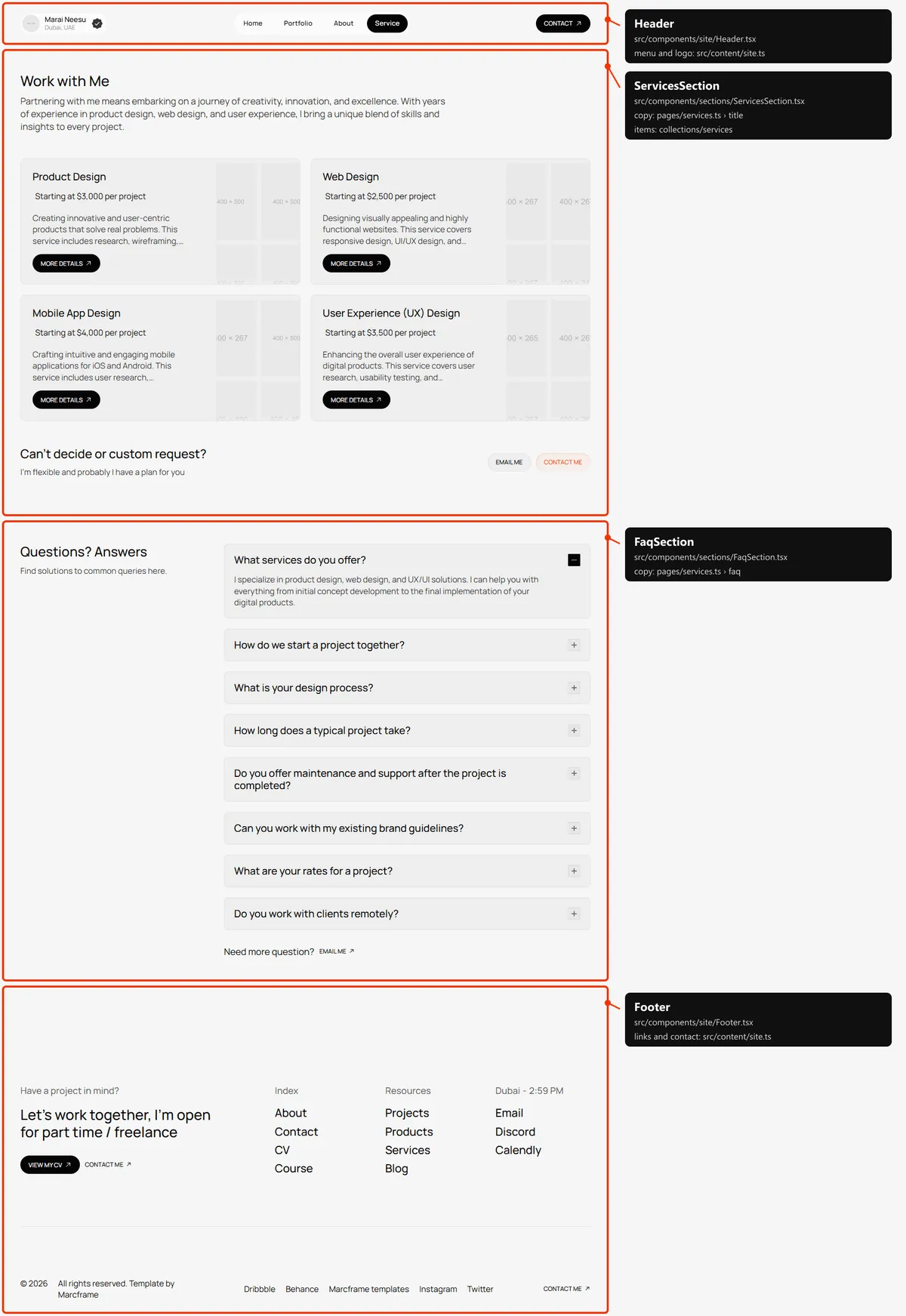
Section titled “Services”Two sections: “Work with Me” (every service as a card whose photos roll under the pointer, and the custom-request row)
and “Questions? Answers” (eight questions, the first one open, and “Email me”). The words and the questions are in
src/content/pages/services.ts, the cards in services.ts.
Course
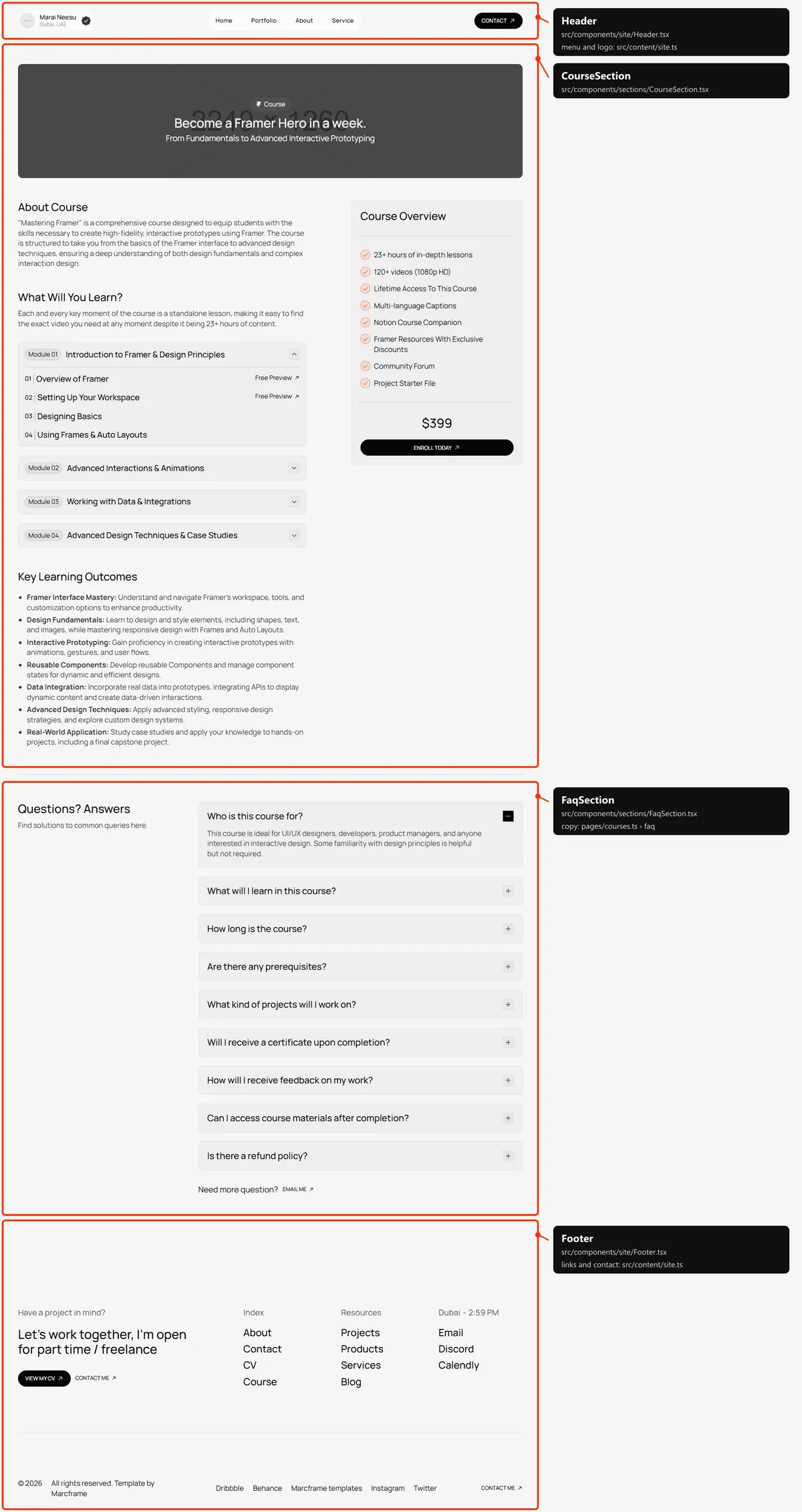
Section titled “Course”Two sections: the course (the cover with its title, “About Course”, “What Will You Learn?” with four modules that open,
“Key Learning Outcomes”, and the overview card with the price and “Enroll Today”, which stays in view while the page
scrolls on desktop) and “Questions? Answers” (nine questions). Everything is in src/content/pages/courses.ts: the
course is copy, not a collection.
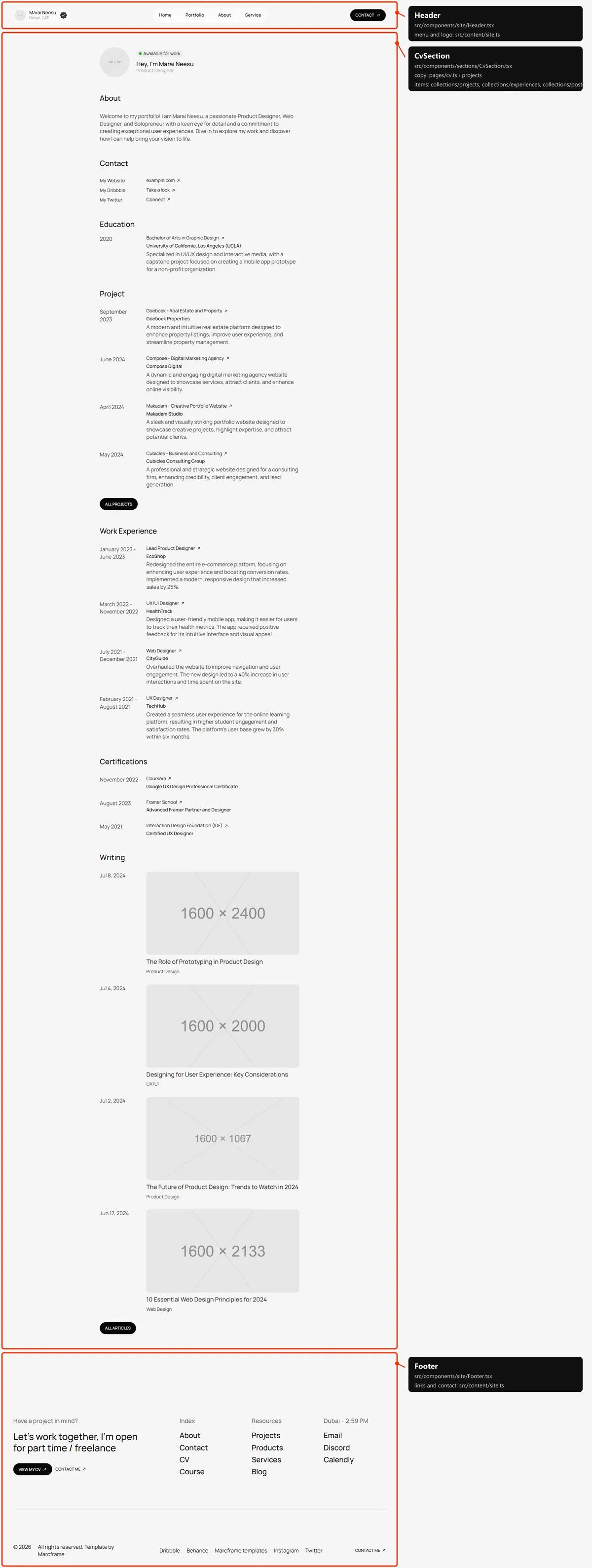
One section, one column: the profile (your photo linking home, “Available for work”, the greeting and the rolling roles),
About, Contact, Education, Project (the first four projects), Work Experience (the first four experiences),
Certifications and Writing (the first four posts). The words, Education and Certifications are in
src/content/pages/cv.ts.
Products
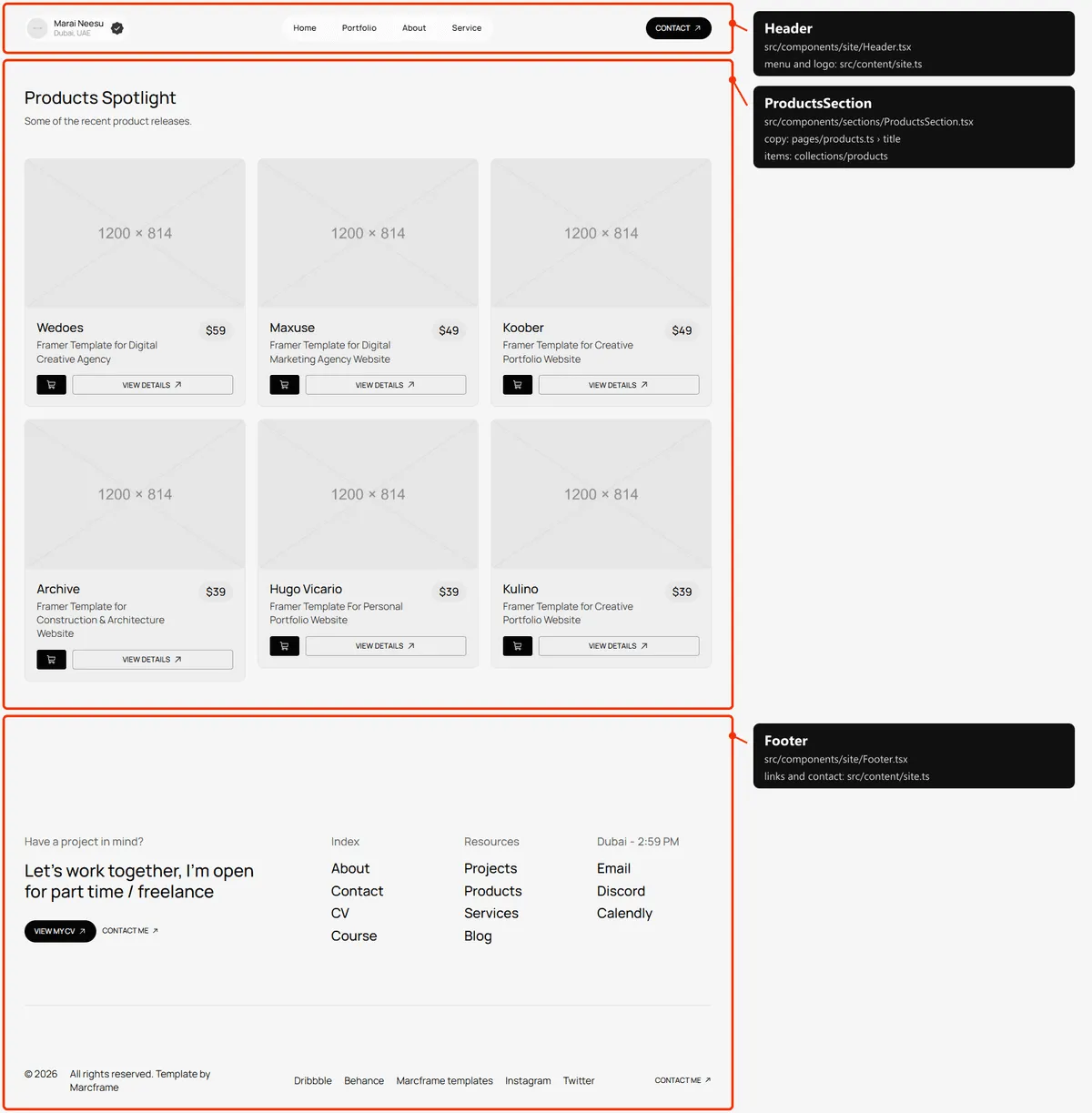
Section titled “Products”One section: the title and every product, three by three. The words are products in src/content/pages/products.ts.
Product
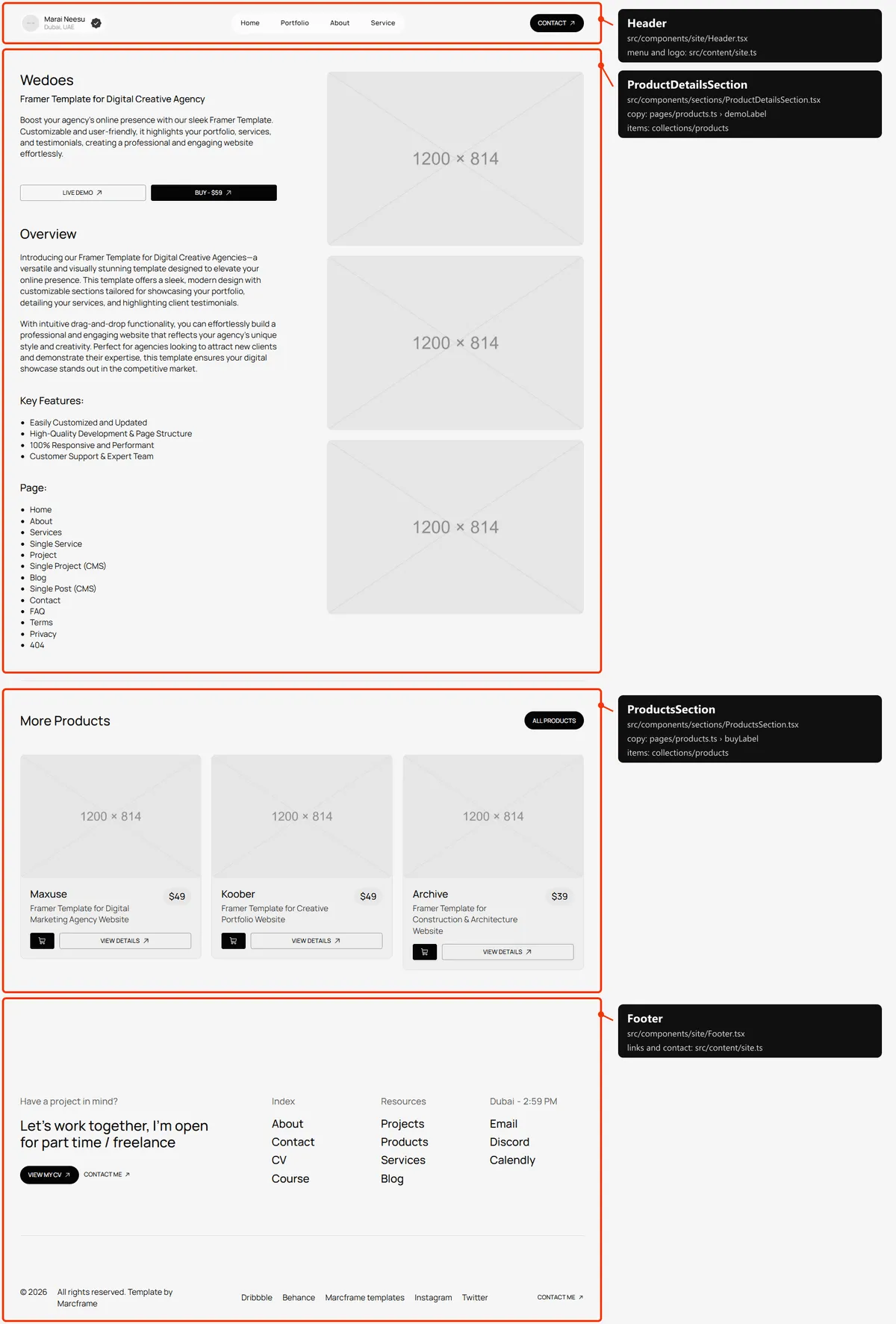
Section titled “Product”Two sections: the details (the title, the tagline, the specification, “Live Demo” and “Buy - $59”, the overview, the
main image and two screenshots) and “More Products” (three others; four on tablets). Everything is the product in
products.ts; the labels are product in src/content/pages/products.ts. One page exists per product.
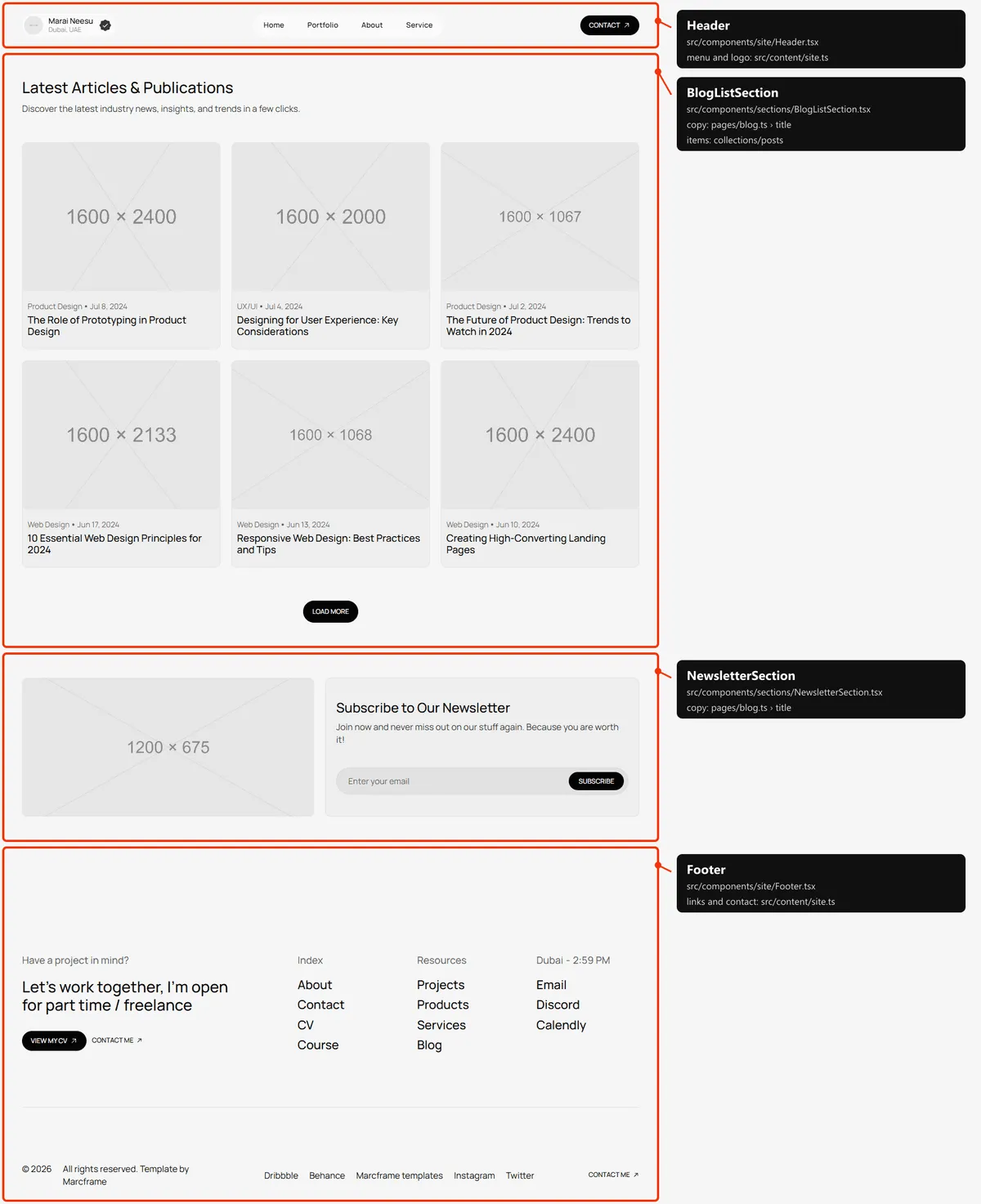
Two sections: the title and the posts, three by three (two on tablets, one column on phones), six at first and the rest
behind “Load More”; then the newsletter box with its form (Forms). Every post is in the page’s HTML from
the start. The words are blog and newsletter in src/content/pages/blog.ts.
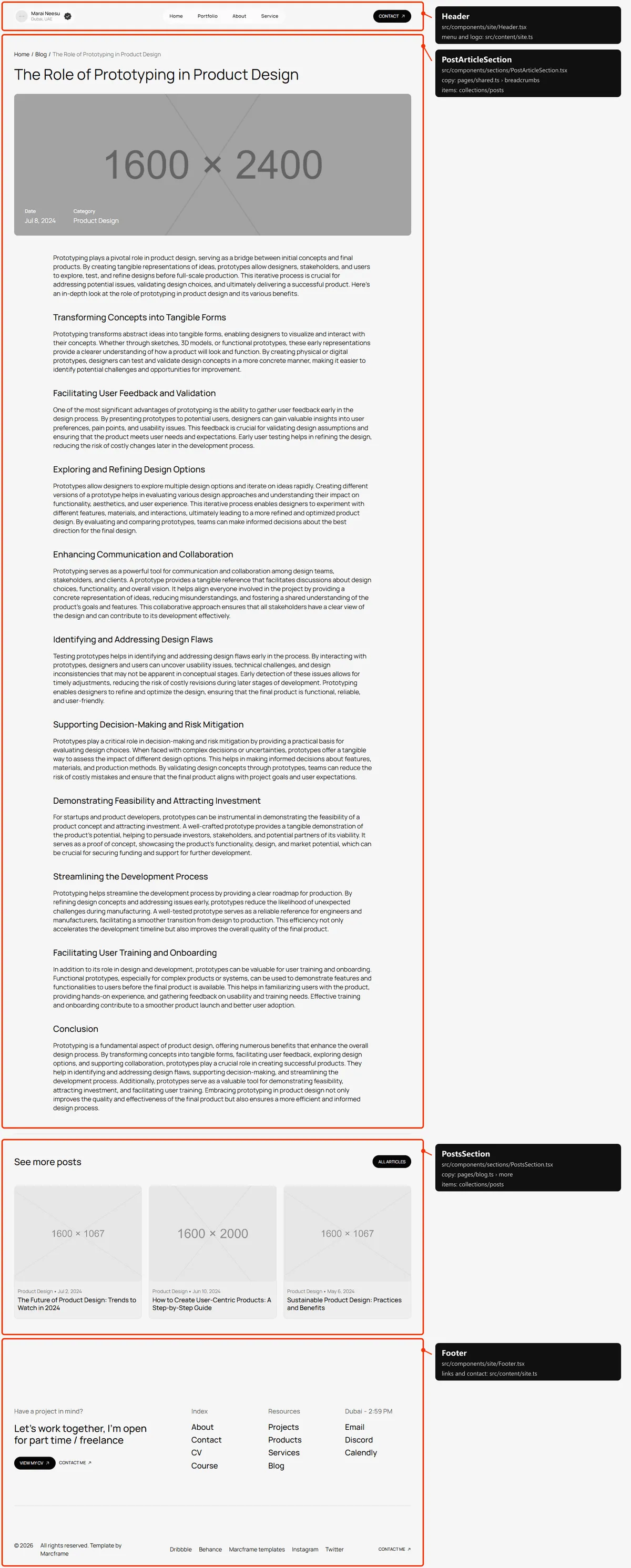
Two sections: the article (the trail, the title, the cover with the date and the category, and the text) and “See more
posts”, up to three other posts of the same category (two on tablets); the section is left out when there are none.
The article is the post in posts.ts; the labels are post in src/content/pages/blog.ts.
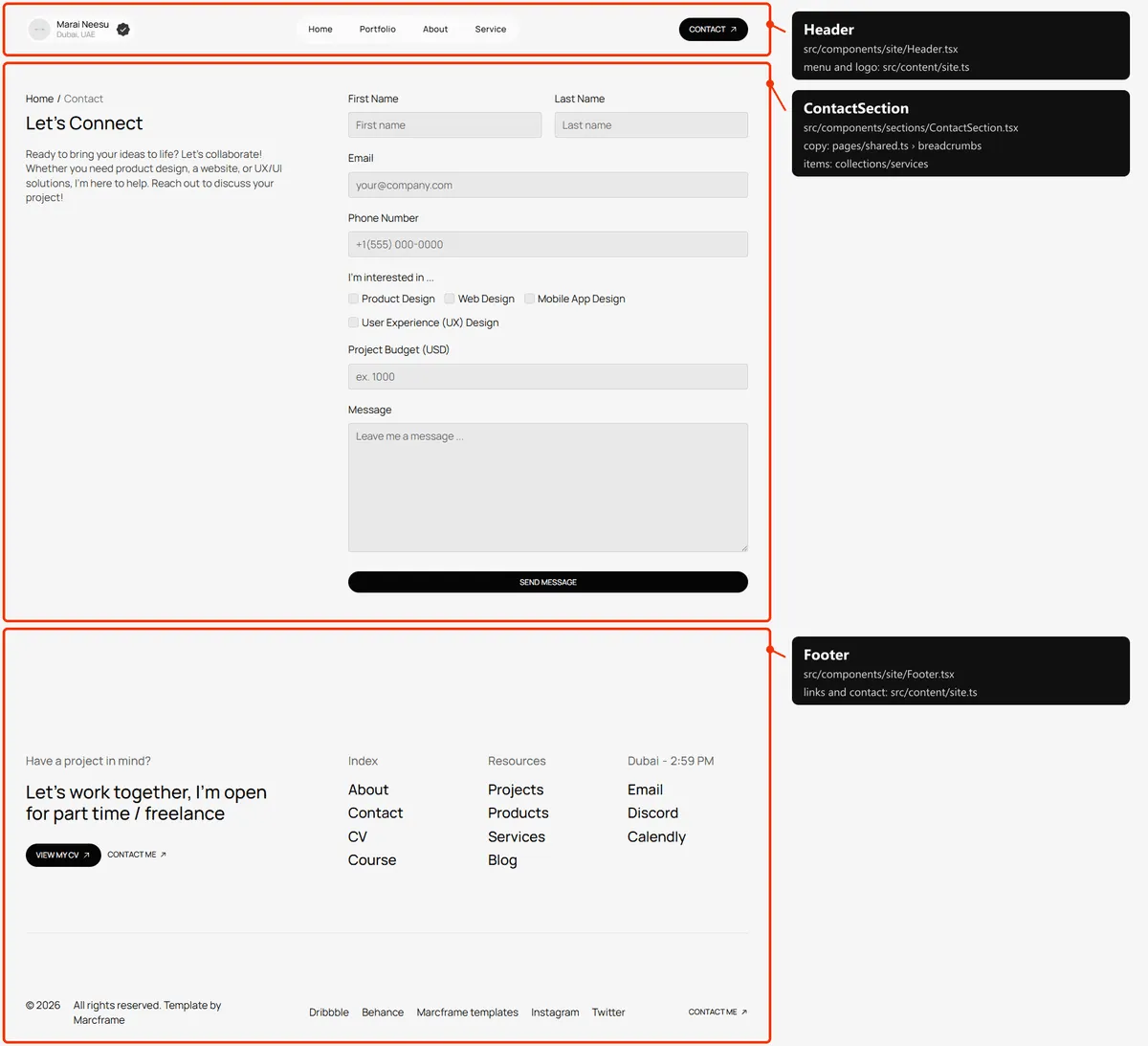
Contact
Section titled “Contact”One section: the breadcrumb, “Let’s Connect” and its text beside the inquiry form (Forms). The words and
the form are in src/content/pages/contact.ts; the “I’m interested in” choices are the services’ titles.
Page not found
Section titled “Page not found”One section, centred: “/404”, the title, a line and “Back to homepage”. They are in src/content/pages/not-found.ts.
Reordering or removing a section
Section titled “Reordering or removing a section”Move the lines in the page file, or delete one. To take the testimonials off the home page, delete
<TestimonialsSection … /> (and the <Divider /> next to it) from src/app/page.tsx; its copy in
src/content/pages/home.ts can stay or go. The 1 px lines between sections are <Divider /> elements in the page
files: keep one between two sections that have one in the demo.
A few blocks are parts of a bigger section, so they go inside its file: the course card under the products (pass no
course to ProductsSection in src/app/page.tsx to leave it out), the custom-request row of “Work with Me”
(ServicesSection.tsx) and the “Have more questions?” line of the FAQs (FaqSection.tsx).
Adding a page
Section titled “Adding a page”-
Add the URL to
src/content/routes.ts:awards: "/awards", -
Add its copy to
src/content/pages/awards.ts, with ameta(title, description):export const awardsPage = {meta: {title: "Awards",description: "The awards and mentions of my design work: websites of the day, honourable mentions and juries.",},title: "Awards and mentions",text: "A few of the recognitions my projects received over the years.",}; -
Create
src/app/awards/page.tsx:import type { Metadata } from "next";import { ProjectsSection } from "@/components/sections/ProjectsSection";import { awardsPage } from "@/content/pages/awards";import { routes } from "@/content/routes";import { Section, SectionTitle } from "@/design-system";import { getProjects } from "@/lib/content";import { pageMeta } from "@/lib/meta";import { toProjectCard } from "@/lib/to-ui";export const metadata: Metadata = pageMeta(routes.awards, awardsPage.meta);export default async function AwardsPage() {const projects = await getProjects();return (<><Section><SectionTitle as="h1" title={awardsPage.title} text={awardsPage.text} /></Section><ProjectsSection title="Awarded projects" projects={projects.slice(0, 2).map(toProjectCard)} /></>);}The page starts under the fixed header by itself:
<main>is padded by the header’s height (the header). -
Link to it: add
{ label: "Awards", href: "/awards" }tonavigationandphoneNavigationinsrc/content/site.ts, or to a column offooter.columns. The desktop menu is a pill sized for four links: check it still fits on a tablet. -
Add
routes.awardsto thepageslist insrc/app/sitemap.ts, next to the other top-level pages.
Removing a page
Section titled “Removing a page”Delete its folder under src/app/, its entries in navigation, phoneNavigation and footer (src/content/site.ts),
its line in src/app/sitemap.ts, and the route in routes.ts. npm run build then tells you about anything still
using the route through routes: removing the CV stops about.ts, and removing Projects stops cv.ts. Links written as
text in the content are not checked: the buttons of home.ts (“All works”, “All products”, “Learn Now”…), the footer’s
links and the menu, for example. Search src/content/ for the path.
Pages built from a collection
Section titled “Pages built from a collection”src/app/project/[slug]/page.tsx builds one page per project:
export const dynamicParams = false; // only the slugs below exist; anything else is a 404export async function generateStaticParams() { return (await getProjects()).map((project) => ({ slug: project.slug }));}Add a project to src/content/collections/projects.ts, and its page, its card and its sitemap entry appear on the next
build. The same pattern builds the product pages (src/app/product/[slug]/page.tsx) and the post pages
(src/app/blog/[slug]/page.tsx).
The 404 page
Section titled “The 404 page”src/app/not-found.tsx, with its copy in src/content/pages/not-found.ts. Next.js shows it for any unknown address,
and for a project, product or post slug that doesn’t exist, with a 404 status and noindex, like the style guide.
The header
Section titled “The header”- Fixed at the top of every page. It is 74 px tall on phones, 84 on tablets and 92 on desktops, and
<main>is padded by that (pt-[74px] md:pt-[84px] lg:pt-[92px]insrc/app/layout.tsx), so every page starts below it. - On desktop it steps aside. After 4 px of scrolling down, its background, the logo and the Contact button fade away and leave the menu’s pill floating over the page; 4 px back up, or a click on the pill, brings them back. While hidden, the logo and the button can’t be reached with the keyboard. Tablets and phones keep the full bar.
- The menu is
navigationinsrc/content/site.ts, and the buttoncontactLink. On phones the bar holds the logo and a “Menu” button; the menu opens under the bar with every link ofphoneNavigationand the Contact button, the label reads “Close”, and it closes when a link is followed, when the visitor taps the open menu or presses Escape, and when the window grows past the phone width.
Search engines
Section titled “Search engines”- Sitemap:
src/app/sitemap.tsbuildssitemap.xmlfromroutes.tsand the collections: the nine main pages (Home, About, Projects, Services, Course, Blog, CV, Products, Contact), then every project, product and post (with its date): 33 addresses in the demo. The 404 page and the style guide are left out. - Robots:
src/app/robots.tsbuildsrobots.txt, which allows everything and points at the sitemap. Both usesite.url, so set your domain before publishing. - Per page: every indexable page gets a title, a description, a canonical link, an
og:urland a share image frompageMeta(src/lib/meta.ts). The pages with a file insrc/content/pages/write theirs in itsmeta(a title of at most 60 characters and a description of 80 to 160: the demo’s are); Home’smeta.titleis used as the whole title. The pages built from a collection take theirs from the item: a project its title and summary, a product its title with its tagline and its specification, a post its title and the first paragraph of its body. A title that would be longer than 60 characters with| Marai Neesuappended is shown without the suffix. Posts are shared as articles, with their date. - Not indexed: the style guide and the 404 page (
noindex).