Pages and sections — Kendi HTML
Kendi has 11 kinds of page and 86 addresses in its sitemap; each page is one HTML file whose <main> holds its
sections, top to bottom.
This guide lists every kind of page with its sections, says where its words and photos are, and explains how the pages link to each other, the header and what search engines see. To change a section, find its words in the file and edit them there (Editing the site).
The pages
Section titled “The pages”| Page | File | Sections in <main> |
|---|---|---|
| Home | index.html |
3 |
| About | about.html |
4 |
| Categories | category.html |
3 |
| Category (one per category) | category/<slug>.html (8) |
3 |
| Authors | author.html |
3 |
| Author (one per author) | author/<slug>.html (6) |
3 |
| Articles | blog.html |
3 |
| Post (one per post) | blog/<slug>.html (64) |
4 |
| Legal page | legal/terms-of-service.html, legal/privacy-policy.html |
2 |
| Contact | contact.html |
3 |
| Page not found | 404.html |
1 |
Every page also has the header and the footer, copied into each file. Photos are in assets/images/, named after their
place (post-…, category-<slug>.jpg, author-<slug>.jpg); Editing the site lists them with their sizes.
The style guide (style-guide.html) is a page of its own, linked from nowhere.
In the HTML files a section is a <section> directly inside <main>: count them from the top. The maps below outline
each one and name it, with the file that holds it in the Astro edition (src/components/sections/…, its copy in
src/content/…); in this edition the box is simply the matching <section> of the page file, and its text is in the
HTML. A box labelled Section is a section written directly in the Astro page. The photos in the maps are the
download’s placeholders.
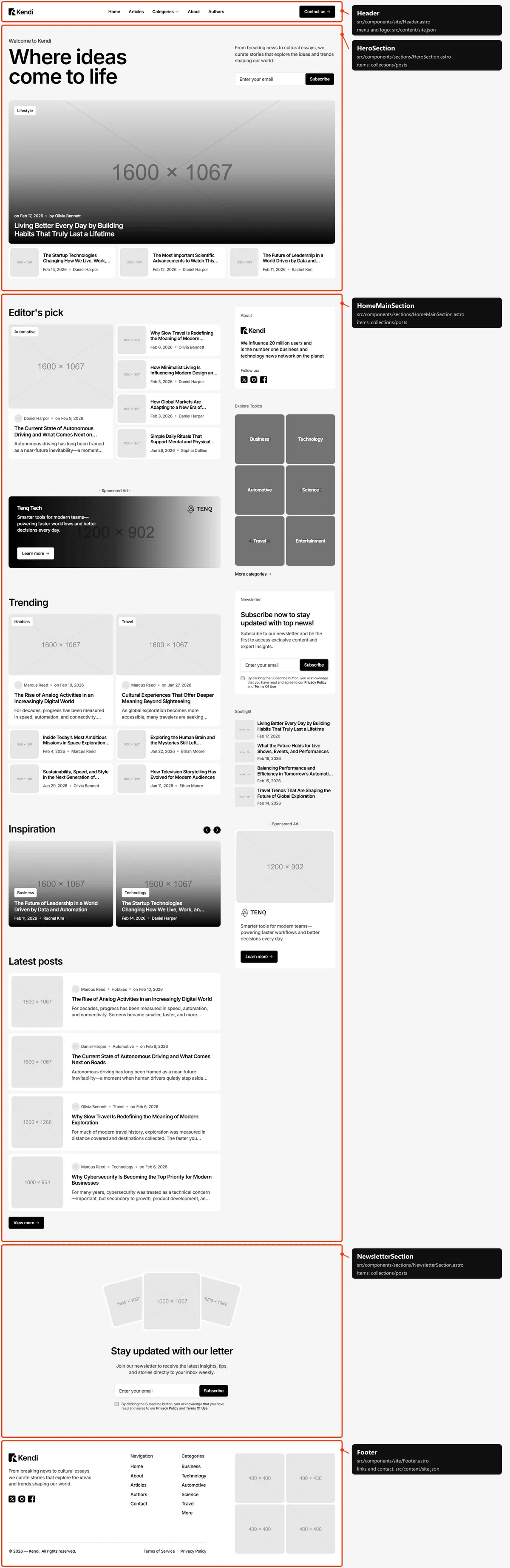
Three sections, top to bottom: the hero (the slideshow of the five newest posts, the next three beside it, the eyebrow, title, lead and the newsletter box); the main column beside the sidebar (Editor’s pick, the wide sponsored ad, Trending, the Inspiration carousel and Latest posts with “View more”); the newsletter band. Editor’s pick and Trending show the posts chosen for them, Inspiration the newest post of each category, in the order of the categories.
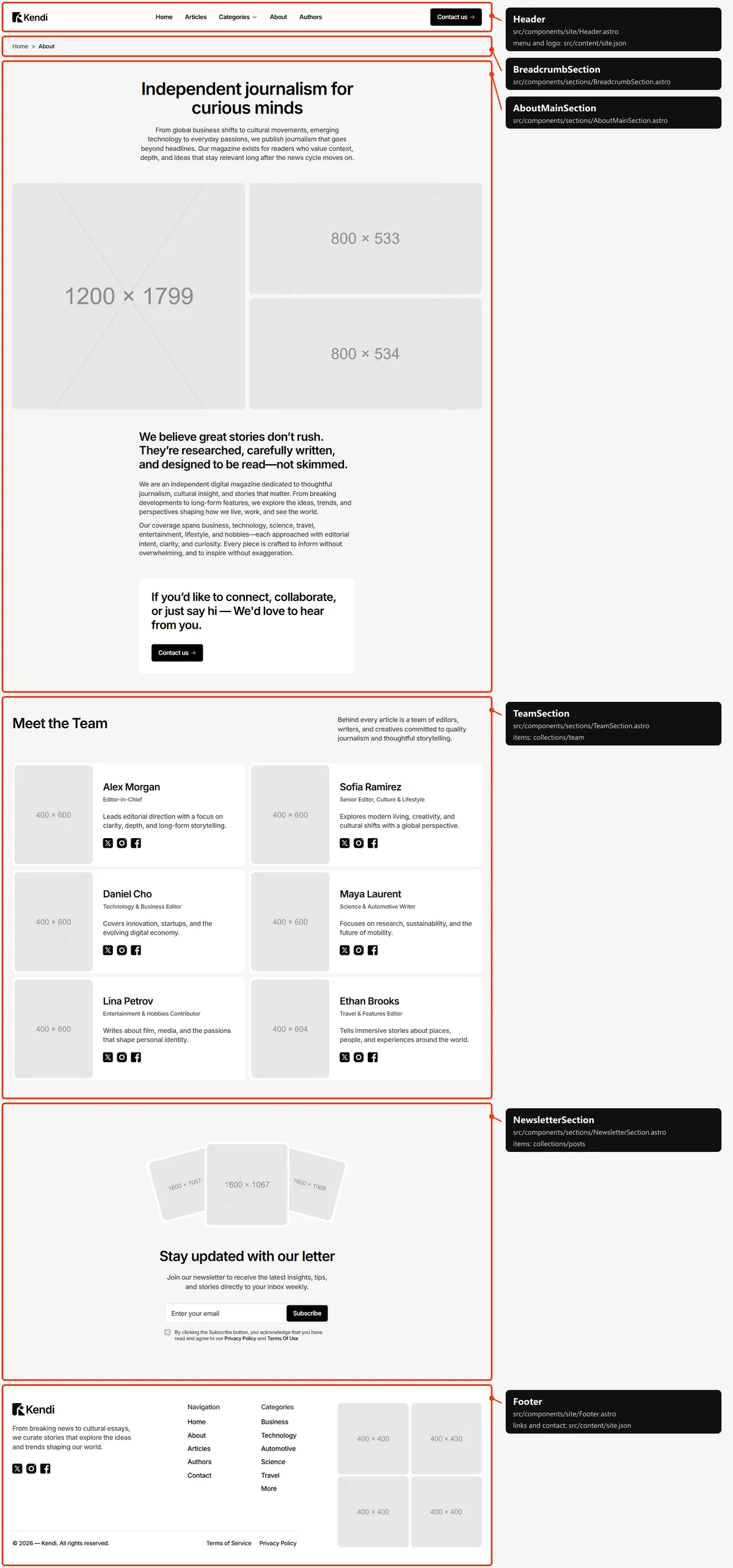
Four sections: the breadcrumb; the story (the title, the lead, three photos, the statement, two paragraphs and “Contact us”); “Meet the Team”; the newsletter band.
Categories
Section titled “Categories”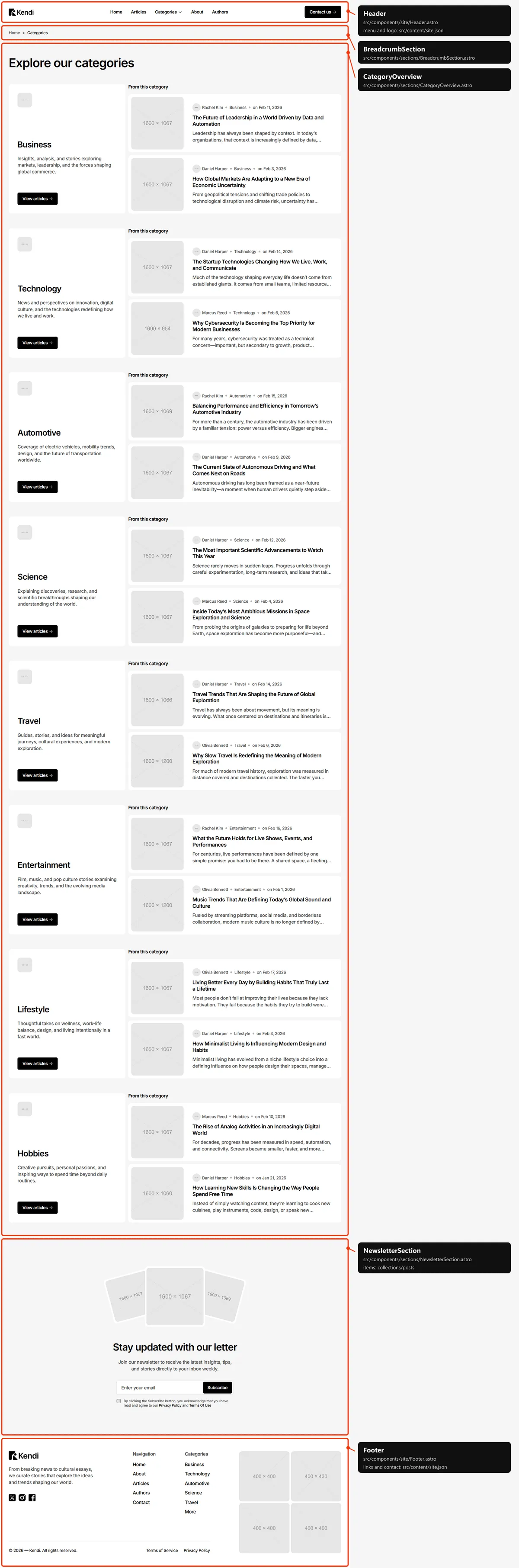
Three sections: the breadcrumb; every category (its photo, name, description and “View articles”) with its two newest posts under “From this category”; the newsletter band.
Category
Section titled “Category”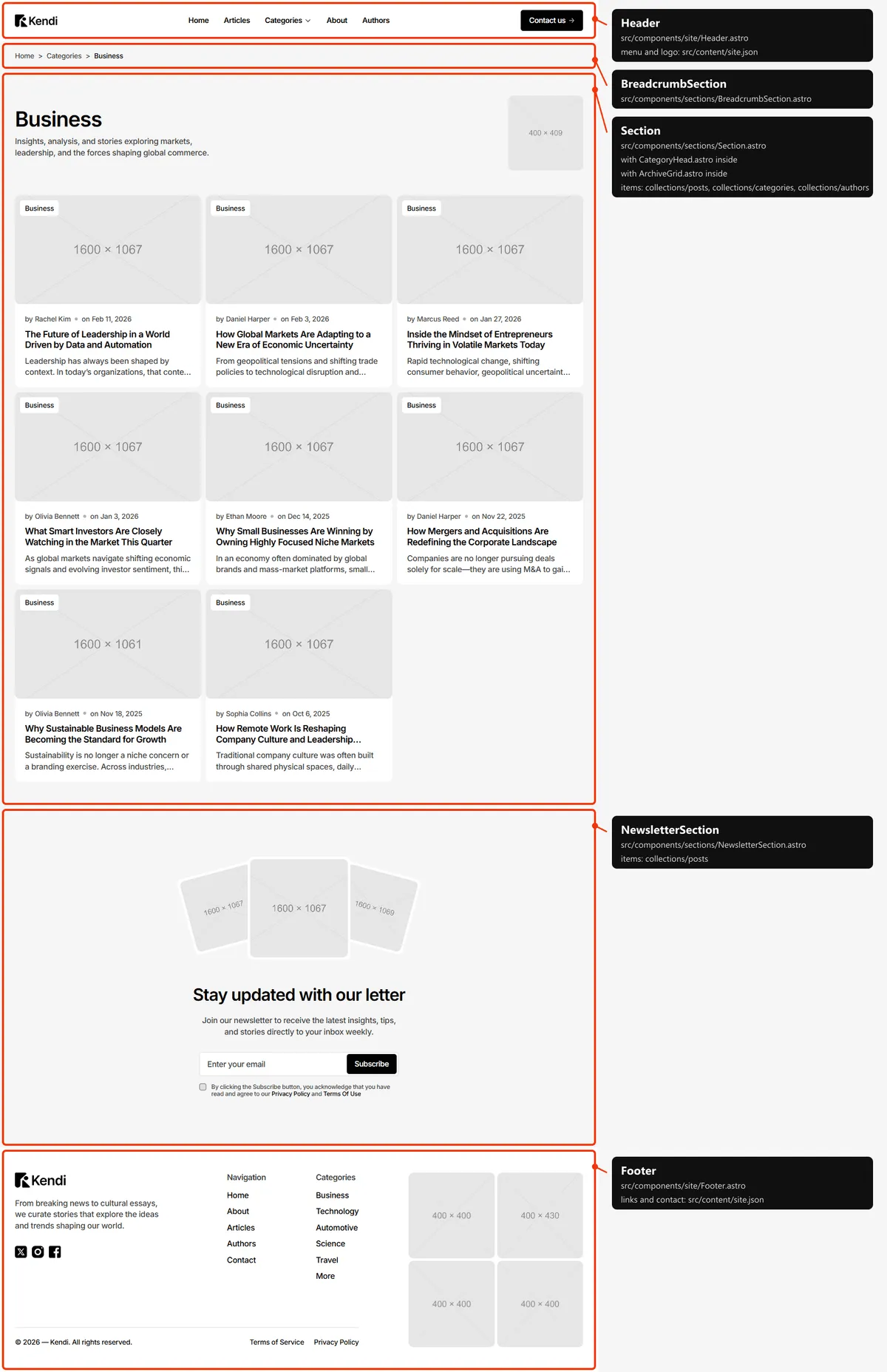
Three sections: the breadcrumb (Home > Categories > the category); the category’s name, description and photo over every post of the category, newest first; the newsletter band.
Authors
Section titled “Authors”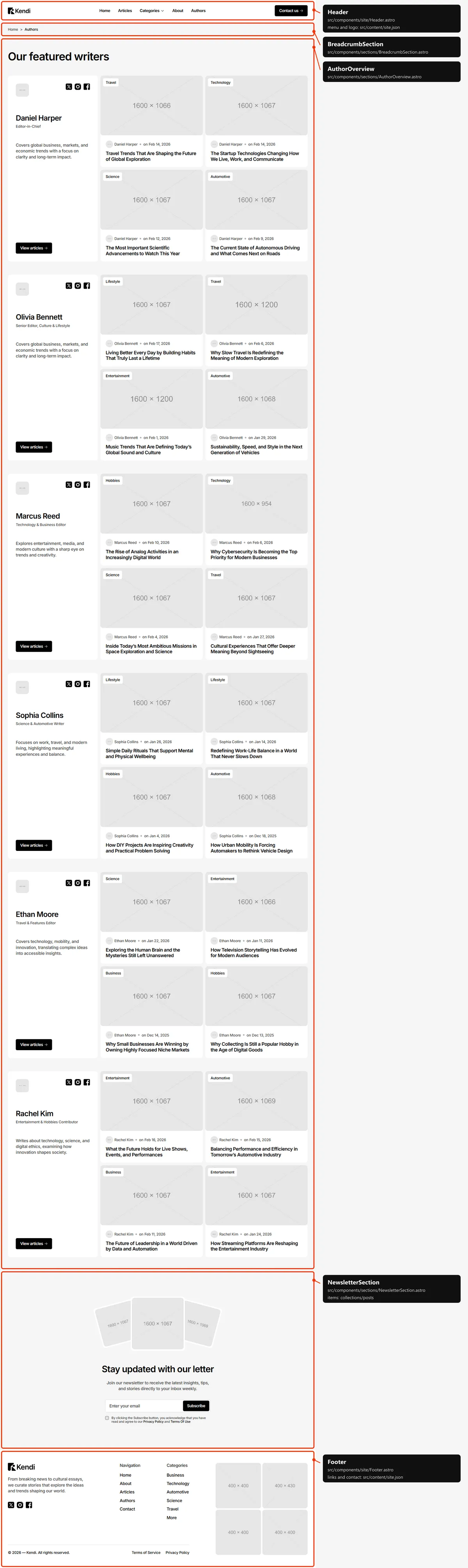
Three sections: the breadcrumb; every author (photo, name, role, bio, social links and “View articles”) with their four newest posts; the newsletter band.
Author
Section titled “Author”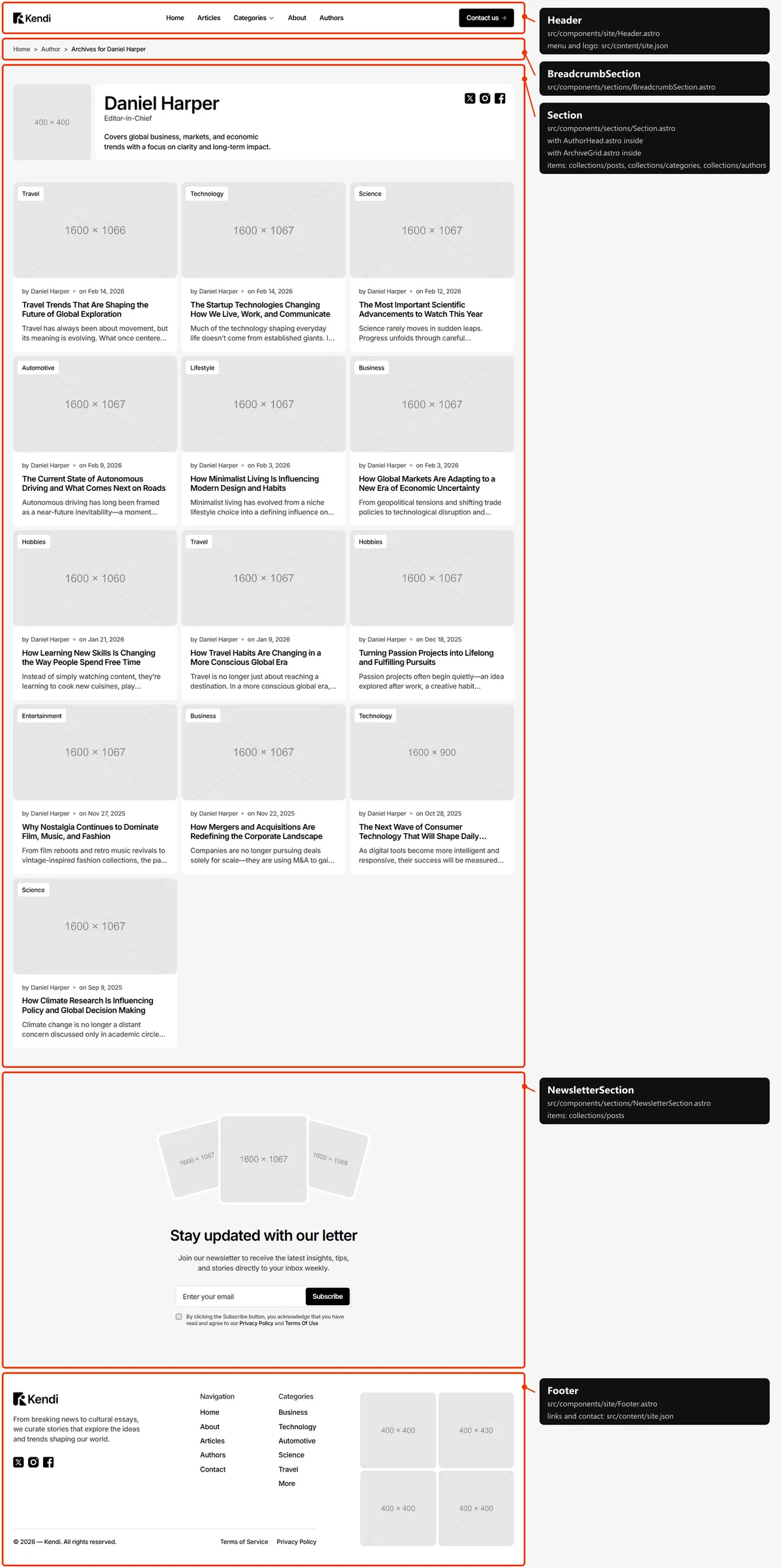
Three sections: the breadcrumb (Home > Author > “Archives for” the name); the author’s photo, name, role, bio and social links over every post they wrote, newest first; the newsletter band.
Articles
Section titled “Articles”
Three sections: the breadcrumb; the title and every post as a card, newest first, in columns (three on desktop, two on
tablets, one on phones); the newsletter band. Six cards show at first, and six more appear each time the end of the list
comes into view (data-page-size="6" on the list). Every card is in the HTML, so search engines find them all, and
visitors without JavaScript see them all at once.
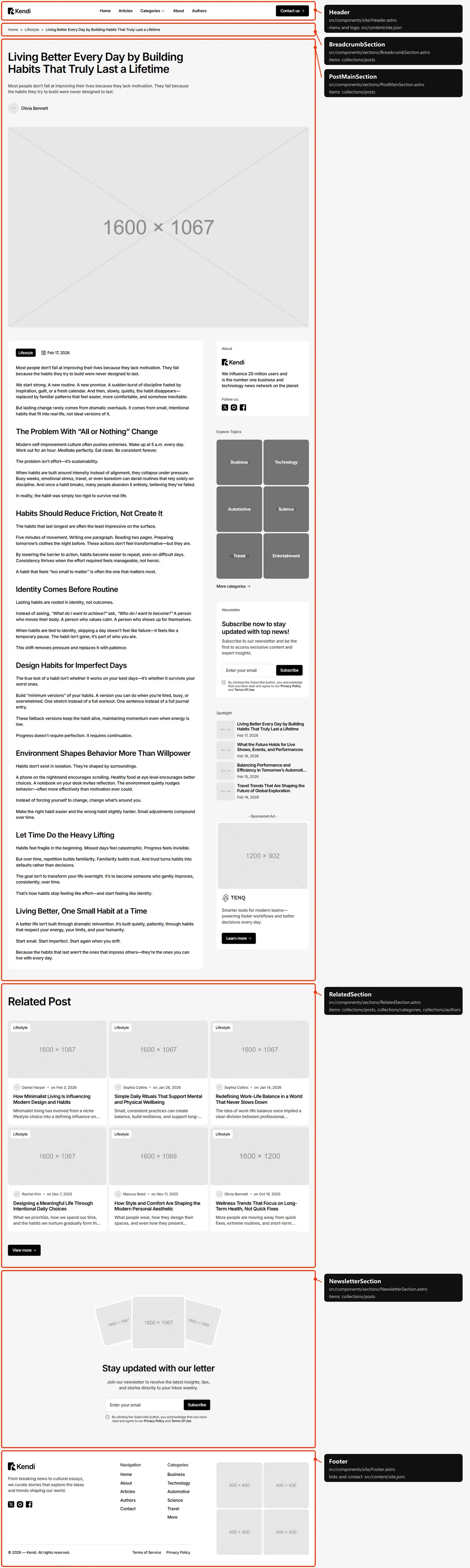
Four sections: the breadcrumb (Home > the category > the title); the article (the title, the excerpt, the author and the cover across the page, then the category pill, the date and the text beside the sidebar); “Related Post” (the six newest other posts of its category, four on tablets and phones, and “View more”); the newsletter band.
Legal page
Section titled “Legal page”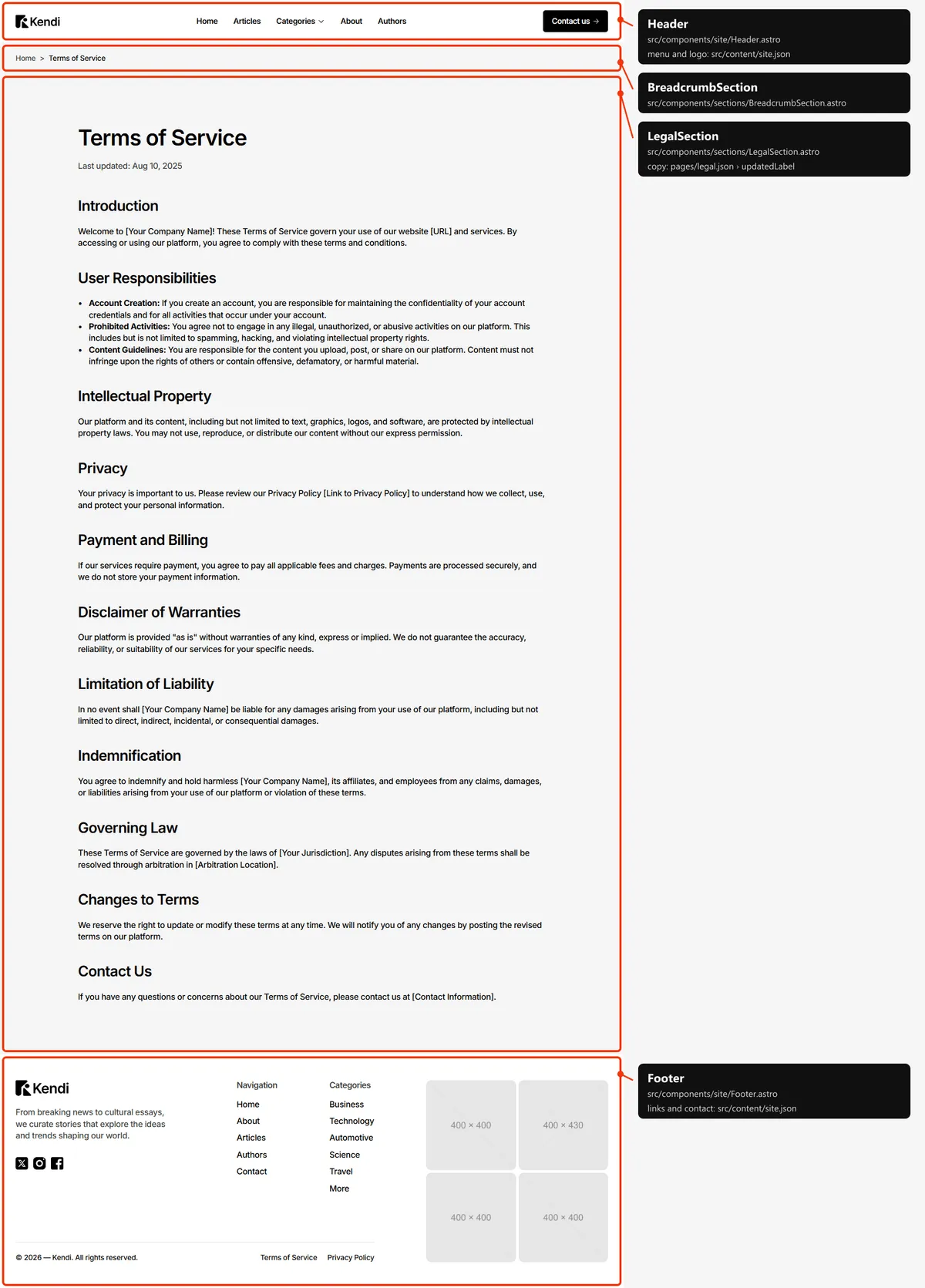
Two sections: the breadcrumb, then the title, “Last updated: “ with its date and the text. The legal pages have no newsletter band. Their texts hold placeholders to fill in (Editing the site).
Contact
Section titled “Contact”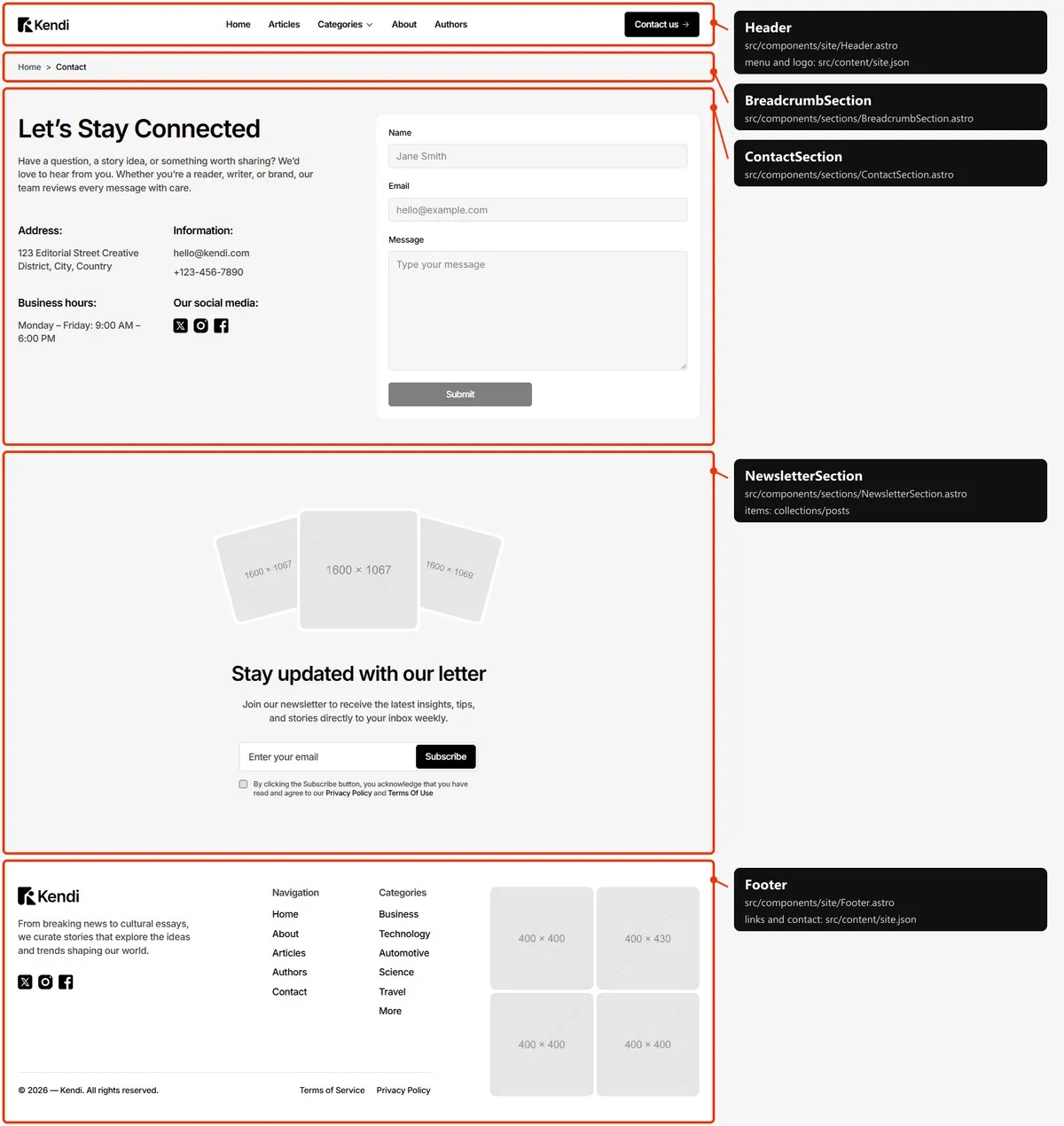
Three sections: the breadcrumb; the title, the lead and the details (address, e-mail and phone, business hours, social links) beside the contact form (Forms); the newsletter band.
Page not found
Section titled “Page not found”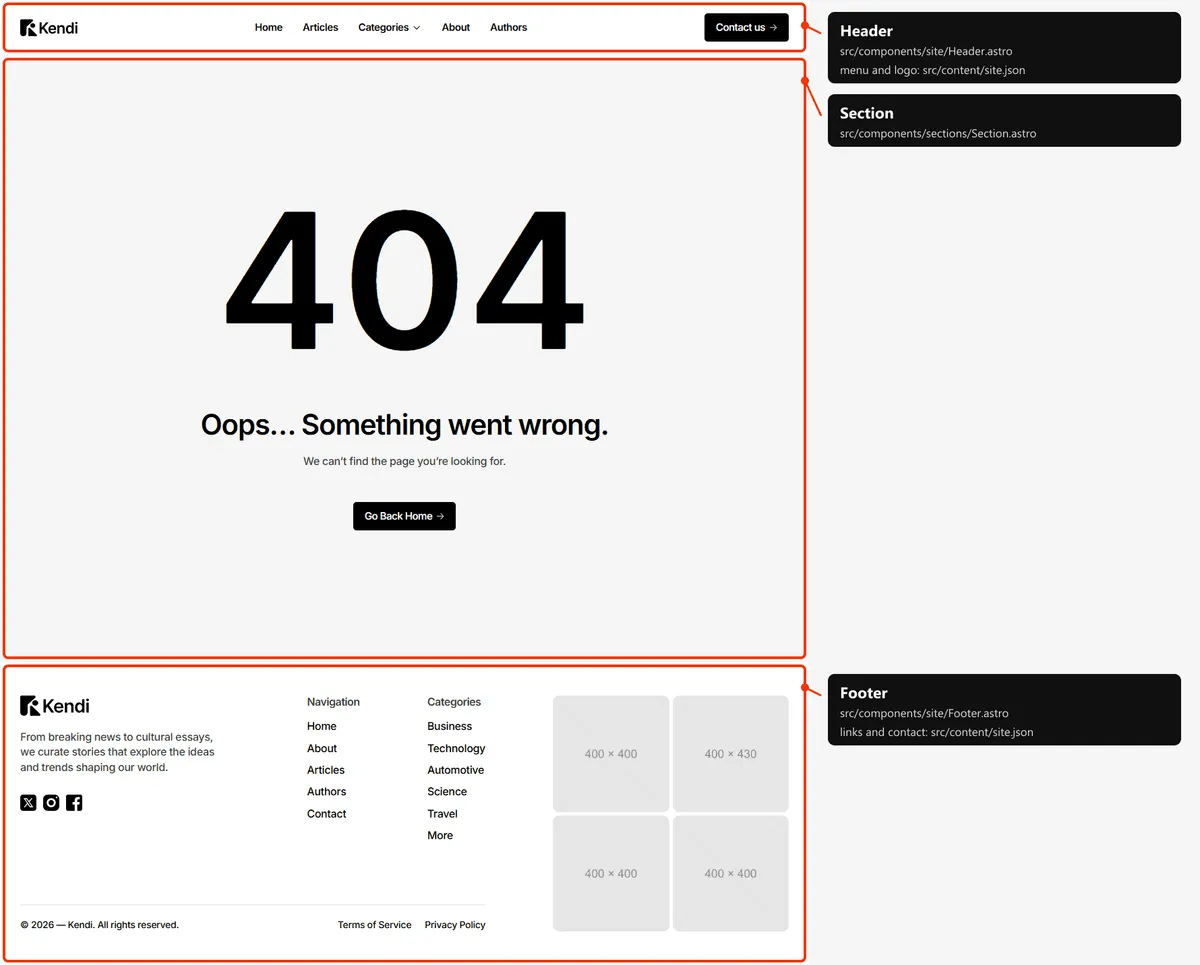
One block, a screen tall: the big “404”, a title, a line and a button back to Home.
How the pages link to each other
Section titled “How the pages link to each other”The menu holds Home, Articles, Categories (a menu), About and Authors; the header’s button opens Contact. The other pages are reached like this:
| Page | Linked from |
|---|---|
| A post | Its card everywhere (Home, Articles, a category or author page, Categories, Authors, Related Post, the Spotlights) and the newsletter band’s photos |
| A category | The Categories menu, the sidebar’s Explore Topics, the footer’s Categories column, the pill on every card and the breadcrumb of a post |
| Categories | “More categories” in the menu and the sidebar, “More” in the footer, the breadcrumb of a category page |
| An author | The author’s name on every card and post, and Authors |
| Legal pages | The footer’s legal links and the newsletter’s consent line |
| Contact | The header’s button, About’s “Contact us”, the sponsored ad’s “Learn more” |
The header
Section titled “The header”- A white bar fixed at the top of every page, 65 px tall on phones and 82 px from tablets up, with a spacer of the same height under it, so pages start below it.
- Desktop: the logo, the menu links and the “Contact us” button. Hovering Categories opens a panel with the first five categories (photo, name, description), “More categories” and the Spotlight (four trending posts). Tablet and phone: the logo and a menu button; the menu opens under the bar with the links, the categories in a list that opens under Categories, and the button. It closes when a link is followed or the visitor presses Escape.
- The menu. The link of the current page carries
aria-current="page"; on hover a link’s label rolls up.
Search engines
Section titled “Search engines”- Sitemap:
sitemap.xmllists Home, About, Contact, Articles, Categories and every category, Authors and every author, every post and the legal pages: 86 addresses. The 404 page and the style guide are left out. It is a plain file: add or remove a line when you add or remove a page, and put your domain in it. - Robots:
robots.txtallows everything and points at the sitemap; put your domain in itsSitemap:line. - Per page: every page has a title, a description, a canonical link, an
og:urland a share image in its<head>. A title that would be longer than 60 characters with| Kendiis written without the suffix. Posts, categories and authors share their own photo; posts are shared as articles, with their date inarticle:published_time; every other page sharesopengraph-image.png. - Not indexed: the style guide (
noindex, nofollow) and the 404 page (noindex).