Pages — Brickfolio HTML
Brickfolio’s HTML edition has four kinds of page: Home, one long page with every section, a page for each project and each post, and the 404 page; this guide goes through each, section by section.
The pages
Section titled “The pages”| Page | File | Address on your site |
|---|---|---|
| Home | index.html |
/ |
| Project (6) | project/<slug>.html |
/project/<slug>.html |
| Blog post (12) | blog/<slug>.html |
/blog/<slug>.html |
| 404 | 404.html |
shown for any unknown address |
| Style guide | style-guide.html |
/style-guide.html (noindex, linked from nowhere) |
The 19 addresses in sitemap.xml:
| Page | Files |
|---|---|
| Home (1) | index.html |
| Projects (6) | ecoshop-sustainable-e-commerce-platform, greenthumb-gardening-app, foodiefiesta-restaurant-reservation-system, techhub-online-learning-platform, cityguide-travel-website, healthtrack-fitness-app (in project/) |
| Posts (12) | the-role-of-prototyping-in-product-design, designing-for-user-experience-key-considerations, the-future-of-product-design-trends-to-watch-in-2024, 10-essential-web-design-principles-for-2024, responsive-web-design-best-practices-and-tips, creating-high-converting-landing-pages, how-to-create-user-centric-products-a-step-by-step-guide, conducting-effective-user-research-for-better-ui-design, sustainable-product-design-practices-and-benefits, ui-design-trends-to-elevate-your-digital-products, the-impact-of-microinteractions-on-ux, the-importance-of-ux-in-modern-web-design (in blog/) |
There is no page that lists every project or every post: Home does, four at a time.
How the pages link to each other
Section titled “How the pages link to each other”The header’s links lead to Home’s sections (index.html#project, #service, #resume, #blog, #contact); the logo
leads to the top of Home.
| Page | Linked from |
|---|---|
| Home | The logo, the header’s links, the round close button at the bottom of a project or post page (back to its section), “Back to Homepage” (404) |
| A project | Its card: My Latest Work on Home, “More Projects” under another project |
| A post | Its card: Latest Articles & Publications on Home, “More Posts” under another post |
cv.pdf |
“Download CV” in My Experiences |
Page maps
Section titled “Page maps”Every page type with each block outlined and labelled. The labels name the files of the Astro edition this HTML edition
is exported from (Projects, copy: pages/home.json, …): in your folder, each block is the section of the page with the
same title. Photos are the placeholders of the download; the maps are taken at 1200 px, where the profile card is the
sidebar.
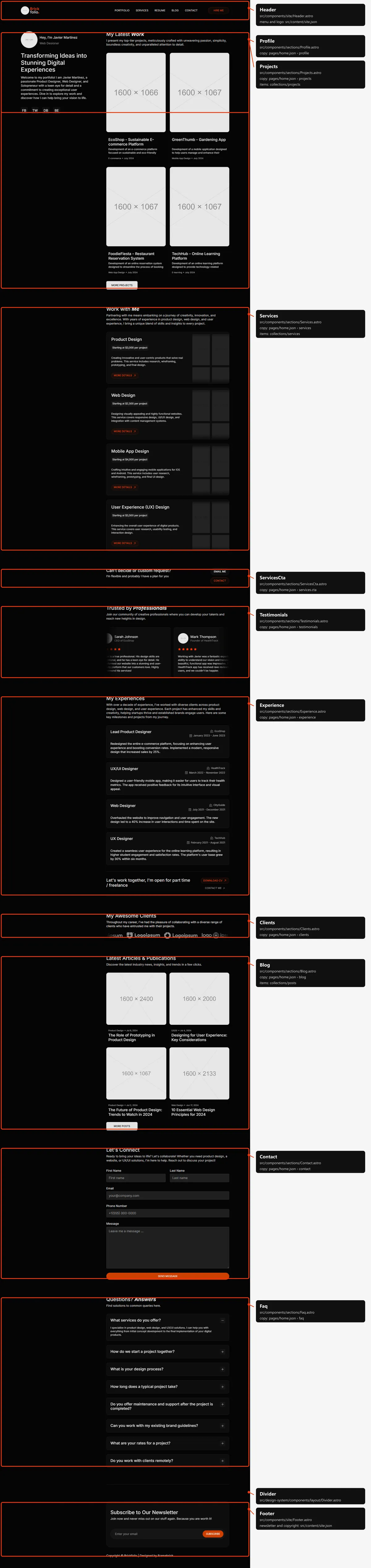
Eleven blocks in <main>, in this order:
- The profile card (the sidebar from 1000 px, where it sticks while the page scrolls): the photo, the greeting, the
rotating roles, the headline (the page’s
<h1>), the text and the social links; from 1440 px the copyright line at its foot. - My Latest Work (
id="project"): the project cards, four at a time, and “More Projects”. - Work with Me (
id="service"): the four service cards, each with its price, “More Details” and two moving columns of small photos. - “Can’t decide or custom request?” with “Email me” and “Contact”.
- Trusted by Professionals: the testimonials ticker.
- My Experiences (
id="resume"): the experience cards, then “Let’s work together…” with “Download CV” and “Contact Me”. - My Awesome Clients: the client logos ticker.
- Latest Articles & Publications (
id="blog"): the post cards, four at a time, and “More Posts”. - Let’s Connect (
id="contact"): the contact form (Forms). - Questions? Answers: the questions, one open at a time.
- A line, then the footer (the newsletter box and the copyright line).
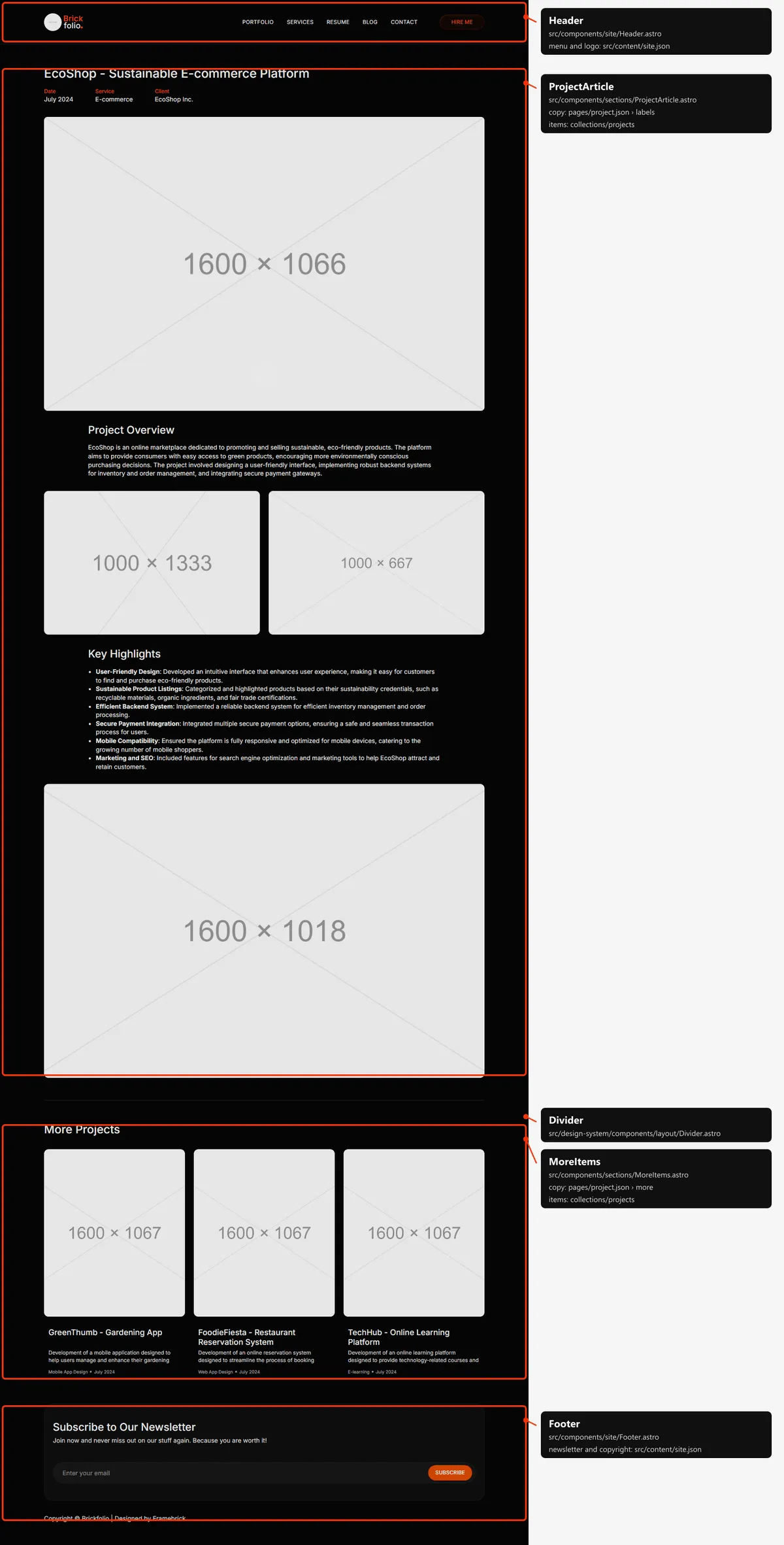
Project
Section titled “Project”Three blocks: the article (the title, Date, Service and Client, the cover, Project Overview, two gallery photos, Key Highlights, the third photo), a line, and More Projects (three other projects; two below 1000 px). Then the footer, and the round close button fixed at the bottom of the window, back to My Latest Work.
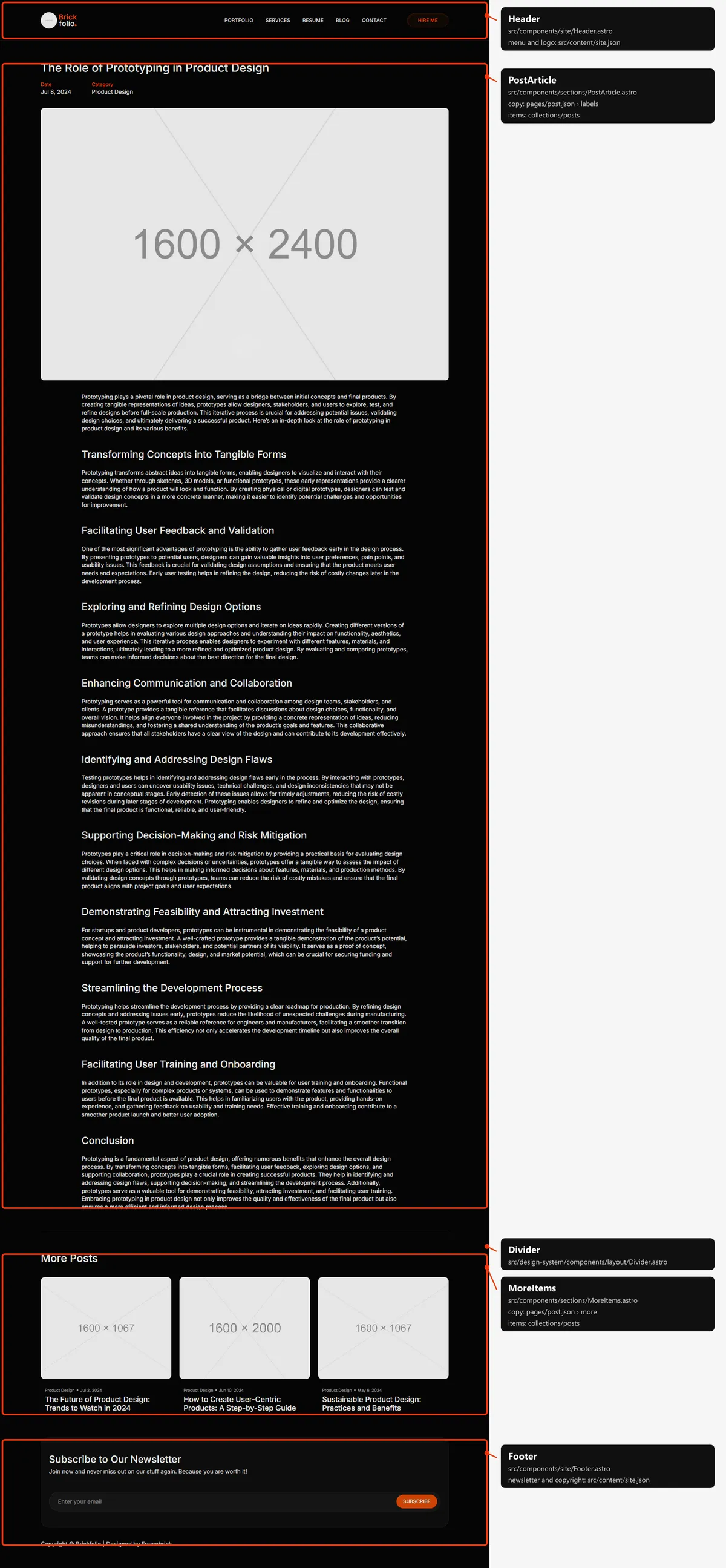
Blog post
Section titled “Blog post”Three blocks: the article (the title, Date and Category, the cover and the text), a line, and More Posts (up to three other posts of the same category, newest first). Then the footer and the close button, back to the articles on Home.
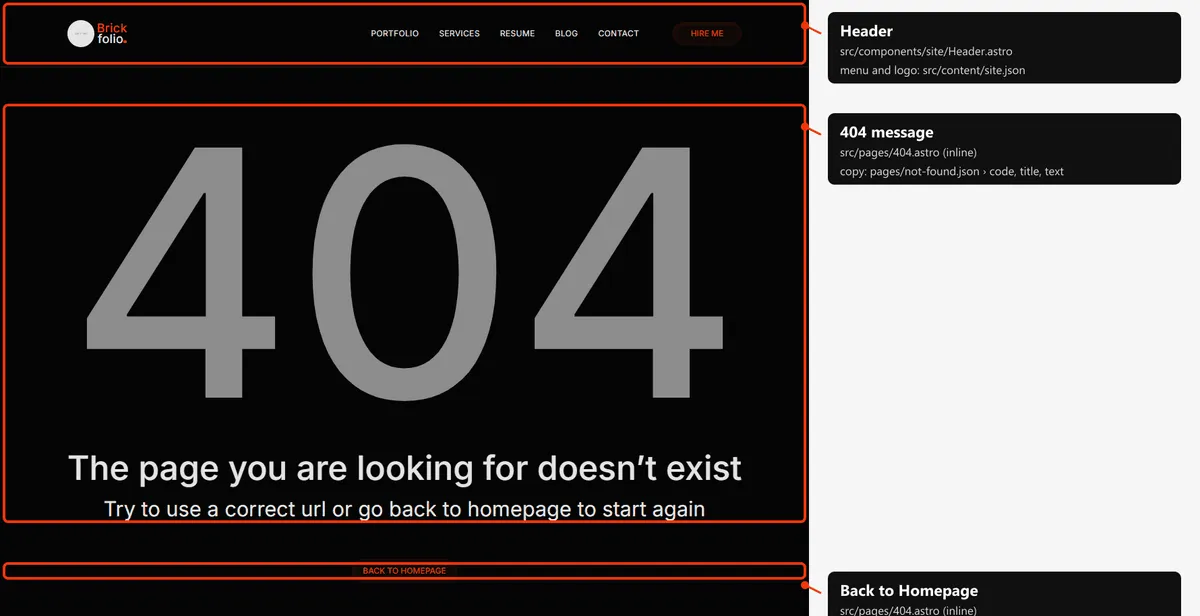
Two blocks in the middle of a screen-high space: “404”, “The page you are looking for doesn’t exist” (the page’s
<h1>) and the line under it; “Back to Homepage”. No footer, as in the original design. The three lines are sized to fit
the width of the column, for the demo’s words.
The header
Section titled “The header”The same on every page: the logo, then on tablets and up the five links and the “Hire Me” pill, over a thin line. On phones the “Menu” button opens the links and the pill under the bar and turns into “Close”; a link closes it. The header sticks to the top of the window.
Reordering or removing a section
Section titled “Reordering or removing a section”Each section of Home is one <section> inside <main> in index.html: move or delete it whole. Two things to keep in
step:
- The anchors. The header’s links in every page point at the sections’
ids. When you remove a section with an anchor, remove its link from both menus in every page; “Contact”, “Hire Me” and the close buttons point at#contact,#projectand#blogtoo. - The sidebar’s rows. From 1000 px the profile card spans the rows of the grid:
lg:row-span-11on its block counts the blocks of the column (nine sections, the line and the footer). With a block more or less, change the number (a class the stylesheet doesn’t have yet needs a CSS rebuild, Design), or the card stops sticking before the end of the page.
Search engines
Section titled “Search engines”- Sitemap:
sitemap.xmllists Home, the projects and the posts (19 addresses). Add a line when you add a page. - Robots:
robots.txtallows everything and names the sitemap. - Per page: every page has a title, a description, a canonical link and an
og:urlin its<head>. A project shares its cover and a post its cover (witharticle:published_time) as a large card; Home has no share image, as in the original design, and shares its title and description only. - One
<h1>per page: the headline of the profile card on Home, the title of a project or a post, the 404’s message. - Not indexed:
404.htmlandstyle-guide.html(noindex, nofollow).