Showreel
A stack of frames that cuts to the next one every couple of seconds.
From the Kalme template — see it in context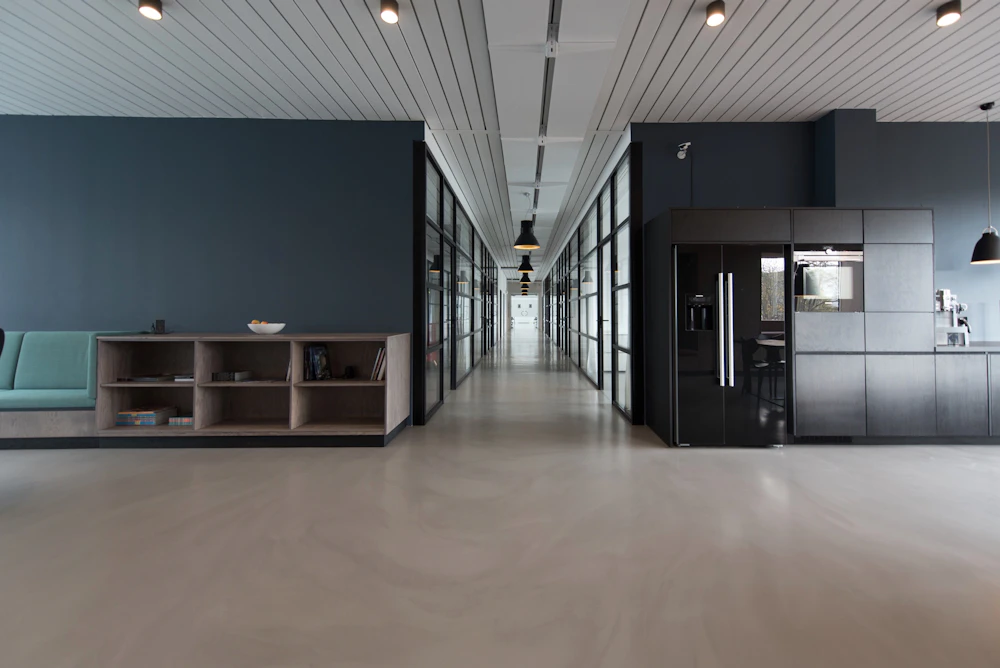



A new frame every two seconds, cut hard, as on film.
import { Showreel } from "@/components/ui/showreel";

// Demo photos from Unsplash (free under the Unsplash License), served by this site so no request leaves it.
const frames = [
  { src: "/demo/showreel-studio.webp", alt: "Sunlit studio with a long shared desk" },
  { src: "/demo/showreel-desk.webp", alt: "Notebook, pen and coffee on a wooden desk" },
  { src: "/demo/showreel-meeting.webp", alt: "Four people talking around a table" },
  { src: "/demo/showreel-screen.webp", alt: "Designer working on a large screen" },
];

export default function ShowreelDemo() {
  return (
    <div className="flex w-full max-w-sm flex-col gap-3">
      <Showreel className="aspect-[5/3] w-full" items={frames.map((f) => <img key={f.src} src={f.src} alt={f.alt} />)} />
      <p className="text-center text-xs text-muted-foreground">A new frame every two seconds, cut hard, as on film.</p>
    </div>
  );
}
Installation
$ npx shadcn@latest add https://framebrick.co/r/showreel.json1. Install the dependencies.
npm install motion clsx tailwind-merge2. Add
cn()tolib/utils.ts(skip if shadcn already created it).import { clsx, type ClassValue } from "clsx"; import { extendTailwindMerge } from "tailwind-merge"; /* tailwind-merge must know the site's type scale (globals.css) is a font size, not a text color — otherwise cn("text-h6 text-muted-foreground") drops text-h6. */ const twMerge = extendTailwindMerge({ extend: { classGroups: { "font-size": [{ text: ["display", "h1", "h2", "h3", "h4", "h5", "h6"] }] } }, }); export function cn(...inputs: ClassValue[]) { return twMerge(clsx(inputs)); }3. Copy the component into
components/ui/showreel.tsx."use client"; import * as React from "react"; import { useReducedMotion } from "motion/react"; import { cn } from "@/lib/utils"; /* * Showreel — a stack of images that shows the next one every couple of seconds, with no transition at all * (from the Kalme "Showreel"). The hard cut is the point: it reads as a reel running, not as a carousel. * * Reduced motion: it stays on the first item — a timer is neither a transform nor a size animation, so * <MotionConfig reducedMotion="user"> would not stop it. Every item stays in the page and the ones out of view are * `invisible`, which also takes them out of the accessibility tree, so a screen reader reads only the current one. */ export type ShowreelProps = { /** The frames: images, video, anything. They are stacked, so give the frame a size through `className`. */ items: React.ReactNode[]; /** Milliseconds each frame stays. */ interval?: number; /** Stop while the pointer is over it, so a frame cannot change mid-look. */ pauseOnHover?: boolean; className?: string; }; export function Showreel({ items, interval = 2000, pauseOnHover = false, className }: ShowreelProps) { const [index, setIndex] = React.useState(0); const [paused, setPaused] = React.useState(false); const reduce = useReducedMotion(); React.useEffect(() => { if (reduce || paused || items.length < 2 || interval <= 0) return; const timer = window.setInterval(() => setIndex((value) => (value + 1) % items.length), interval); return () => window.clearInterval(timer); }, [reduce, paused, items.length, interval]); return ( <div className={cn("relative overflow-hidden rounded-lg bg-muted *:absolute *:inset-0 *:size-full", className)} onPointerEnter={(event) => pauseOnHover && event.pointerType === "mouse" && setPaused(true)} onPointerLeave={() => pauseOnHover && setPaused(false)} > {items.map((item, i) => ( <div key={i} className={cn("[&>*]:size-full [&>*]:object-cover", i !== index && "invisible")}> {item} </div> ))} </div> ); }
Usage
import { Showreel } from "@/components/ui/showreel";

<Showreel
  className="aspect-[5/3] w-72"
  items={shots.map((shot) => <Image key={shot.src} src={shot.src} alt={shot.alt} fill />)}
/>
Props
| Prop | Type | Default | Description |
|---|---|---|---|
| items | ReactNode[] | — | The frames. They are stacked and stretched, so give the frame a size through className. |
| interval | number | 2000 | Milliseconds each frame stays; 0 holds the first one. |
| pauseOnHover | boolean | false | Stop while the pointer is over it, so a frame cannot change mid-look. |
- There is no transition at all — the hard cut is the point. It reads as a reel running, not as a carousel.
- With reduced motion it stays on the first frame: a timer is neither a transform nor a size animation, so MotionConfig would not stop it.
- Frames out of view are `invisible`, which keeps them out of the accessibility tree, so a screen reader reads only the current one.
AI prompt
Paste into v0, Lovable, Bolt or Claude to rebuild this component in your own project.
Create a React + Tailwind CSS component called Showreel (Motion only for useReducedMotion).
- A rounded-lg frame with overflow-hidden and bg-muted, sized by className, holding every item absolutely stacked and
  stretched to fill it (object-cover for images).
- Every `interval` ms (default 2000) show the next item and wrap around. No transition, no fade: a hard cut.
- The items that are not current get Tailwind's `invisible` (visibility: hidden), which also removes them from the
  accessibility tree, so a screen reader reads only the current one.
- With useReducedMotion() true, or fewer than two items, or interval 0, stay on the first one.
- Optional pauseOnHover stops the timer while a mouse is over the frame.