Photo Fan
Three photos tucked and tilted like a hand of cards, that straighten and spread when you point at them.
$npx shadcn@latest add https://framebrick.co/r/photo-fan.jsonFrom the Kendi template, see it in context.
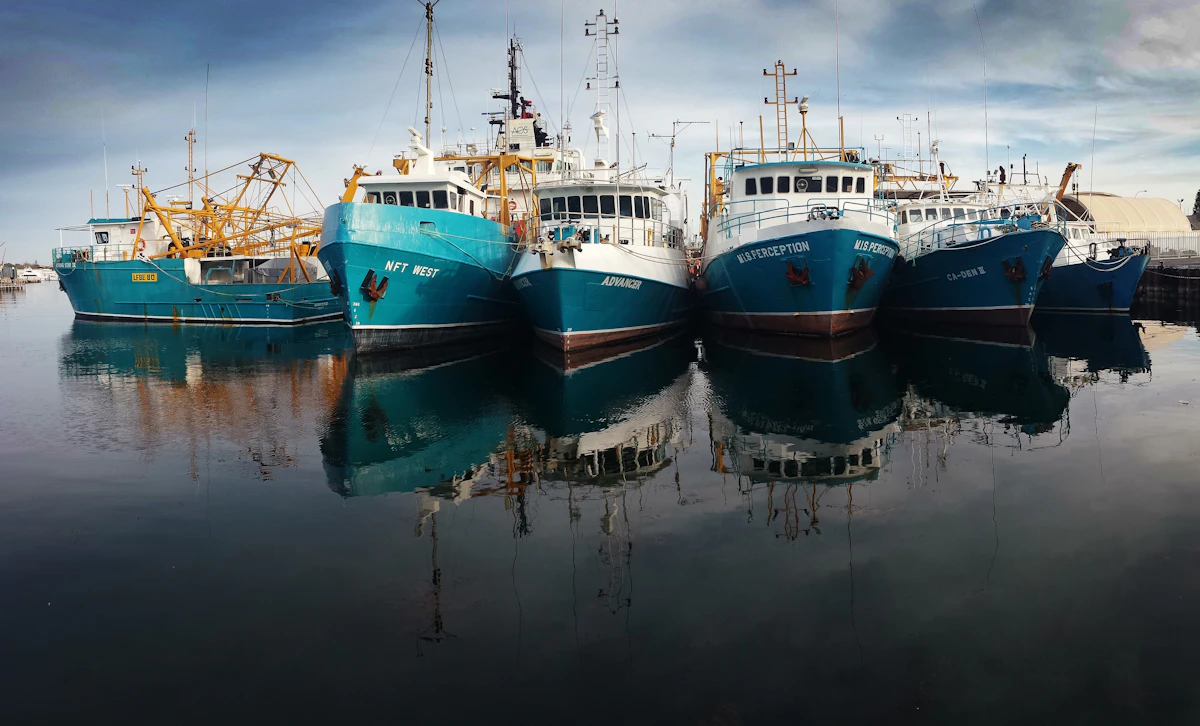
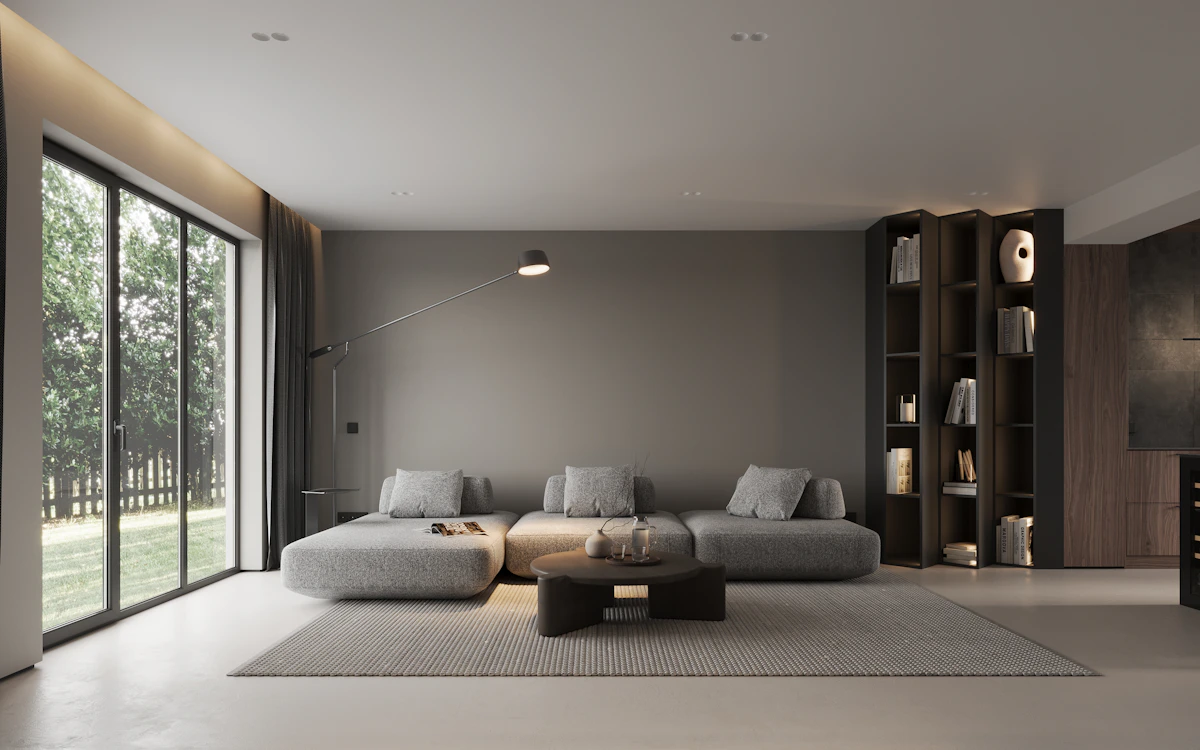
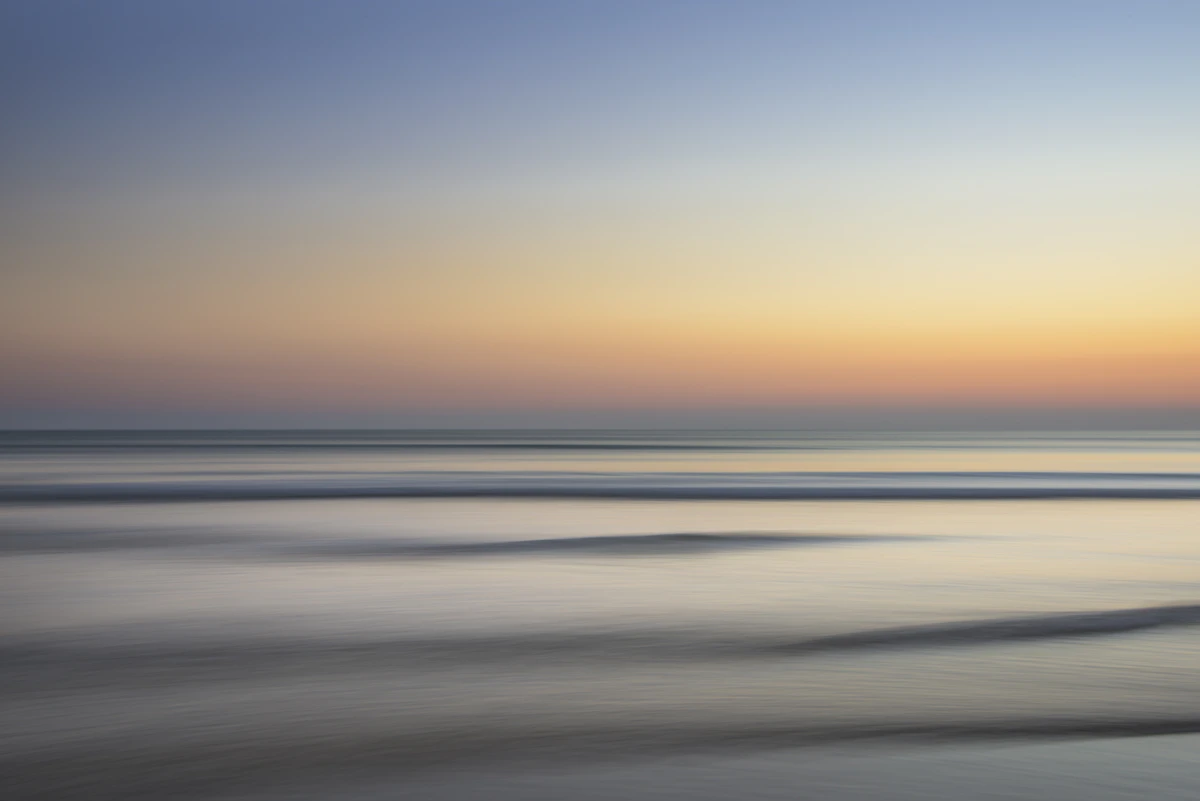
import { PhotoFan, type PhotoFanItem } from "@/components/ui/photo-fan";

// Demo photos from Unsplash (free under the Unsplash License), served by this site so no request leaves it.
const photos = [
  { src: "/demo/slideshow-harbour.webp", alt: "Fishing boats reflected in a still harbour", label: "Read: The quiet side of the harbour" },
  { src: "/demo/zoom-card-kestrel.webp", alt: "Calm living room with a low grey sofa", label: "Read: A room that breathes" },
  { src: "/demo/slideshow-long-exposure.webp", alt: "Smooth sea under a golden evening sky", label: "Read: Evenings by the water" },
];

const items = photos.map((photo) => ({ href: "#", label: photo.label, media: <img src={photo.src} alt="" /> })) as [PhotoFanItem, PhotoFanItem, PhotoFanItem];

/* Point at the row, or tab into it: the two side photos straighten and spread to their places, and tuck back when you leave. */
export default function PhotoFanDemo() {
  return (
    <div className="w-full max-w-md">
      <PhotoFan label="Latest posts" items={items} />
    </div>
  );
}
Installation
$ npx shadcn@latest add https://framebrick.co/r/photo-fan.json1. Install the dependencies.
npm install motion clsx tailwind-merge2. Add
cn()tolib/utils.ts(skip if shadcn already created it).import { clsx, type ClassValue } from "clsx"; import { extendTailwindMerge } from "tailwind-merge"; /* tailwind-merge must know the site's type scale (globals.css) is a font size, not a text color — otherwise cn("text-h6 text-muted-foreground") drops text-h6. */ const twMerge = extendTailwindMerge({ extend: { classGroups: { "font-size": [{ text: ["display", "h1", "h2", "h3", "h4", "h5", "h6"] }] } }, }); export function cn(...inputs: ClassValue[]) { return twMerge(clsx(inputs)); }3. Copy the component into
components/ui/photo-fan.tsx.import * as React from "react"; import Link from "next/link"; import { cn } from "@/lib/utils"; /* * Photo Fan — three photos in white frames, tucked and tilted like a hand of cards, that straighten and spread to their places * when the row is pointed at (from the Kendi newsletter band, "Content/Image Variation"). The middle one is 33% of the row and in * front; the two at the sides are 25%, pushed 40px in towards it and turned 15° (the left one anticlockwise, the right one * clockwise). Pointing at the row, or the keyboard reaching a photo that is a link, brings them to rest on Framer's slow * spring (bounce 0, 0.6s); leaving brings them back. Each photo can be a link to its post. * * It is plain CSS — no animation library, no JavaScript — so it works as it is on a server page. The spring is a CSS linear() * curve sampled from the spring itself (tools/ui/spring-curve.mjs in the Framebrick workspace; within 1% of it) over 600ms; a * browser without linear() gets cubic-bezier(0.22, 1, 0.36, 1). Rotation and offset are not transform or size keys of Motion, * but this is CSS, and motion-reduce:transition-none makes them change at once. Hover only applies where the device can hover; * focus works everywhere. The photos are decoration (alt=""): a link is named by `label`, and the row by its own label. */ const spring = "[--fan-ease:cubic-bezier(0.22,1,0.36,1)] supports-[transition-timing-function:linear(0,1)]:[--fan-ease:linear(0,0.041,0.134,0.248,0.364,0.472,0.569,0.652,0.722,0.78,0.827,0.864,0.894,0.918,0.937,0.951,0.963,0.971,0.978,0.983,0.987,0.99,0.993,0.995,0.996,0.997,0.998,0.998,0.999,1)]"; export type PhotoFanItem = { /** The photo: an image with an empty alt text. */ media: React.ReactNode; /** Makes the photo a link (Next.js Link; a full address opens in a new tab). */ href?: string; /** Names the link. */ label?: string; }; export type PhotoFanProps = { /** Three photos: left, middle, right. */ items: [PhotoFanItem, PhotoFanItem, PhotoFanItem]; /** Accessible name of the group. */ label?: string; /** How far the side photos are turned at rest, in degrees. */ tilt?: number; /** How far the side photos are pushed towards the middle at rest, in px. */ tuck?: number; className?: string; }; export function PhotoFan({ items, label, tilt = 15, tuck = 40, className }: PhotoFanProps) { return ( <div role="group" aria-label={label} style={{ ["--fan-tilt" as string]: `${tilt}deg`, ["--fan-tuck" as string]: `${tuck}px` }} className={cn("group/fan mx-auto flex w-full max-w-[625px] items-center justify-center gap-2.5", spring, className)} > {items.map((item, index) => { const side = index === 1 ? 0 : index === 0 ? -1 : 1; const classes = cn( "block rounded-xl bg-card p-[5px] shadow-xs outline-none transition-[rotate,translate] duration-600 ease-(--fan-ease) motion-reduce:transition-none", "focus-visible:ring-[3px] focus-visible:ring-ring/50", side === 0 ? "relative z-10 w-[33%]" : "w-[25%]", side === -1 && "[rotate:calc(var(--fan-tilt)*-1)] [translate:var(--fan-tuck)_0] group-hover/fan:[rotate:0deg] group-hover/fan:[translate:0_0] group-focus-within/fan:[rotate:0deg] group-focus-within/fan:[translate:0_0]", side === 1 && "[rotate:var(--fan-tilt)] [translate:calc(var(--fan-tuck)*-1)_0] group-hover/fan:[rotate:0deg] group-hover/fan:[translate:0_0] group-focus-within/fan:[rotate:0deg] group-focus-within/fan:[translate:0_0]", ); const photo = <span className="block aspect-[4/3] overflow-hidden rounded-lg bg-muted [&>*]:size-full [&>*]:object-cover">{item.media}</span>; if (!item.href) { return ( <div key={index} className={classes}> {photo} </div> ); } if (/^https?:\/\//.test(item.href)) { return ( <a key={index} href={item.href} target="_blank" rel="noopener noreferrer" aria-label={item.label} className={classes}> {photo} </a> ); } return ( <Link key={index} href={item.href} aria-label={item.label} className={classes}> {photo} </Link> ); })} </div> ); }
Usage
import { PhotoFan } from "@/components/ui/photo-fan";

<PhotoFan
  label="Latest posts"
  items={[
    { href: "/blog/harbour", label: "Read: The quiet side of the harbour", media: <img src="/harbour.jpg" alt="" /> },
    { href: "/blog/room", label: "Read: A room that breathes", media: <img src="/room.jpg" alt="" /> },
    { href: "/blog/evenings", label: "Read: Evenings by the water", media: <img src="/sea.jpg" alt="" /> },
  ]}
/>
Props
| Prop | Type | Default | Description |
|---|---|---|---|
| items | [item, item, item] | — | Three photos, left, middle and right: { media, href?, label? }. media is an image with an empty alt text; href makes the photo a link and label names it. |
| label | string | — | Accessible name of the group. |
| tilt | number | 15 | How far the side photos are turned at rest, in degrees. |
| tuck | number | 40 | How far the side photos are pushed towards the middle at rest, in px. |
| className | string | — | Classes for the row (it is 625 px wide at most, centred). |
- It is Kendi's newsletter band ("Content/Image Variation"): three post photos in white frames (padding 5, corners 10), in a row at most 625 px wide, 10 px apart; the middle one is 33% of the row and in front, the two at the sides 25%, pushed 40 px in towards it and turned 15°, the left one anticlockwise. Pointing at the row straightens and spreads them to their places on Framer's slow spring (bounce 0, 0.6 s), and back when the pointer leaves.
- Plain CSS: no animation library and no JavaScript, so it works as it is on a server page. The spring is a CSS linear() curve sampled from the spring itself, within 1% of it, over 600 ms (a browser without linear() gets cubic-bezier(0.22, 1, 0.36, 1)). The turn and the offset are CSS rotate and translate, so a test reads getComputedStyle(el).rotate and .translate, not transform. With reduced motion they change at once.
- Hover only applies where the device can hover. The photos are decoration (alt=""): a photo that is a link is named by label, and keyboard focus on any of them also spreads the row.
AI prompt
Paste into v0, Lovable, Bolt or Claude to rebuild this component in your own project.
Create a React + Tailwind CSS component called PhotoFan — plain CSS, no animation library, no JavaScript.
- Props: items (three of { media, href?, label? }), label (aria-label of the group), tilt (degrees, 15), tuck (px, 40), className. A role="group" row (group/fan, mx-auto flex w-full max-w-[625px] items-center justify-center gap-2.5) with --fan-tilt and --fan-tuck set inline.
- Each photo is a frame (rounded-xl bg-card p-[5px] shadow-xs, a Next.js Link when it has an href, a div otherwise) holding a rounded-lg 4:3 box that stretches its image. The middle one is w-[33%] relative z-10; the sides are w-[25%]. At rest the left one is rotated by -tilt and translated by +tuck, the right one rotated by +tilt and translated by -tuck (the CSS rotate and translate properties); on group-hover and group-focus-within of the row they go to 0.
- transition-[rotate,translate] over 600ms with an easing from the custom property --fan-ease: cubic-bezier(0.22,1,0.36,1), replaced by a 30-stop linear() list sampled from a spring with bounce 0 and duration 0.6s inside supports-[transition-timing-function:linear(0,1)]; motion-reduce:transition-none.