Lite YouTube
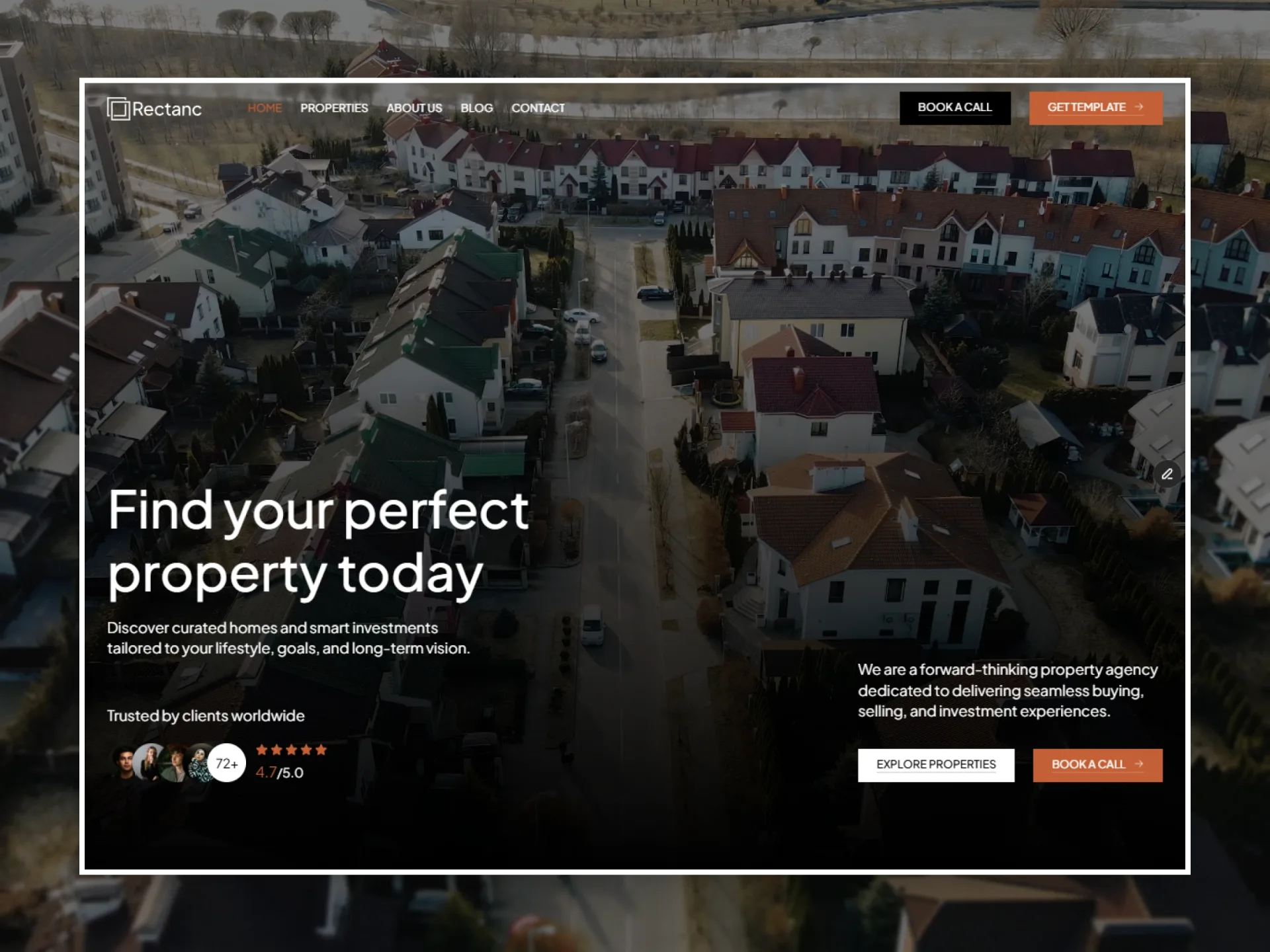
YouTube thumbnail and play button; the player only loads on the click.
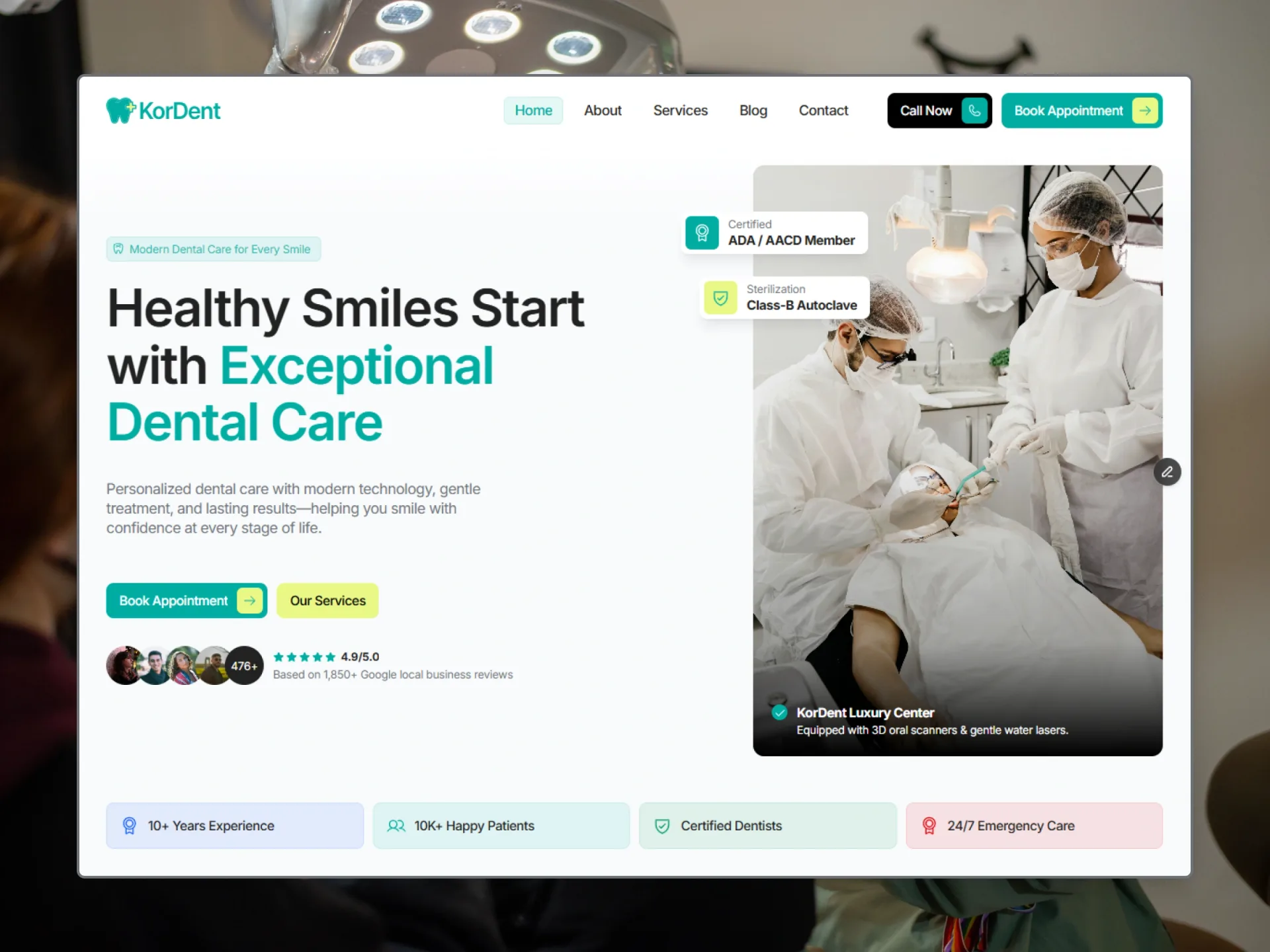
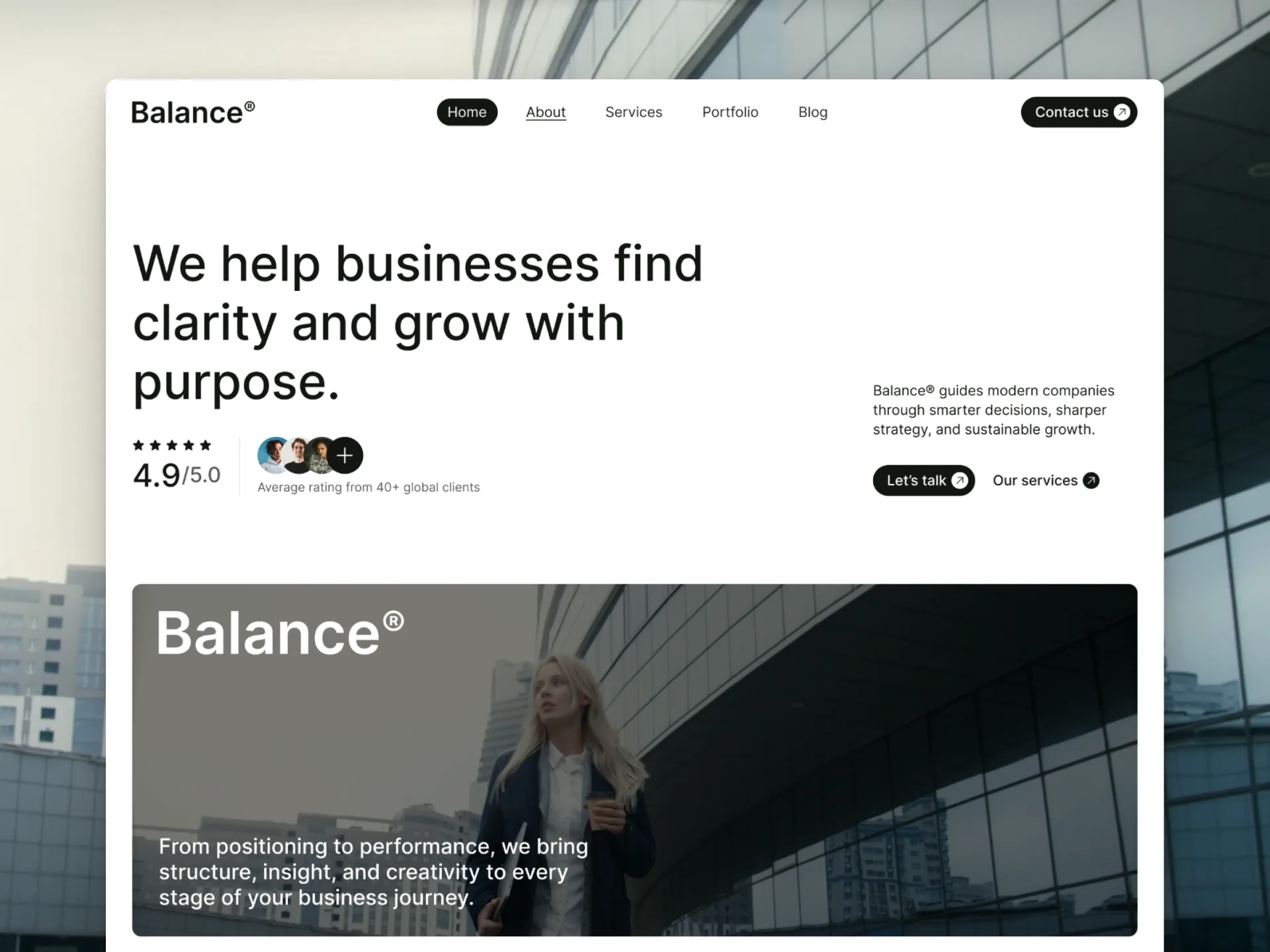
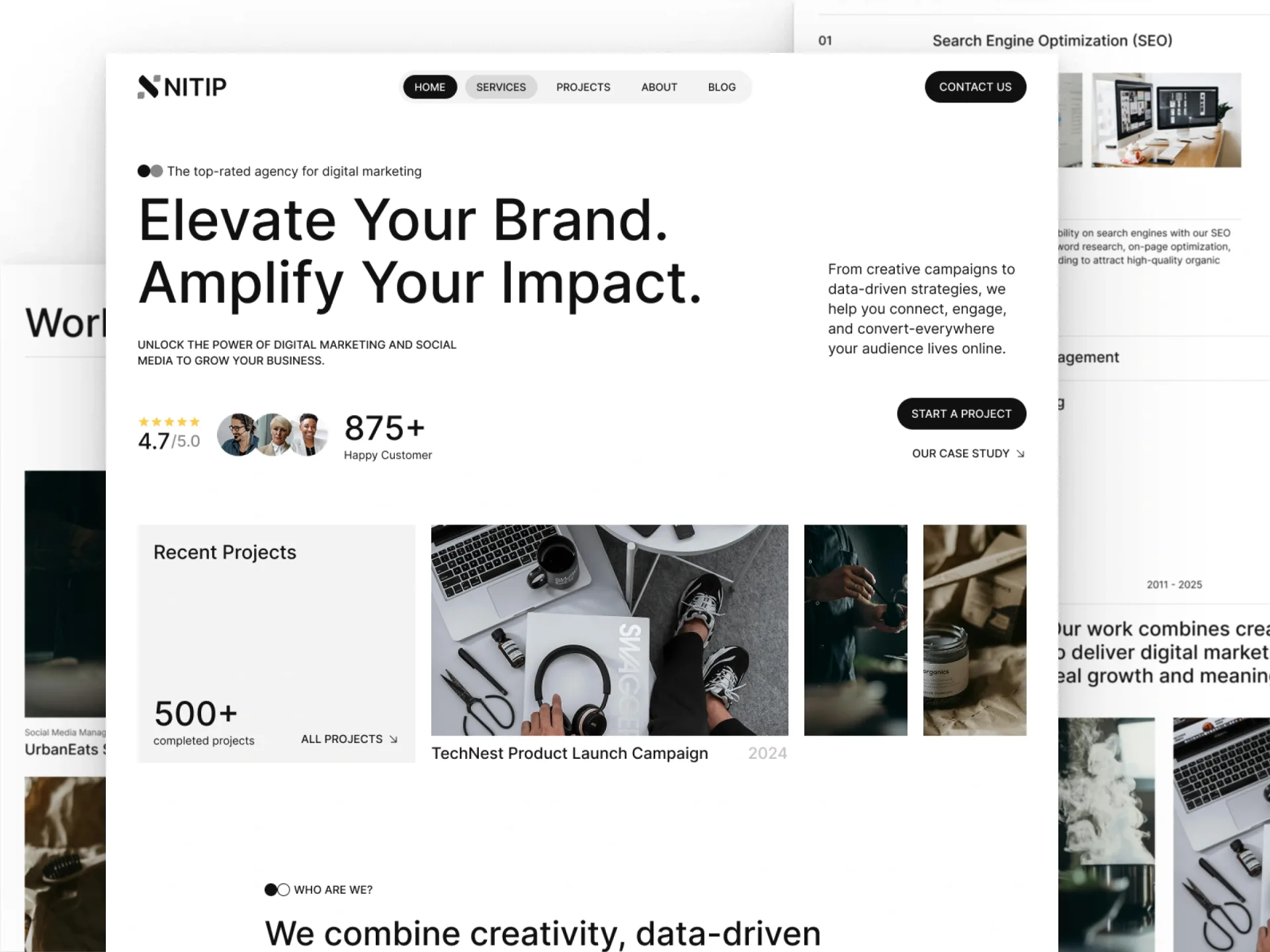
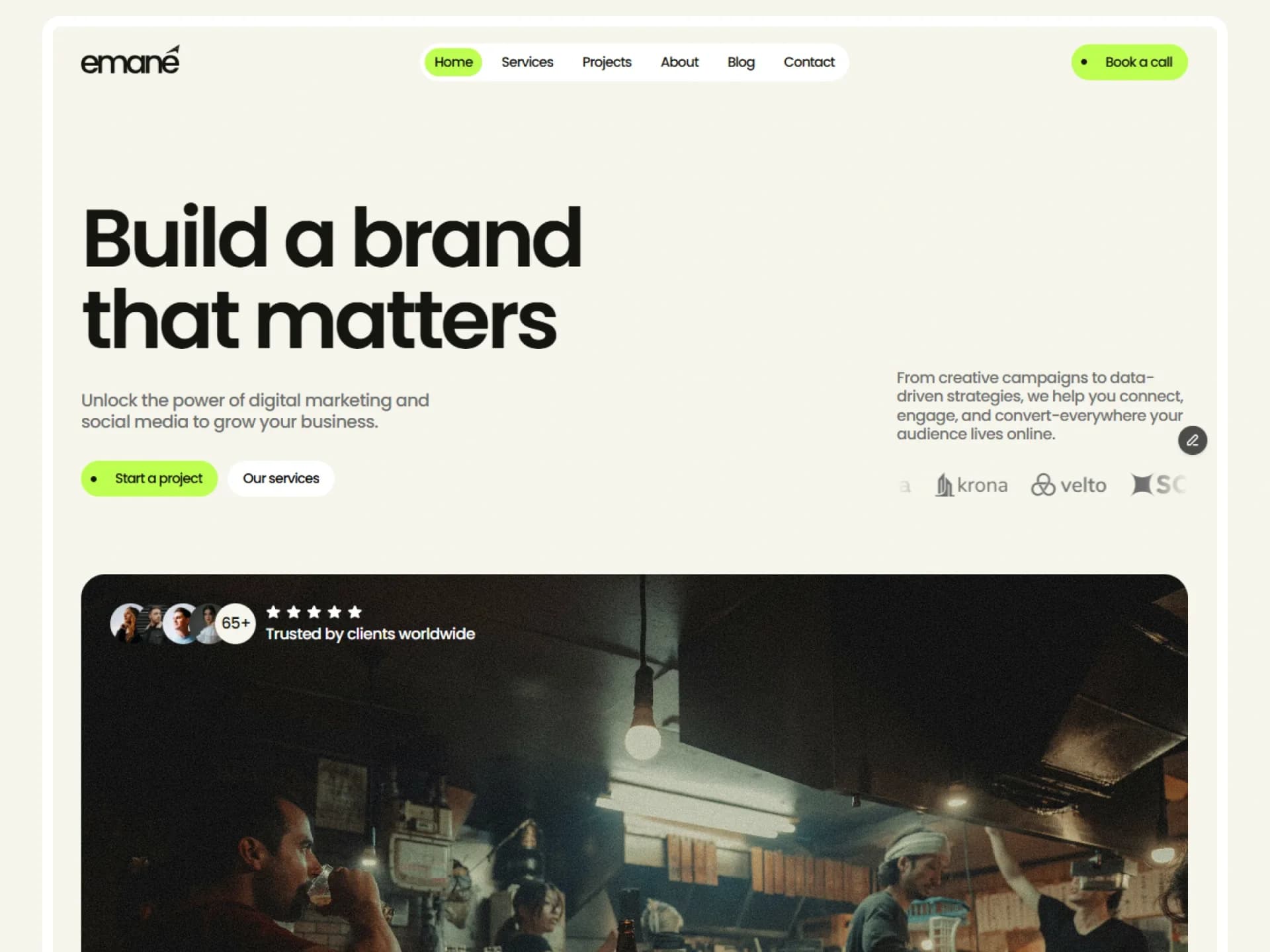
From the Findit template — see it in contextNothing is loaded from YouTube until you press play — the still is served from here.
import { LiteYouTube } from "@/components/ui/lite-youtube";

/*
 * Big Buck Bunny (Blender Foundation, CC BY 3.0), embedded from YouTube — nothing is copied here.
 * The still is our own (Unsplash, free license) through the `poster` prop, so this page asks YouTube for nothing
 * until you press play. Without it the component uses YouTube's own thumbnail.
 */
export default function LiteYouTubeDemo() {
  return (
    <div className="flex w-full max-w-lg flex-col gap-3">
      <LiteYouTube
        url="https://www.youtube.com/watch?v=YE7VzlLtp-4"
        title="Big Buck Bunny"
        poster="/demo/lite-youtube-poster.webp"
      />
      <p className="text-center text-xs text-muted-foreground">
        Nothing is loaded from YouTube until you press play — the still is served from here.
      </p>
    </div>
  );
}
Installation
$ npx shadcn@latest add https://framebrick.co/r/lite-youtube.json1. Install the dependencies.
npm install motion clsx tailwind-merge2. Add
cn()tolib/utils.ts(skip if shadcn already created it).import { clsx, type ClassValue } from "clsx"; import { extendTailwindMerge } from "tailwind-merge"; /* tailwind-merge must know the site's type scale (globals.css) is a font size, not a text color — otherwise cn("text-h6 text-muted-foreground") drops text-h6. */ const twMerge = extendTailwindMerge({ extend: { classGroups: { "font-size": [{ text: ["display", "h1", "h2", "h3", "h4", "h5", "h6"] }] } }, }); export function cn(...inputs: ClassValue[]) { return twMerge(clsx(inputs)); }3. Copy the component into
components/ui/lite-youtube.tsx."use client"; import * as React from "react"; import { cn } from "@/lib/utils"; /* * Lite YouTube — the video's thumbnail with a play button; YouTube's player is only loaded once someone clicks * (from the Findit "YouTube" embed). A YouTube iframe costs about a megabyte before anyone watches; this costs an * image. The player is embedded from youtube-nocookie.com, so YouTube sets no cookie until the click. * The play button is YouTube's own: dark grey at 80%, red on hover, as in the template. * By default the still comes from YouTube's own image host (i.ytimg.com); pass `poster` to serve your own instead, * and then nothing at all is requested from YouTube until someone presses play. */ /** The video id of a YouTube link (watch, youtu.be or embed) — or the id itself. */ function videoId(url: string) { return url.match(/(?:v=|youtu\.be\/|embed\/|shorts\/)([\w-]{11})/)?.[1] ?? (/^[\w-]{11}$/.test(url) ? url : undefined); } export type LiteYouTubeProps = { /** A YouTube URL or the bare video id. */ url: string; /** The video's title: shown to screen readers and used as the player's title. */ title: string; playLabel?: string; /** Thumbnail quality; "max" is sharper but missing on some videos. */ thumbnail?: "sd" | "hq" | "max"; /** Your own image instead of YouTube's thumbnail, so nothing is requested from YouTube before the click. */ poster?: string; className?: string; }; const files = { sd: "sddefault", hq: "hqdefault", max: "maxresdefault" } as const; export function LiteYouTube({ url, title, playLabel = "Play", thumbnail = "sd", poster, className }: LiteYouTubeProps) { const id = videoId(url); const [playing, setPlaying] = React.useState(false); if (!id) return null; return ( <div className={cn("relative aspect-video overflow-hidden rounded-lg bg-muted", className)}> {playing ? ( <iframe title={title} src={`https://www.youtube-nocookie.com/embed/${id}?autoplay=1&rel=0&modestbranding=1&iv_load_policy=3&playsinline=1`} allow="presentation; fullscreen; accelerometer; autoplay; encrypted-media; gyroscope; picture-in-picture" allowFullScreen className="absolute inset-0 size-full border-0" /> ) : ( <button type="button" onClick={() => setPlaying(true)} aria-label={`${playLabel}: ${title}`} className="group absolute inset-0 cursor-pointer outline-none focus-visible:ring-[3px] focus-visible:ring-ring/50 focus-visible:ring-inset" > {/* eslint-disable-next-line @next/next/no-img-element -- the thumbnail is YouTube's own, loaded from its CDN */} <img src={poster ?? `https://i.ytimg.com/vi_webp/${id}/${files[thumbnail]}.webp`} alt="" className="absolute inset-0 size-full object-cover" /> <svg aria-hidden viewBox="0 0 68 48" className="absolute top-1/2 left-1/2 h-12 w-[68px] -translate-x-1/2 -translate-y-1/2"> <path d="M66.52,7.74c-0.78-2.93-2.49-5.41-5.42-6.19C55.79,.13,34,0,34,0S12.21,.13,6.9,1.55 C3.97,2.33,2.27,4.81,1.48,7.74C0.06,13.05,0,24,0,24s0.06,10.95,1.48,16.26c0.78,2.93,2.49,5.41,5.42,6.19 C12.21,47.87,34,48,34,48s21.79-0.13,27.1-1.55c2.93-0.78,4.64-3.26,5.42-6.19C67.94,34.95,68,24,68,24S67.94,13.05,66.52,7.74z" className="fill-[#212121] opacity-80 transition-[fill,opacity] duration-100 ease-[cubic-bezier(0.4,0,1,1)] group-hover:fill-[#f00] group-hover:opacity-100 group-focus-visible:fill-[#f00] group-focus-visible:opacity-100" /> <path d="M 45,24 27,14 27,34" fill="#fff" /> </svg> </button> )} </div> ); }
Usage
import { LiteYouTube } from "@/components/ui/lite-youtube";

<LiteYouTube url="https://www.youtube.com/watch?v=YE7VzlLtp-4" title="Big Buck Bunny" />
Props
| Prop | Type | Default | Description |
|---|---|---|---|
| url | string | — | A YouTube URL (watch, youtu.be, embed, shorts) or the bare video id. |
| title | string | — | The video's title: read to screen readers and used as the player's title. |
| playLabel | string | "Play" | Word before the title in the button's label. |
| thumbnail | "sd" | "hq" | "max" | "sd" | Thumbnail quality; max is sharper but missing on some videos. |
| poster | string | — | Your own still instead of YouTube's thumbnail, so nothing is requested from YouTube before the click. |
- A YouTube iframe pulls about a megabyte before anyone watches; this pulls one image.
- The player comes from youtube-nocookie.com, so YouTube sets no cookie until someone presses play. The default still does come from YouTube's image host — pass `poster` to serve your own and keep the page free of YouTube until the click (this demo does).
- The play button is YouTube's own: dark grey at 80%, red on hover and on keyboard focus.
AI prompt
Paste into v0, Lovable, Bolt or Claude to rebuild this component in your own project.
Create a React + Tailwind CSS component called LiteYouTube (no animation library) — a facade for a YouTube embed.
- Read the video id from a YouTube URL (watch, youtu.be, embed, shorts) or accept the bare id.
- Before the click: a 16:9 rounded-lg frame with the thumbnail from https://i.ytimg.com/vi_webp/<id>/sddefault.webp
  (plain <img>, object-cover) inside a button that fills the frame, labelled "<playLabel>: <title>".
  A "poster" prop replaces that URL with the caller's own image, so nothing is requested from YouTube before the click.
- On top, YouTube's own play button: an svg with viewBox "0 0 68 48", the rounded-rectangle path filled #212121 at
  80% opacity turning #f00 at 100% on hover and on keyboard focus (transition 100ms cubic-bezier(0.4,0,1,1)),
  with the white triangle "M 45,24 27,14 27,34".
- After the click, replace it with an iframe from https://www.youtube-nocookie.com/embed/<id> with
  autoplay=1&rel=0&modestbranding=1&iv_load_policy=3&playsinline=1, allowFullScreen, a title, and the usual allow list.
- Visible focus ring (ring-[3px] ring-ring/50 inset).