Expand Button
A round icon button that grows to show its label when you point at it.
$npx shadcn@latest add https://framebrick.co/r/expand-button.jsonFrom the Compose Digi template, see it in context.
import { ExpandButton } from "@/components/ui/expand-button";

/* Hand-drawn 16px icons, so the demo asks nothing of an icon package. */
const svg = { viewBox: "0 0 16 16", fill: "none", stroke: "currentColor", strokeWidth: 1.5, strokeLinecap: "round", strokeLinejoin: "round" } as const;

const socials = [
  {
    label: "Instagram",
    icon: (
      <svg {...svg}>
        <rect x="2.5" y="2.5" width="11" height="11" rx="3.2" />
        <circle cx="8" cy="8" r="2.6" />
        <circle cx="11.6" cy="4.4" r="0.4" fill="currentColor" />
      </svg>
    ),
  },
  {
    label: "Dribbble",
    icon: (
      <svg {...svg}>
        <circle cx="8" cy="8" r="5.5" />
        <path d="M3 6.5c3 .5 6 .5 9-1M5 13c1-3 3-5 6.5-6M8 2.5c2 2 3.5 5 4 9" />
      </svg>
    ),
  },
  {
    label: "X",
    icon: (
      <svg {...svg}>
        <path d="M3.5 3.5l9 9M12.5 3.5l-9 9" />
      </svg>
    ),
  },
  {
    label: "Email",
    icon: (
      <svg {...svg}>
        <rect x="2" y="3.5" width="12" height="9" rx="1.8" />
        <path d="M2.5 4.8L8 9l5.5-4.2" />
      </svg>
    ),
  },
];

/* Point at one, or tab to it: it grows to show its name. A touch screen just sees the icons. */
export default function ExpandButtonDemo() {
  return (
    <ul className="flex flex-wrap items-center justify-center gap-2.5">
      {socials.map((social) => (
        <li key={social.label} className="flex">
          <ExpandButton href="#" icon={social.icon}>
            {social.label}
          </ExpandButton>
        </li>
      ))}
    </ul>
  );
}
Installation
$ npx shadcn@latest add https://framebrick.co/r/expand-button.json1. Install the dependencies.
npm install motion clsx tailwind-merge2. Add
cn()tolib/utils.ts(skip if shadcn already created it).import { clsx, type ClassValue } from "clsx"; import { extendTailwindMerge } from "tailwind-merge"; /* tailwind-merge must know the site's type scale (globals.css) is a font size, not a text color — otherwise cn("text-h6 text-muted-foreground") drops text-h6. */ const twMerge = extendTailwindMerge({ extend: { classGroups: { "font-size": [{ text: ["display", "h1", "h2", "h3", "h4", "h5", "h6"] }] } }, }); export function cn(...inputs: ClassValue[]) { return twMerge(clsx(inputs)); }3. Copy the component into
components/ui/expand-button.tsx."use client"; import * as React from "react"; import Link from "next/link"; import { motion, type HTMLMotionProps, type Transition } from "motion/react"; import { cn } from "@/lib/utils"; /* * Expand Button — a round icon button that grows to show its label when it is pointed at (from the Compose Digi "Button/Social"). * At rest it is a circle with an outline and the icon; on hover, and on keyboard focus, it widens to fit the label beside the * icon while a fill fades in under it and the icon and label turn to the fill's text colour. * * Framer's spring drives the width, the padding and the fill: stiffness 500, damping 60, mass 1 (over-damped, no overshoot, * about 0.65 s), so the growth is calm; leaving mirrors it. The colours change at once, as in the template. * * The label is always in the markup, clipped while the button is closed, so the button is named by it: there is no second * name to keep in step. Pass `href` to render a Next.js link; external http(s) links open in a new tab. * Touch has no hover, so on a touch screen it is just the icon button: a tap follows the link. */ const grow: Transition = { type: "spring", stiffness: 500, damping: 60, mass: 1 }; /* The height is the closed width, so the closed button is a circle. `pad` centres the 16px icon in it. */ const sizes = { sm: { box: 32, pad: 8 }, default: { box: 36, pad: 10 }, lg: { box: 40, pad: 12 }, } as const; type Common = { /** The icon, 16px: an svg, or a component that takes its size from a `size-4` class. */ icon: React.ReactNode; size?: keyof typeof sizes; className?: string; /** The label: shown when the button is open, and the button's accessible name. */ children: React.ReactNode; }; export type ExpandButtonProps = | (Common & { href: string } & Omit<HTMLMotionProps<"a">, keyof Common | "href">) | (Common & { href?: undefined } & Omit<HTMLMotionProps<"button">, keyof Common>); const MotionLink = motion.create(Link); export function ExpandButton({ icon, size = "default", className, children, ...props }: ExpandButtonProps) { const { box, pad } = sizes[size]; /* Keyboard focus opens it the way a pointer does; a click that leaves focus on it does not keep it open. */ const [focused, setFocused] = React.useState(false); const { onFocus, onBlur } = props as { onFocus?: React.FocusEventHandler<HTMLElement>; onBlur?: React.FocusEventHandler<HTMLElement> }; const motionProps = { initial: false, animate: focused ? "open" : "rest", whileHover: "open", variants: { rest: { width: box, paddingLeft: pad, paddingRight: pad }, open: { width: "auto", paddingLeft: 12, paddingRight: 12 }, }, transition: grow, onFocus: (event: React.FocusEvent<HTMLElement>) => { onFocus?.(event); setFocused(event.currentTarget.matches(":focus-visible")); }, onBlur: (event: React.FocusEvent<HTMLElement>) => { onBlur?.(event); setFocused(false); }, /* The colours turn at once. The hover rule is only for a pointer that can hover: a touch screen keeps :hover after a tap, which would leave a light icon on a fill that never came. */ className: cn( "relative inline-flex shrink-0 cursor-pointer items-center gap-2.5 overflow-hidden rounded-full text-sm font-medium whitespace-nowrap text-foreground outline-none select-none", "focus-visible:text-primary-foreground focus-visible:ring-[3px] focus-visible:ring-ring/50 [@media(hover:hover)]:hover:text-primary-foreground", className, ), style: { height: box }, } as const; /* The outline is its own layer, so it takes no room from the circle: the icon sits exactly in the middle at rest. */ const content = ( <> <motion.span aria-hidden className="absolute inset-0 bg-primary" variants={{ rest: { opacity: 0 }, open: { opacity: 1 } }} transition={grow} /> <span aria-hidden className="pointer-events-none absolute inset-0 rounded-full border border-foreground" /> <span aria-hidden className="relative flex size-4 shrink-0 items-center justify-center [&_svg]:size-4"> {icon} </span> <span className="relative">{children}</span> </> ); if (props.href !== undefined) { const { href, ...anchor } = props; const external = /^https?:\/\//.test(href); return ( <MotionLink href={href} {...(external ? { target: "_blank", rel: "noopener noreferrer" } : {})} {...anchor} {...motionProps}> {content} </MotionLink> ); } const { type = "button", ...button } = props as HTMLMotionProps<"button">; return ( <motion.button type={type} {...button} {...motionProps}> {content} </motion.button> ); }
Usage
import { ExpandButton } from "@/components/ui/expand-button";

<ExpandButton href="https://instagram.com/studio" icon={<InstagramIcon />}>
  Instagram
</ExpandButton>

<ExpandButton size="sm" icon={<ShareIcon />} onClick={share}>
  Share
</ExpandButton>
Props
| Prop | Type | Default | Description |
|---|---|---|---|
| icon | ReactNode | — | The icon, 16 px: an svg, or a component that takes its size from a size-4 class. |
| children | ReactNode | — | The label: shown while the button is open, and the button's accessible name. |
| size | "sm" | "default" | "lg" | "default" | Height, and the closed width, of 32 / 36 / 40 px. Compose Digi's is 32. |
| href | string | — | Render a Next.js link instead of a button. http(s) links open in a new tab. |
| …props | button / anchor props | — | Passed to the element (onClick, aria-*, Motion props). |
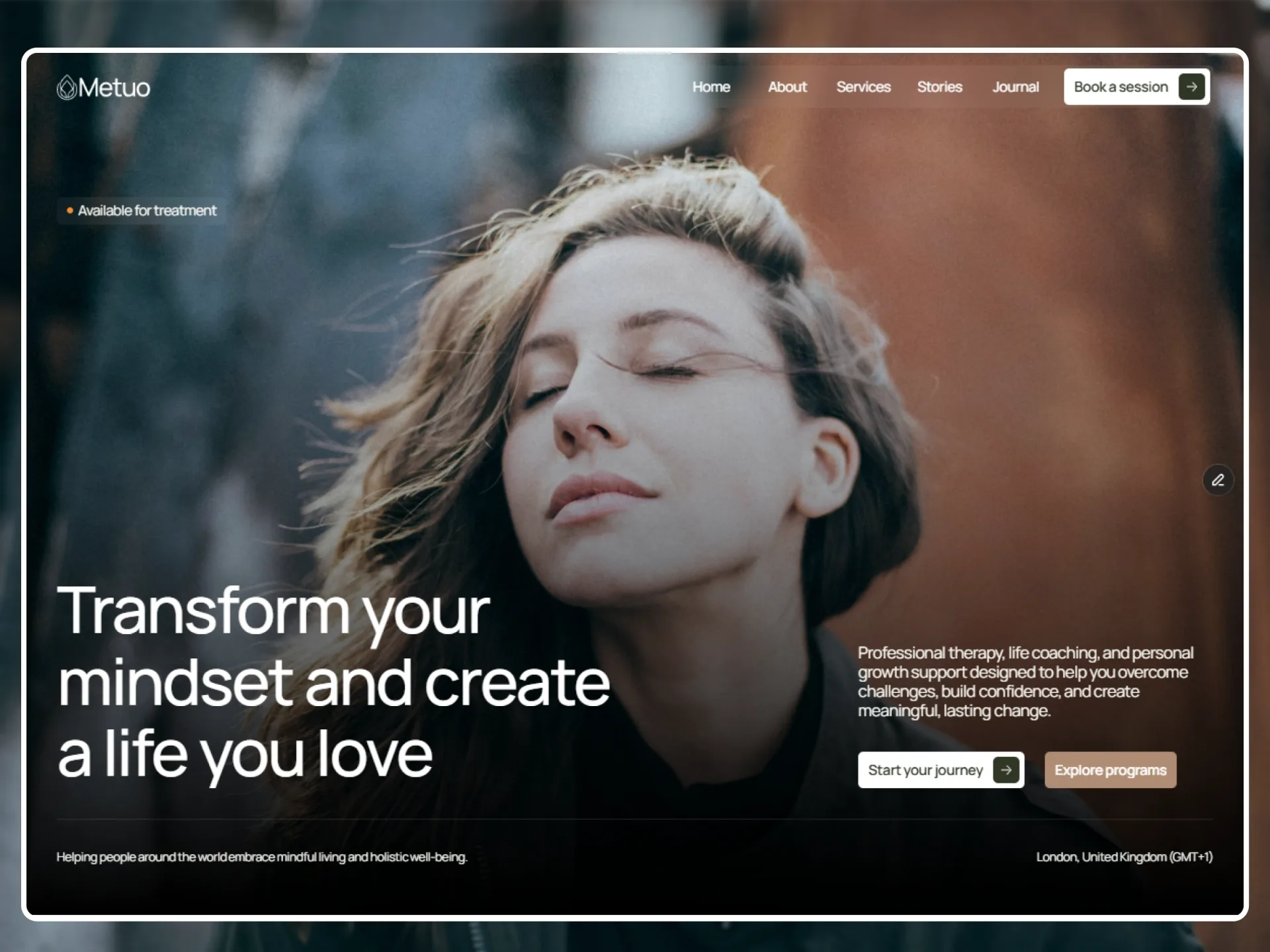
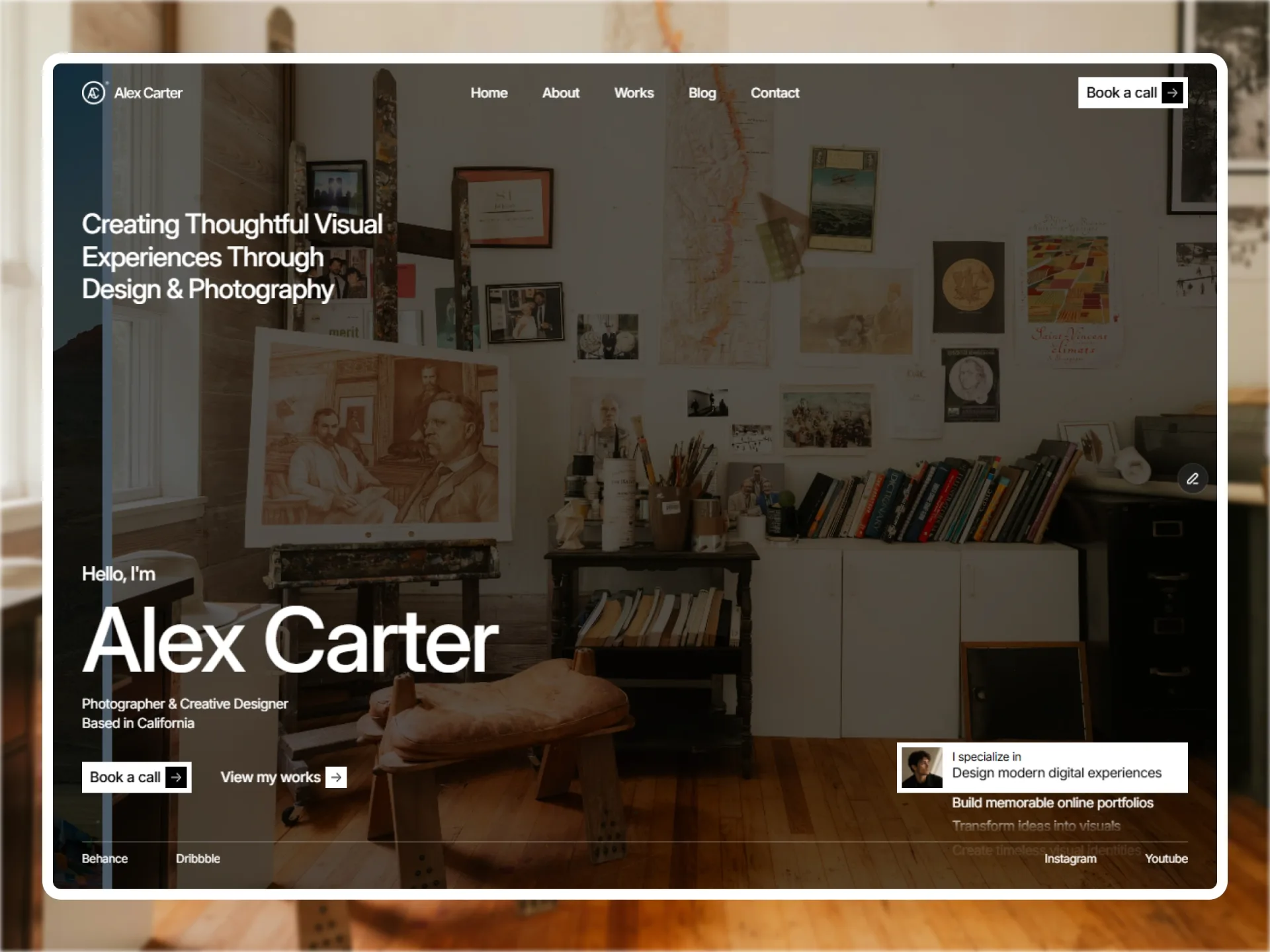
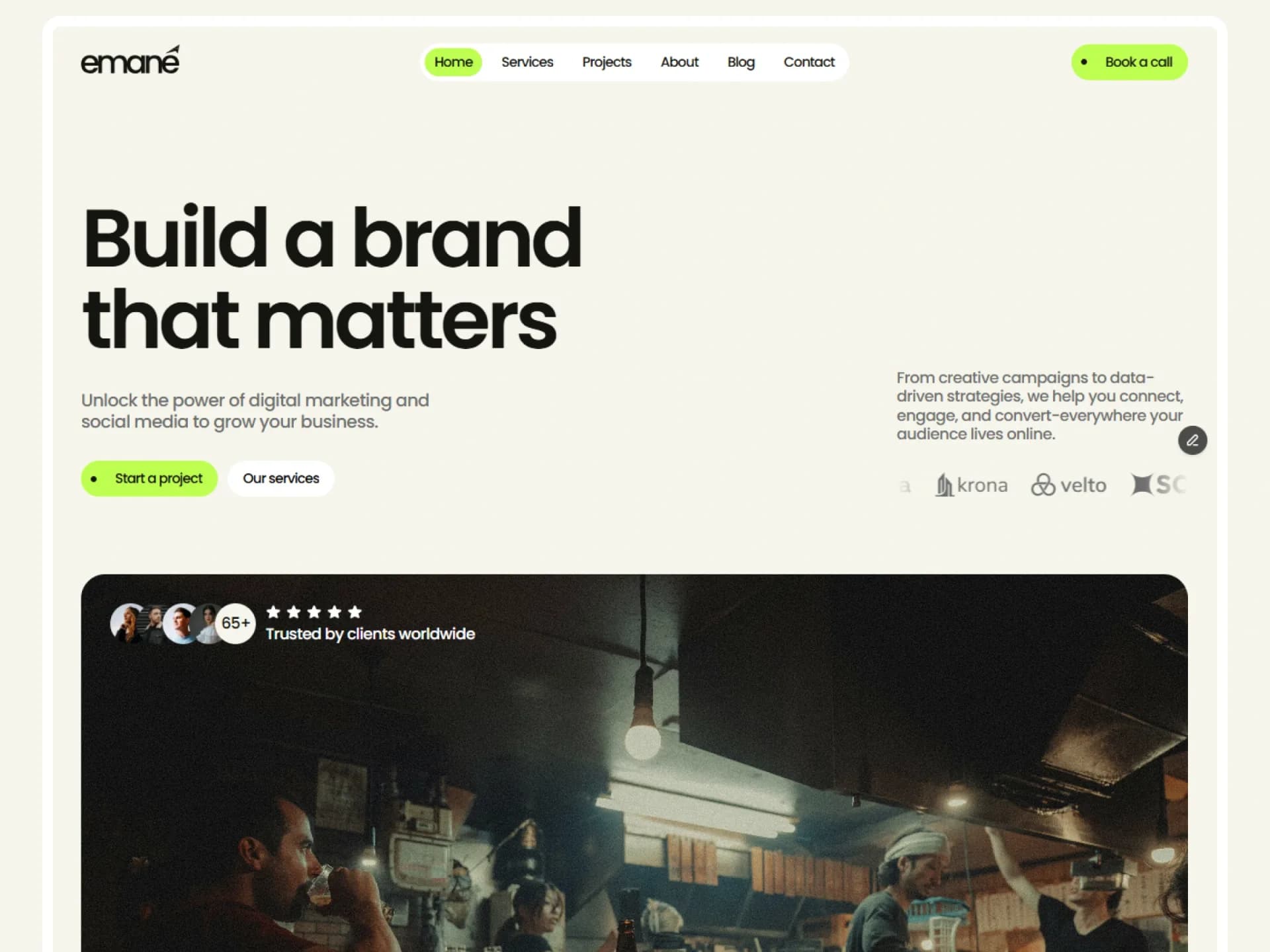
- It is Compose Digi's social button: a 32 px circle with an outline and a 16 px icon that widens to the icon and its label on hover (32 → 112 px for "Behance"), a fill fading in under it while the icon and the label turn to the fill's text colour at once. One spring drives the width, the padding and the fill — stiffness 500, damping 60, mass 1, over-damped, no overshoot, about 0.65 s — and leaving mirrors it.
- It opens on a hovering pointer and on keyboard focus (focus-visible only, so a click that leaves focus on it does not hold it open). Touch has no hover: a tap follows the link and the label is never shown, so if the label matters on a phone, show it another way.
- The label is always in the markup, clipped while the button is closed, so it is what a screen reader reads: there is no second name to keep in step with it. The icon is aria-hidden.
- The colour rule is only for a pointer that can hover (@media (hover: hover)): a touch screen keeps :hover after a tap and would leave a light icon on a fill that never came.
- Width and padding are size keys, which <MotionConfig reducedMotion="user"> skips, so with reduced motion it opens at once.
- Contrast: open, the icon and label are the theme's primary-foreground on its primary, 16:1 or better in the four sample themes, light and dark. For the first few frames of a hover the icon is already light while the fill is still fading in (the fill is at half after about 90 ms): that is the template's own behaviour, kept. tools/qa/axe-themes.mjs --hover cannot read this button, because its fill is a layer inside it, not the button's own background.
AI prompt
Paste into v0, Lovable, Bolt or Claude to rebuild this component in your own project.
Create a React + Tailwind CSS + Motion (motion/react) component called ExpandButton — a round icon button that widens to show its label.
- Props: icon (ReactNode, 16px), children (the label), size sm | default | lg (height and closed width 32 / 36 / 40px), href (a Next.js
  Link via motion.create(Link); external http(s) links open in a new tab with rel noopener noreferrer, otherwise a motion.button), className.
- A rounded-full inline-flex, items-center, gap-2.5, overflow-hidden, whitespace-nowrap, text-sm font-medium, text-foreground. Its
  height and, at rest, its width are the size (a circle); the left and right padding at rest are the 8 / 10 / 12px that centre
  the 16px icon, and 12px open.
- Variants rest and open, animated with one spring (stiffness 500, damping 60, mass 1): the root's width (rest: the size, open:
  "auto"), paddingLeft and paddingRight, and a bg-primary layer behind everything (opacity 0 → 1). The outline is its own absolute
  layer (border border-foreground, rounded-full) so it takes no room.
- open on whileHover and, for the keyboard, while the element has :focus-visible (set a state in onFocus from event.currentTarget.matches(":focus-visible"),
  clear it on blur); initial={false}, so the server renders the closed circle with no flash.
- The icon and the label turn to text-primary-foreground at once on hover (only inside @media (hover: hover), through the
  [@media(hover:hover)]:hover: variant) and on focus-visible. The label is always rendered after the icon, not aria-hidden: it names the button.
- Visible focus ring (ring-[3px] ring-ring/50).