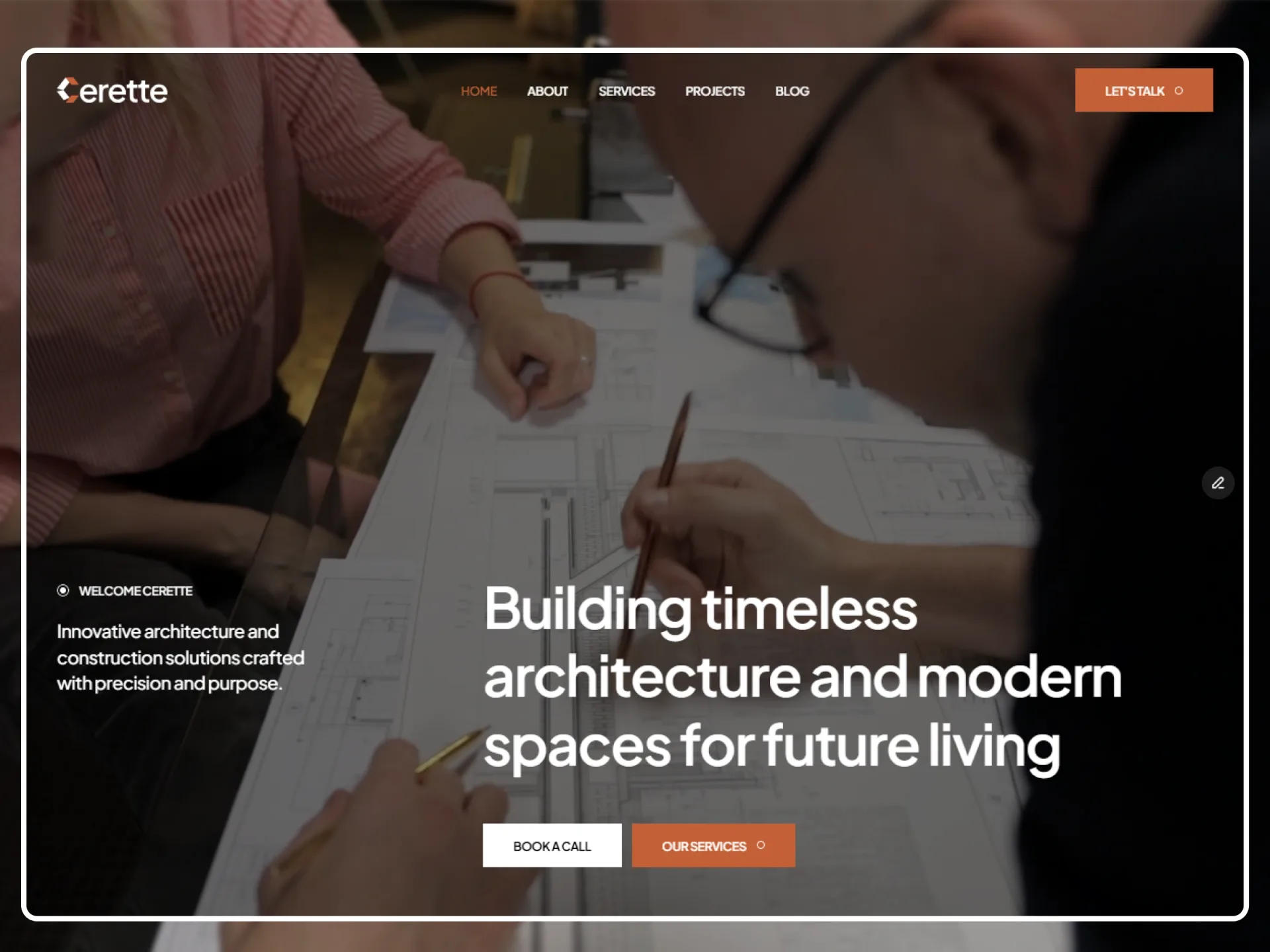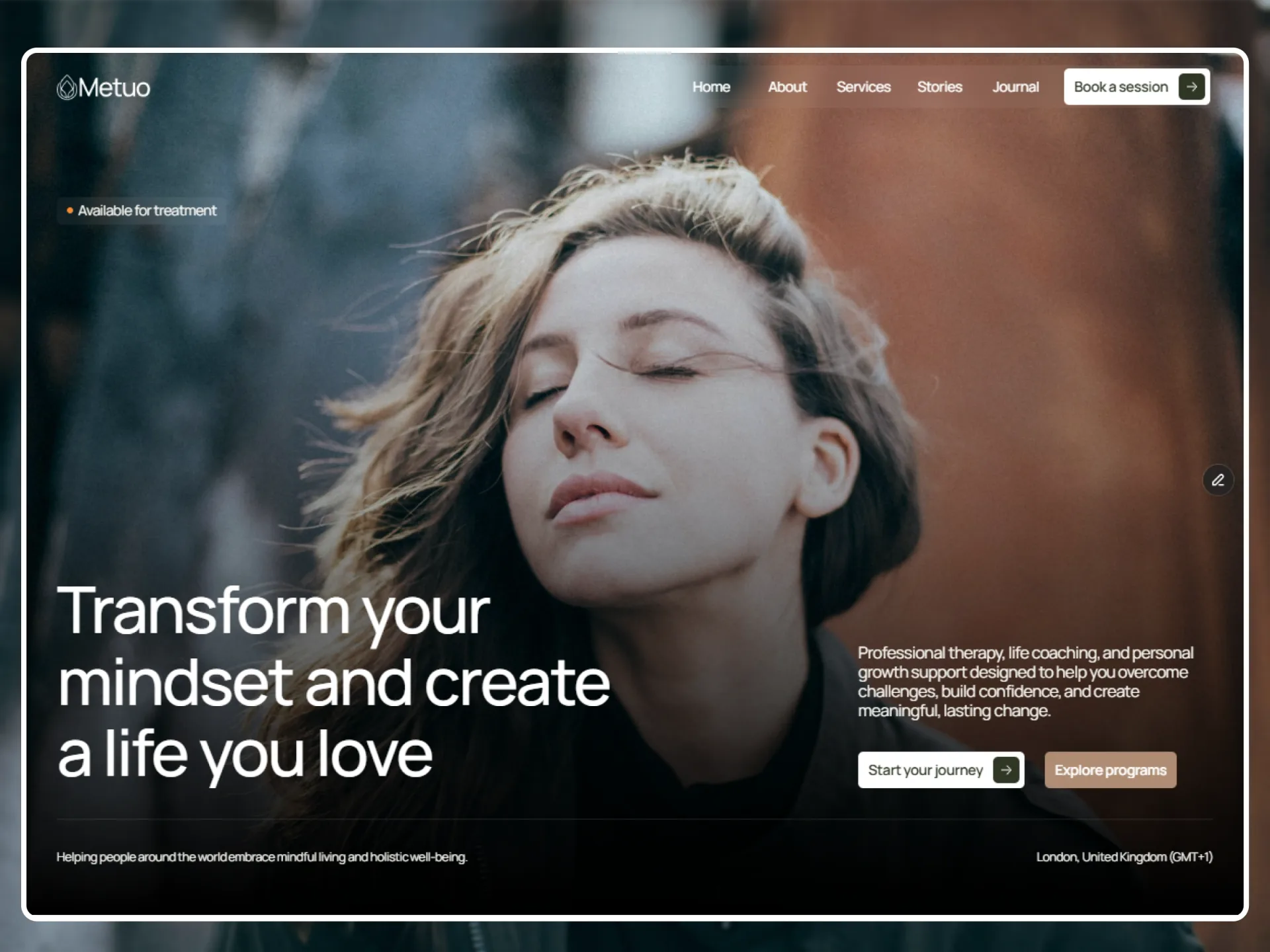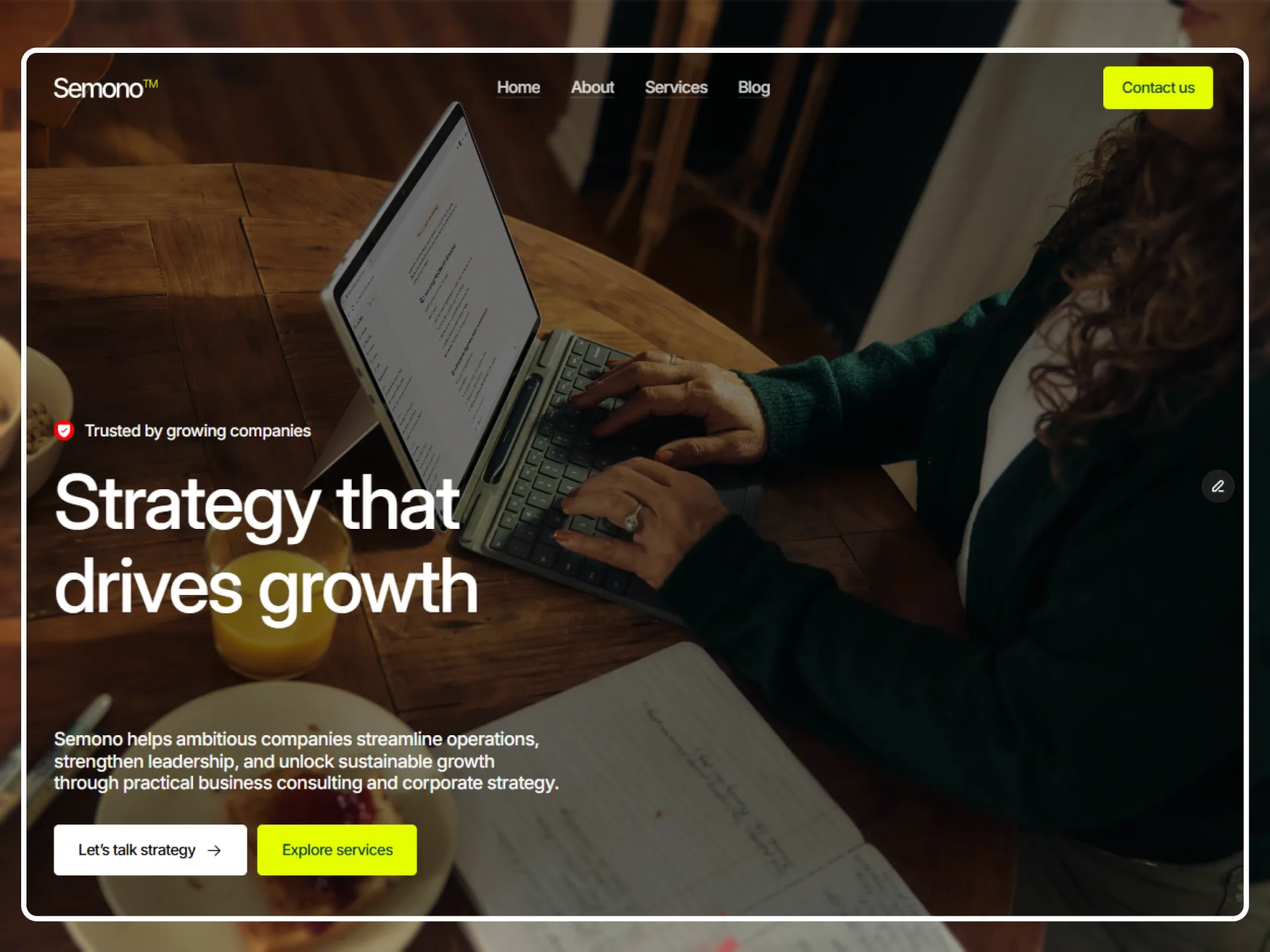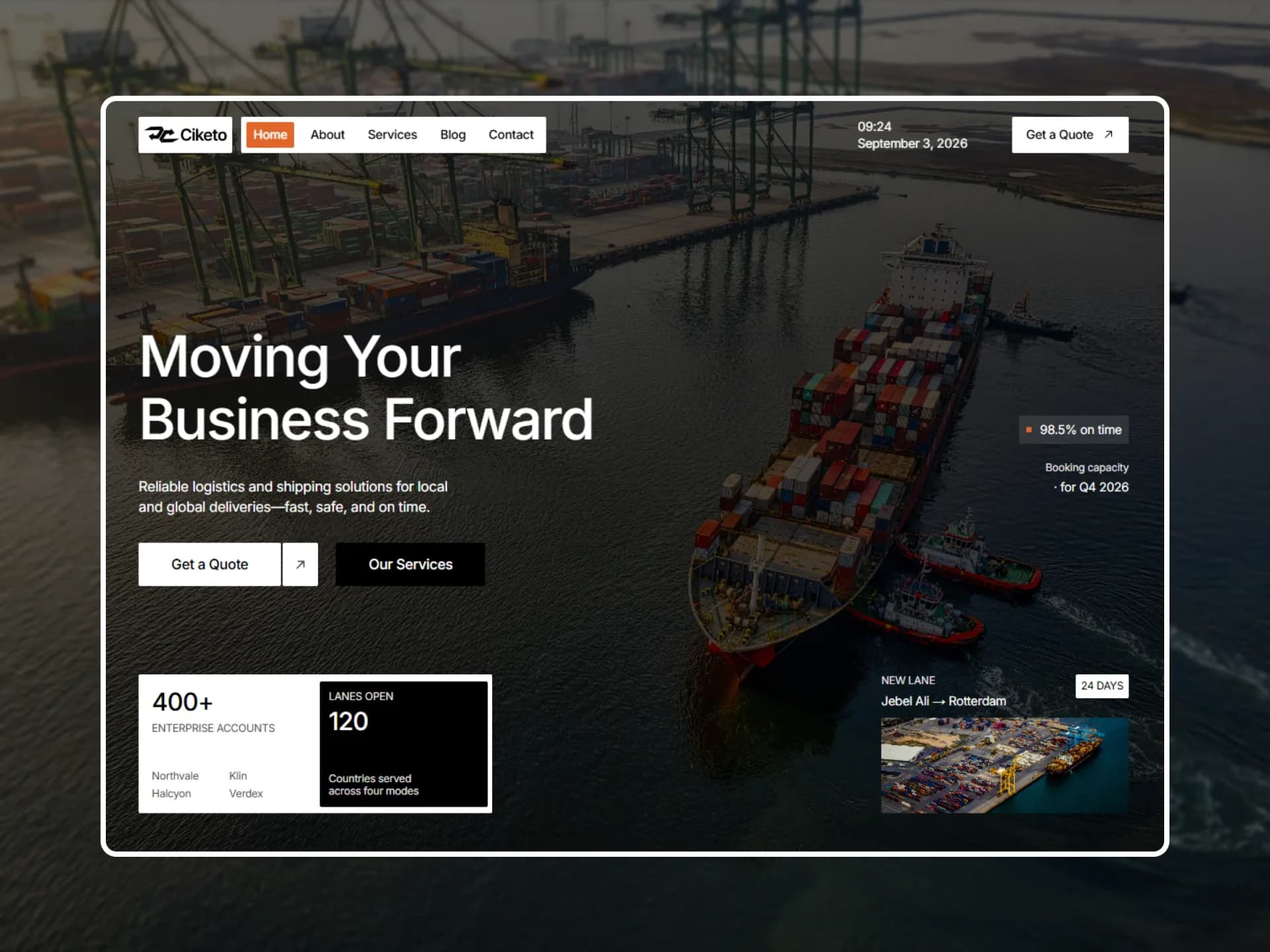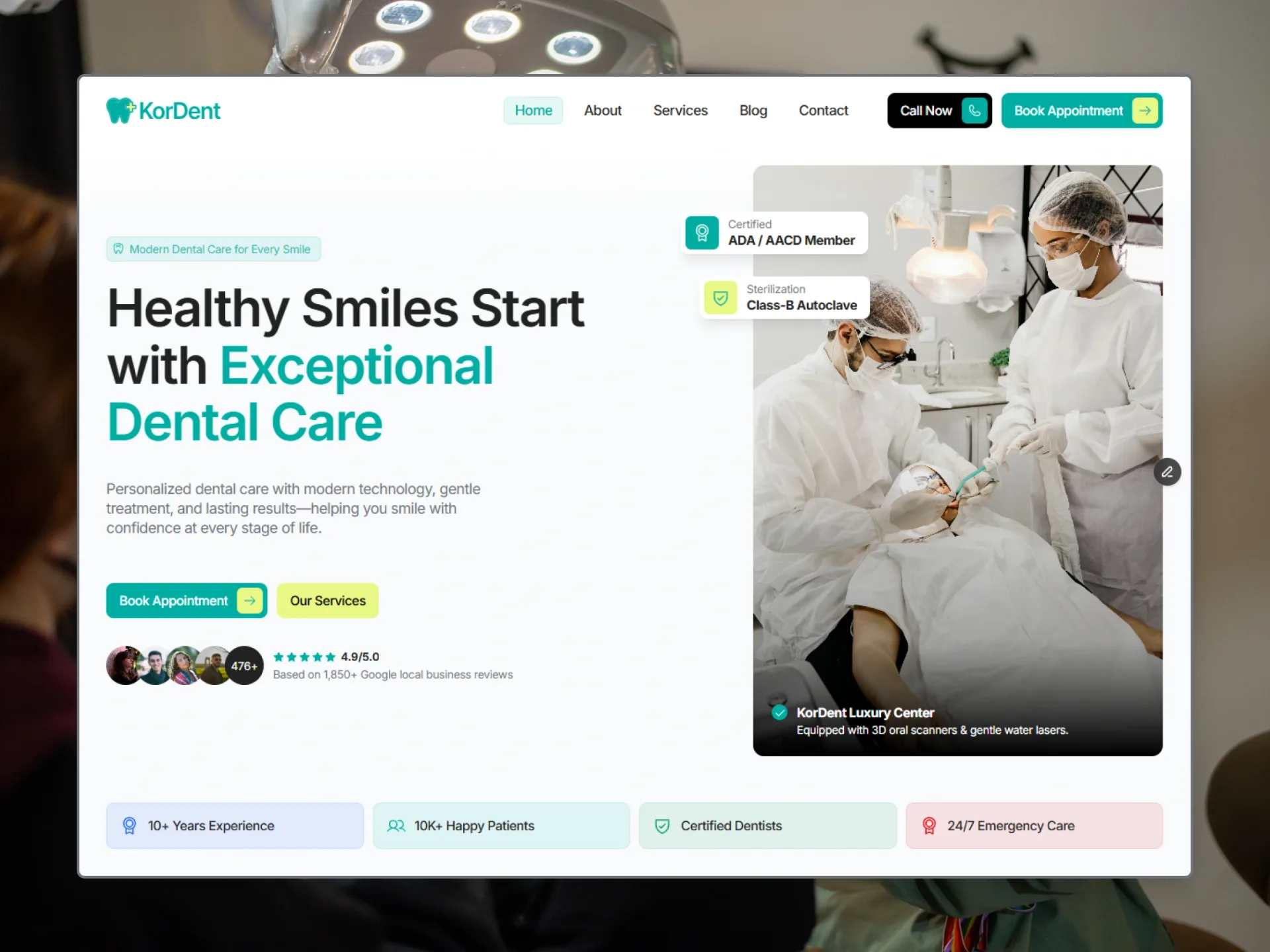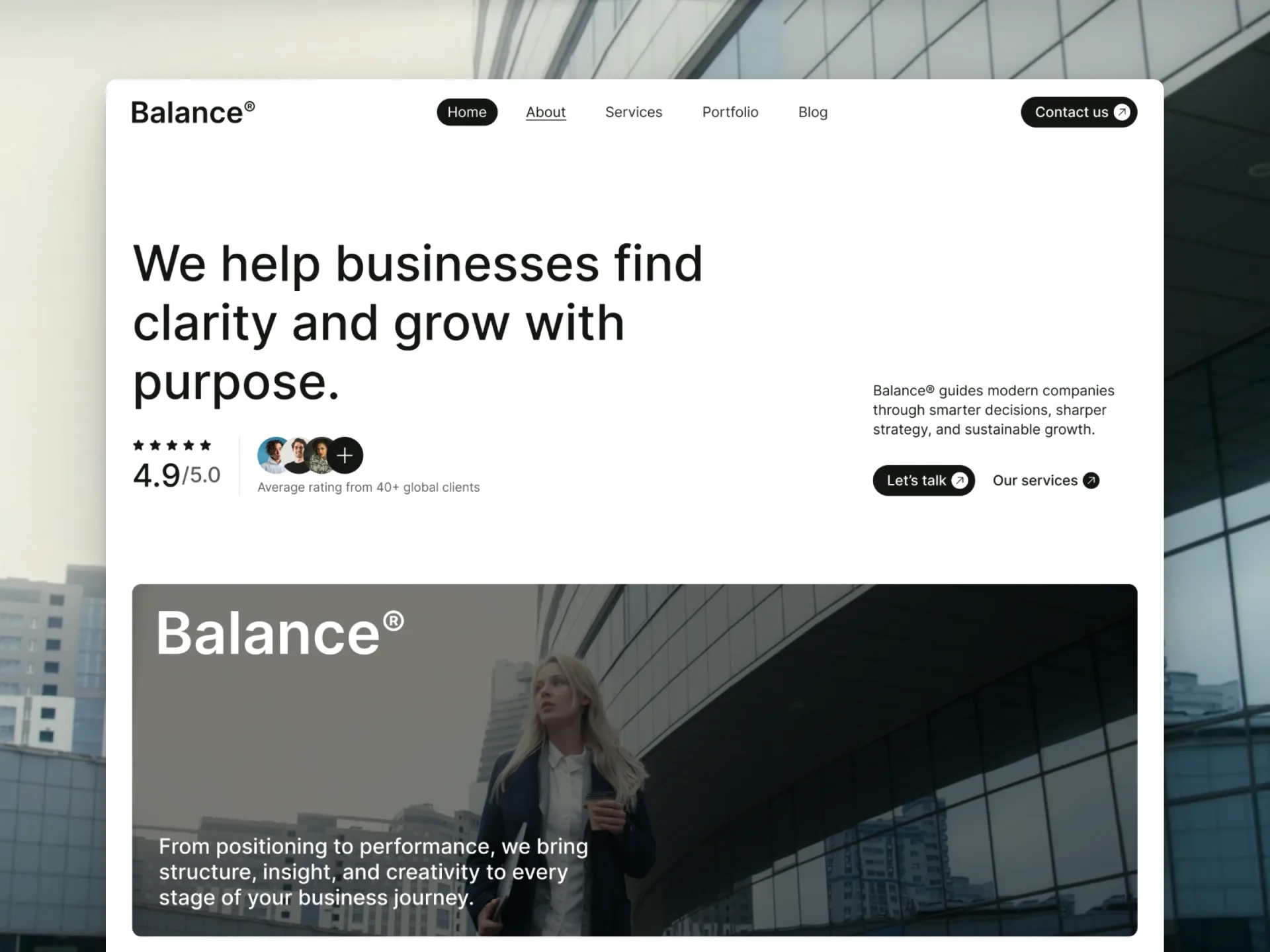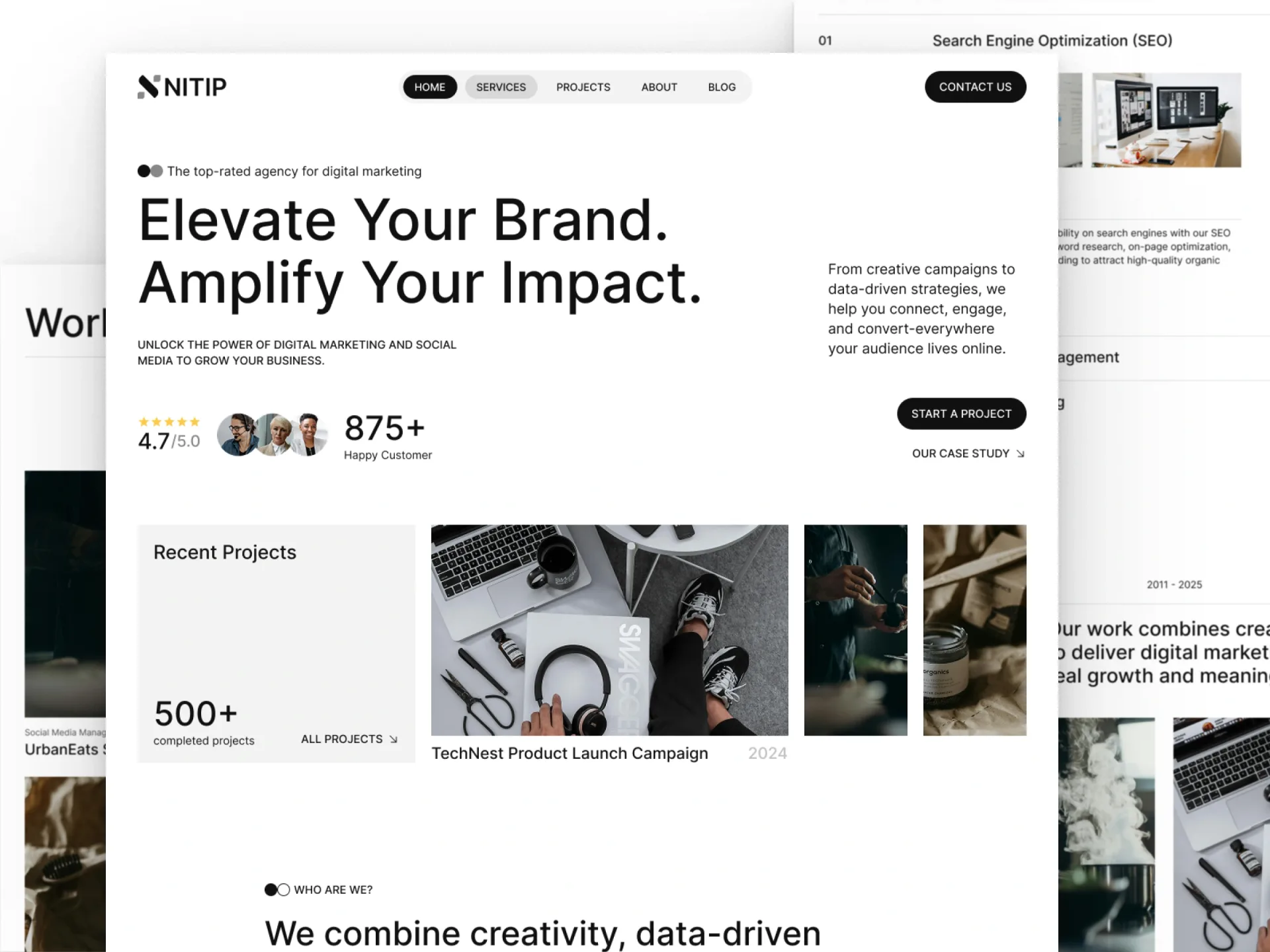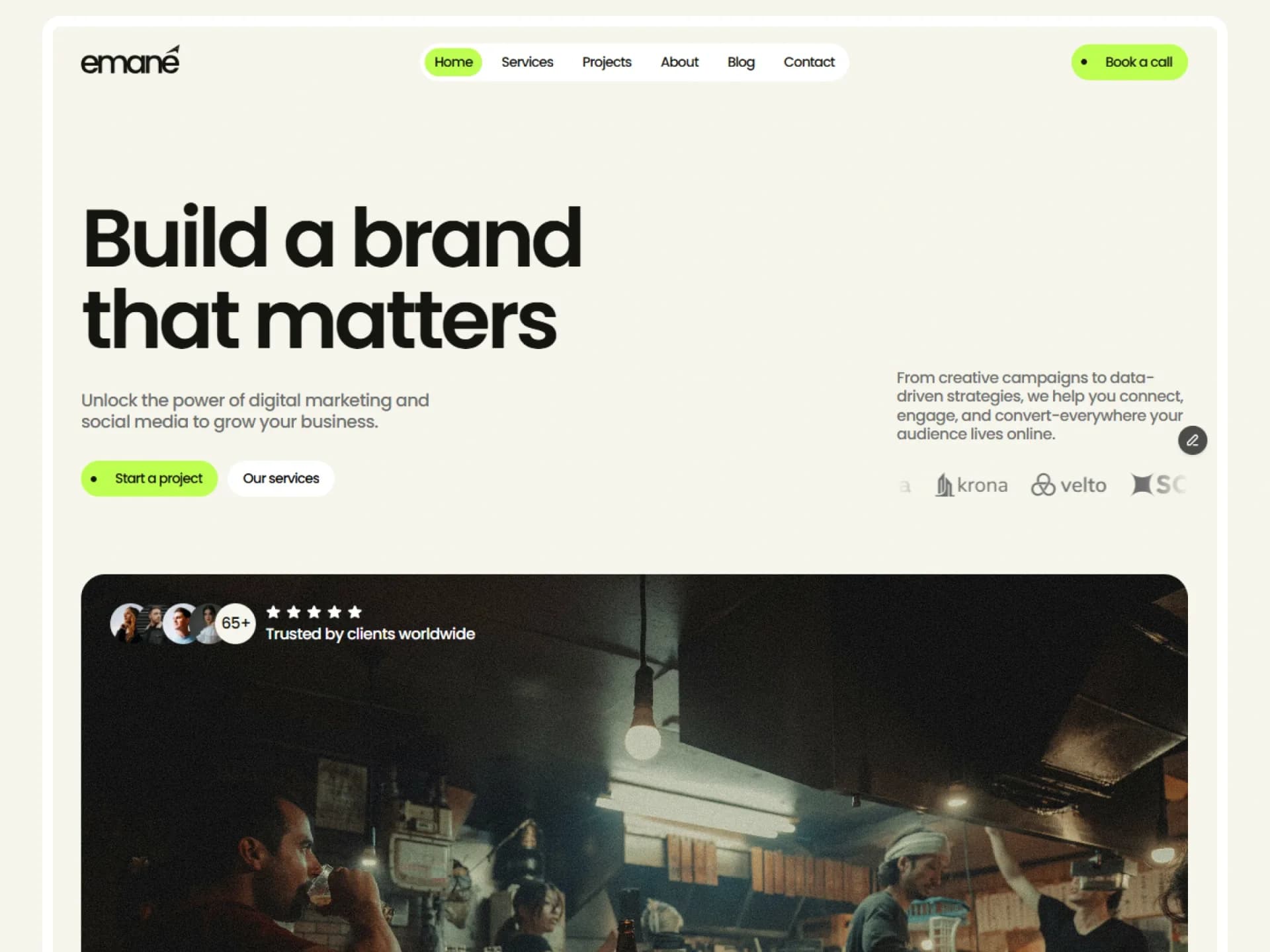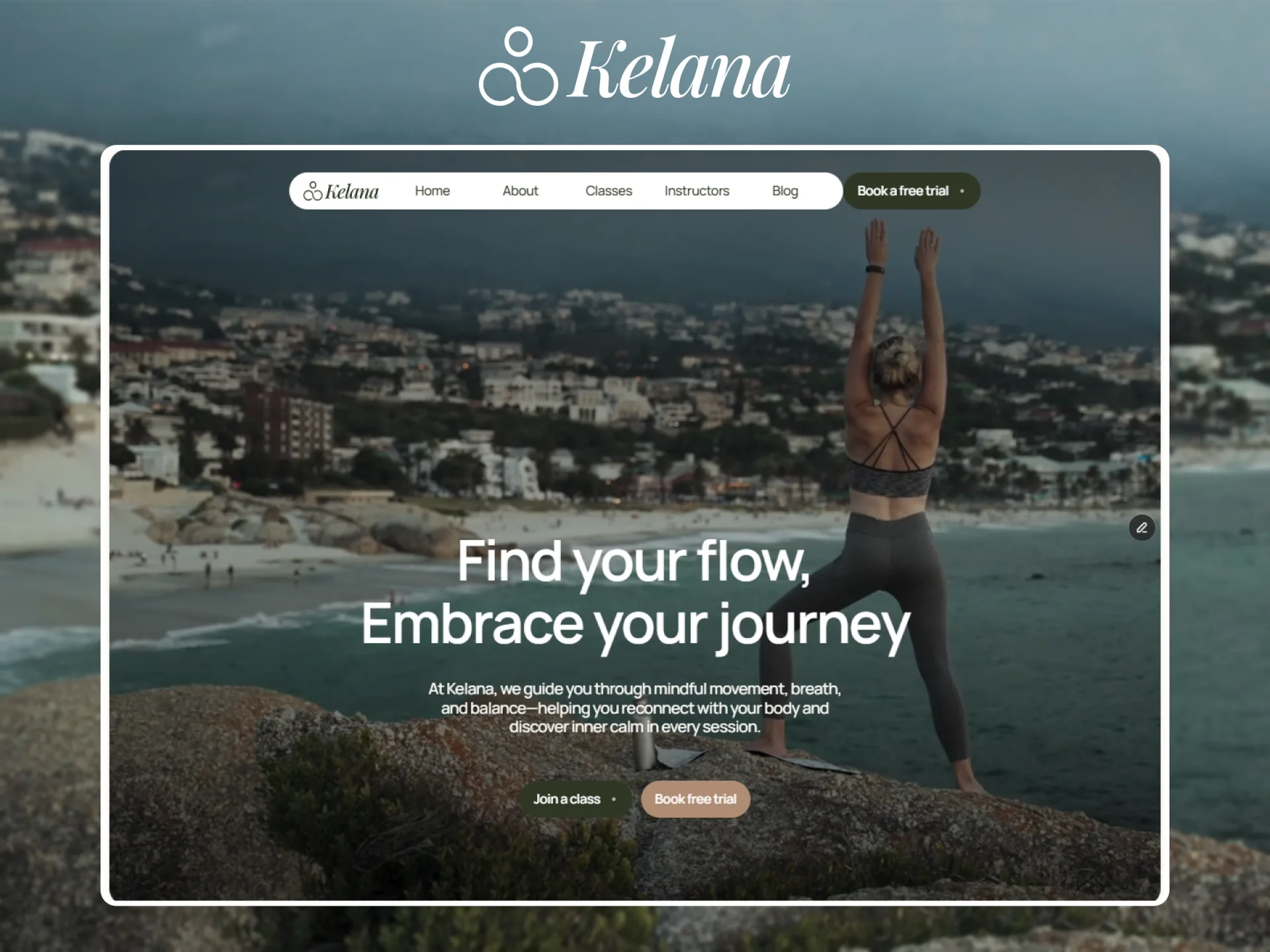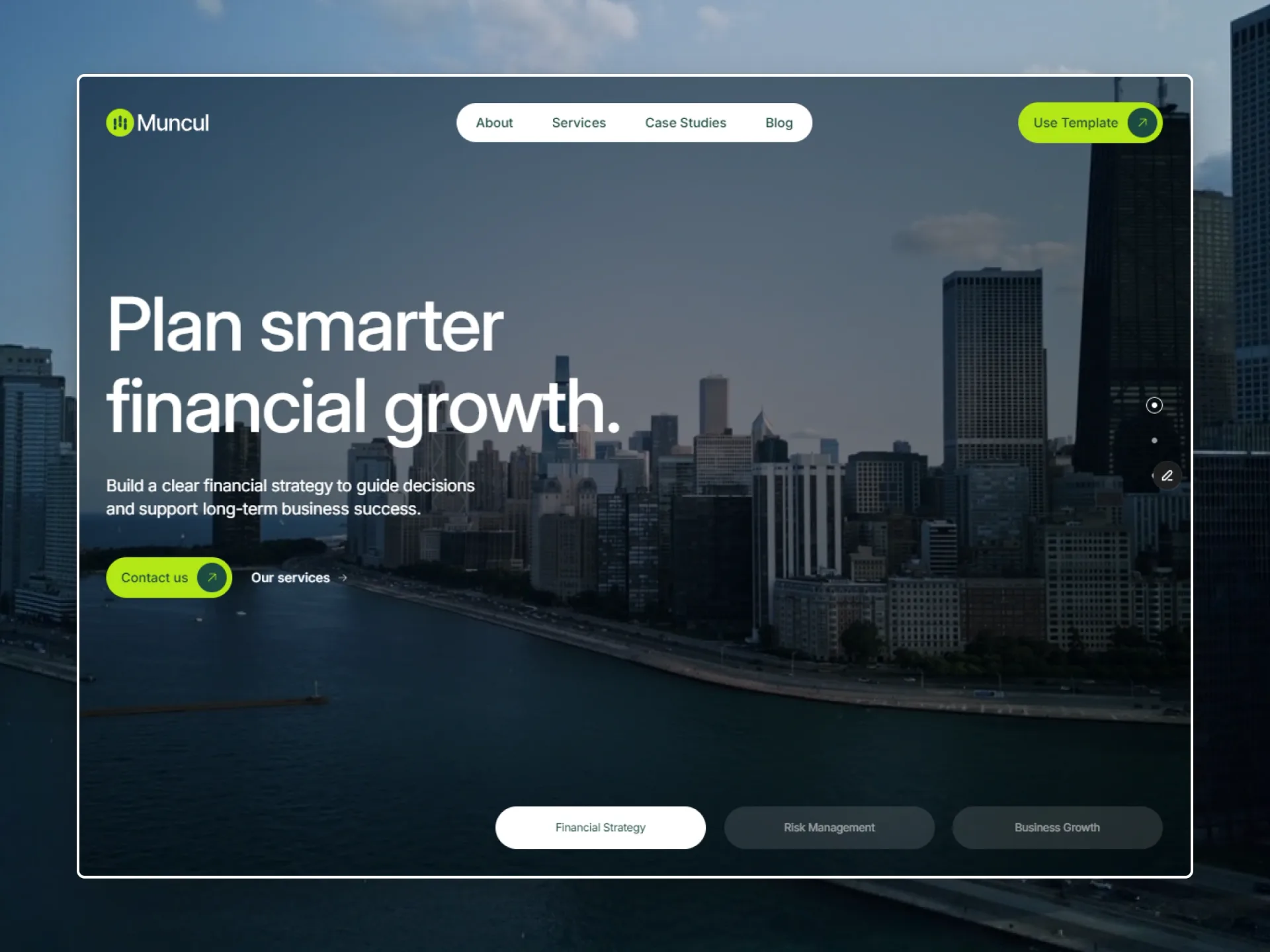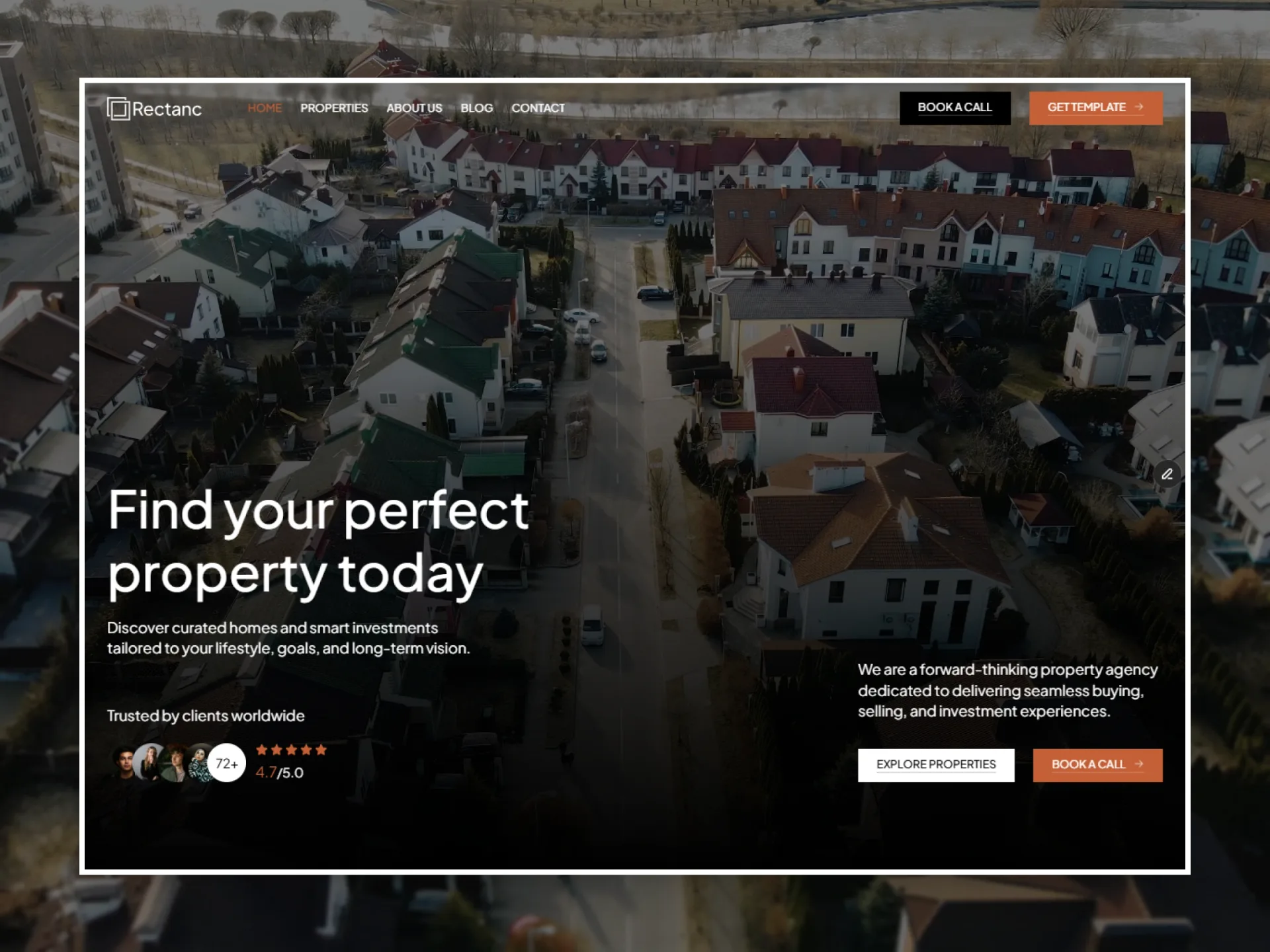
 Framer demo
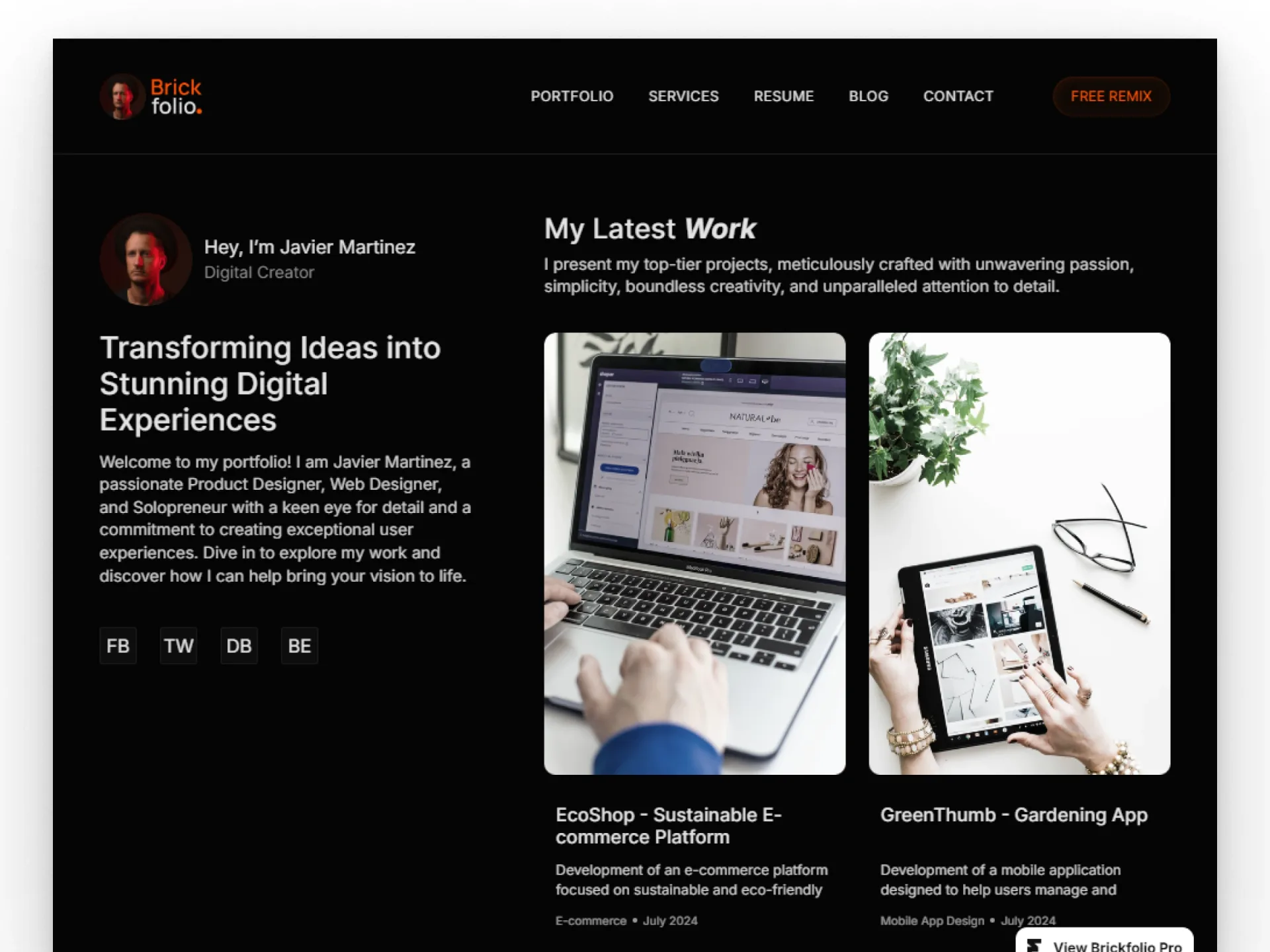
Brickfolio
One-page personal portfolio
Opens in Framer. Sign in or create a free Framer account, then click Copy: the whole project lands in your workspace.
What you need
- A free Framer account. Framer asks you to sign in when the remix window opens.
- A paid Framer site plan only when you connect your own domain. You can publish on a free Framer address first.
Framebrick earns a commission from Framer if you subscribe to a paid Framer plan after using this link. It costs you nothing extra.
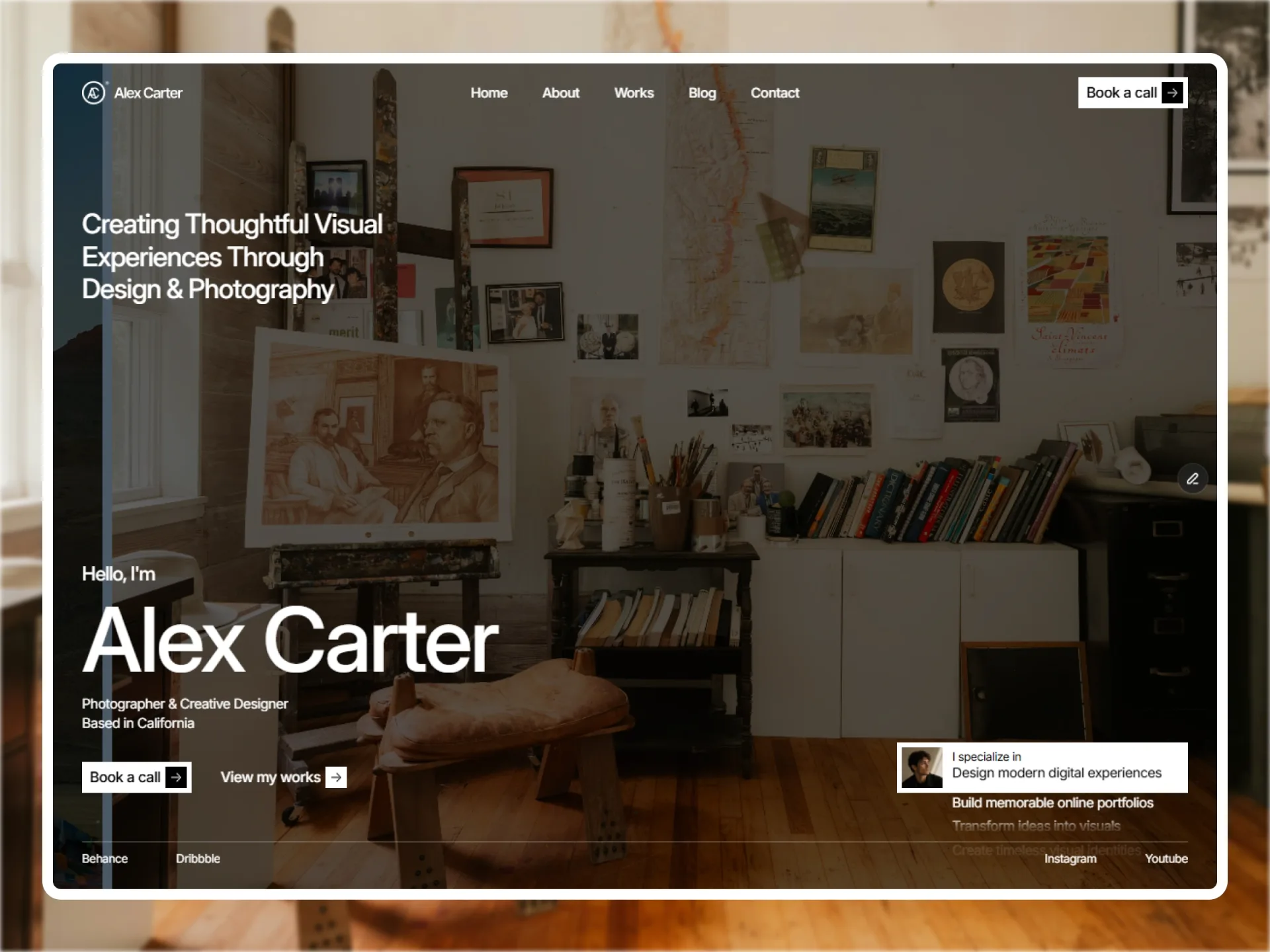
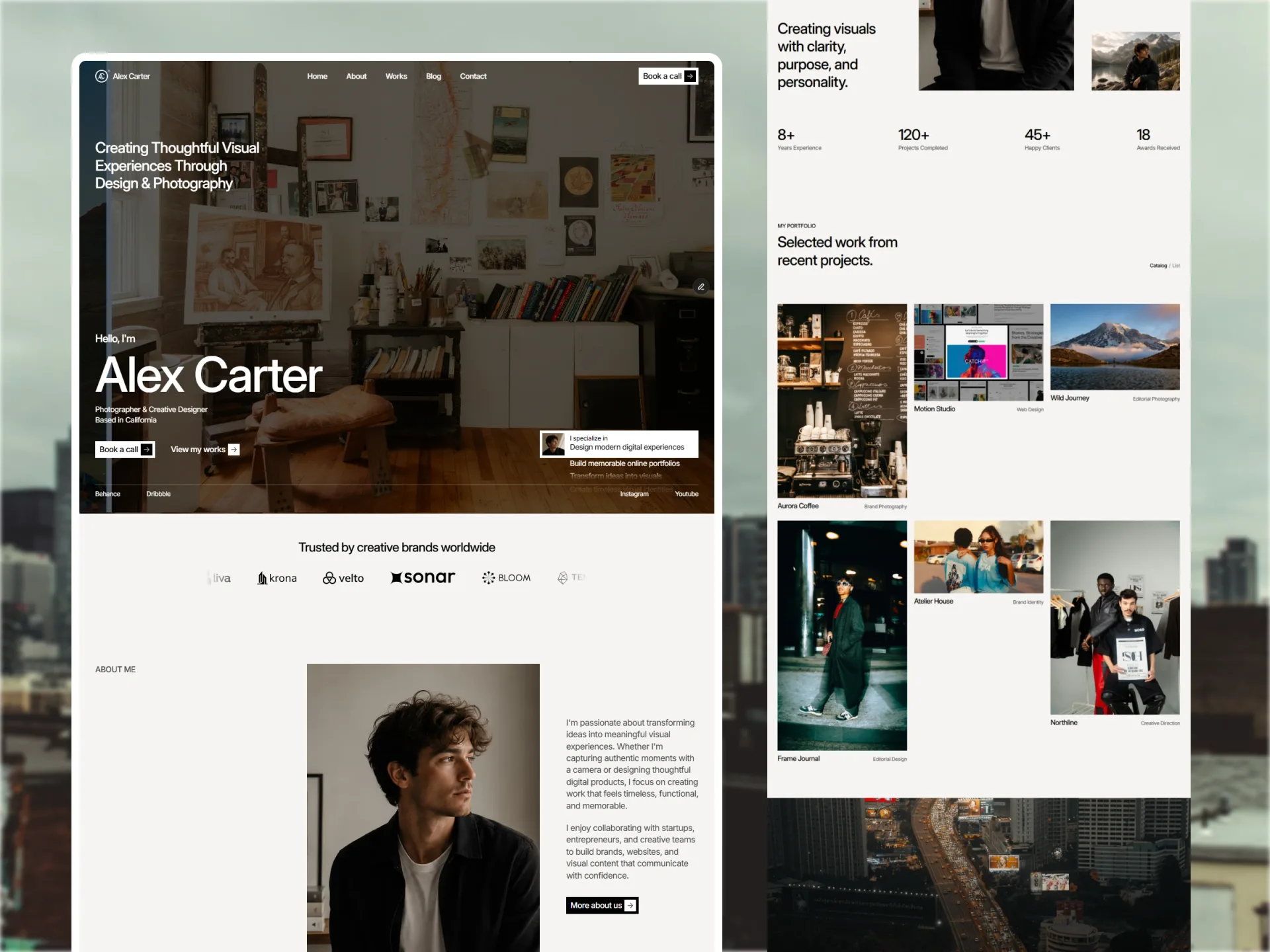
A one-page personal portfolio with project and blog pages from the CMS — polished and quick to launch.
Brickfolio fits your whole story into one smooth scroll: introduction, selected work, skills and contact. It's ideal when you want a polished site live today.
Projects and blog posts still get their own pages from the CMS, so the portfolio can grow.
Why Brickfolio
One scroll
Everything a visitor needs on one page.
Project pages
CMS detail pages for your best work.
Quick to launch
Swap the text and images, then publish.
What's inside — 3 pages
- Home
- ProjectCMS
- Blog postCMS
Key features
- One-page home
- CMS projects and blog
- Contact section
- Designed for desktop, tablet and phone
Best for
- Designers
- Artists
- Freelancers
- Students
- Job seekers
What you get
Brickfolio in Framer (Framer), a license for unlimited websites — yours or your clients’ — free updates, and help by email from the Framebrick team. We reply within 1–2 business days. Read the license.
Frequently asked questions
Not for the Framer edition. You change text, images, colors, fonts and layouts in Framer's visual editor and publish with one click. The Next.js, Astro and HTML editions are for developers and ship with setup guides.
More templates


Be the first to know
Get new templates and components first
One short email when we release a template or a free component. No spam — unsubscribe anytime.
We use your email only for Framebrick updates. Privacy policy