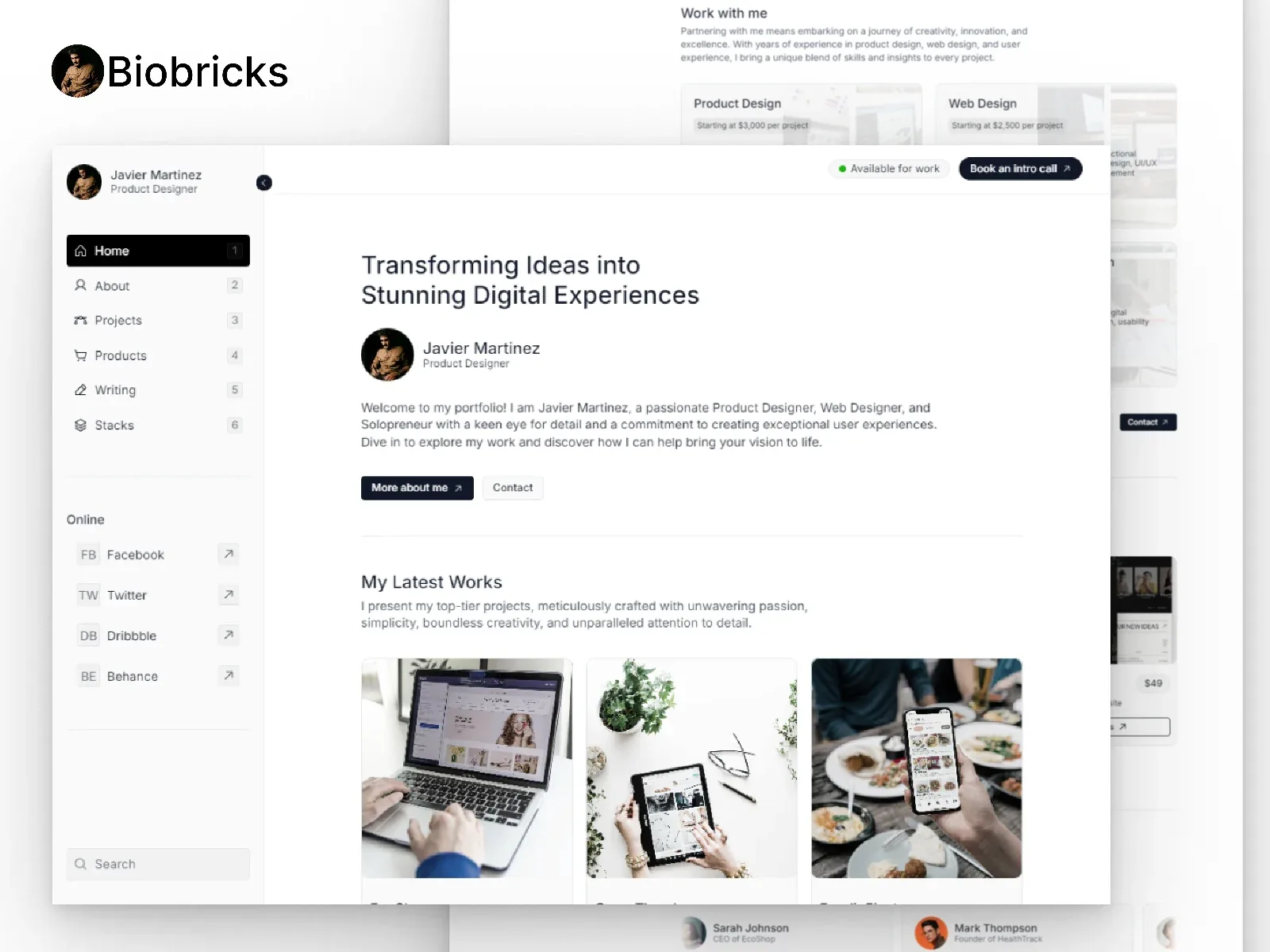

Biobricks
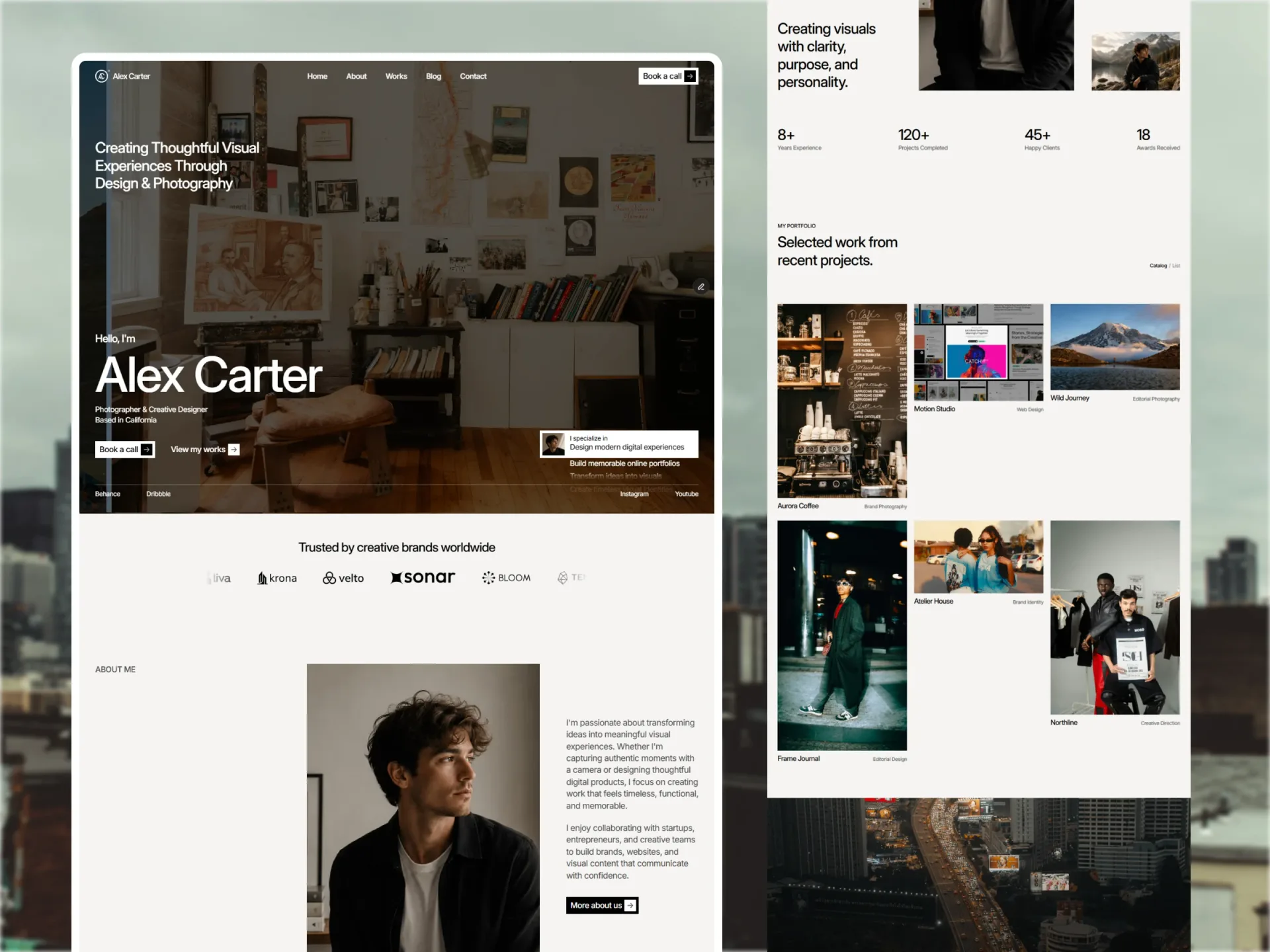
Dashboard-style personal portfolio
A personal portfolio with a dashboard-inspired sidebar: projects, products, a tool stack and a blog.
Biobricks turns a personal site into a tidy dashboard. A sidebar keeps projects, skills and contact one click away, which suits developers and creatives with a lot to show.
Projects, products, the tool stack and blog posts are CMS collections, each with its own page.
Why Biobricks
Sidebar navigation
A dashboard feel that keeps everything close.
Products and stack
Share what you sell and the tools you use.
Four CMS collections
Projects, products, stack and blog.
What's inside — 11 pages
- Home
- About
- Projects
- Products
- Stack
- Blog
- Contact
- ProjectCMS
- Blog postCMS
- ToolCMS
- ProductCMS
Key features
- CMS projects, products, stack and blog
- Sidebar navigation
- About and contact pages
- Designed for desktop, tablet and phone
Best for
- Developers
- Product designers
- Indie makers
- Creators with products
- Tech professionals
What you get
Biobricks on the platform you choose (Framer), a license for one website — yours or a client’s — free updates, and help by email from the Framebrick team. We reply within 1–2 business days. Read the license.
Frequently asked questions
Not for the Framer edition. You change text, images, colors, fonts and layouts in Framer's visual editor and publish with one click. The Next.js, Astro and HTML editions are for developers and ship with setup guides.
More templates



Be the first to know
Get new templates and components first
One short email when we release a template or a free component. No spam — unsubscribe anytime.
We use your email only for Framebrick updates. Privacy policy