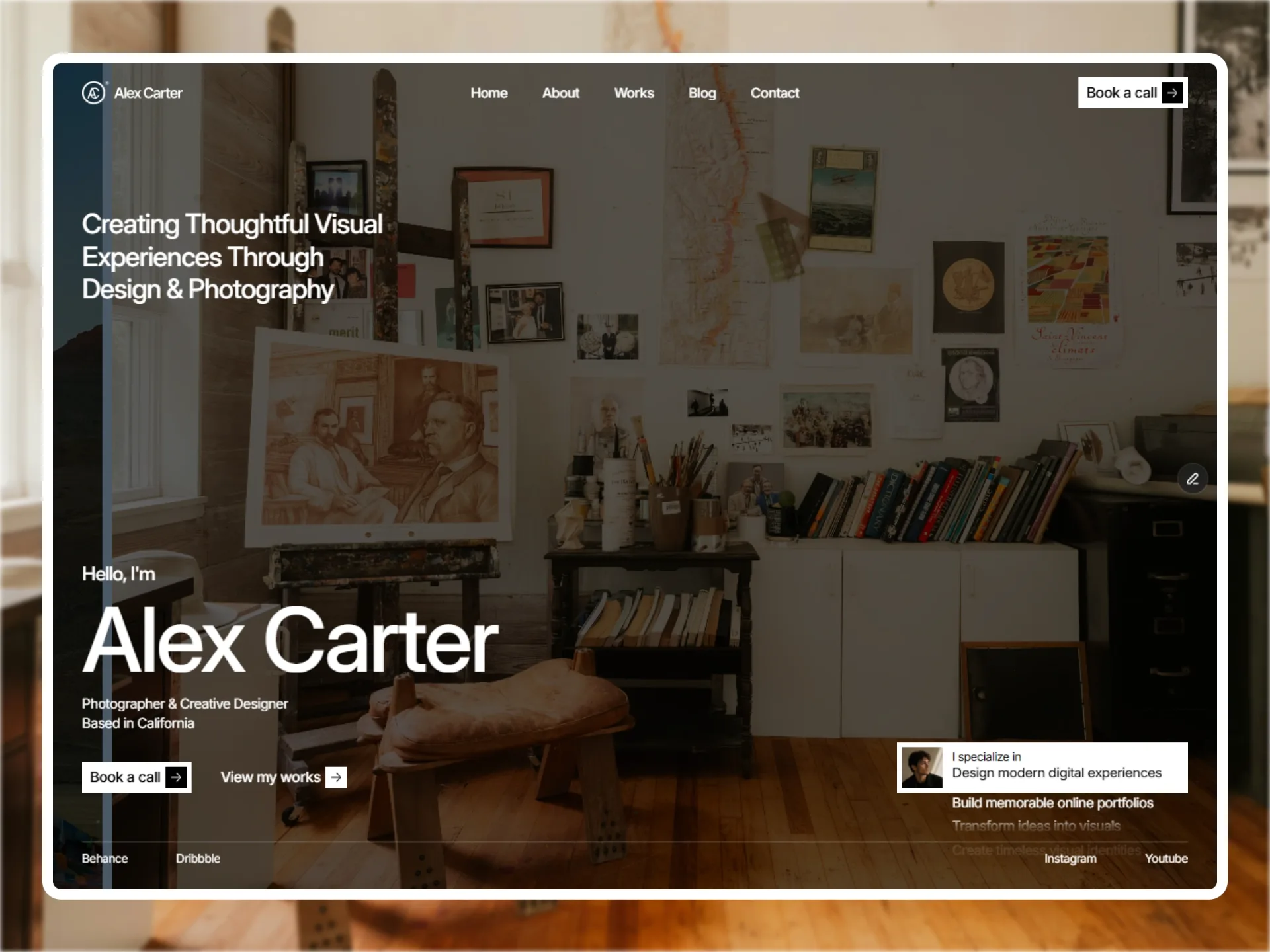
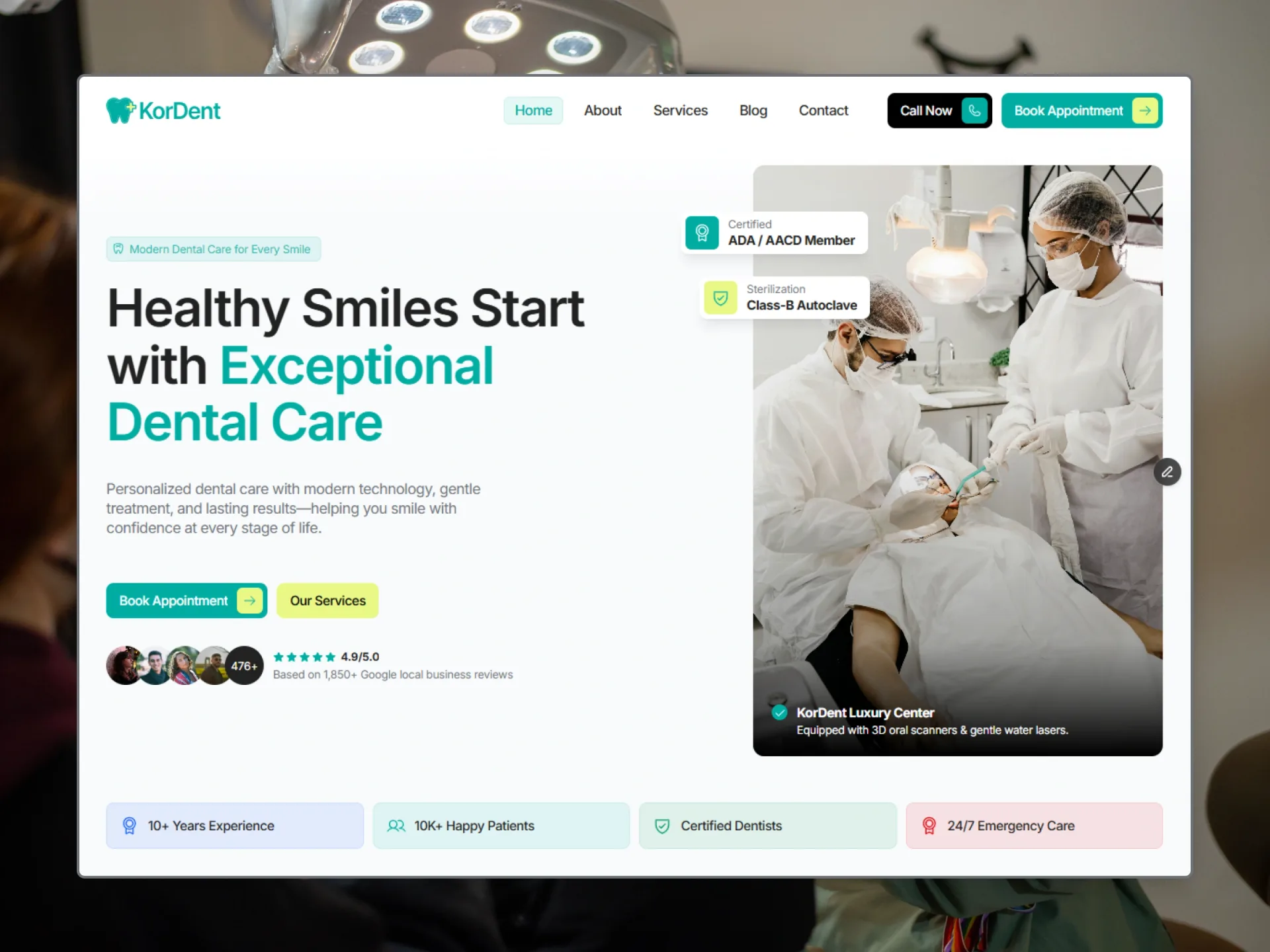
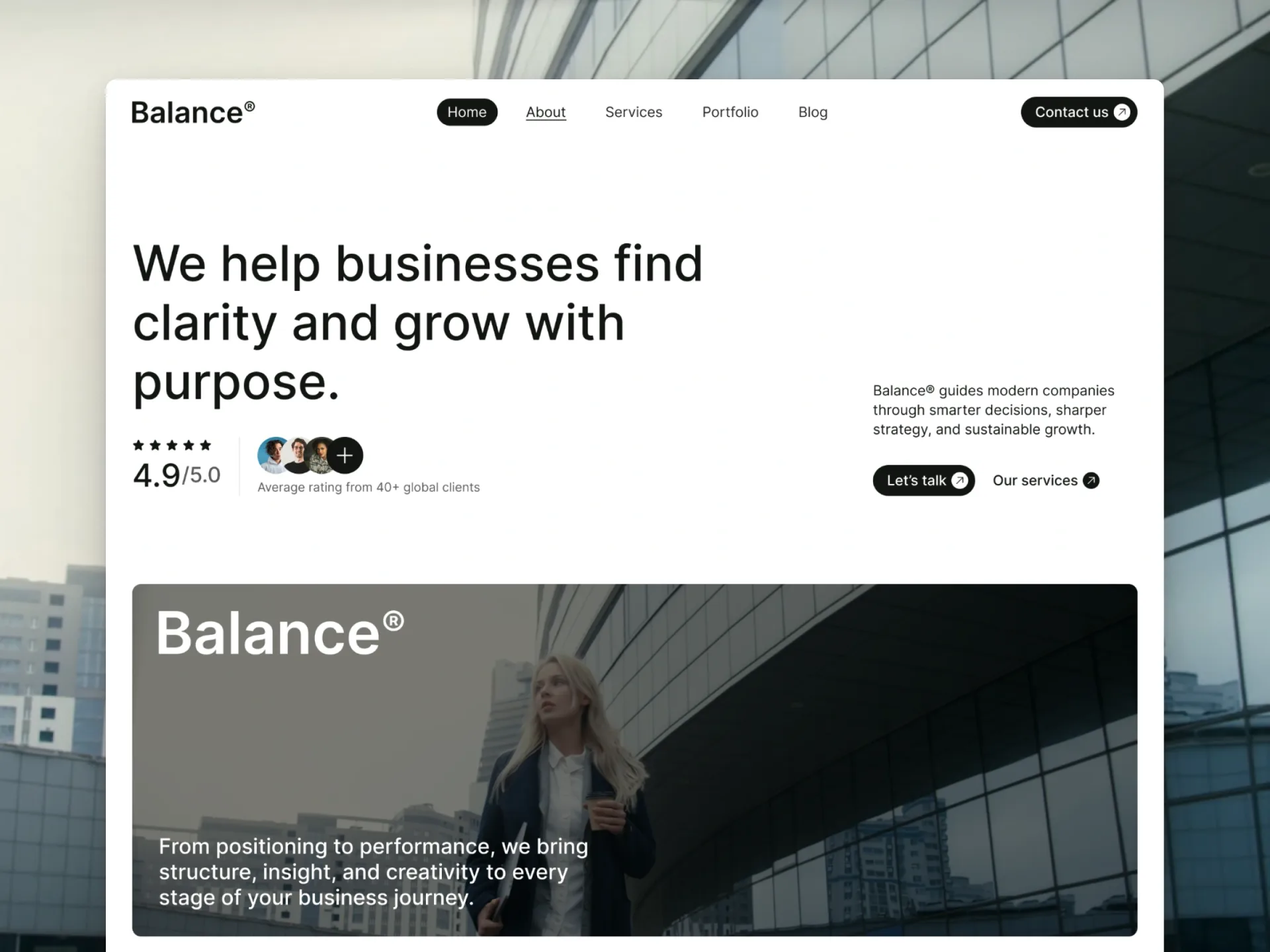
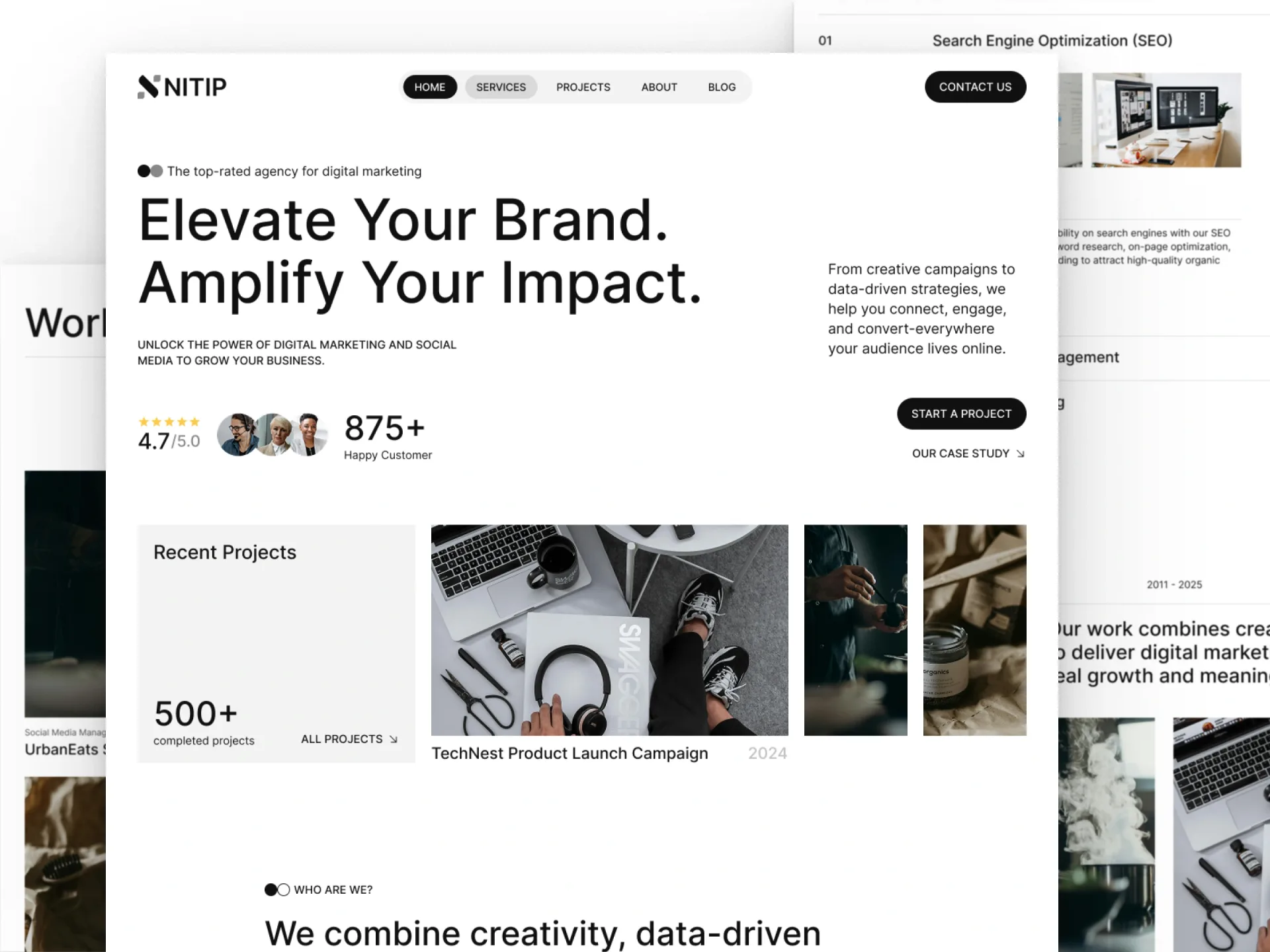
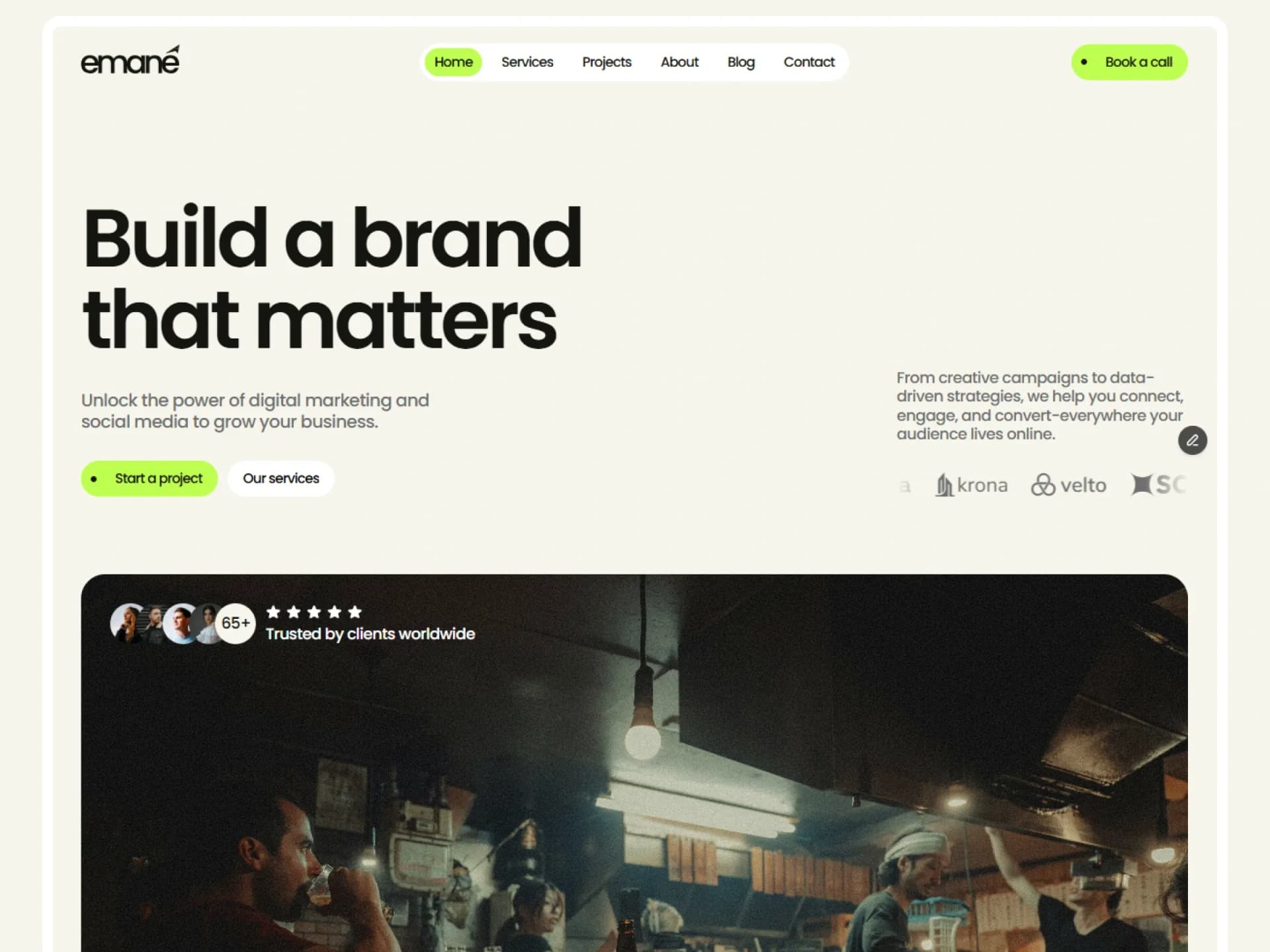
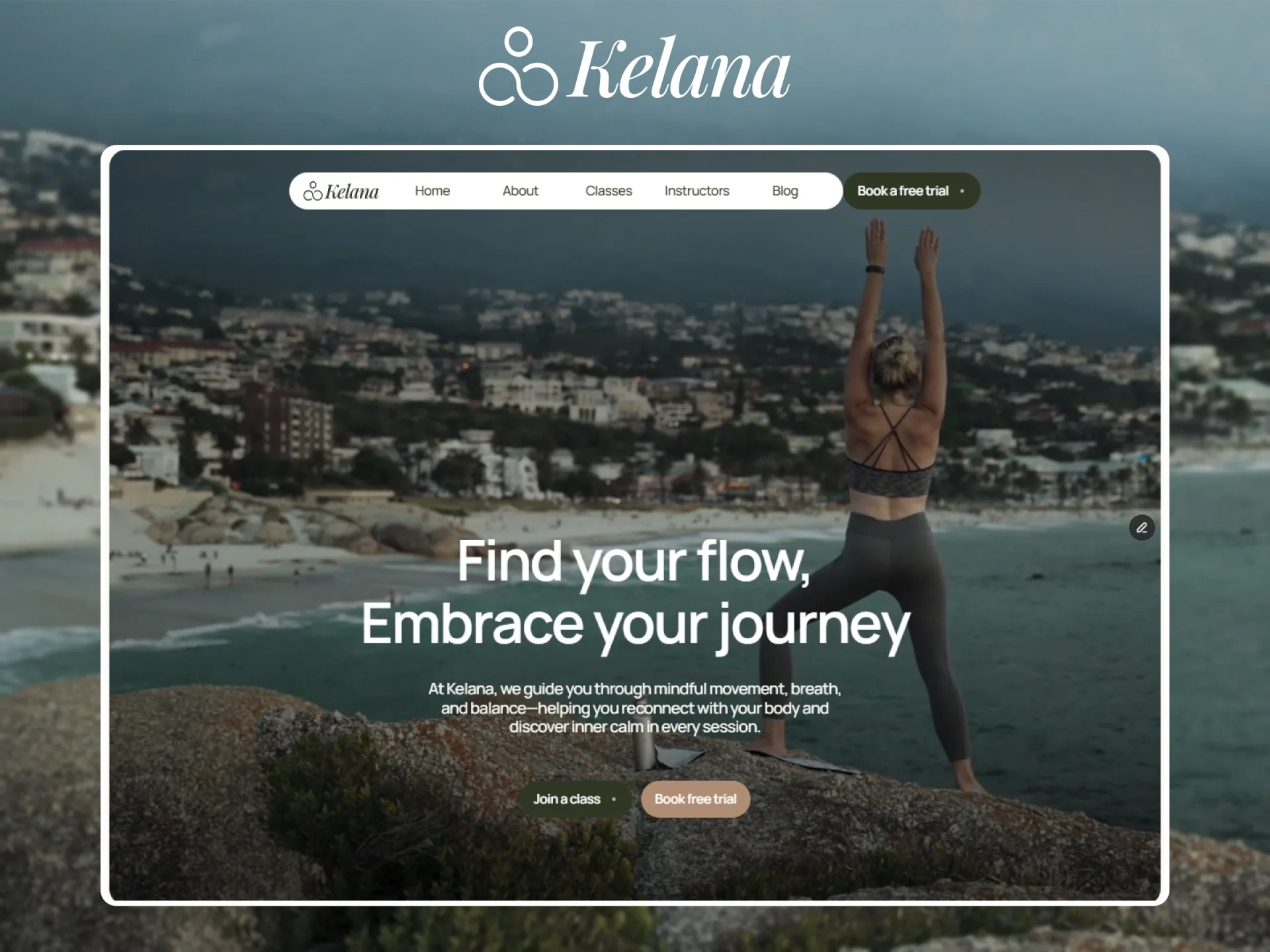
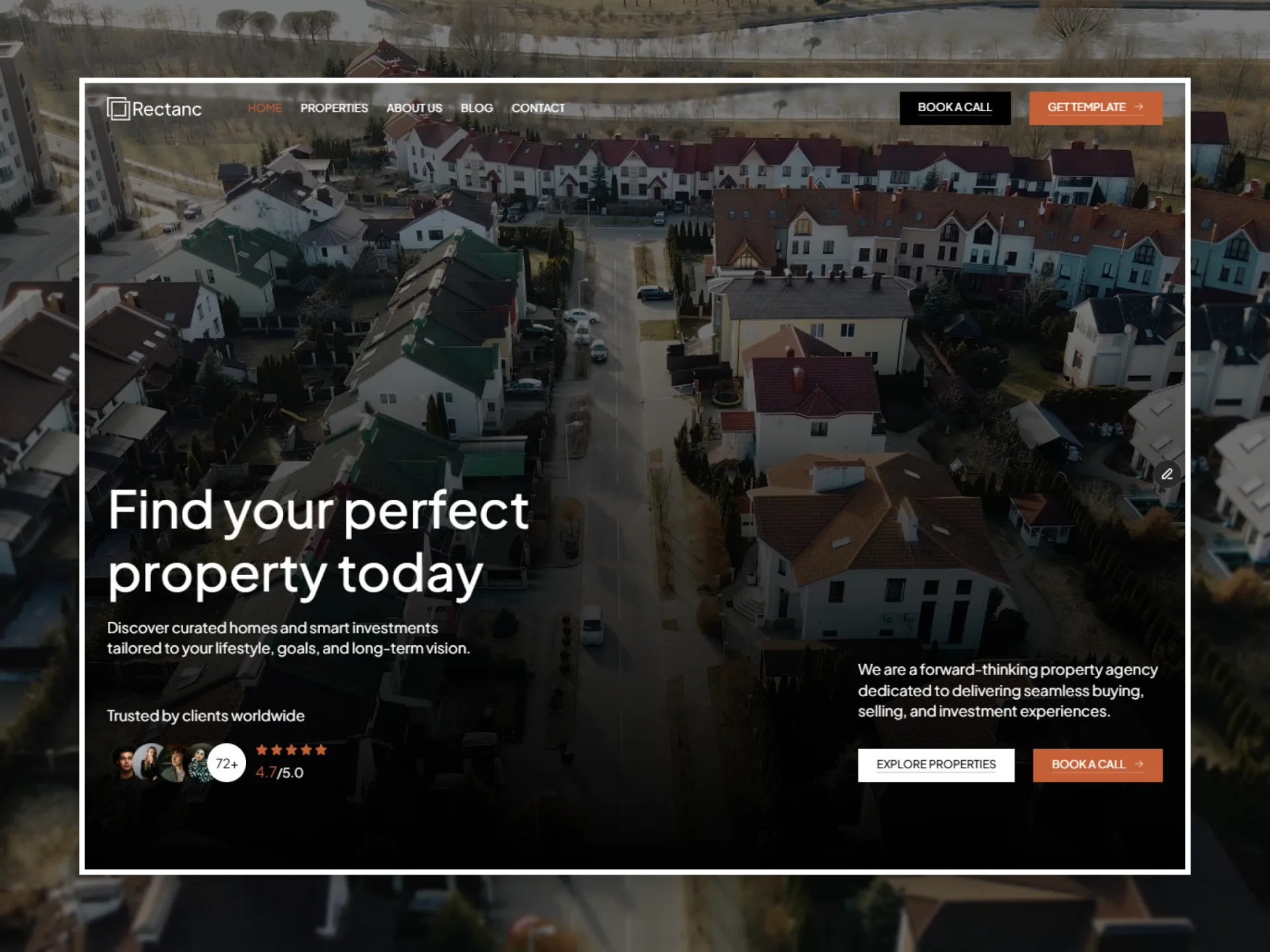
Architecture and interior design studio website: a warm cream page, black type, big photos under a dark veil, one brown accent, square corners everywhere, set in Plus Jakarta Sans.
The style
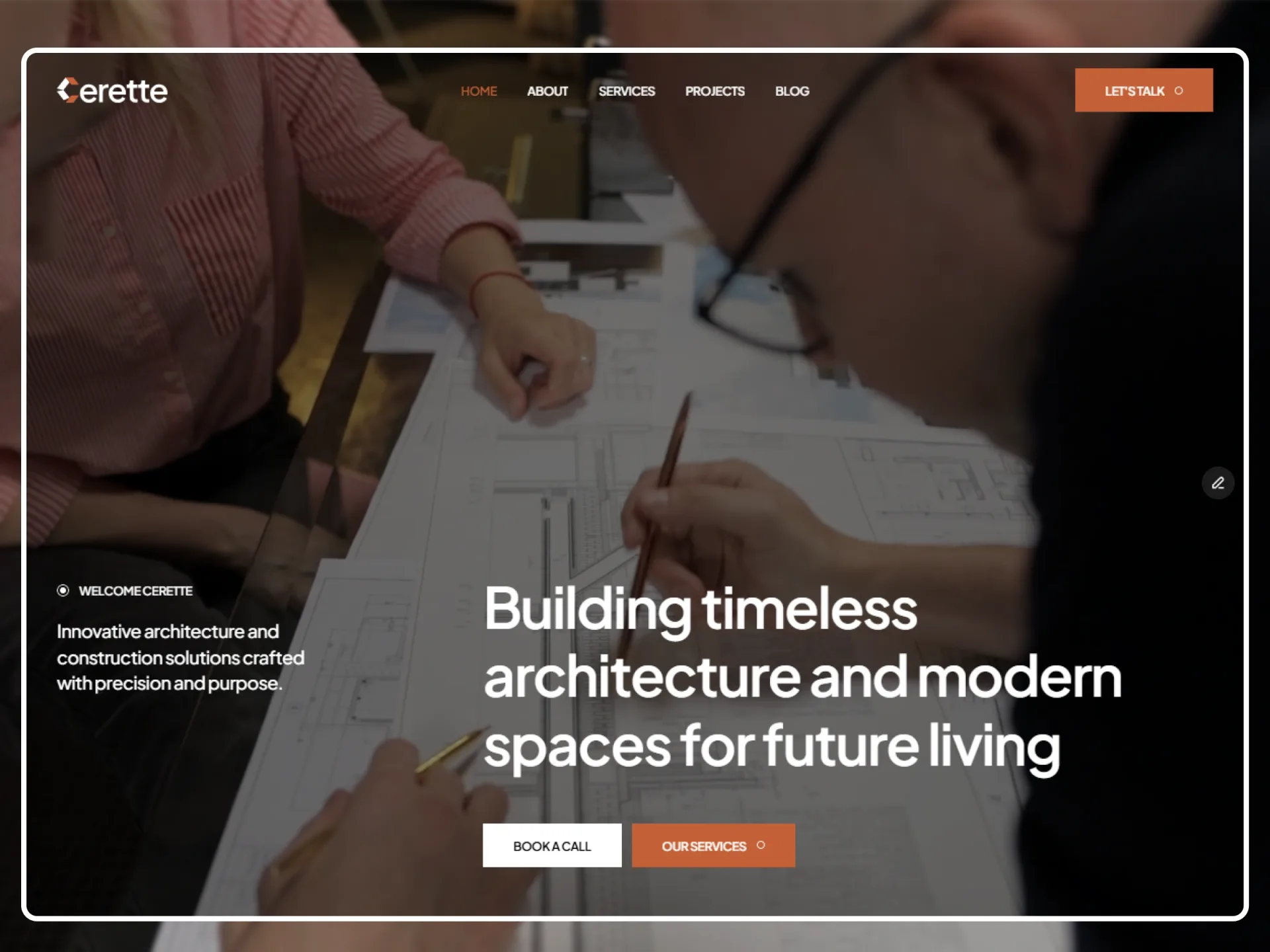
Cerette is a website template for architecture and interior design studios: projects and services with a page each, the studio and its team, testimonials, a blog and an inquiry form. It should feel calm, precise and crafted: a warm paper-like page, large tight headings, full-bleed photographs and films under a dark veil, and a single earthy accent.
The look is built from few parts. The page is a cream Background (#F5F1E5); type is Black (#000000), with Grey (#707070) for paragraphs, leads, card texts and field labels, and Line (#B4B4B4) for the ruler's ticks, the hairlines of the award table and the footer, and field placeholders. Brown (#C36036) is the accent: the Primary buttons, the current header link, the hovered card titles, the footer links' hover, the logo's mark, the figures' units, the stars and the value icons. White fills cards and panels (testimonials, values, the services panel) and the open phone menu; Black fills the footer, the Black buttons and the Submit button. Photos that carry text sit under the veil (Black at 50%) and a soft grain texture.
Everything is set in Plus Jakarta Sans — 600 for titles, headings, figures and the upper-case menu style (12px) of links, buttons and labels, 500 for text — with every style set a little tight (−0.03em). Marcellus sets only the founder's quote and Inter only what is typed into the form. Everything is square: photos, cards, panels, buttons and fields have no rounded corners; only the small marks are round (the Label's ring and dot, the buttons' and footer links' dots, portraits). Motion is soft and deliberate: blocks rise 18px into view once, the inner pages' big titles come out of a blur word by word, the Home hero's title appears letter by letter, button labels roll up to a second copy, card photos settle from 105% to 100% and the header turns solid as you scroll past a dark hero.
Colours
Black#000000ink · secondary · on-surfaceHeadings and text, the Black buttons, the footer, the Submit button, the header's logo and links on the page colour.
Grey#707070grey · on-surface-variantParagraphs and leads on the page colour, card texts and excerpts, field labels, captions, the grey Label, the ring of a Black footer link.
Line#B4B4B4line · outlineThe ruler ticks, the footer's line (at 50%), the award table's lines (at 50%), field placeholders and the empty select's text.
Brown#C36036brown · primaryThe accent: the Primary buttons, the current header link, the hovered card titles, the footer links' hover copy and dot, the logo mark, the units of the figures, the stars, the value cards' icons, the Submit button's hover.
Background#F5F1E5page · neutralThe page, the header once it is solid, the inquiry section.
White#FFFFFFwhite · on-primary · on-secondary · surfaceCards and panels (testimonials, values, the services panel), text on photos and on the footer, the open phone menu, a field while it has focus.
Form Fillrgba(187, 187, 187, 0.25)fieldThe fill of every form field (white while the field has focus).
Icon#999999iconThe select's chevron.
Spinner#999999spinnerThe ring of the load-more spinner.
Black 50rgba(0, 0, 0, 0.5)veilThe veil over the photos of the Home hero, the quote band, the call to action, a project's hero and the 404 page.
Error#FF2244errorThe Submit button's label after a failed send.
Error fillrgba(255, 34, 68, 0.15)error-fillThe Submit button's fill after a failed send.
Typography · Plus Jakarta Sans, Marcellus, Inter
display 120px · 600 · 1.1 · -0.03emCerette
h1 56px · 600 · 1.2 · -0.03emCerette
h2 42px · 600 · 1.2 · -0.03emCerette
h3 36px · 600 · 1.2 · -0.03emCerette
h4 28px · 600 · 1.2 · -0.03emCerette
h5 24px · 600 · 1.2 · -0.03emCerette
h6 20px · 600 · 1.2 · -0.03emBuild a site that feels designed
number 94px · 600 · 1 · -0.03emCerette
big 18px · 500 · 1.4 · -0.03emBuild a site that feels designed
paragraph 16px · 500 · 1.4 · -0.03emBuild a site that feels designed
small 14px · 500 · 1.4 · -0.03emBuild a site that feels designed
menu 12px · 600 · 1.1 · -0.03emBuild a site that feels designed
tiny 12px · 500 · 1.2 · -0.03emBuild a site that feels designed
quote 24px · 400 · 1.2 · -0.03emCerette
field 16px · 400 · 1.2 · 0emBuild a site that feels designed
result 14px · 600 · 1.2 · 0emBuild a site that feels designed
Corners
none · 0px
round · 9999px
Spacing
gutter · 30px
gutter-phone · 15px
gutter-tablet · 20px
section-padding · 100px
section-padding-phone · 60px
section-padding-tablet · 80px
section-gap · 80px
section-gap-phone · 60px
section-gap-tablet · 60px
header-height · 83px
header-height-phone · 58px
content-max · 1440px
text-max · 850px
Parts
Get startedGet startedGet startedGet started
Cerette
A card in its own colours and corners.
Cerette
A card in its own colours and corners.
Drawn from the file’s component tokens.
Do's and don'ts
set headings and text in Black on the cream Background, and use Grey for paragraphs, leads, card texts and labels.
keep Brown for the Primary buttons, the current link, hovered titles, the logo's mark, units, stars and icons — one accent, used sparingly.
write links, buttons, labels and dates in the upper-case 12px menu style, and headings at weight 600 with line height 1.2 and −0.03em.
keep every photo, card, panel, button and field square; round only the small dots, rings and portraits.
lay the veil and the grain over any photo or film that carries White text.
let blocks rise 18px into view once with appear, roll button labels up to a second copy and settle card photos from 105% to 100%.
add shadows, rounded corners or new colours; the palette above is the whole palette.
use Brown for running text or large backgrounds; it marks actions and details.
put White text on a photo without the veil under it.
use Marcellus or Inter outside the founder's quote and the form's fields; Plus Jakarta Sans sets everything else.
add parallax, counters, carousels or page transitions; the design has none.
This file describes Cerette’s style. The template is the whole site: every page, its content and its motion, free to remix in Framer, with code editions for selected plans.